How to Label Equations in Word
Open Microsoft Word.. Click the Insert tab.. Click the arrow next to the "Equation" button.
Steps
1
Open Microsoft Word.
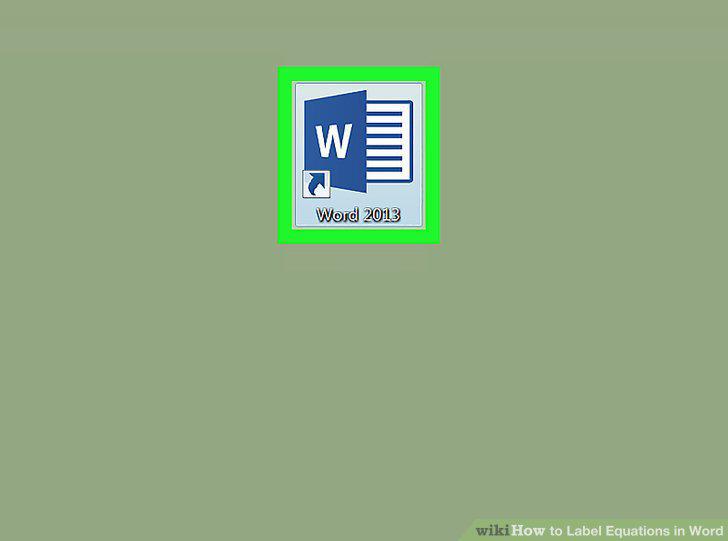
Open Microsoft Word.
2
Click the Insert tab.
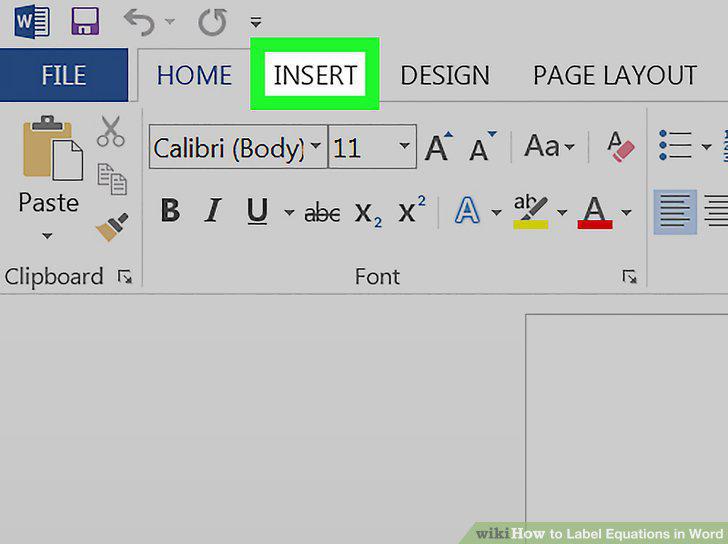
Click the Insert tab.
3
Click the arrow next to the "Equation" button.
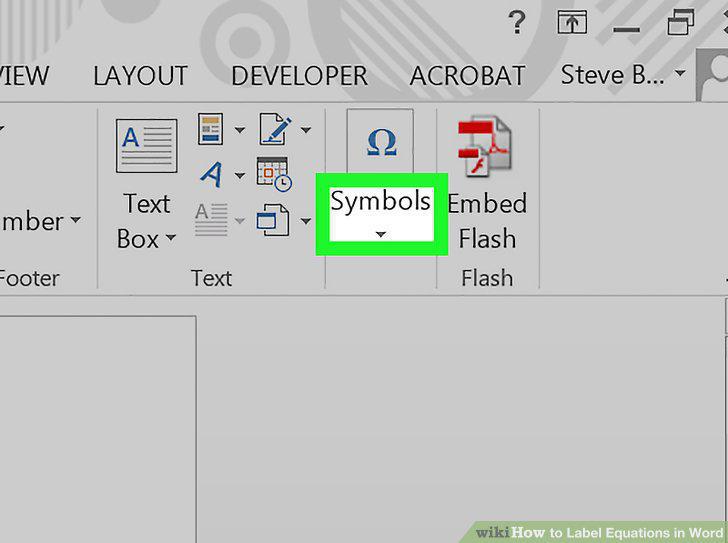
Click the arrow next to the "Equation" button.
4
Click an equation.
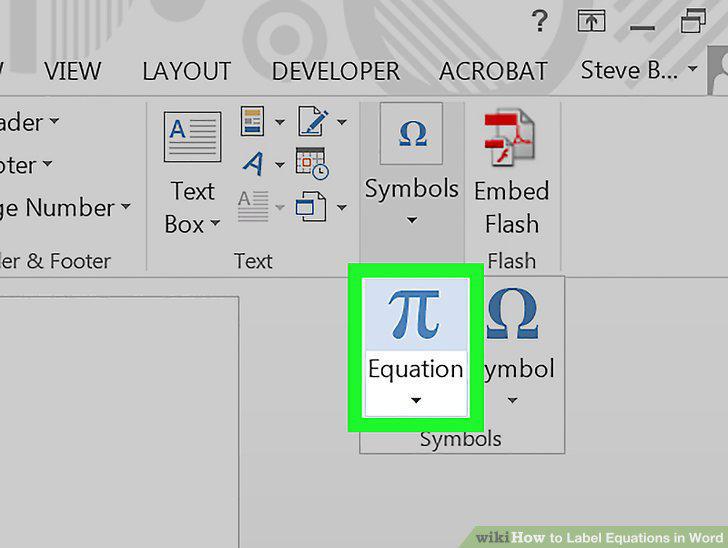
Click an equation.
5
Click the References tab.
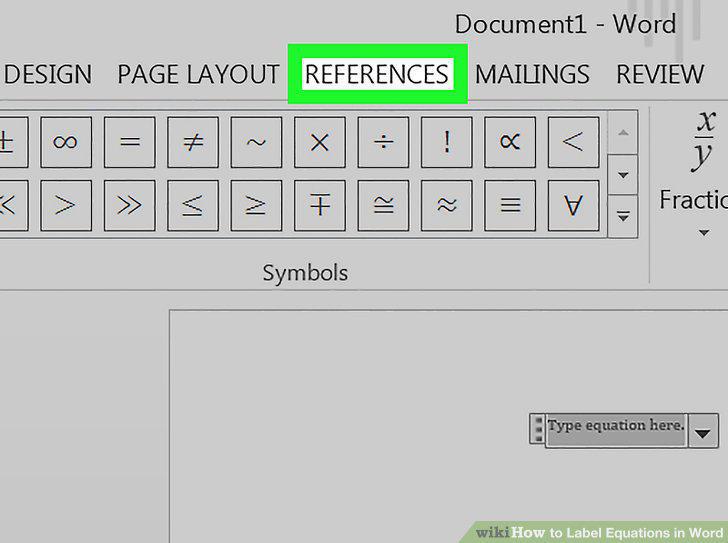
Click the References tab.
6
Click Insert Caption.
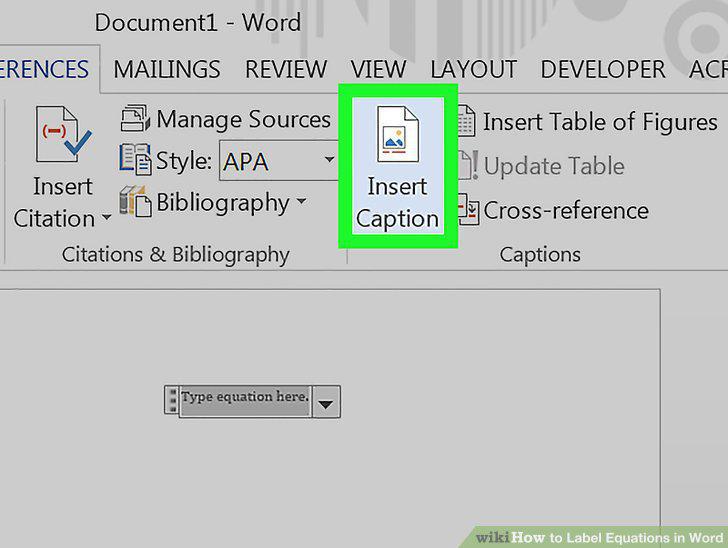
Click Insert Caption.
7
Click "Label" drop-down menu.
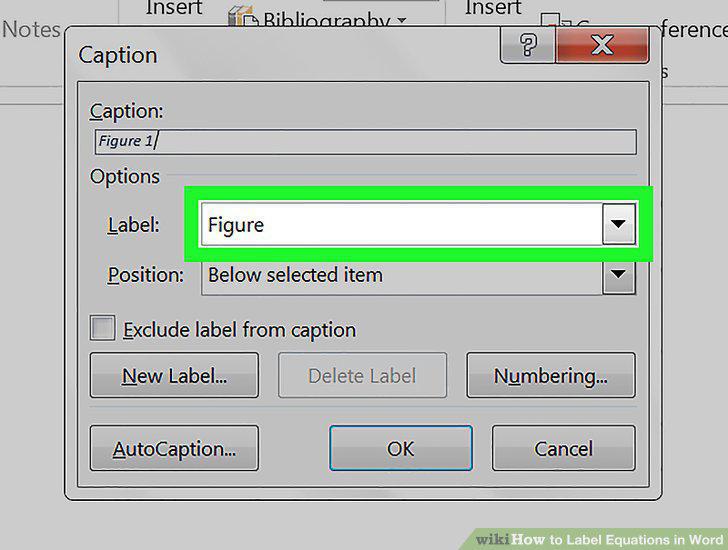
Click "Label" drop-down menu.
8
Click Equation.
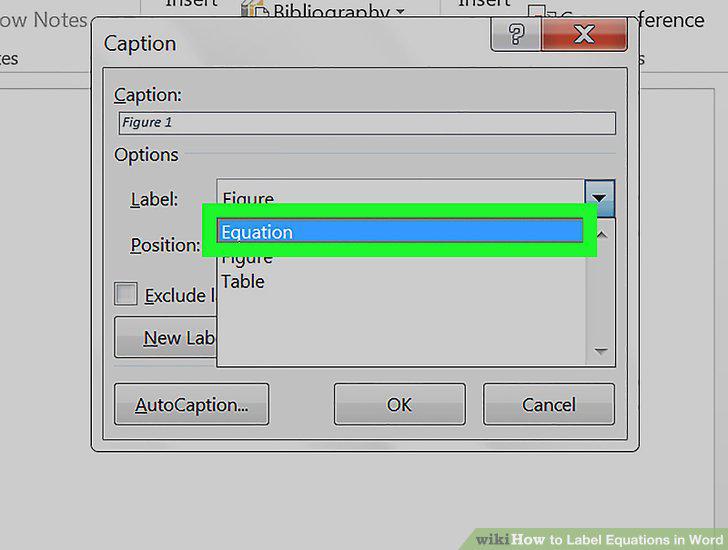
Click Equation.
9
Type your desired label into the "Caption" box.
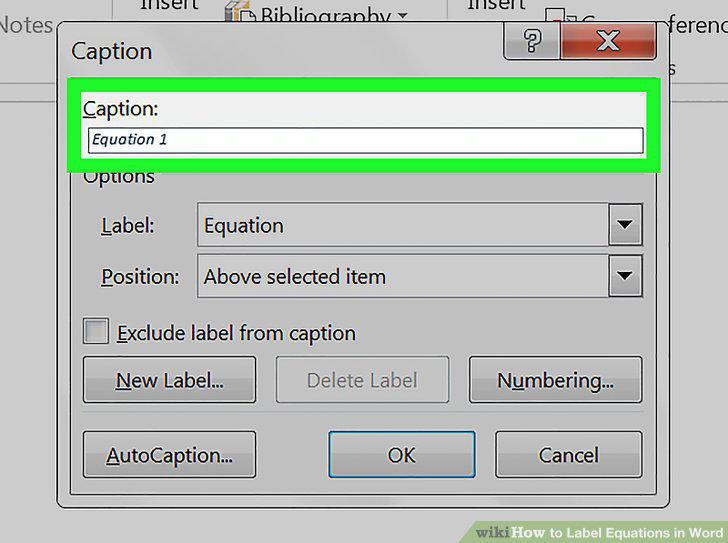
Type your desired label into the "Caption" box.
10
Click OK.
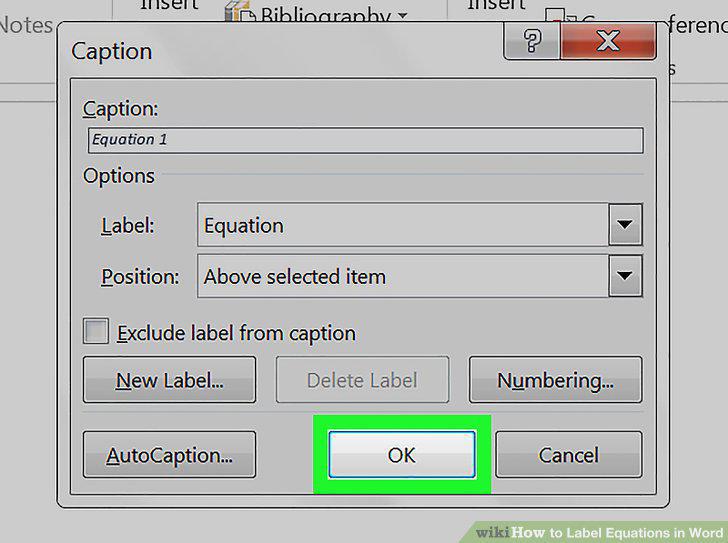
Click OK.
Comments (0)
No comments yet. Be the first to share your thoughts!