How to Tag Faces on Google Photos on Android
Open the Google Photos app on your Android.. Tap the search bar at the top.. Tap the picture of the contact you want to tag.
Steps
1
Open the Google Photos app on your Android.
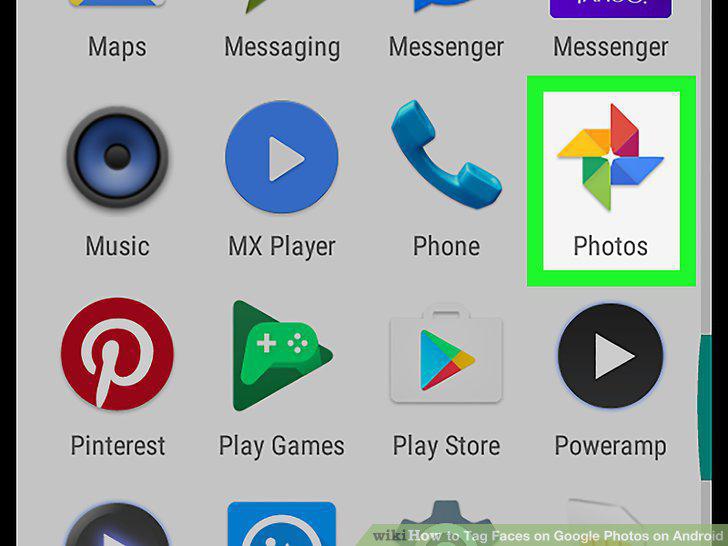
Open the Google Photos app on your Android.
2
Tap the search bar at the top.
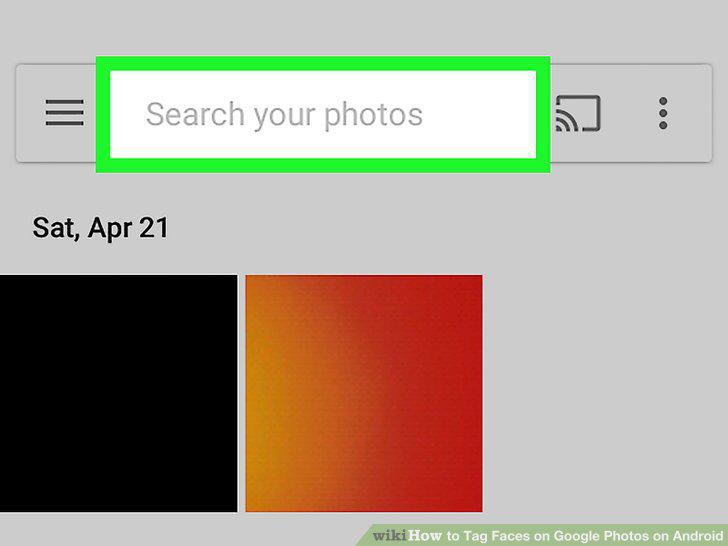
Tap the search bar at the top.
3
Tap the picture of the contact you want to tag.
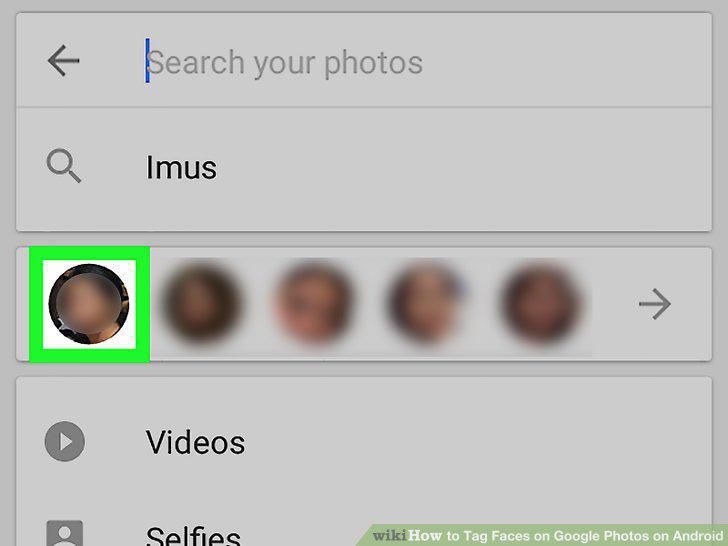
Tap the picture of the contact you want to tag.
4
Tap the Add a name button.
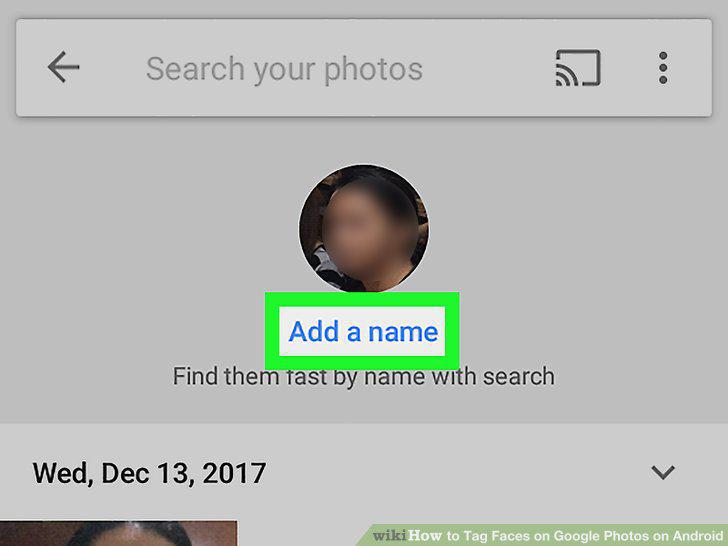
Tap the Add a name button.
5
Enter your contact's name.

Enter your contact's name.
6
Tap the button on your keyboard.
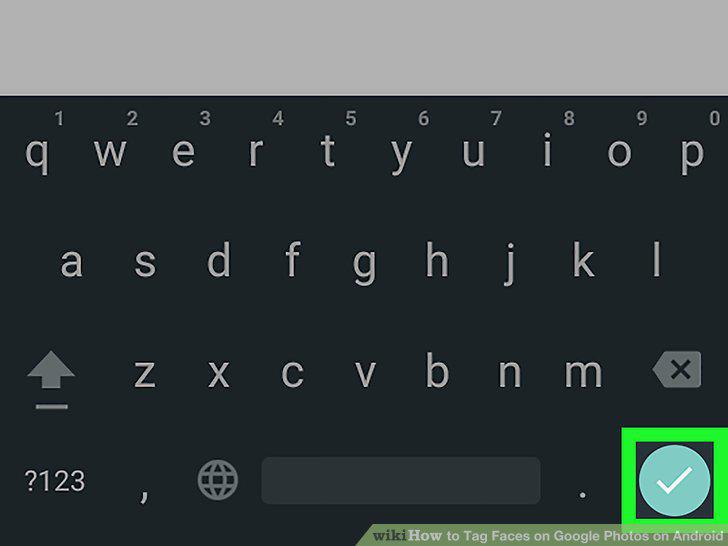
Tap the button on your keyboard.
7
Search your contact's tag anytime to see their photos.
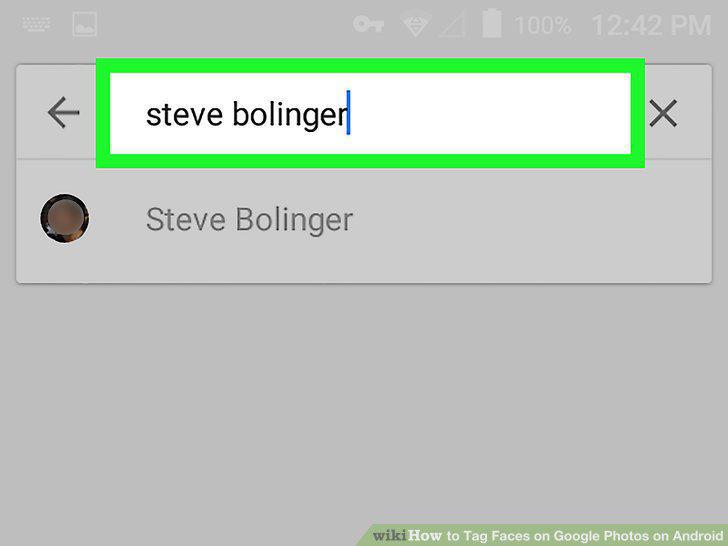
Search your contact's tag anytime to see their photos.
Comments (0)
No comments yet. Be the first to share your thoughts!