How to Enable the Ask Feature in Tumblr
Login to Tumblr in a web browser.. Click the Account icon and select "Settings.. Click the blog on which you'd like to enable the Ask feature.
Steps
1
Login to Tumblr in a web browser.
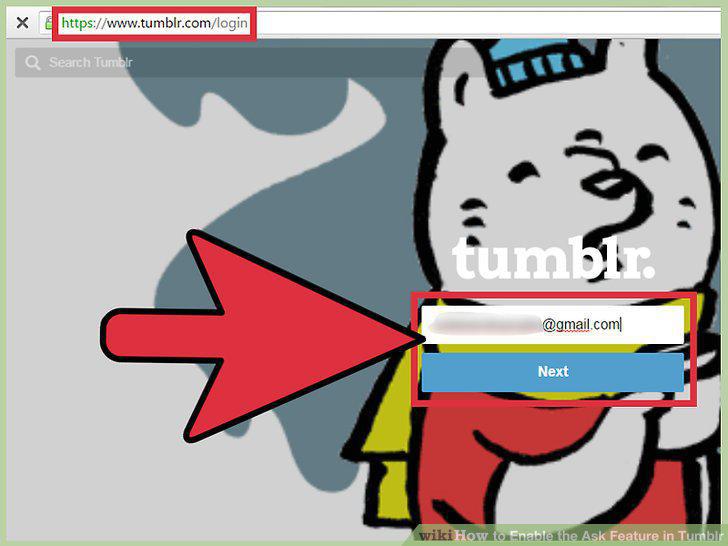
Login to Tumblr in a web browser.
2
Click the Account icon and select "Settings.
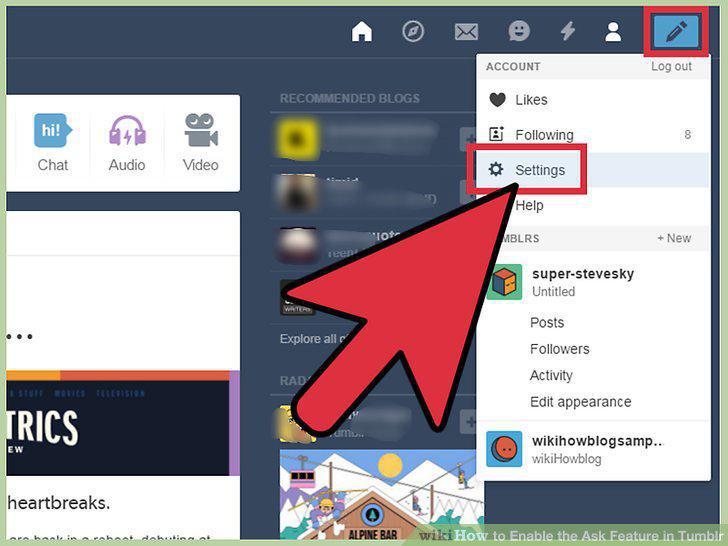
Click the Account icon and select "Settings.
3
Click the blog on which you'd like to enable the Ask feature.
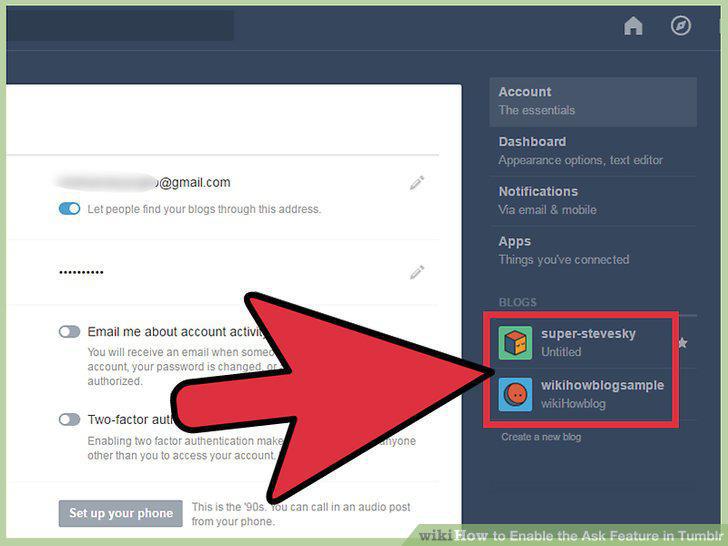
Click the blog on which you'd like to enable the Ask feature.
4
Turn on "Let people ask questions.
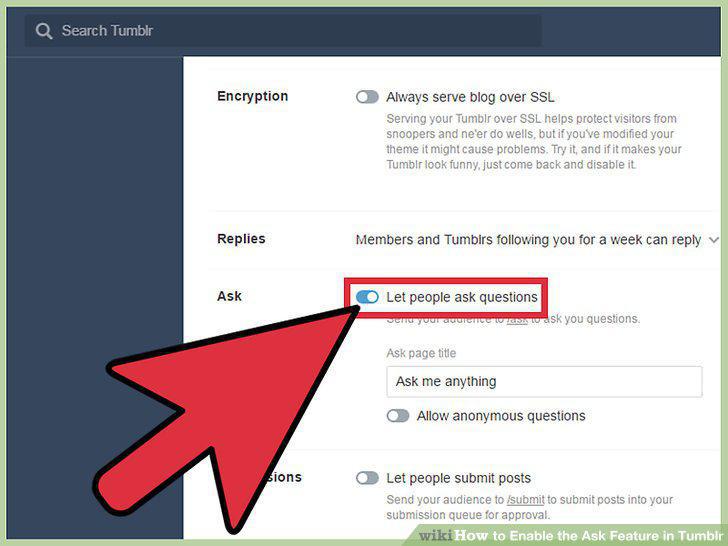
Turn on "Let people ask questions.
5
View the Ask link on your blog.
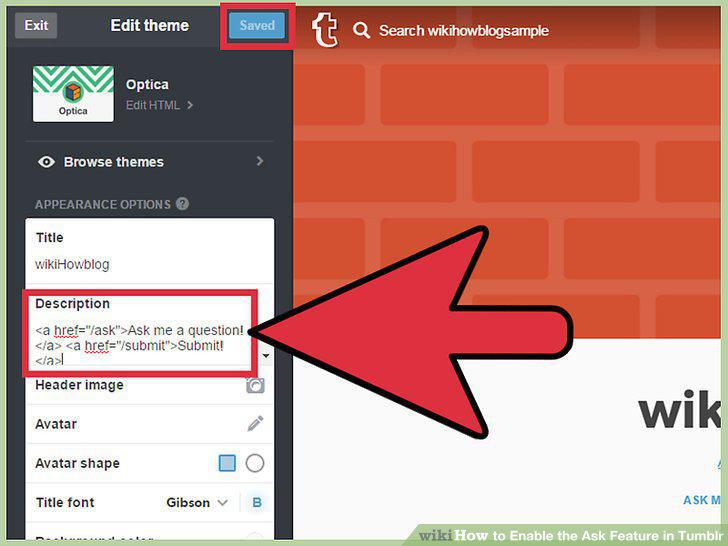
View the Ask link on your blog.
6
Look at the envelope icon at the top right corner of the dashboard.
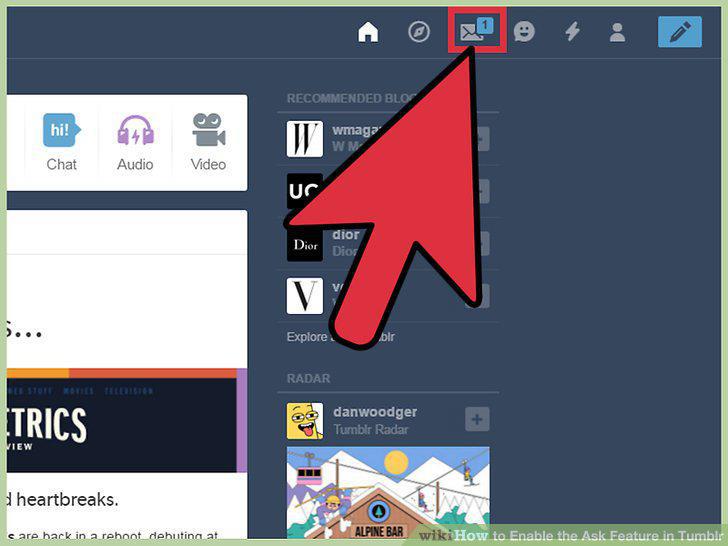
Look at the envelope icon at the top right corner of the dashboard.
7
Click the envelope.
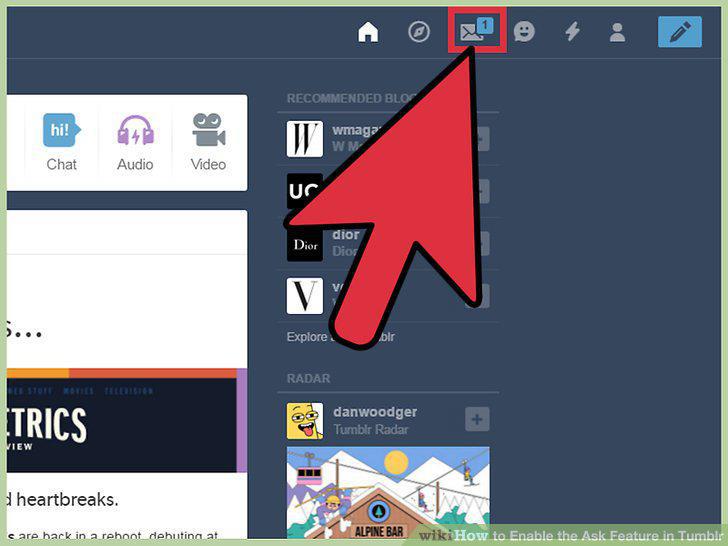
Click the envelope.
8
Click the pencil icon at the bottom right corner of the question.
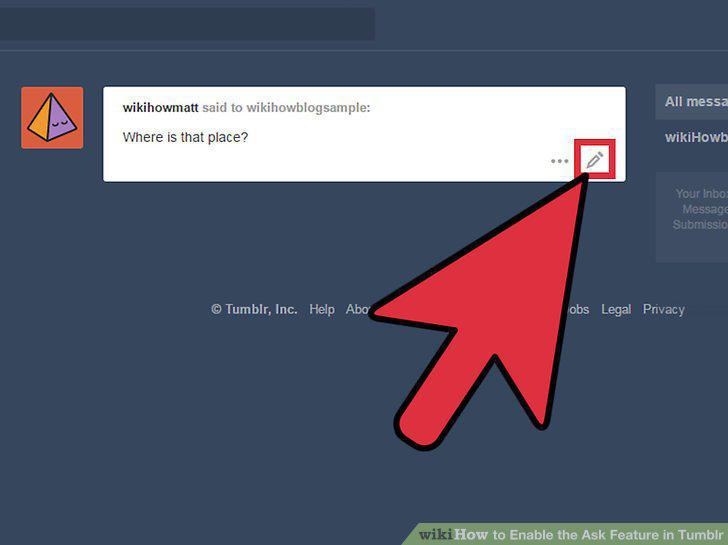
Click the pencil icon at the bottom right corner of the question.
9
Decide whether or not to make your response public.
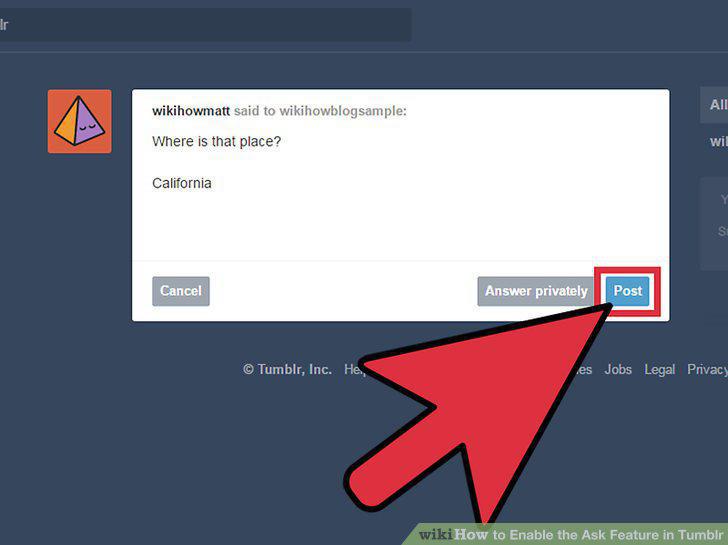
Decide whether or not to make your response public.
Comments (0)
No comments yet. Be the first to share your thoughts!