How to Play Audio Only on YouTube Music on PC or Mac
Open YouTube Music in an internet browser.. Click the video you want to play in audio-only mode.. Click the white icon on the bottom-right.
Steps
1
Open YouTube Music in an internet browser.
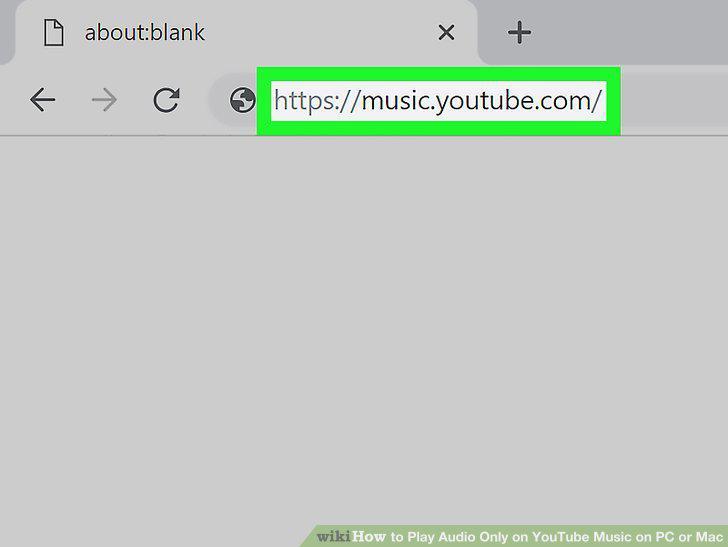
Open YouTube Music in an internet browser.
2
Click the video you want to play in audio-only mode.

Click the video you want to play in audio-only mode.
3
Click the white icon on the bottom-right.
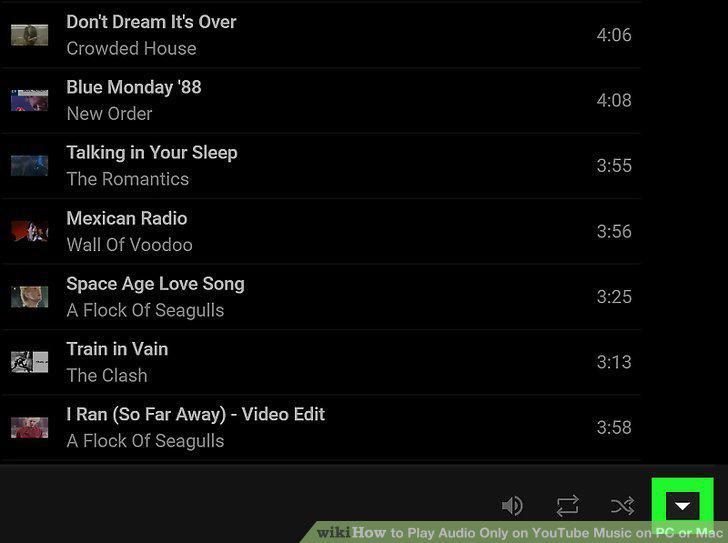
Click the white icon on the bottom-right.
4
Click the "X" icon on the top-right of the mini video player.

Click the "X" icon on the top-right of the mini video player.
5
Click the upwards arrowhead icon on the bottom-right.

Click the upwards arrowhead icon on the bottom-right.
Comments (0)
No comments yet. Be the first to share your thoughts!