How to Use the Facebook Like Button
Open Facebook.. Scroll down to something you want to like.. Select the Like button.
Steps
1
Open Facebook.
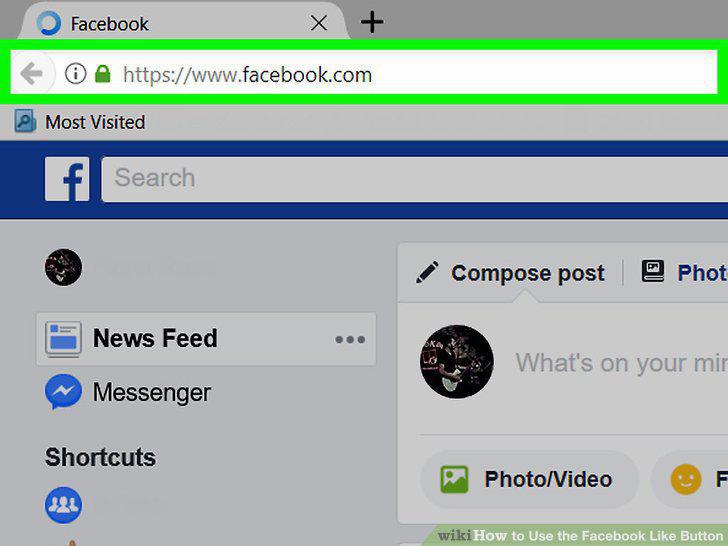
Open Facebook.
2
Scroll down to something you want to like.
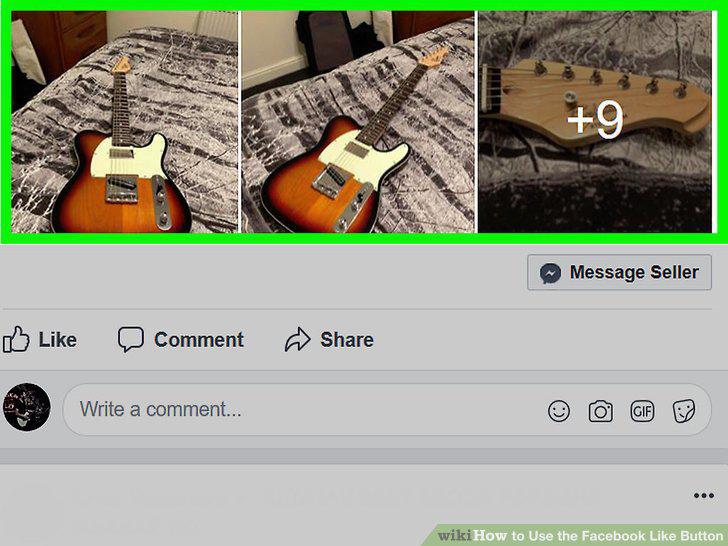
Scroll down to something you want to like.
3
Select the Like button.
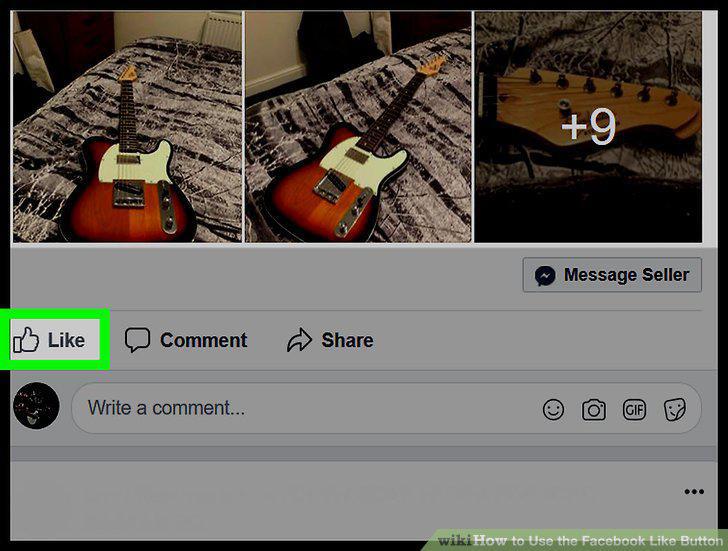
Select the Like button.
4
Review other "Like" reactions.
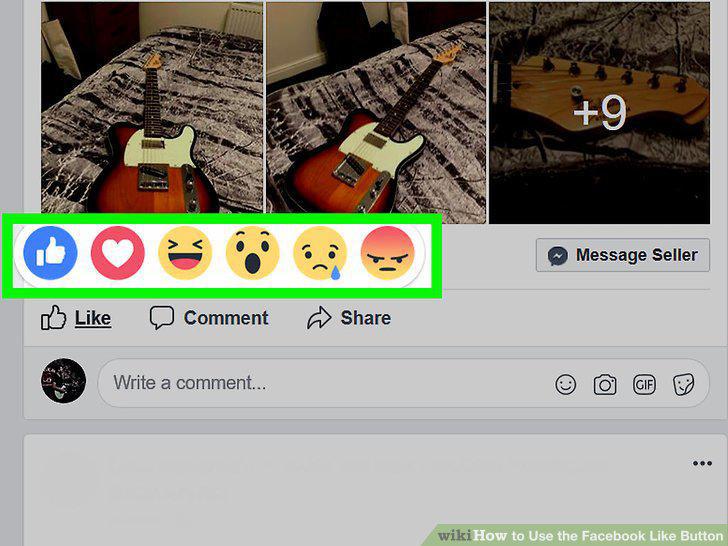
Review other "Like" reactions.
5
Like comments.
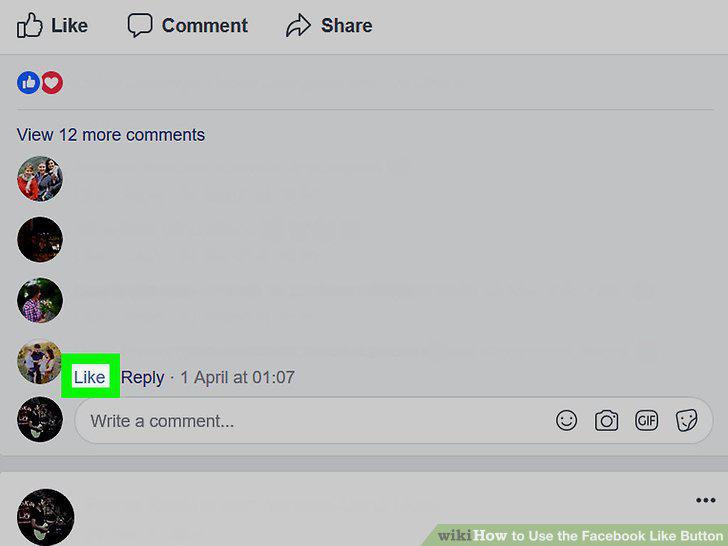
Like comments.
6
Know what to look for.
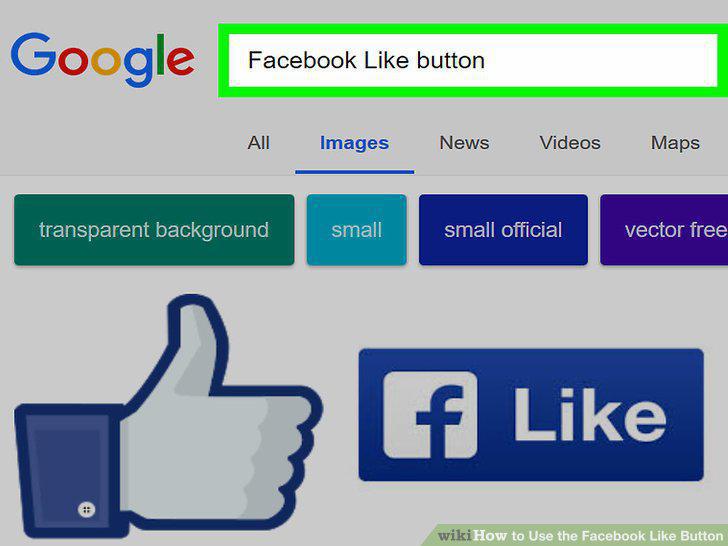
Know what to look for.
7
Find a site with a "Like" button.
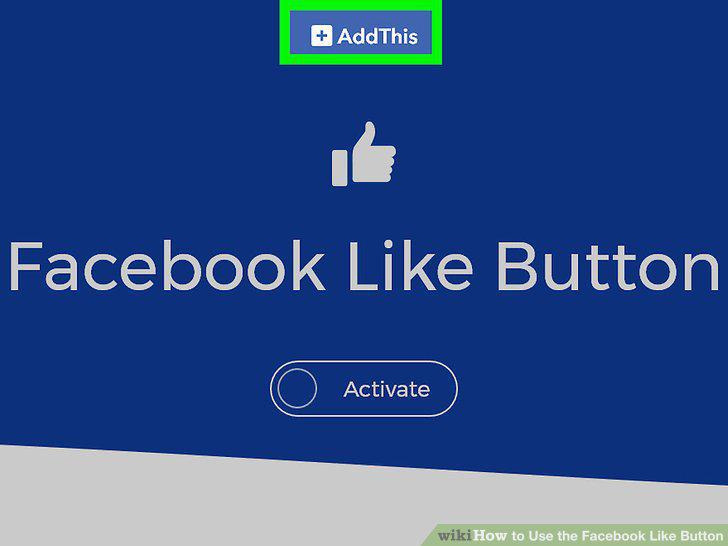
Find a site with a "Like" button.
8
Click the "Like" button.
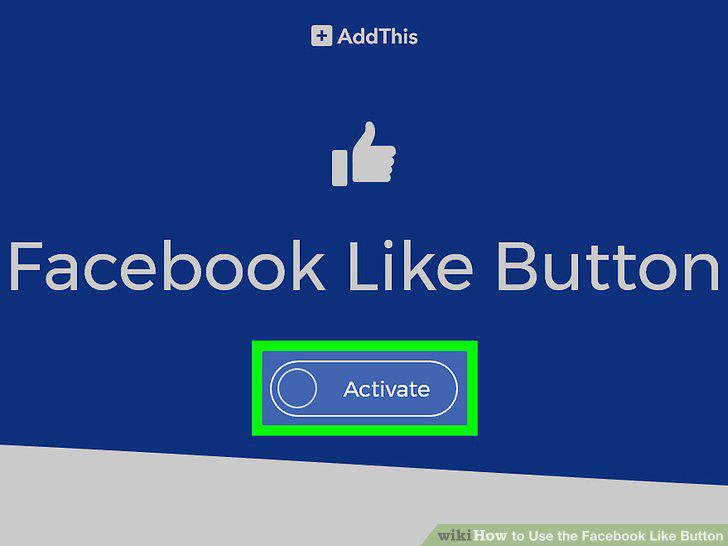
Click the "Like" button.
9
Try using the "Share" button instead.
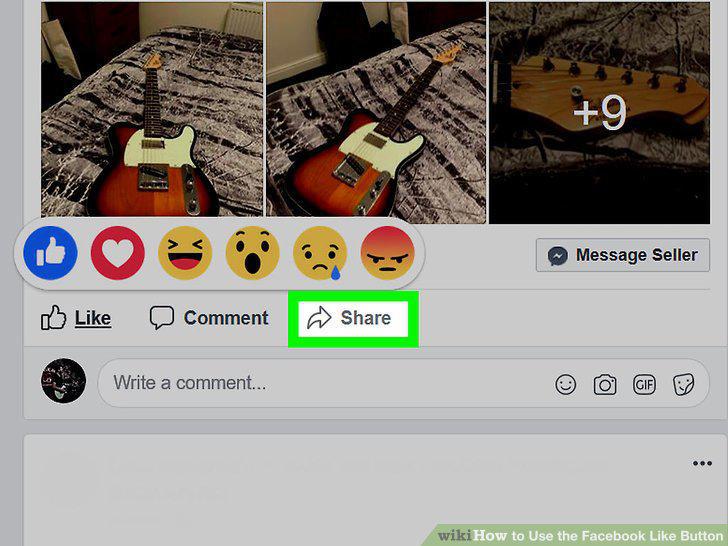
Try using the "Share" button instead.
10
Search for a page you want to like on Facebook.
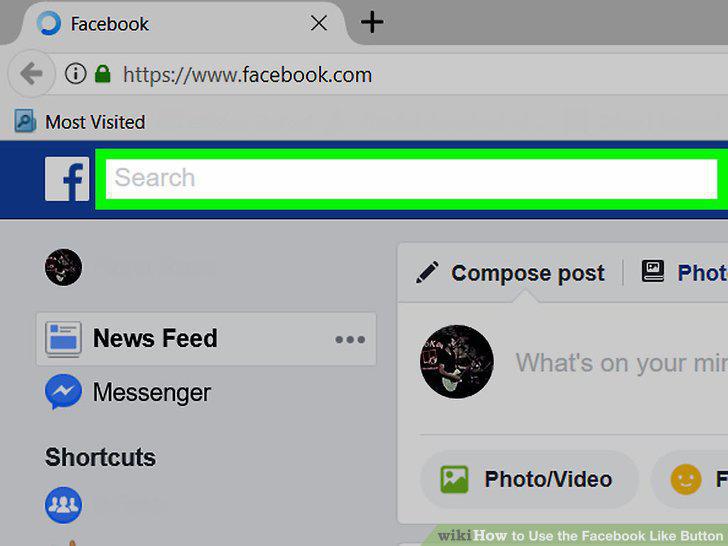
Search for a page you want to like on Facebook.
Comments (0)
No comments yet. Be the first to share your thoughts!