How to Stop WhatsApp from Saving Media Files on iPhone or iPad
Open WhatsApp.. Tap Settings.. Tap Chat.
Steps
1
Open WhatsApp.

Open WhatsApp.
2
Tap Settings.

Tap Settings.
3
Tap Chat.
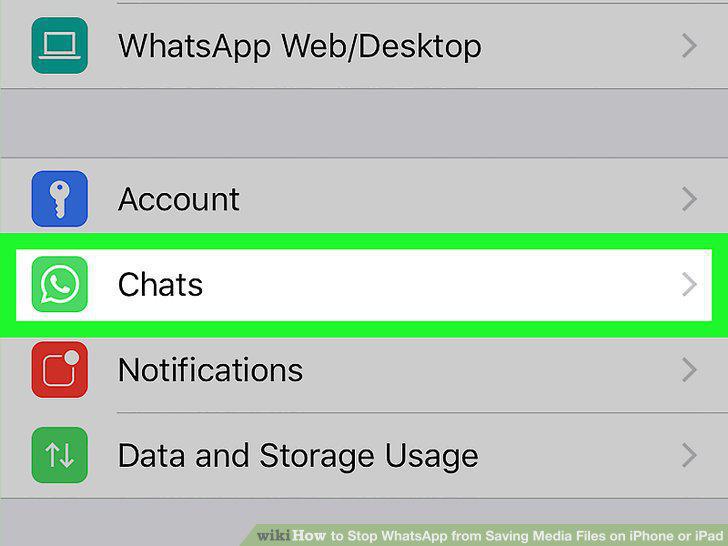
Tap Chat.
4
Slide the "Save to Camera Roll" switch to the "Off" position.
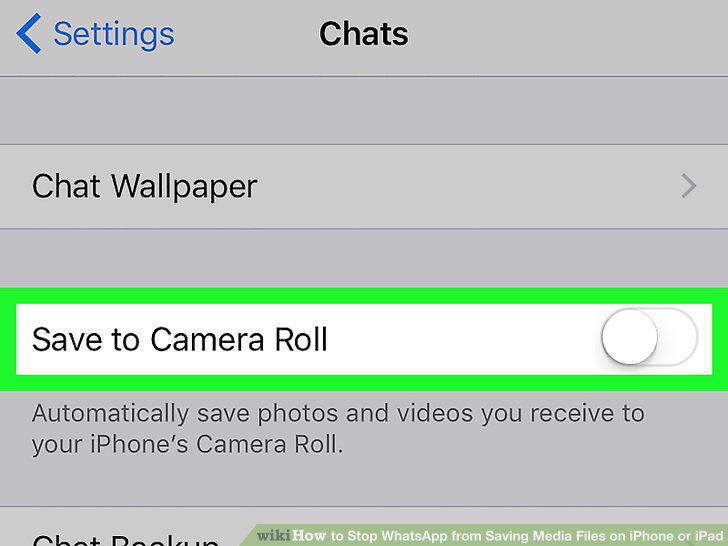
Slide the "Save to Camera Roll" switch to the "Off" position.
Comments (0)
No comments yet. Be the first to share your thoughts!