How to Move Your Android Apps to an External Sd Card
Open your Android's Settings.. Scroll down and tap Apps.. Tap the app you want to move to the SD card.
Steps
1
Open your Android's Settings.
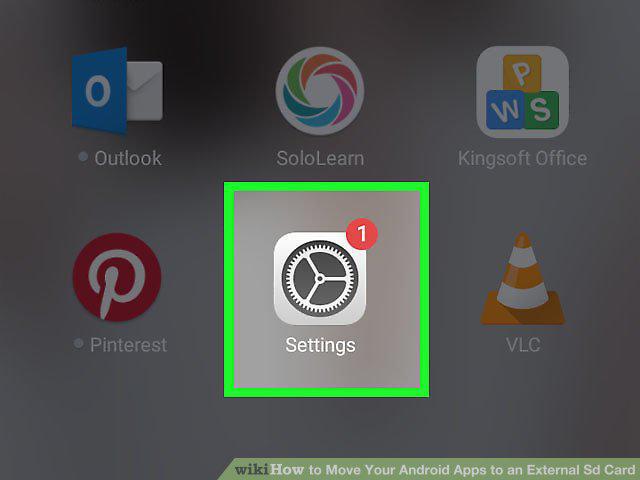
Open your Android's Settings.
2
Scroll down and tap Apps.
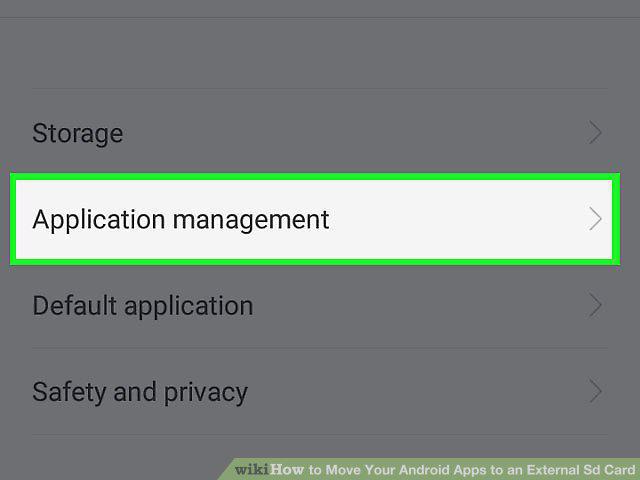
Scroll down and tap Apps.
3
Tap the app you want to move to the SD card.
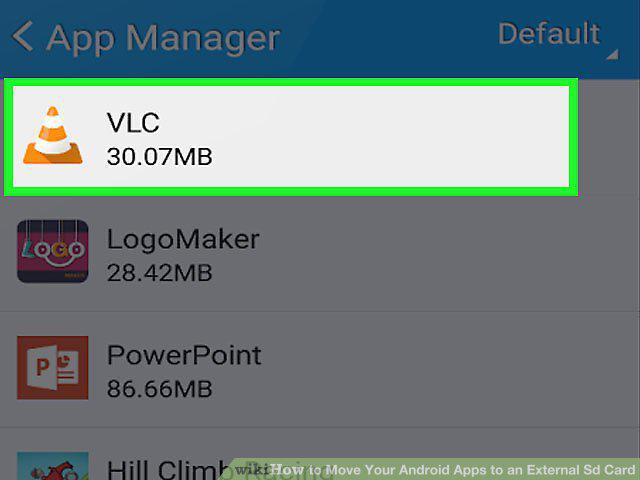
Tap the app you want to move to the SD card.
4
Tap Storage.
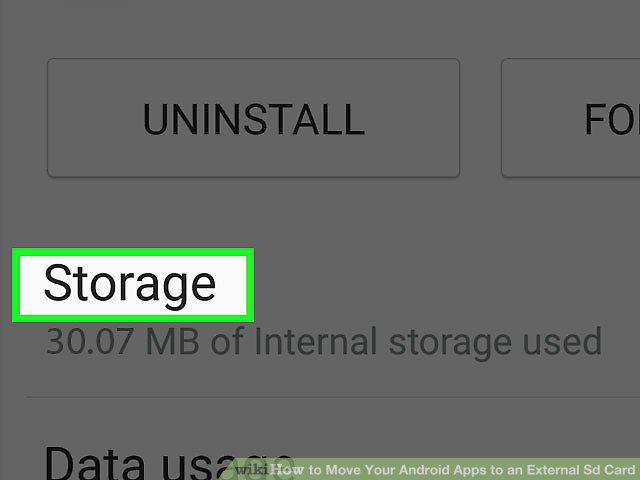
Tap Storage.
5
Tap Change.
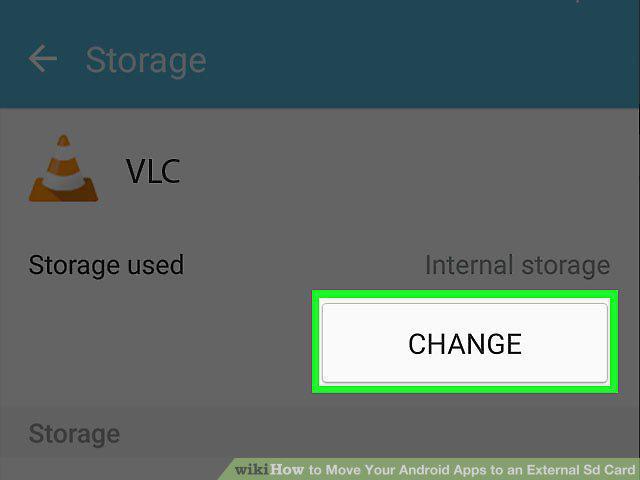
Tap Change.
6
Select your SD card.
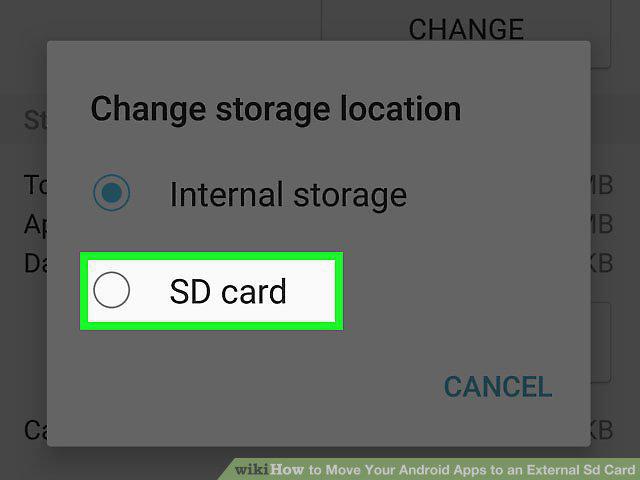
Select your SD card.
7
Tap Move.
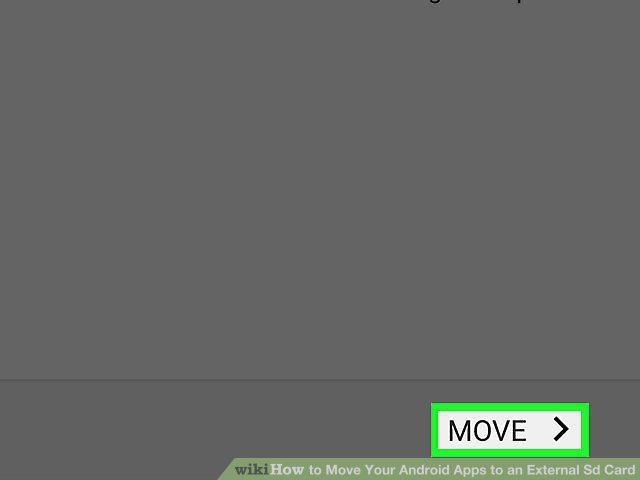
Tap Move.
Comments (0)
No comments yet. Be the first to share your thoughts!