How to Switch Accounts on YouTube Music on PC or Mac
Open YouTube Music in your browser.. Click your avatar on the top-right.. Click Switch account on the menu.
Steps
1
Open YouTube Music in your browser.
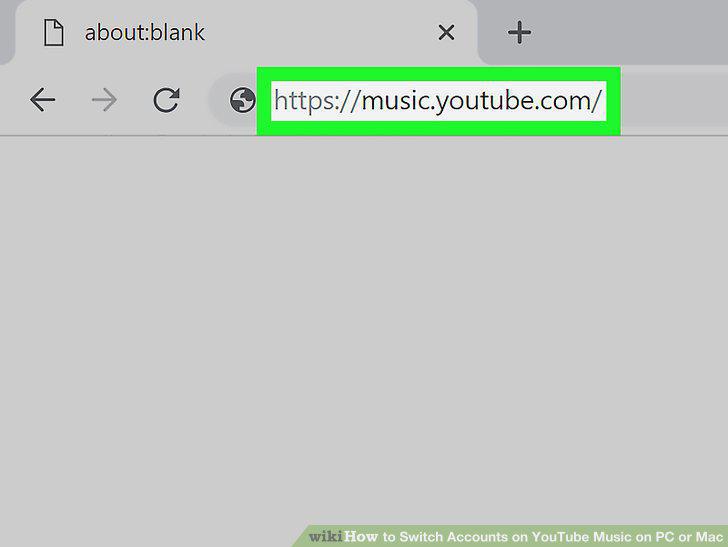
Open YouTube Music in your browser.
2
Click your avatar on the top-right.

Click your avatar on the top-right.
3
Click Switch account on the menu.
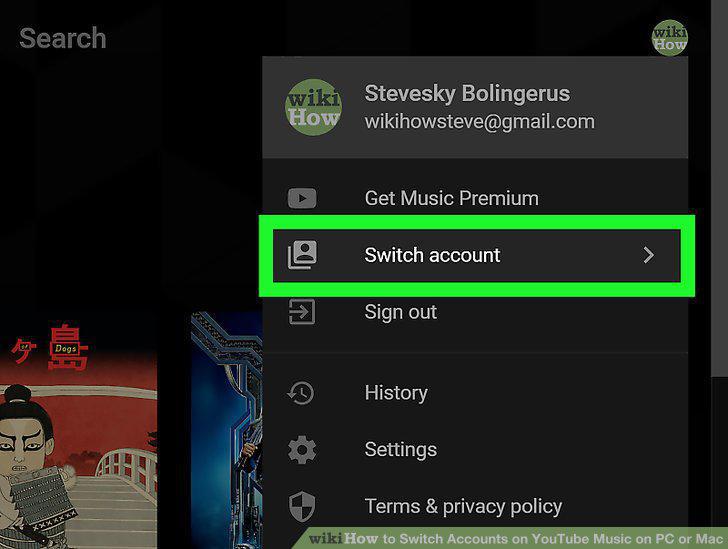
Click Switch account on the menu.
4
Click on the account you want to sign into.
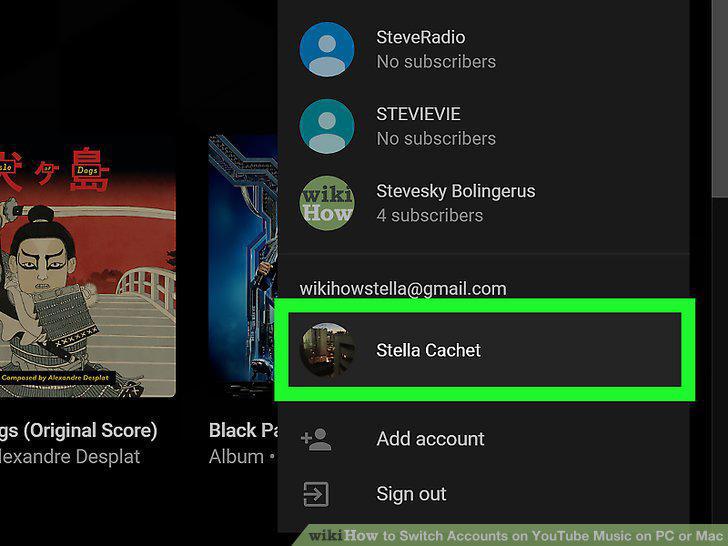
Click on the account you want to sign into.
5
Click Add account on the menu to add a new account.
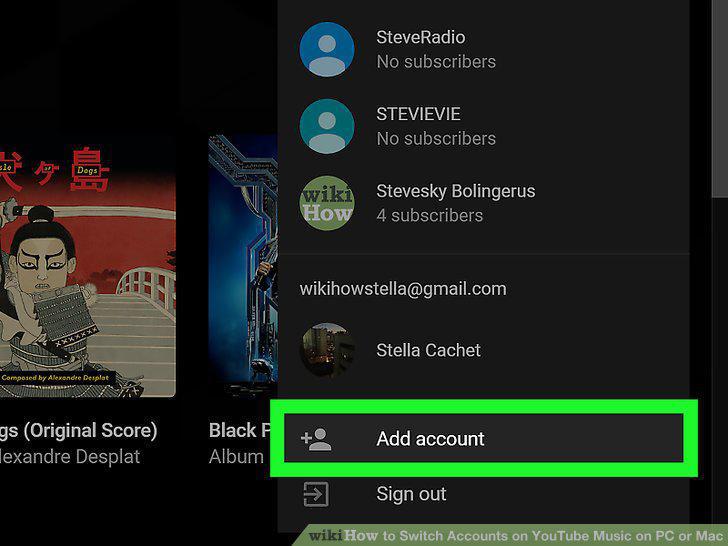
Click Add account on the menu to add a new account.
6
Login to the Google account you want to use if prompted.
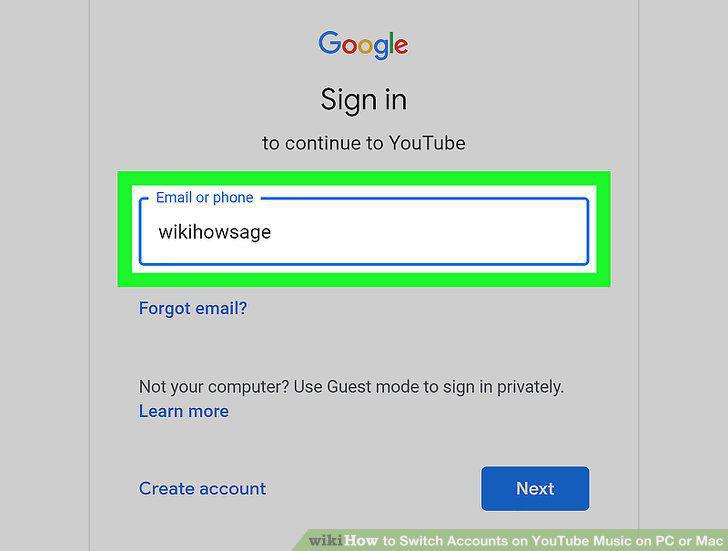
Login to the Google account you want to use if prompted.
Comments (0)
No comments yet. Be the first to share your thoughts!