How to Remove Events in Emails from Your iPhone Calendar
Open the iPhone's Settings.. Scroll down and tap Calendar.. Tap Accounts.
Steps
1
Open the iPhone's Settings.
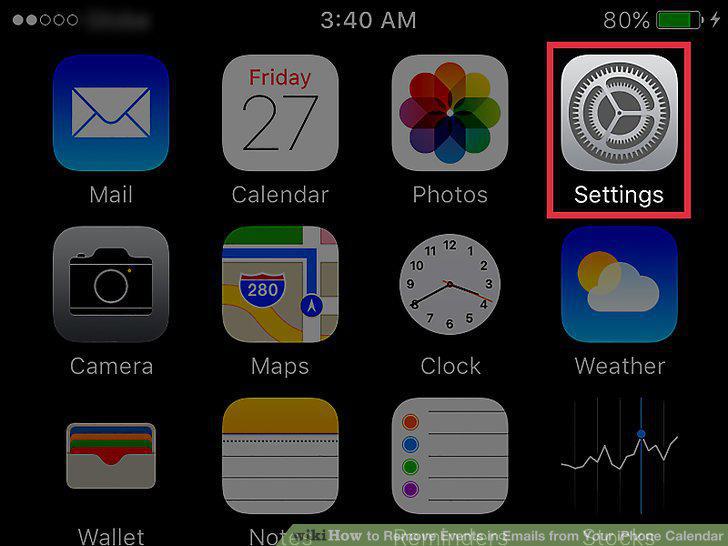
Open the iPhone's Settings.
2
Scroll down and tap Calendar.
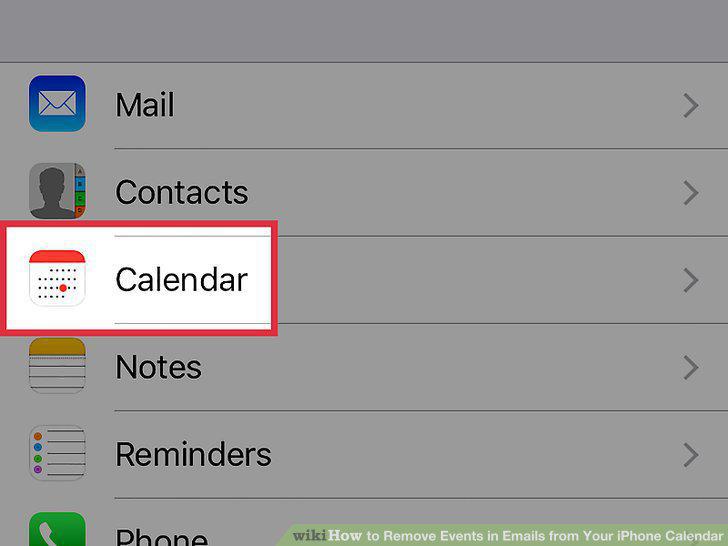
Scroll down and tap Calendar.
3
Tap Accounts.
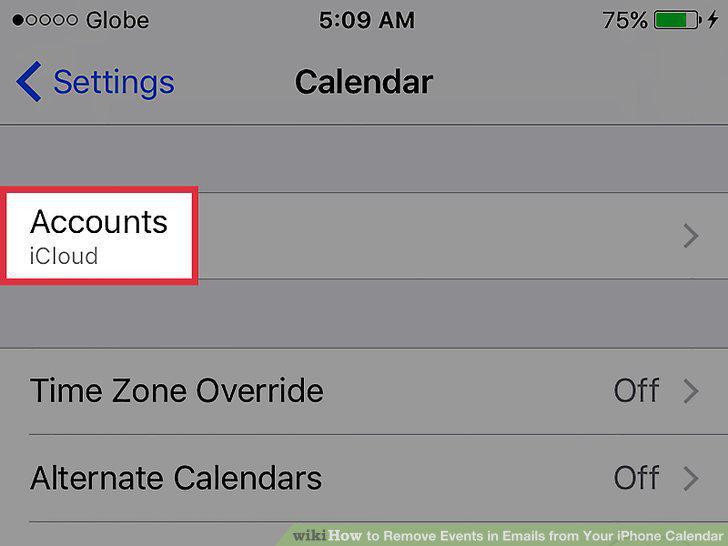
Tap Accounts.
4
Tap the email account you wish to remove from the calendar.
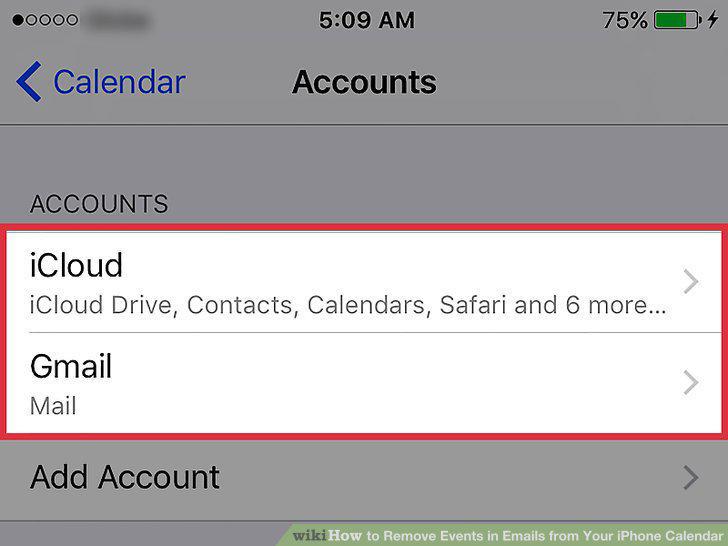
Tap the email account you wish to remove from the calendar.
5
Slide the Calendars button to the Off position.
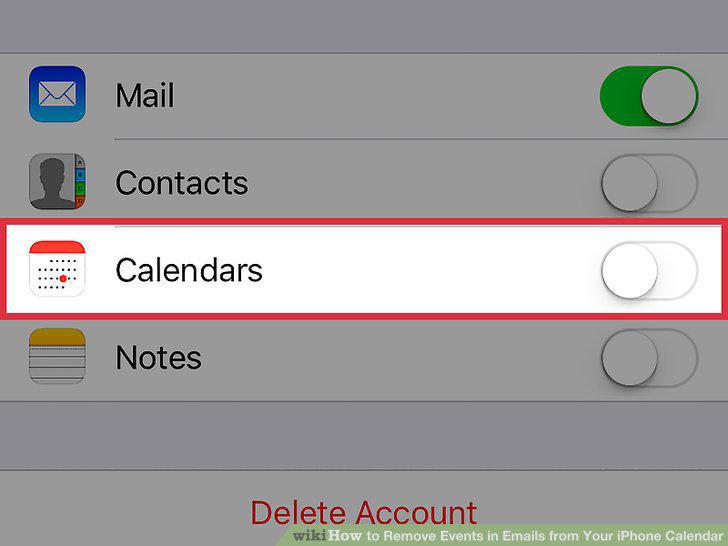
Slide the Calendars button to the Off position.
Comments (0)
No comments yet. Be the first to share your thoughts!