How to Install iTunes on Windows Vista
Log in as an administrator.. Determine whether you're running 32-bit or 64-bit Windows.. Download the correct version of iTunes.
Steps
1
Log in as an administrator.
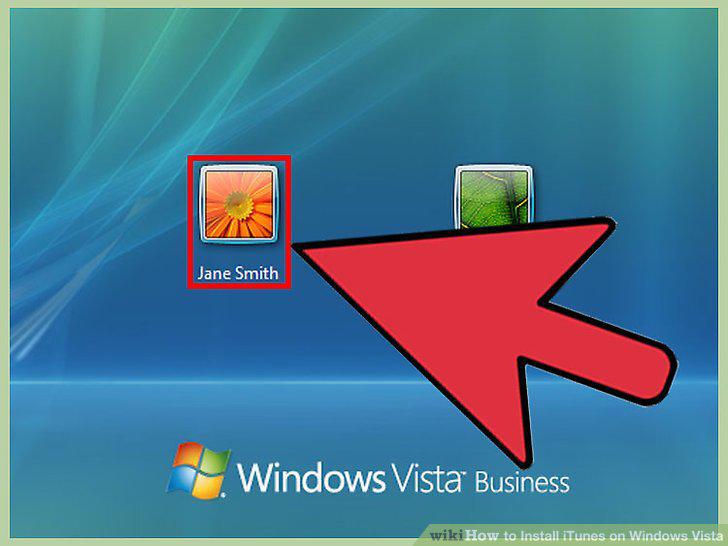
Log in as an administrator.
2
Determine whether you're running 32-bit or 64-bit Windows.
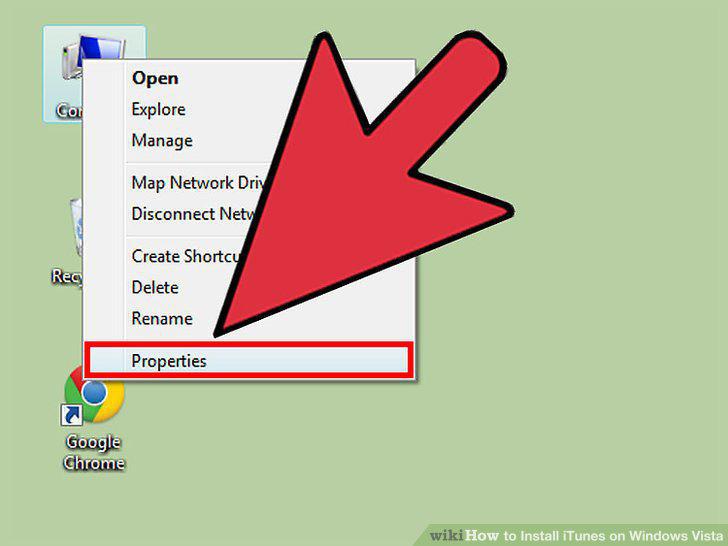
Determine whether you're running 32-bit or 64-bit Windows.
3
Download the correct version of iTunes.
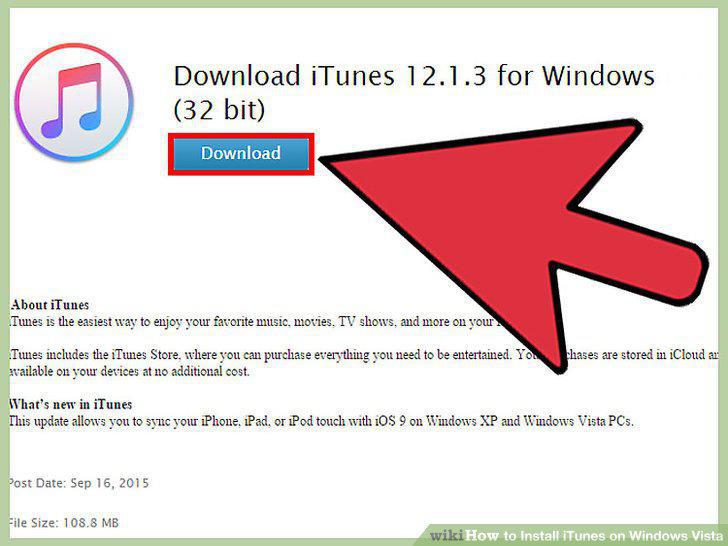
Download the correct version of iTunes.
4
Run the installer after downloading it.
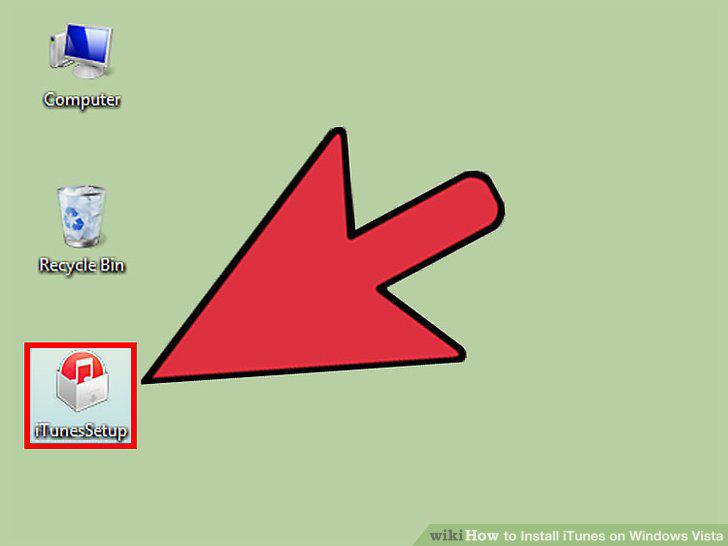
Run the installer after downloading it.
5
Follow the prompts to install iTunes.
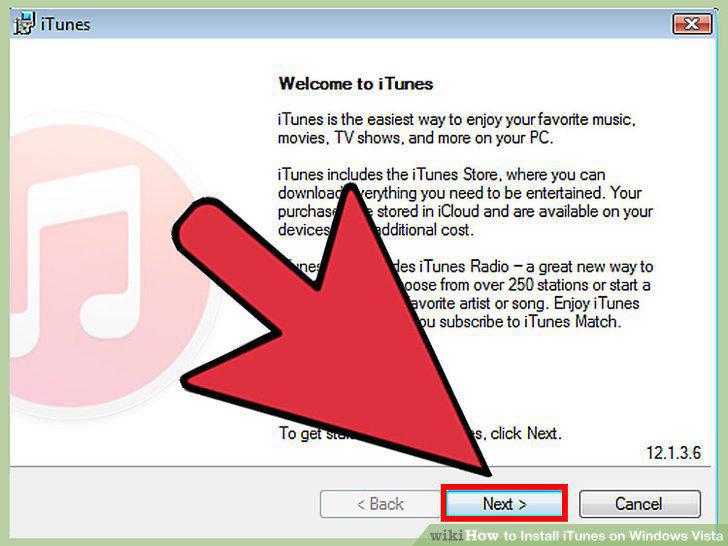
Follow the prompts to install iTunes.
6
Uninstall all iTunes components.
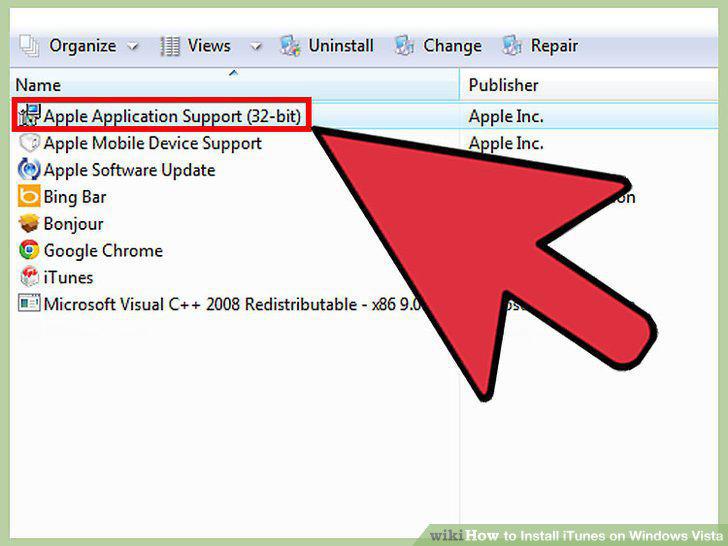
Uninstall all iTunes components.
7
Make sure that Windows is up to date.
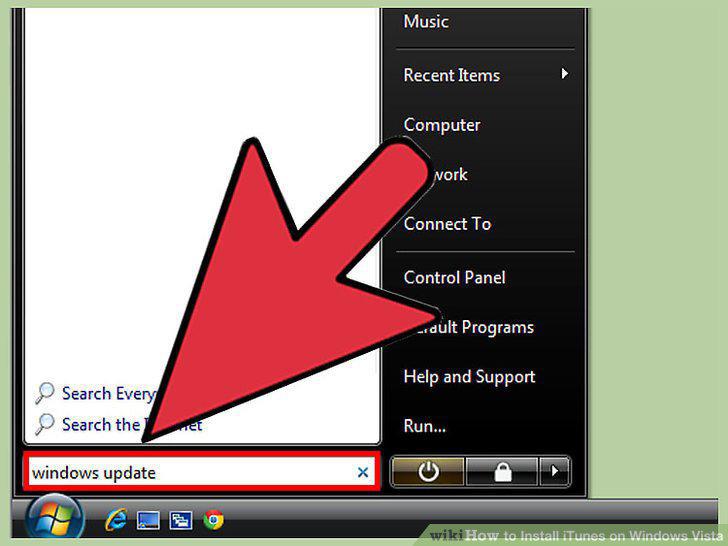
Make sure that Windows is up to date.
8
Disable your antivirus software.
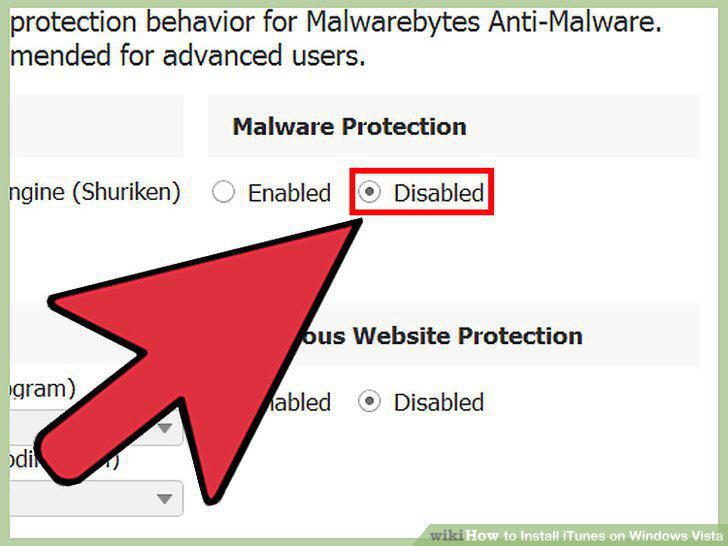
Disable your antivirus software.
9
Make sure you have the correct installer.
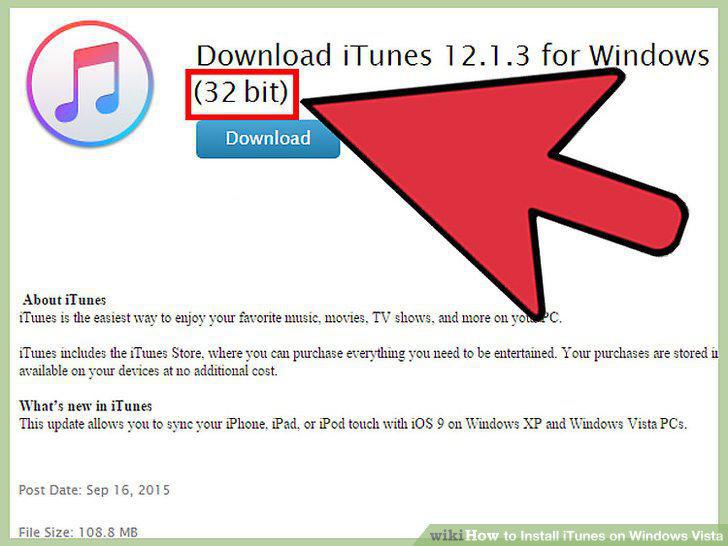
Make sure you have the correct installer.
10
Right-click the installer and select "Run as Administrator."
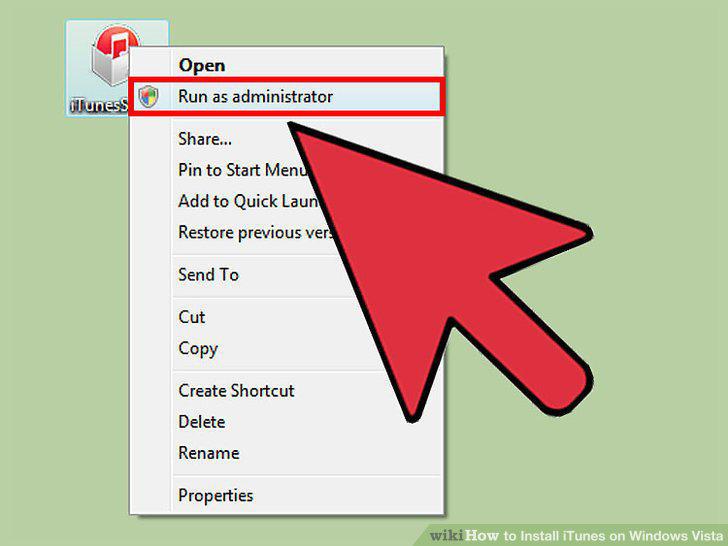
Right-click the installer and select "Run as Administrator."
Comments (0)
No comments yet. Be the first to share your thoughts!