How to Name a Column in Excel
Open Microsoft Excel on your computer.. Start a new Excel document by clicking "Blank Workbook".. Double-click on the first box under the column you want to name.
Steps
1
Open Microsoft Excel on your computer.
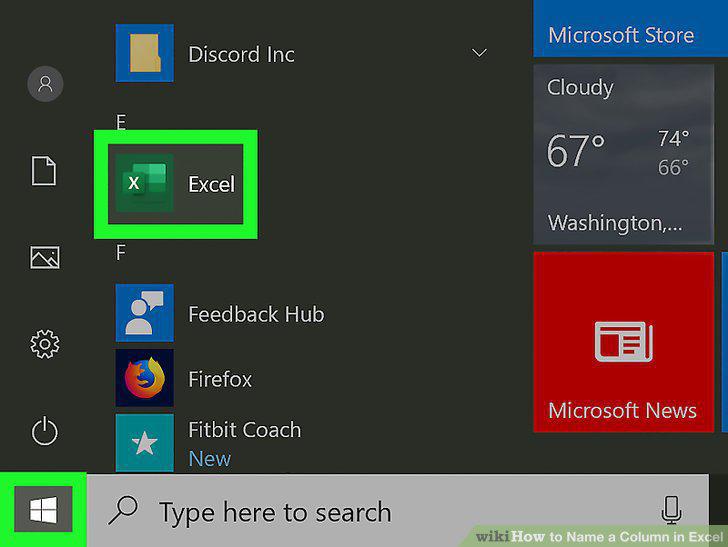
Open Microsoft Excel on your computer.
2
Start a new Excel document by clicking "Blank Workbook".
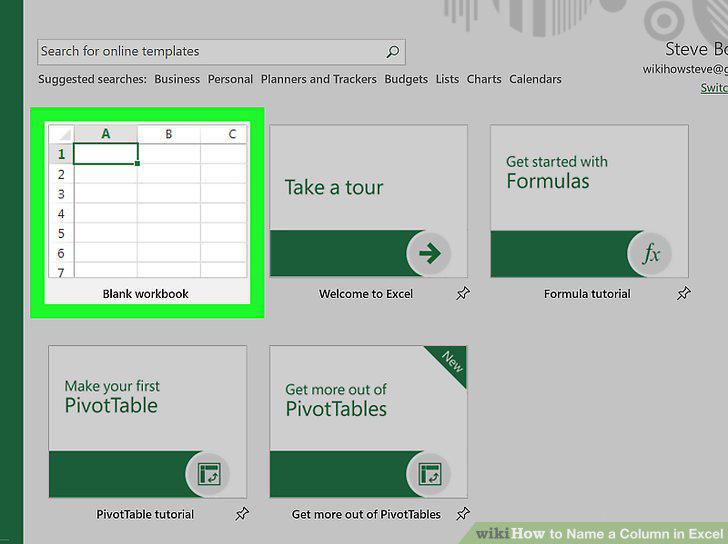
Start a new Excel document by clicking "Blank Workbook".
3
Double-click on the first box under the column you want to name.
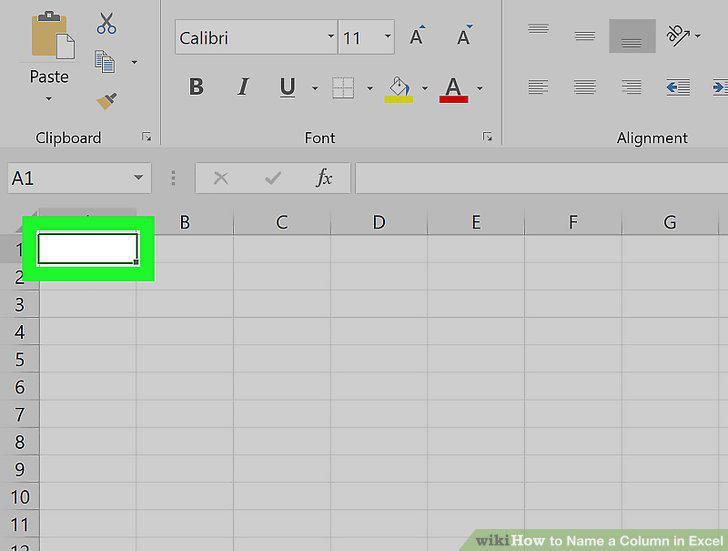
Double-click on the first box under the column you want to name.
4
Type in the name that you want.
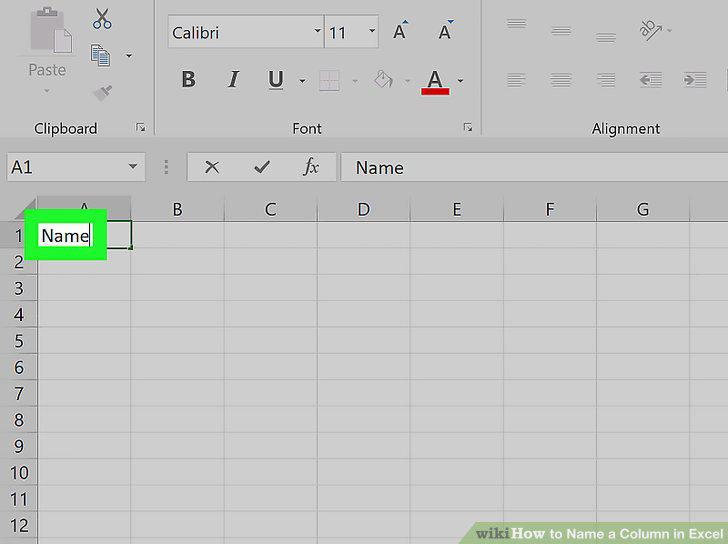
Type in the name that you want.
5
Open Microsoft Excel on your computer.
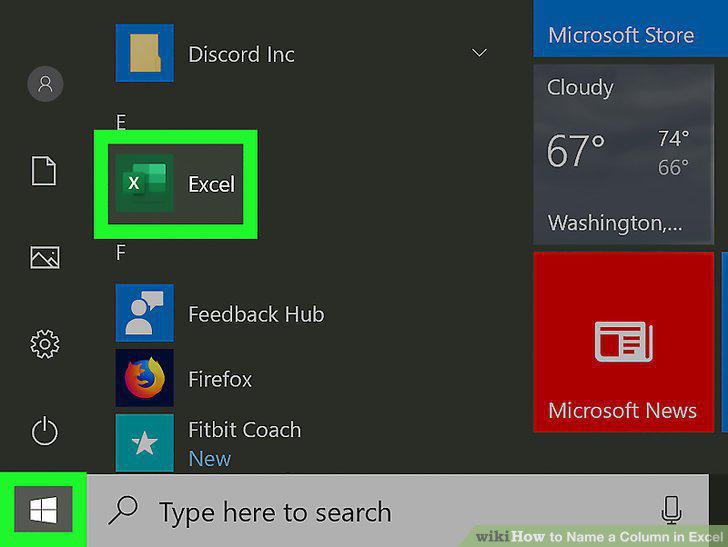
Open Microsoft Excel on your computer.
6
Start an Excel document by clicking on "Blank Workbook".
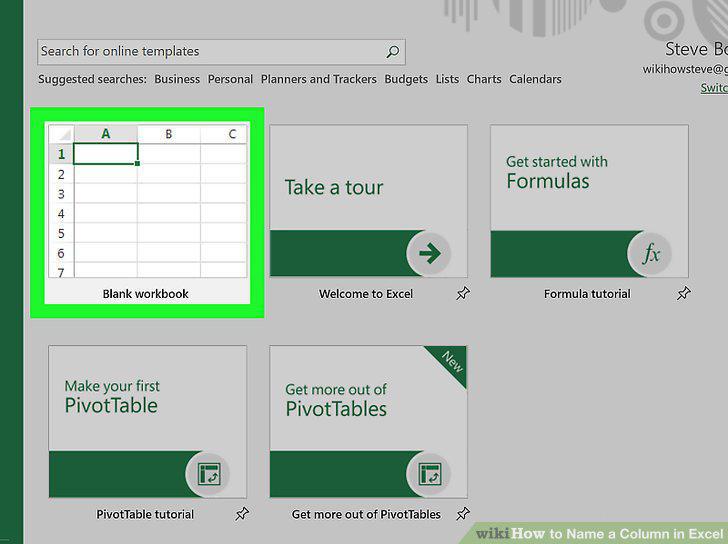
Start an Excel document by clicking on "Blank Workbook".
7
Click on Excel and then Preferences on a Mac.
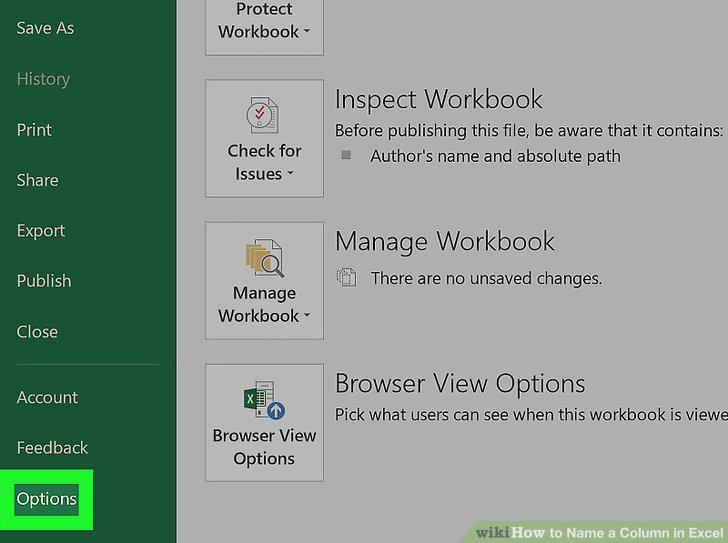
Click on Excel and then Preferences on a Mac.
8
Click on General on a Mac.
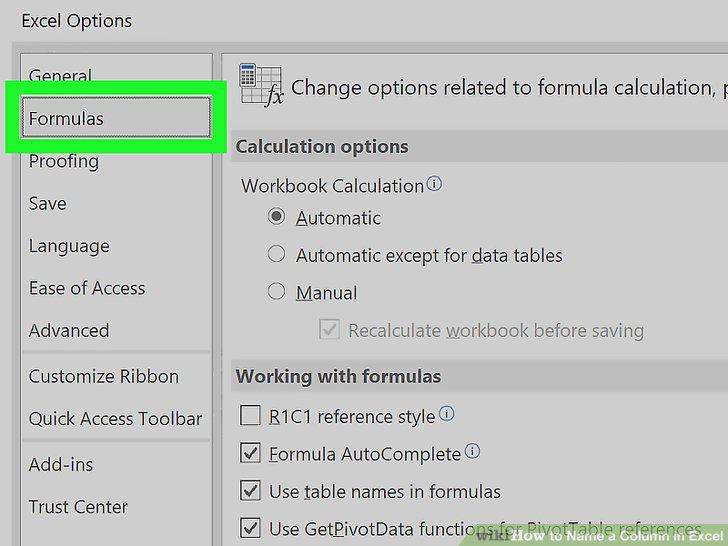
Click on General on a Mac.
9
Click the box next to "Use R1C1 Reference Style.
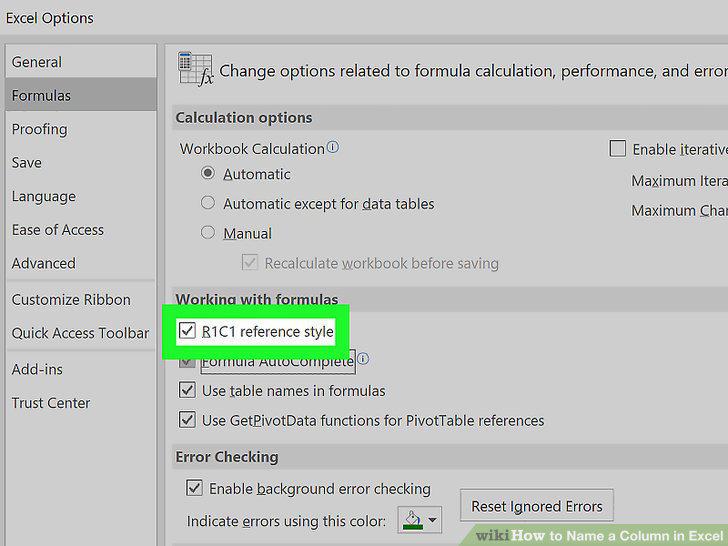
Click the box next to "Use R1C1 Reference Style.
Comments (0)
No comments yet. Be the first to share your thoughts!