How to Enable Two Factor Authentication on an Apple Developer Account
Open Settings .. Tap your name.. Tap Password & Security.
Steps
1
Open Settings .
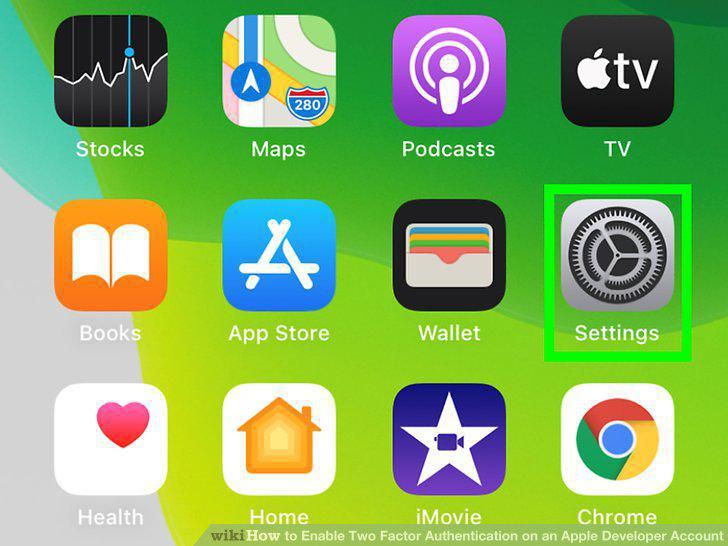
Open Settings .
2
Tap your name.
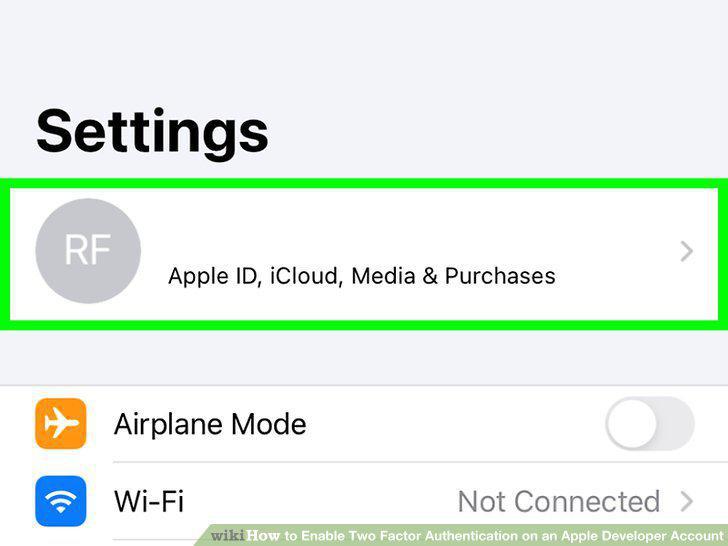
Tap your name.
3
Tap Password & Security.
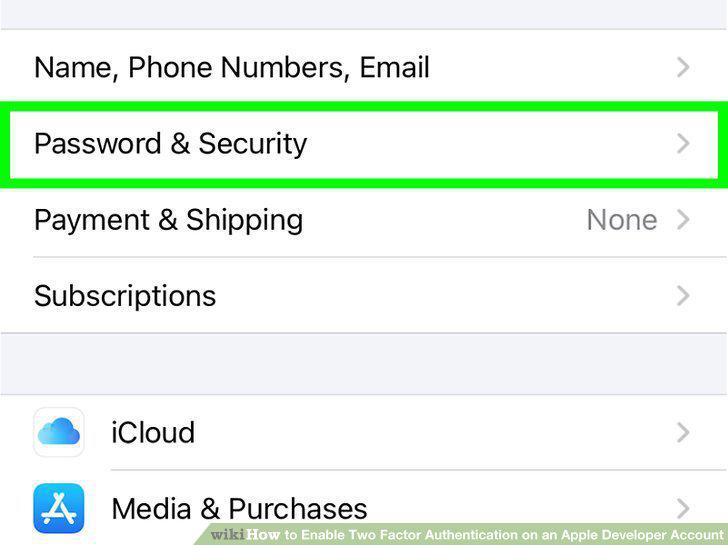
Tap Password & Security.
4
Tap Turn on Two-Factor Authentication.
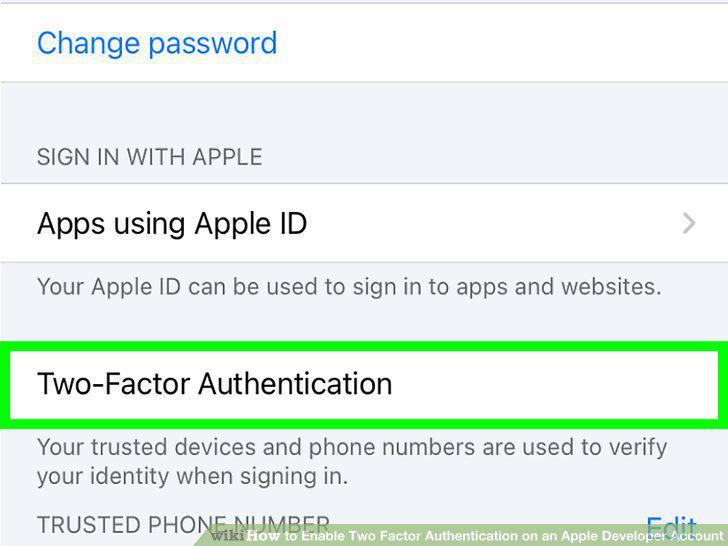
Tap Turn on Two-Factor Authentication.
5
Tap Continue.
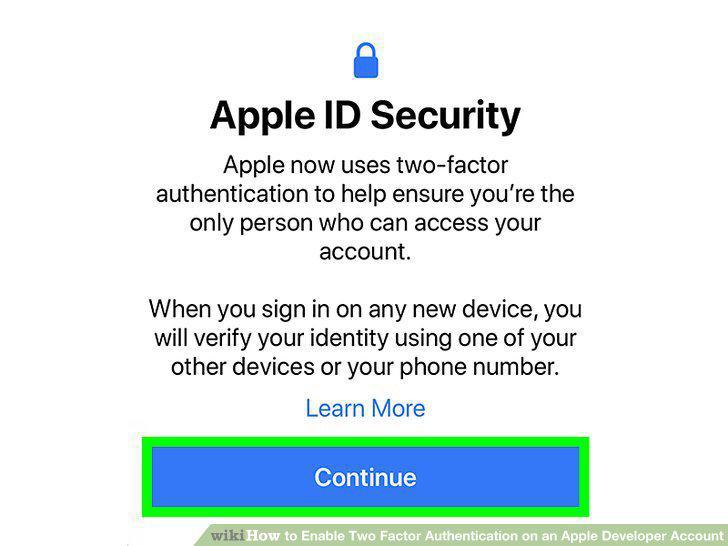
Tap Continue.
6
Enter your phone number and tap Next.
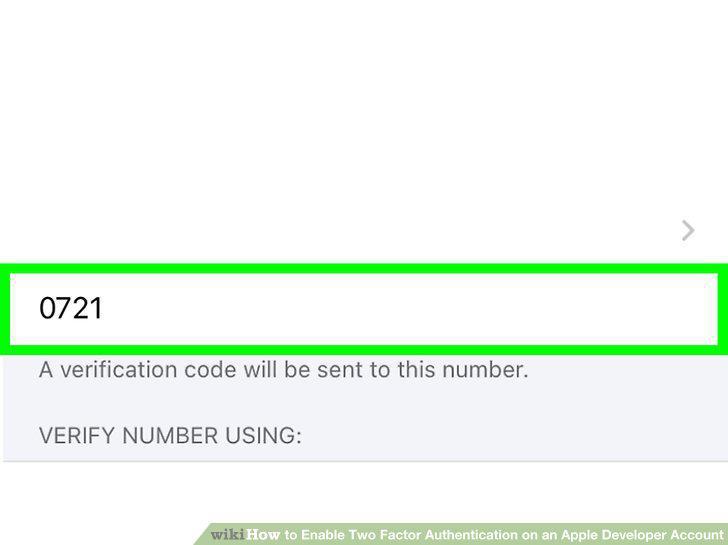
Enter your phone number and tap Next.
7
Enter the verification code sent to your phone and tap Continue.
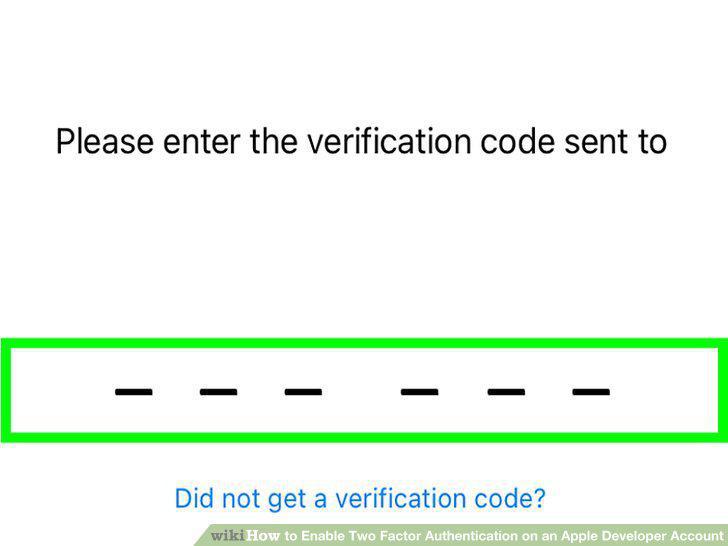
Enter the verification code sent to your phone and tap Continue.
8
Open System Preferences.
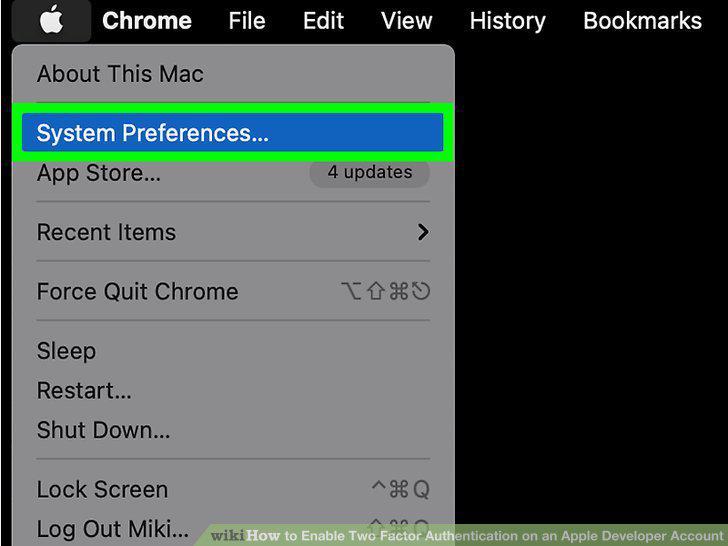
Open System Preferences.
9
Click Apple ID.
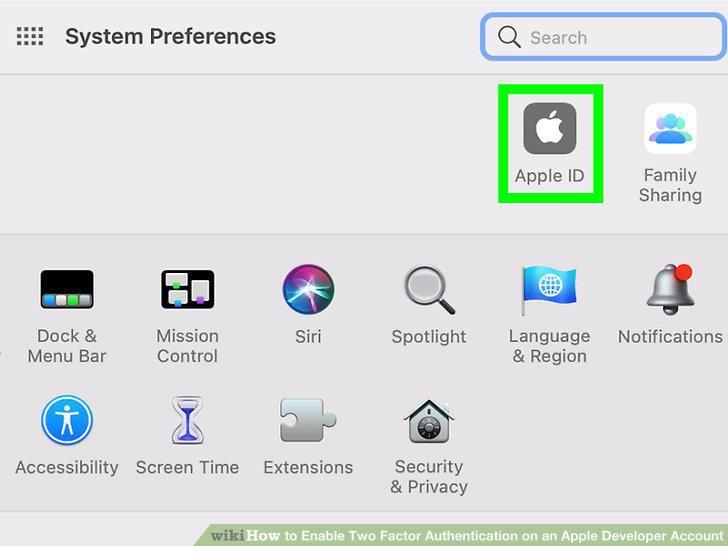
Click Apple ID.
10
Click Password & Security.
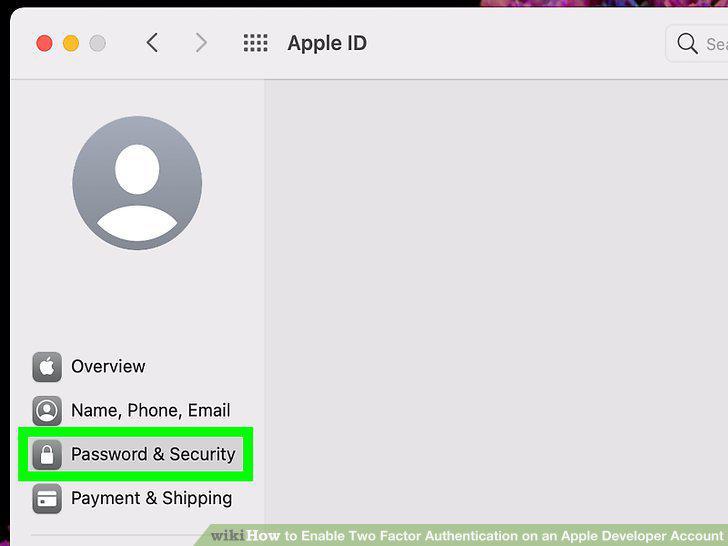
Click Password & Security.
11
Click Turn On next to "Two-Factor Authentication.
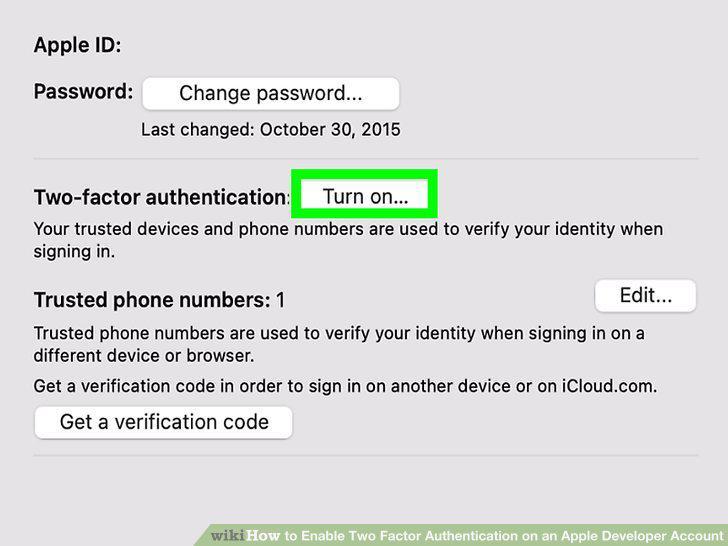
Click Turn On next to "Two-Factor Authentication.
Comments (0)
No comments yet. Be the first to share your thoughts!