How to Place an iPhone Call on Hold
Start or receive your call.. Tap the "Mute" button while in a call.. Tap the Home button to switch to your Home screen.
Steps
1
Start or receive your call.
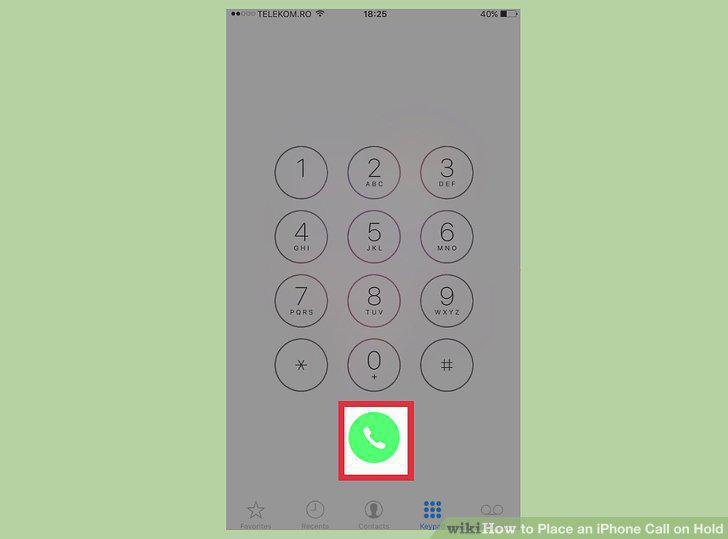
Start or receive your call.
2
Tap the "Mute" button while in a call.
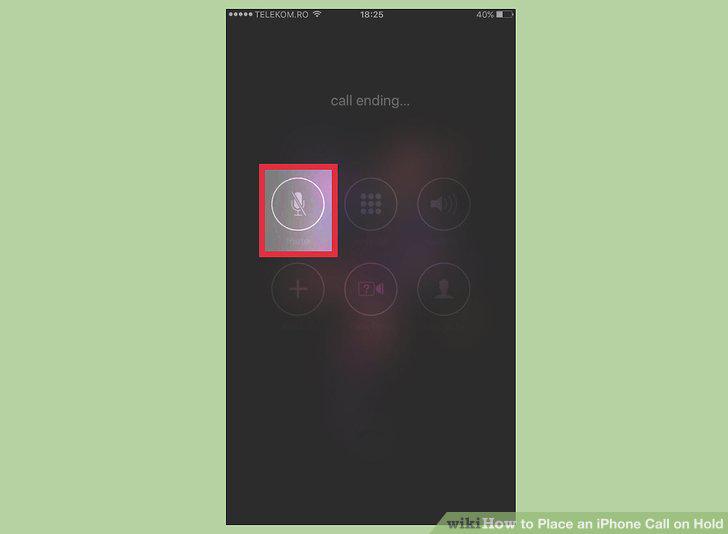
Tap the "Mute" button while in a call.
3
Tap the Home button to switch to your Home screen.
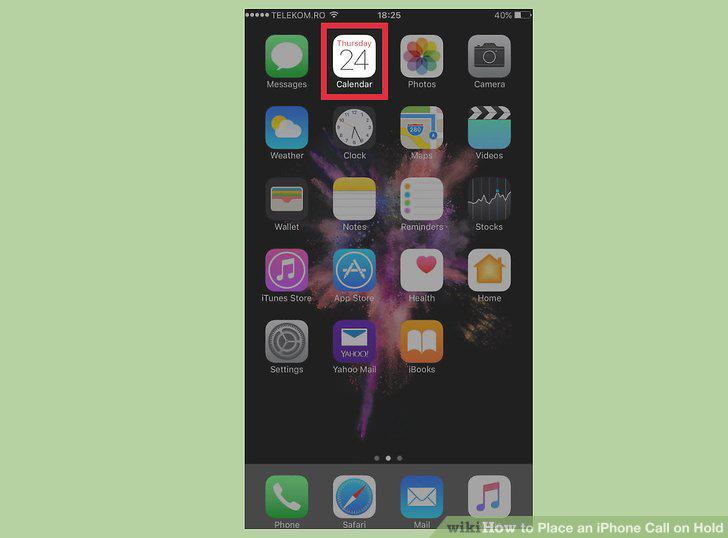
Tap the Home button to switch to your Home screen.
4
Tap the "Mute" button again to unmute the call.
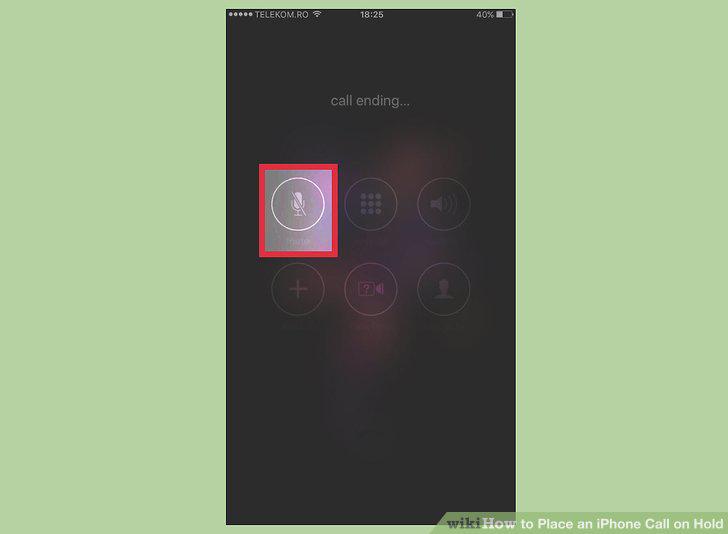
Tap the "Mute" button again to unmute the call.
5
Start or receive your call.
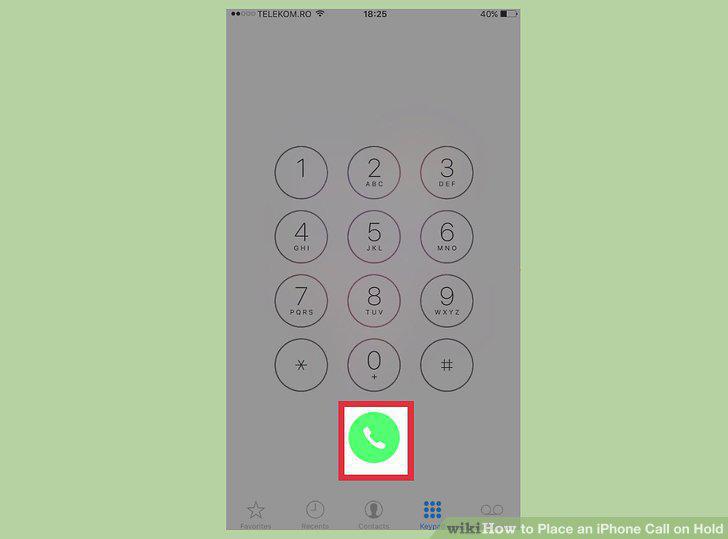
Start or receive your call.
6
Tap and hold the "Mute" button while in a call.
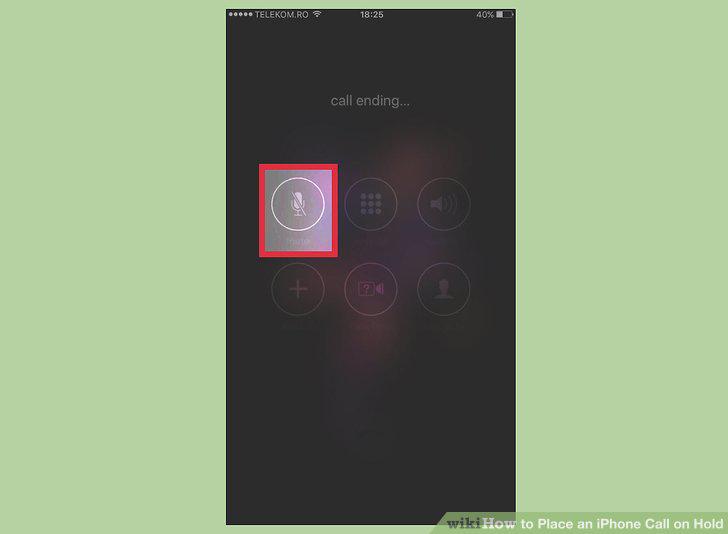
Tap and hold the "Mute" button while in a call.
7
Tap the Home button to use other apps.
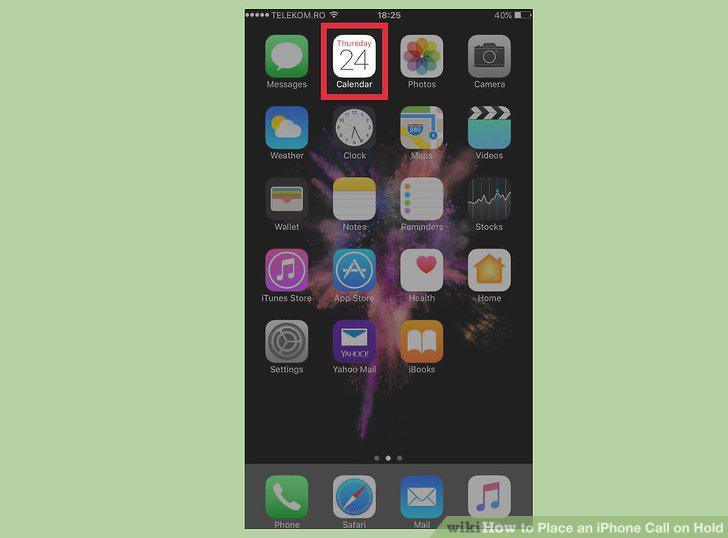
Tap the Home button to use other apps.
8
Tap the "Hold" button to take the call off hold.
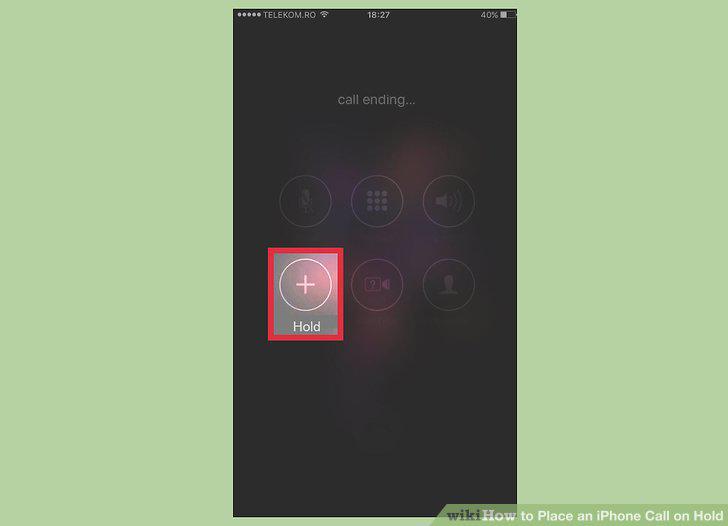
Tap the "Hold" button to take the call off hold.
Comments (0)
No comments yet. Be the first to share your thoughts!