How to Stay Invisible on Facebook on Android
Open Facebook Messenger.. Tap Active.. Slide the switch next to your name to the position.
Steps
1
Open Facebook Messenger.
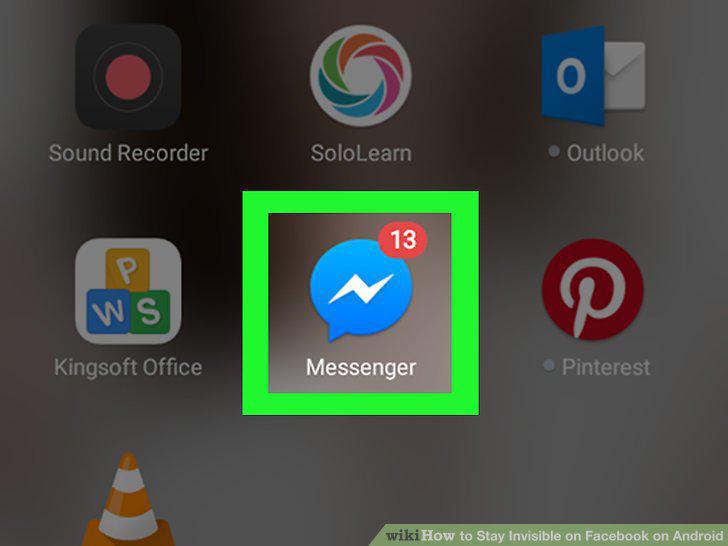
Open Facebook Messenger.
2
Tap Active.
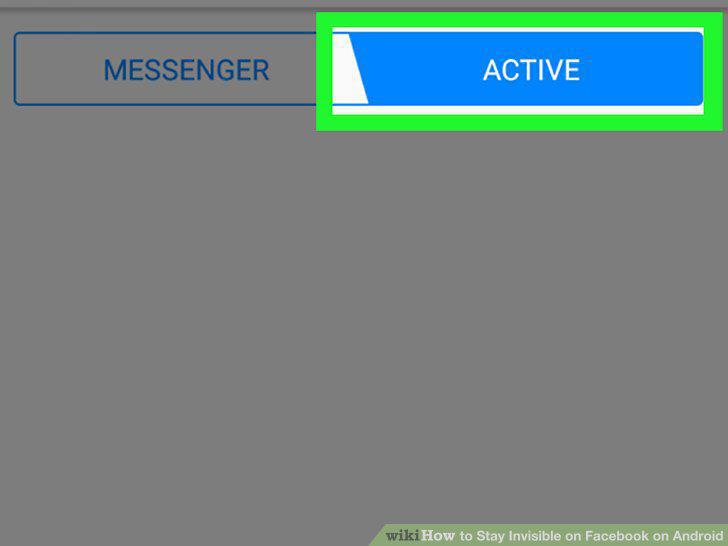
Tap Active.
3
Slide the switch next to your name to the position.
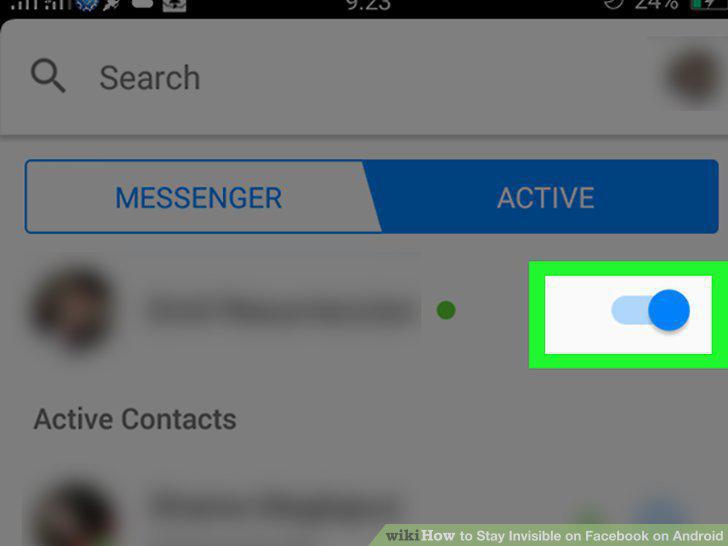
Slide the switch next to your name to the position.
Comments (0)
No comments yet. Be the first to share your thoughts!