How to Adjust Shutter Speed
Use a fast shutter speed in bright shooting conditions.. Opt for a longer shutter speed in dim shooting conditions.. Choose shutter speeds longer than one second in low-light situations.
Steps
Use a fast shutter speed in bright shooting conditions.
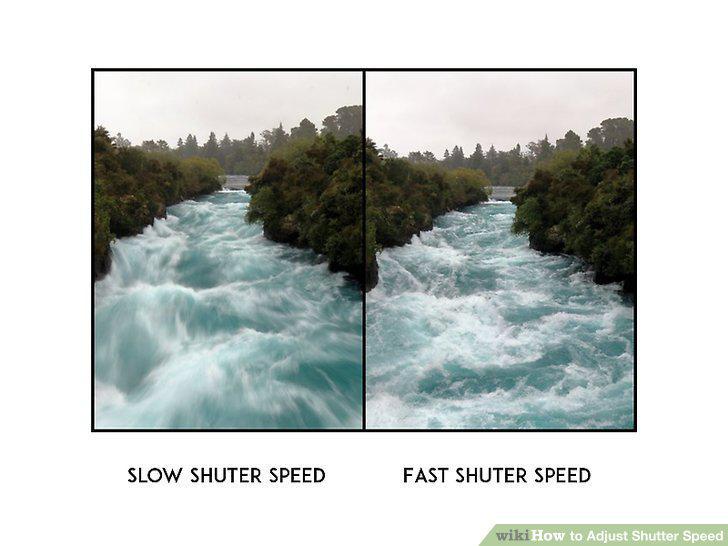
Use a fast shutter speed in bright shooting conditions.
Opt for a longer shutter speed in dim shooting conditions.
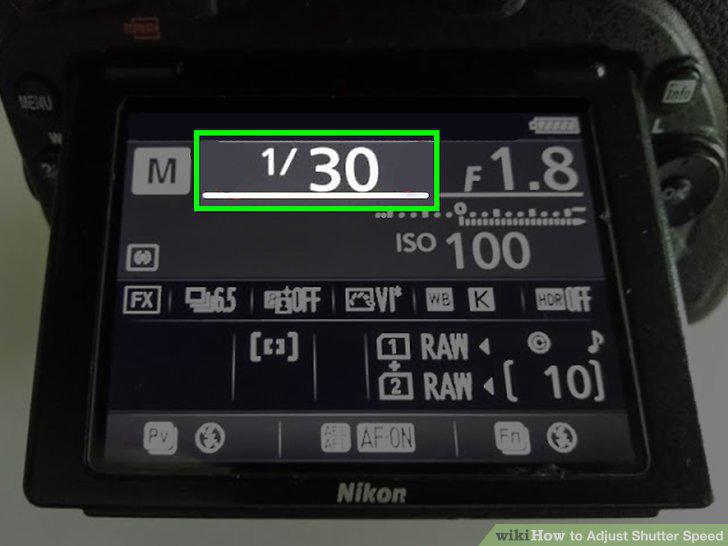
Opt for a longer shutter speed in dim shooting conditions.
Choose shutter speeds longer than one second in low-light situations.
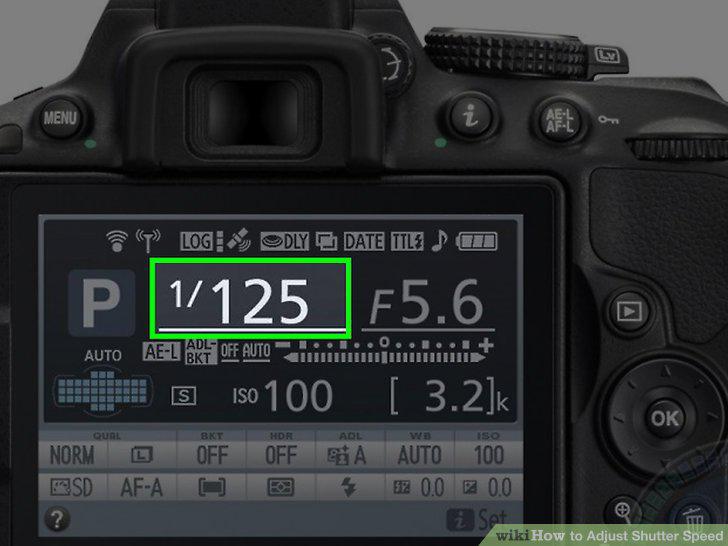
Choose shutter speeds longer than one second in low-light situations.
Select a shutter speed faster than 1/500 for motion capture.
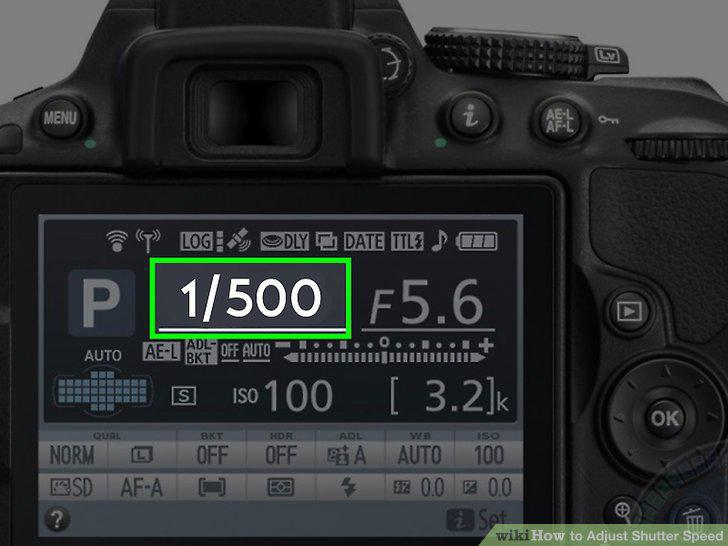
Select a shutter speed faster than 1/500 for motion capture.
Try a shutter speed longer than 1/250 to give your photo an artistic blur.
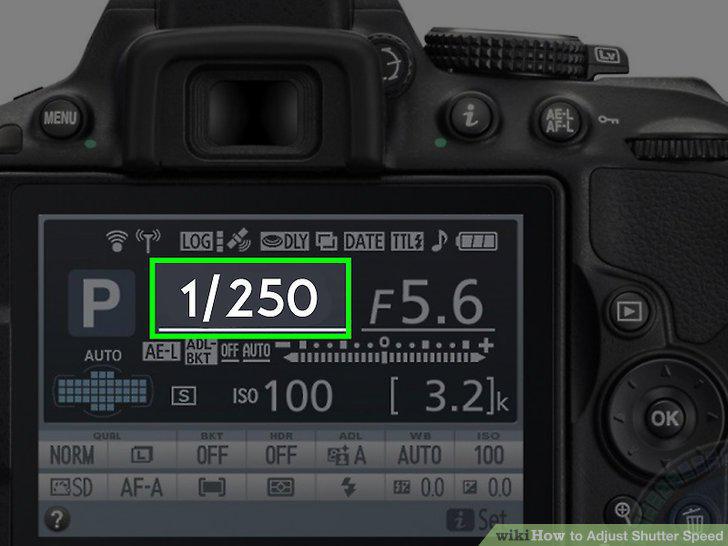
Try a shutter speed longer than 1/250 to give your photo an artistic blur.
Match your shutter speed
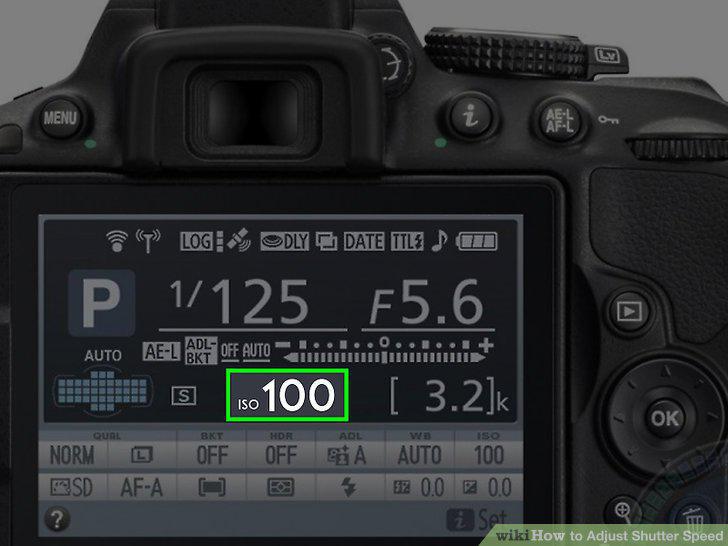
Match your shutter speed
Shoot with a wide aperture and a short shutter speed for a short depth of field.
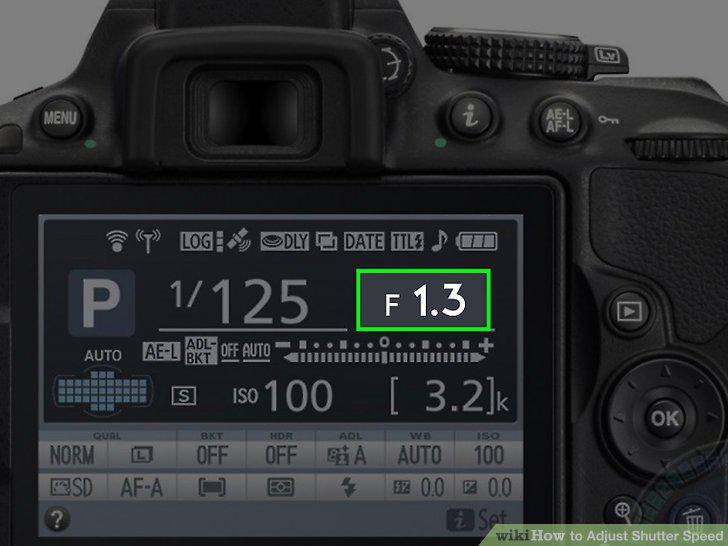
Shoot with a wide aperture and a short shutter speed for a short depth of field.
Put your camera in "Tv" mode if you'd rather not select the f-stop.
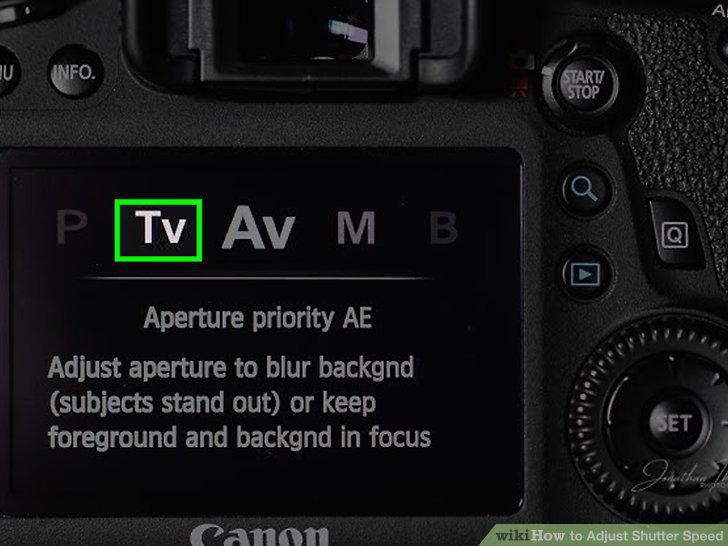
Put your camera in "Tv" mode if you'd rather not select the f-stop.
Use "manual" mode if you want full control over the exposure.
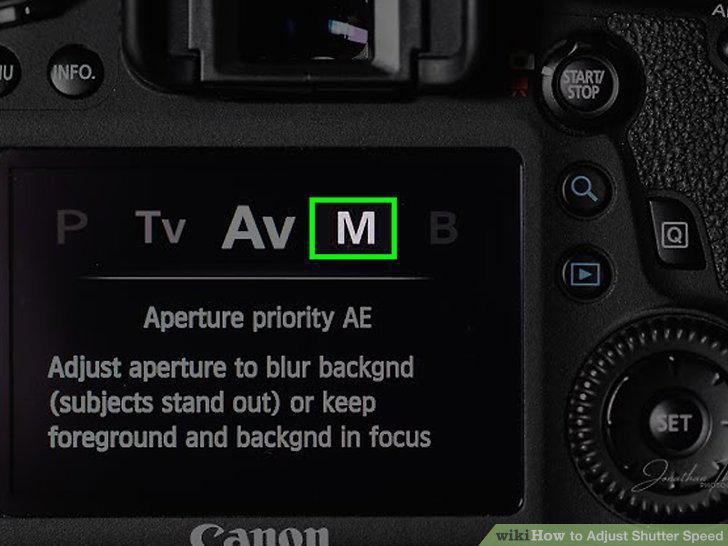
Use "manual" mode if you want full control over the exposure.
Find the default shutter speed on the camera's image display.
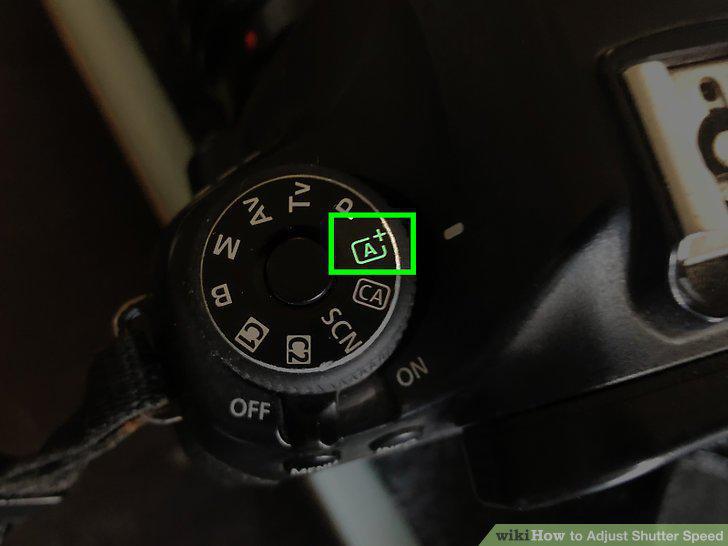
Find the default shutter speed on the camera's image display.
Click the dial on the top-right of the camera to adjust the shutter speed.
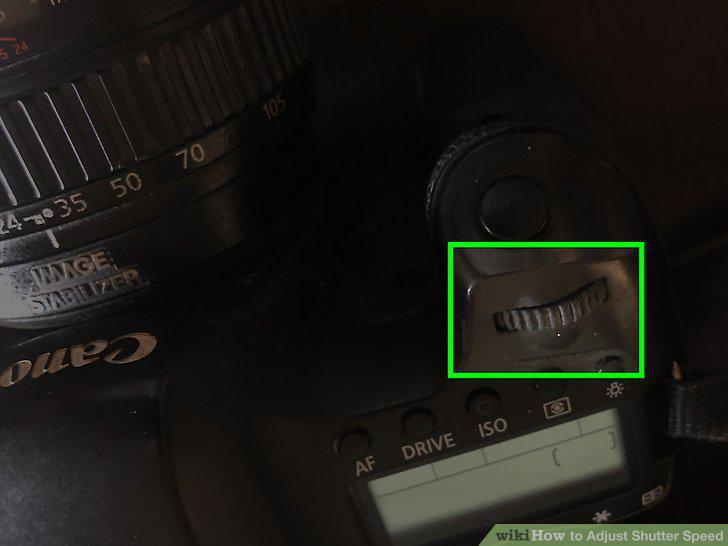
Click the dial on the top-right of the camera to adjust the shutter speed.
Comments (0)
No comments yet. Be the first to share your thoughts!