How to Enable MAC Address Filtering
Go to your router's admin website in a web browser.. Log in to the admin website.. Locate the MAC Filtering option in the web interface and click it.
Steps
1
Go to your router's admin website in a web browser.
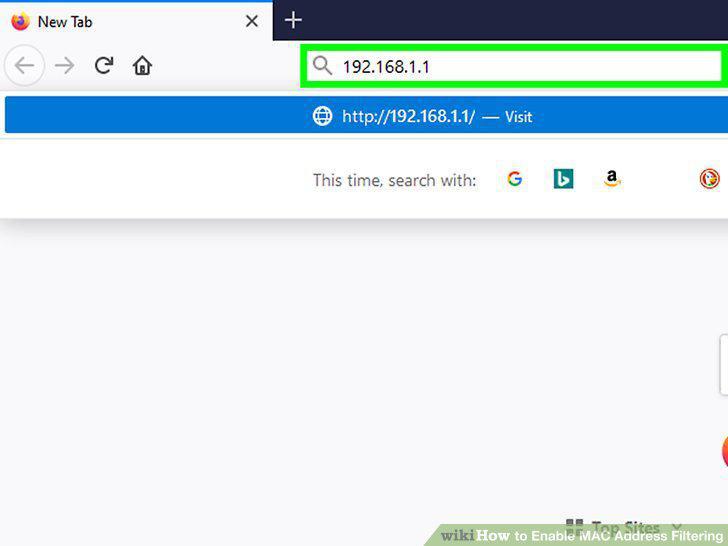
Go to your router's admin website in a web browser.
2
Log in to the admin website.
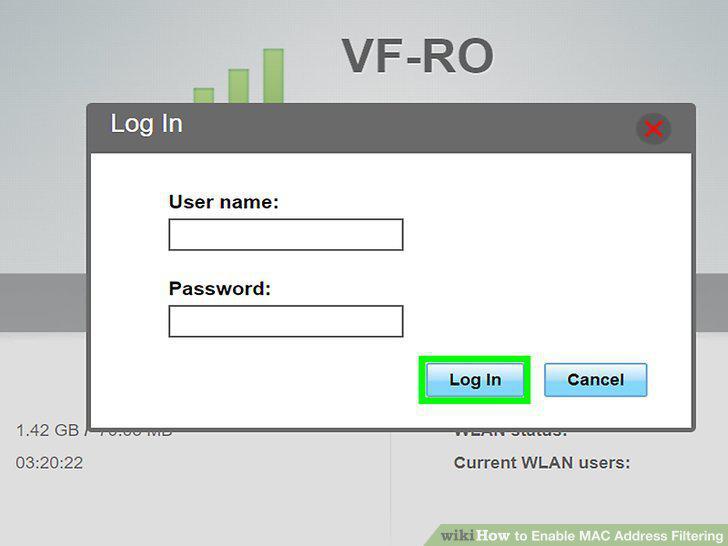
Log in to the admin website.
3
Locate the MAC Filtering option in the web interface and click it.
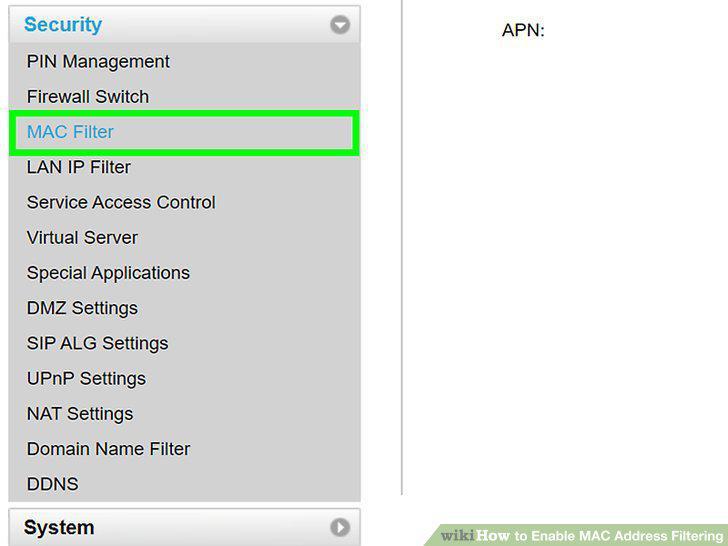
Locate the MAC Filtering option in the web interface and click it.
4
Click the option to add a new MAC filter.
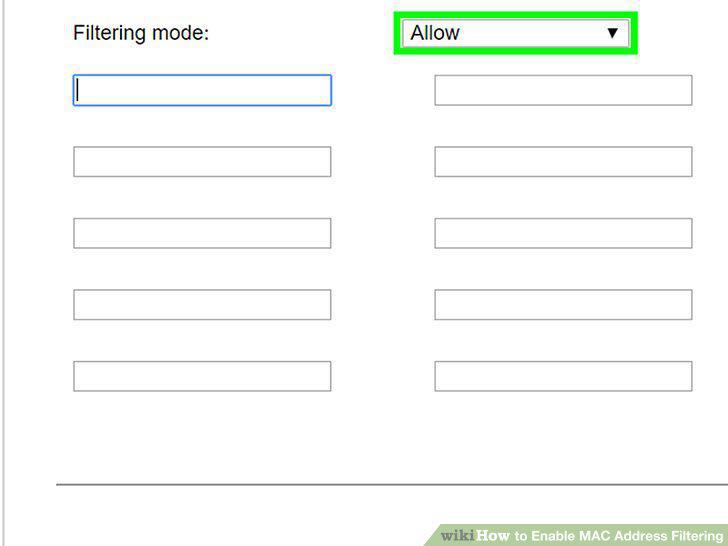
Click the option to add a new MAC filter.
5
Type in the MAC Address.
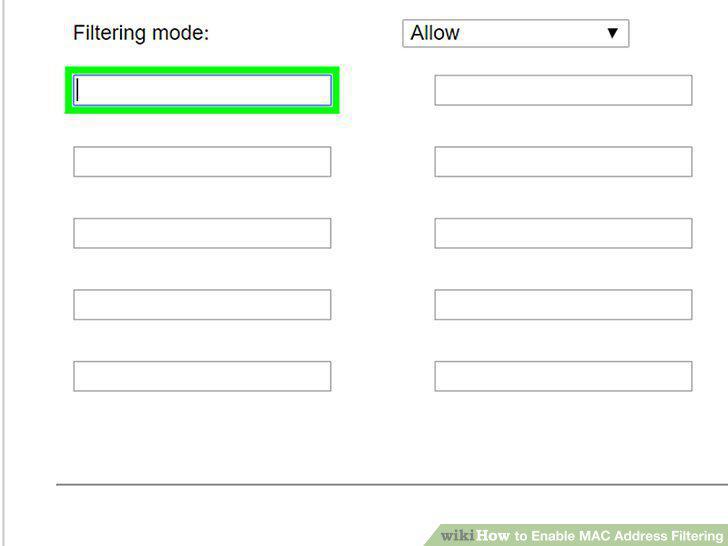
Type in the MAC Address.
6
Click the option to save or apply your changes.
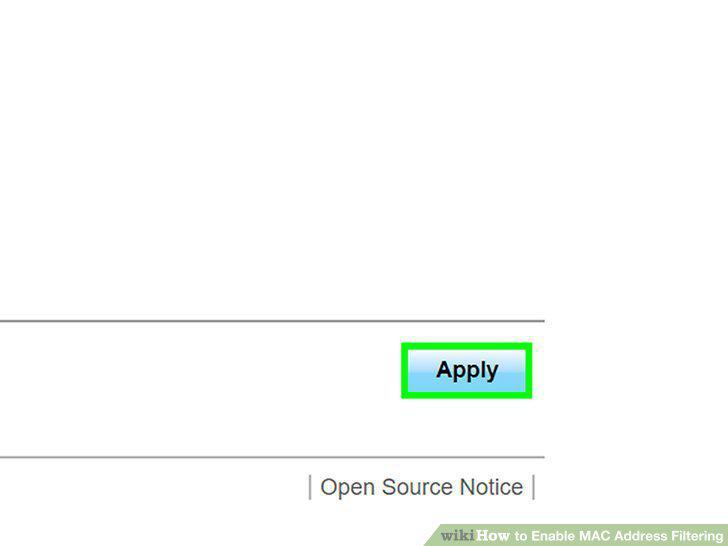
Click the option to save or apply your changes.
7
Turn on MAC filtering.
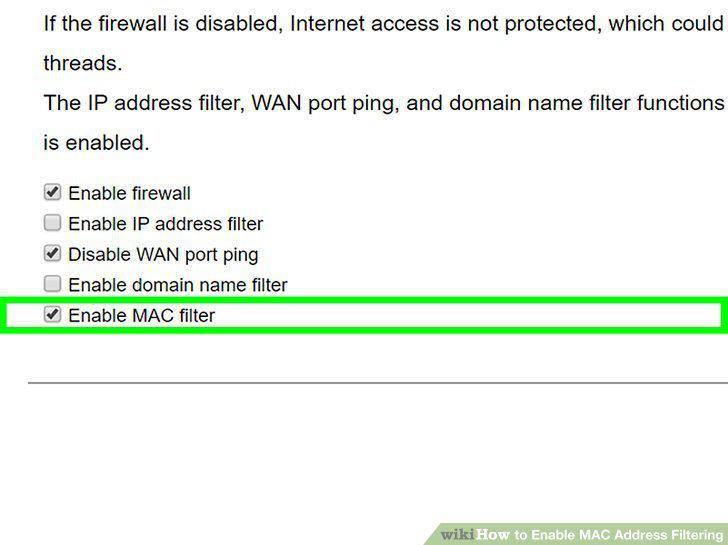
Turn on MAC filtering.
Comments (0)
No comments yet. Be the first to share your thoughts!