How to Keep Your iPhone Screen on
Open your iPhone's Settings .. Scroll down and tap Battery.. Slide the "Low Power Mode" switch to .
Steps
1
Open your iPhone's Settings .
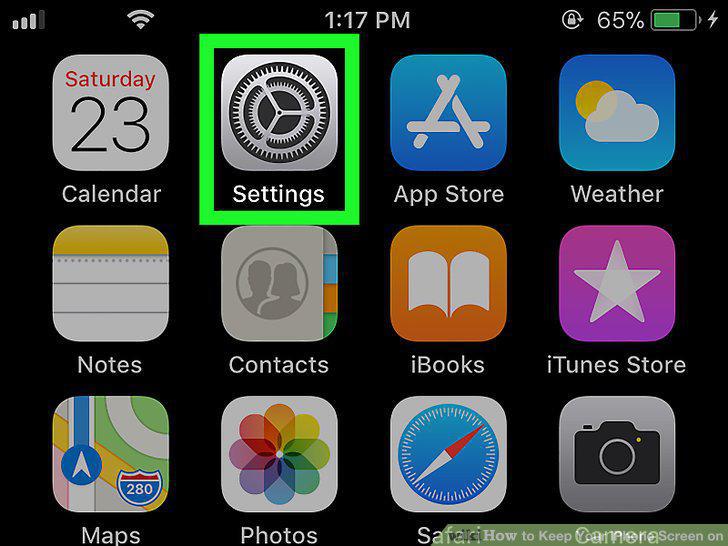
Open your iPhone's Settings .
2
Scroll down and tap Battery.
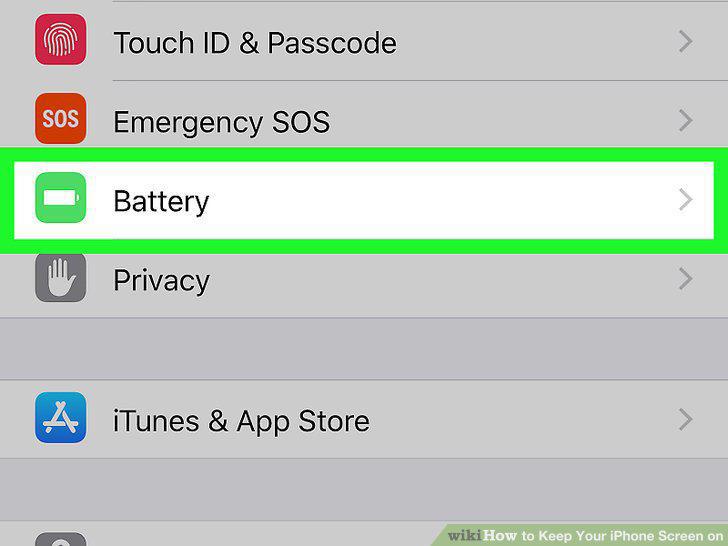
Scroll down and tap Battery.
3
Slide the "Low Power Mode" switch to .
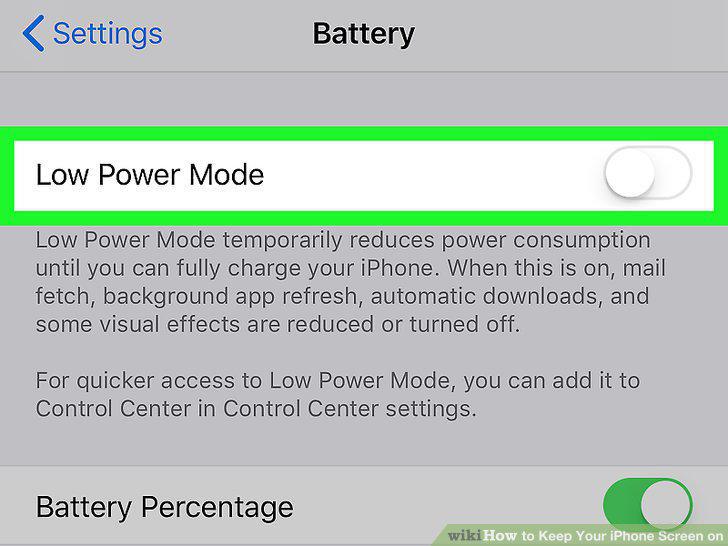
Slide the "Low Power Mode" switch to .
4
Tap the back button.
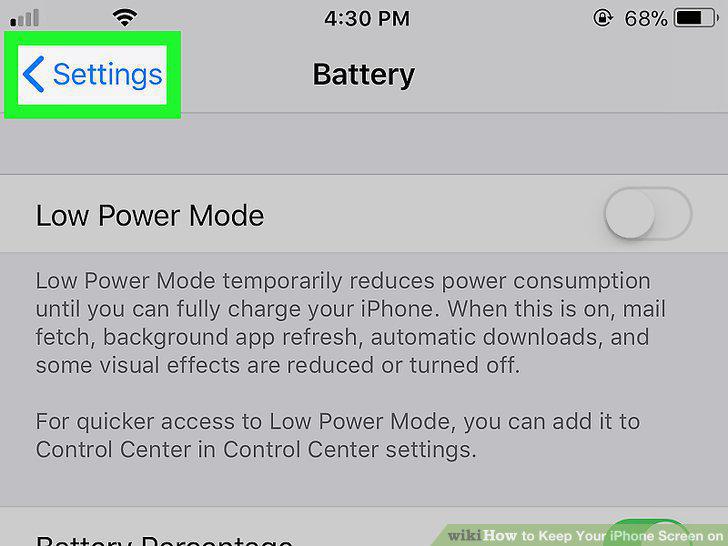
Tap the back button.
5
Scroll up and tap Display & Brightness.
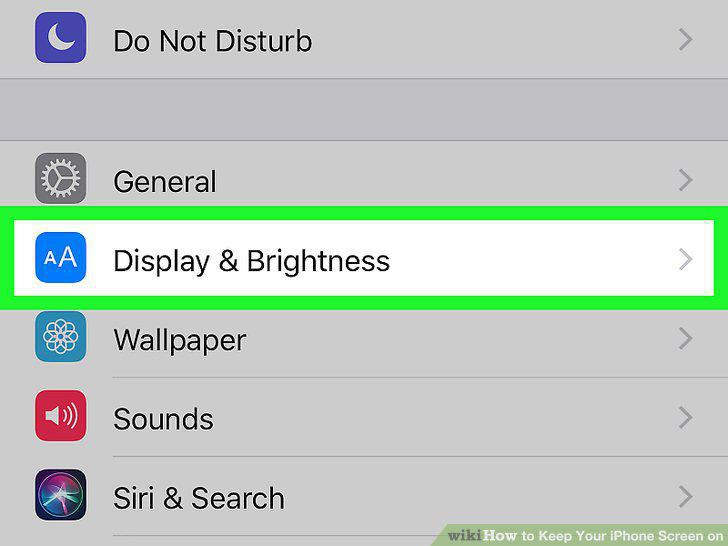
Scroll up and tap Display & Brightness.
6
Tap Auto-Lock.
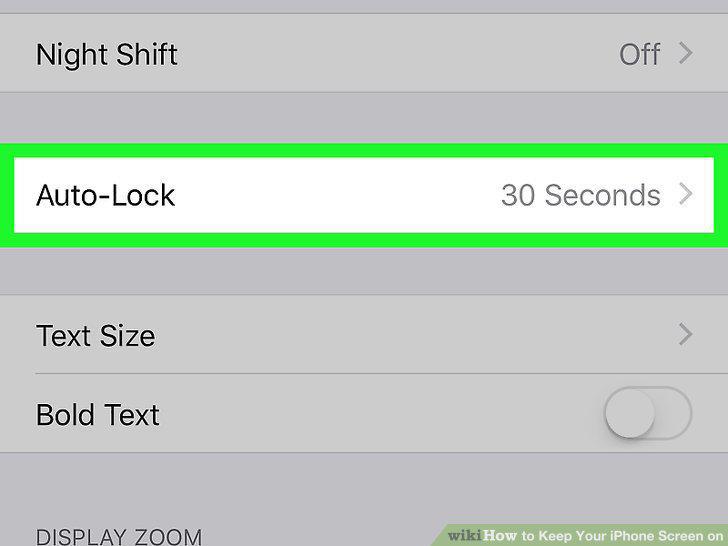
Tap Auto-Lock.
7
Tap Never.
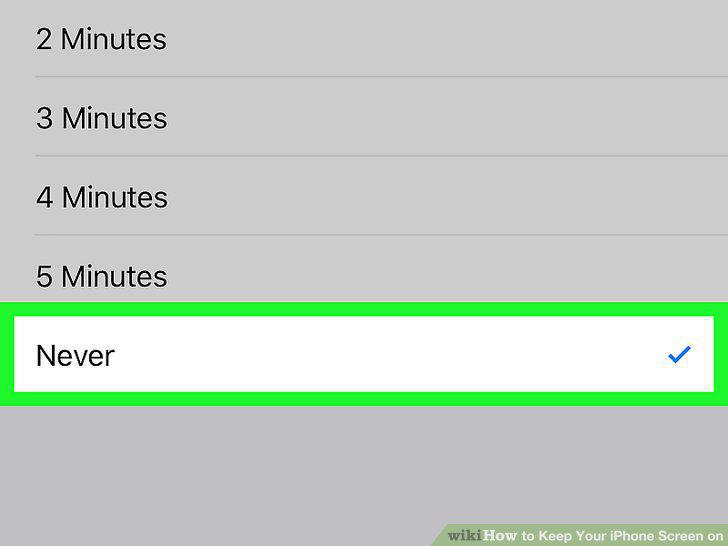
Tap Never.
Comments (0)
No comments yet. Be the first to share your thoughts!