How to Delete an Account from Google Play
Navigate to your phone settings.. Tap on the Google account to delete.. Tap Remove Account and confirm.
Steps
1
Navigate to your phone settings.
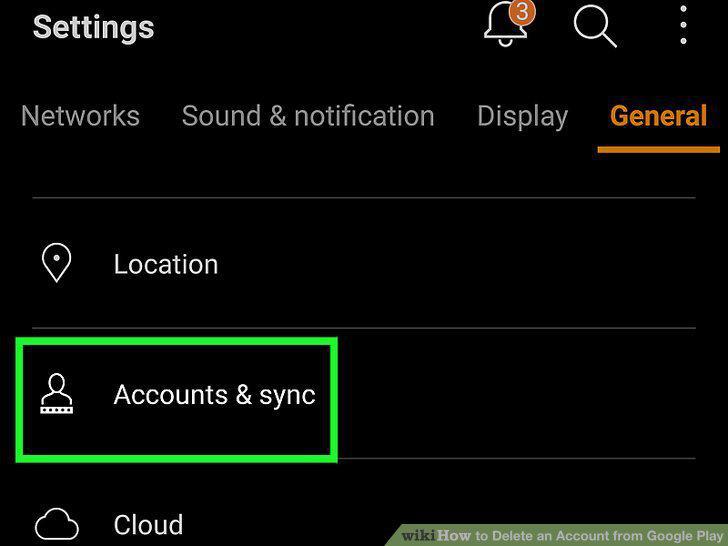
Navigate to your phone settings.
2
Tap on the Google account to delete.
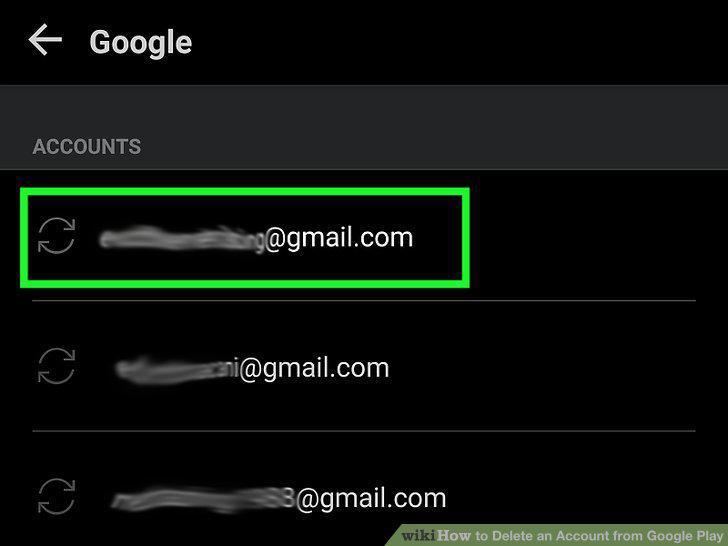
Tap on the Google account to delete.
3
Tap Remove Account and confirm.
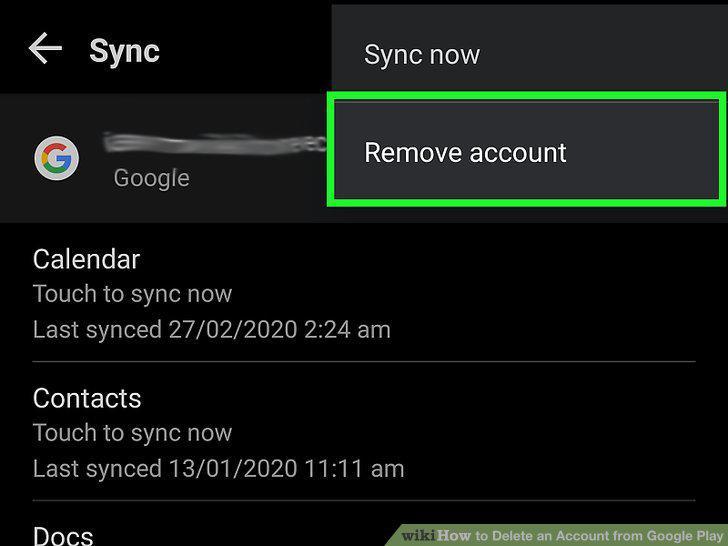
Tap Remove Account and confirm.
4
Be prepared to lose your stored data and content, as well as access to certain s
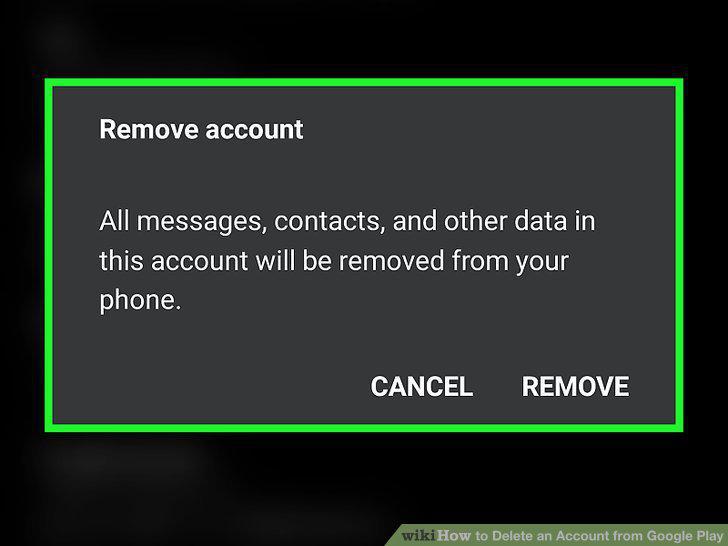
Be prepared to lose your stored data and content, as well as access to certain services and subscriptions.
5
Navigate to Google Takeout if you wish to download any data that you do not want
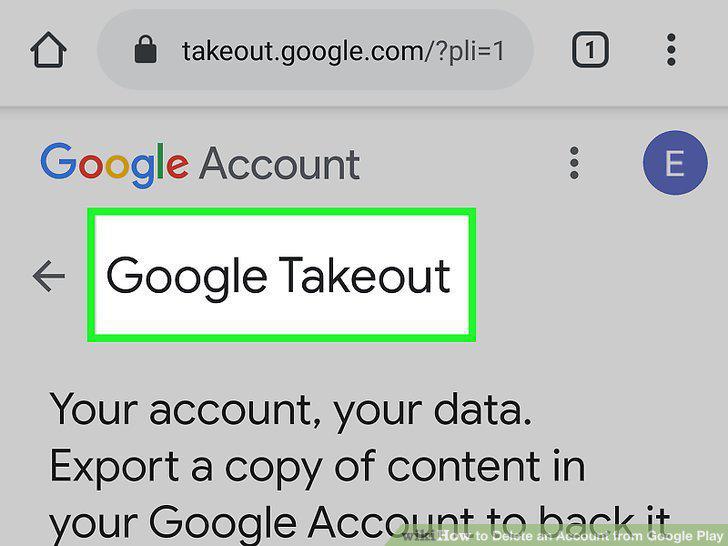
Navigate to Google Takeout if you wish to download any data that you do not want to lose.
6
Download your data.
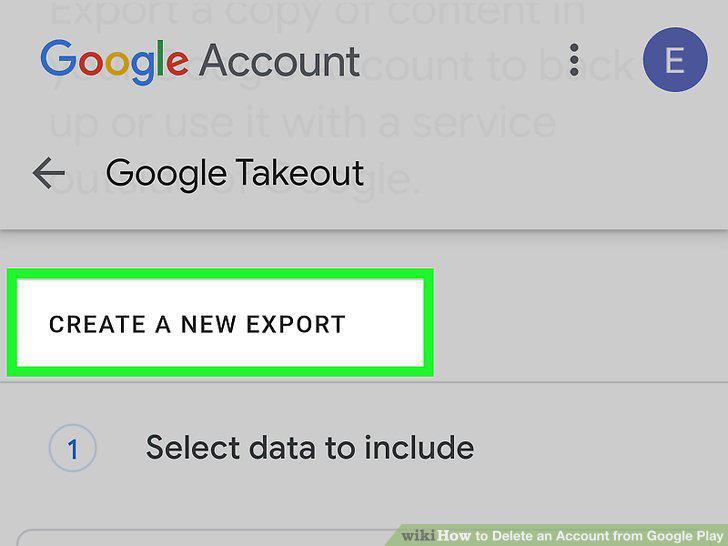
Download your data.
7
Make any last considerations for your Google services.
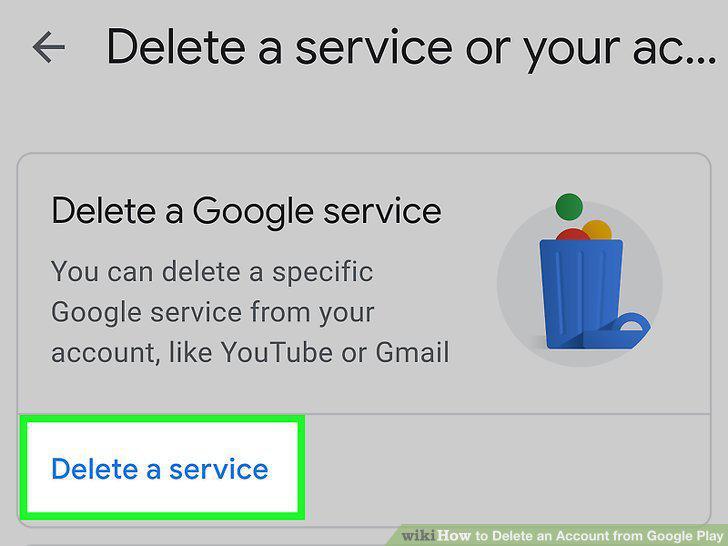
Make any last considerations for your Google services.
8
Delete your Google account.
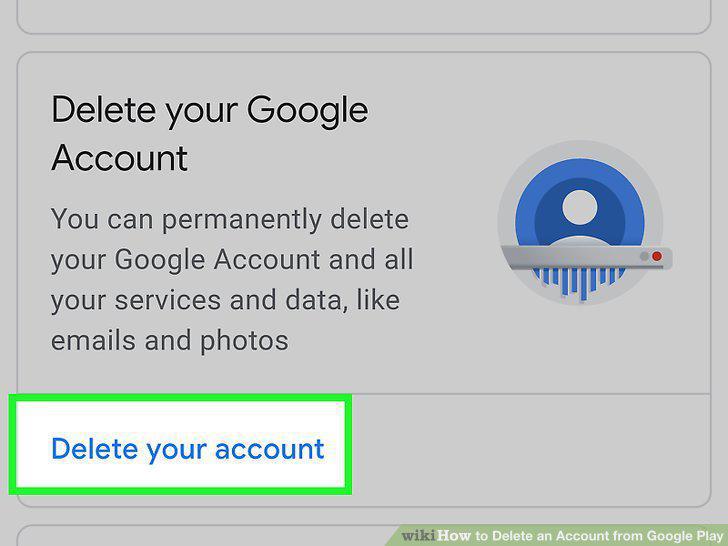
Delete your Google account.
Comments (0)
No comments yet. Be the first to share your thoughts!