How to Upgrade from Windows 7 to Windows 10
Go to the Windows 10 system specifications page.. Go to the Windows 10 download page.. Click the Download button.
Steps
1
Go to the Windows 10 system specifications page.
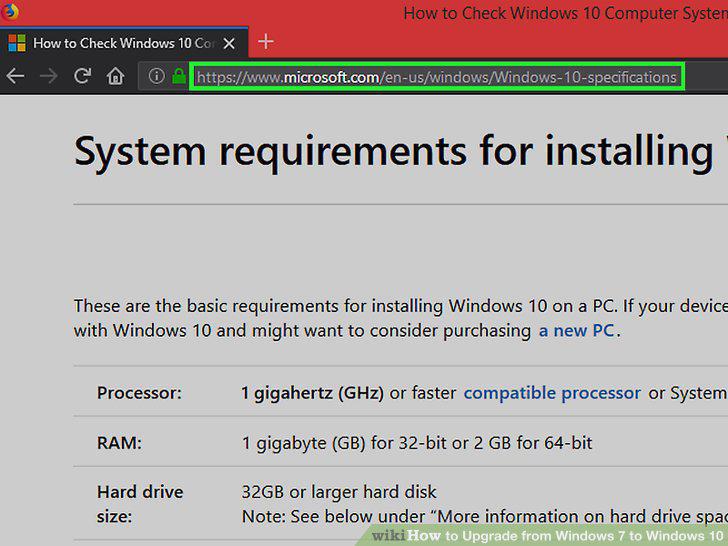
Go to the Windows 10 system specifications page.
2
Go to the Windows 10 download page.
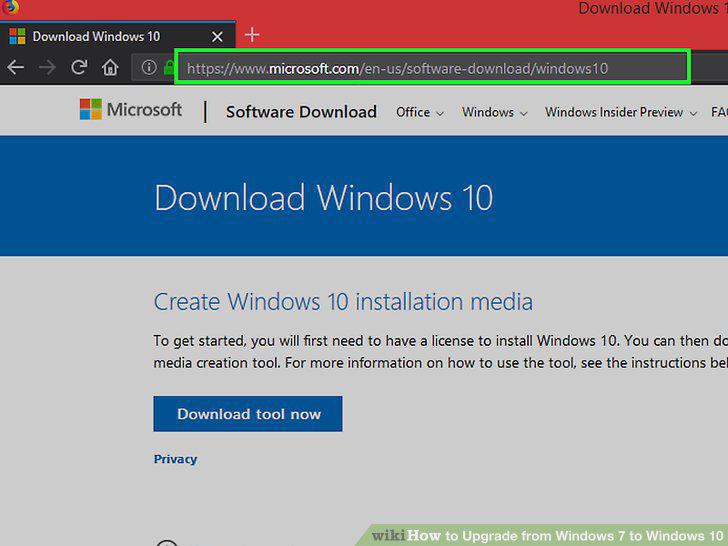
Go to the Windows 10 download page.
3
Click the Download button.
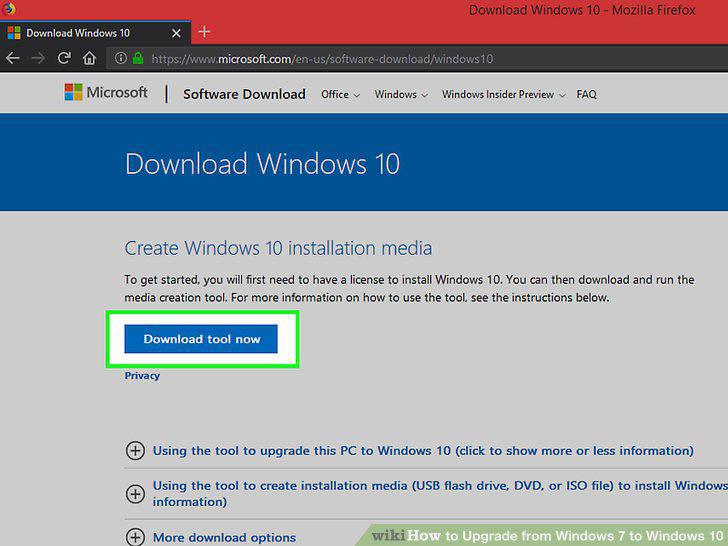
Click the Download button.
4
Wait until the download is finished.
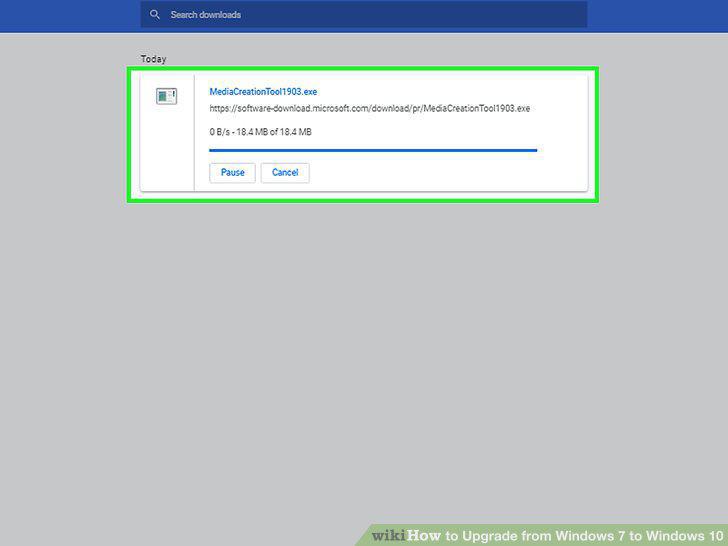
Wait until the download is finished.
5
Click the Accept button.
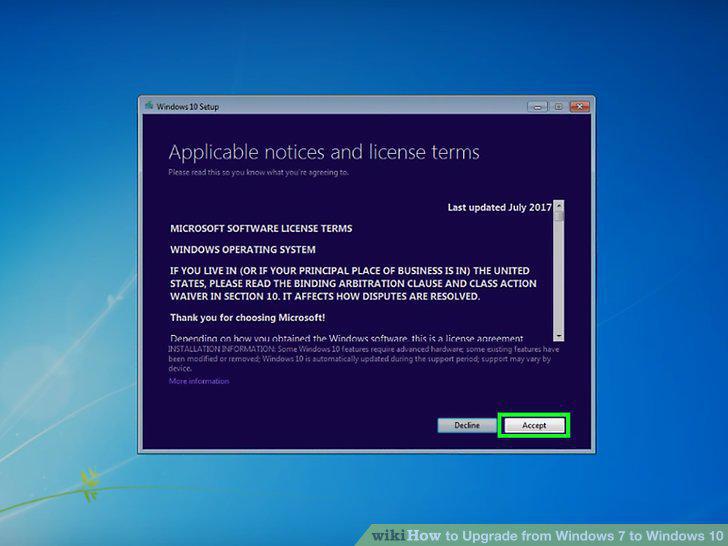
Click the Accept button.
6
Select Upgrade this PC now.
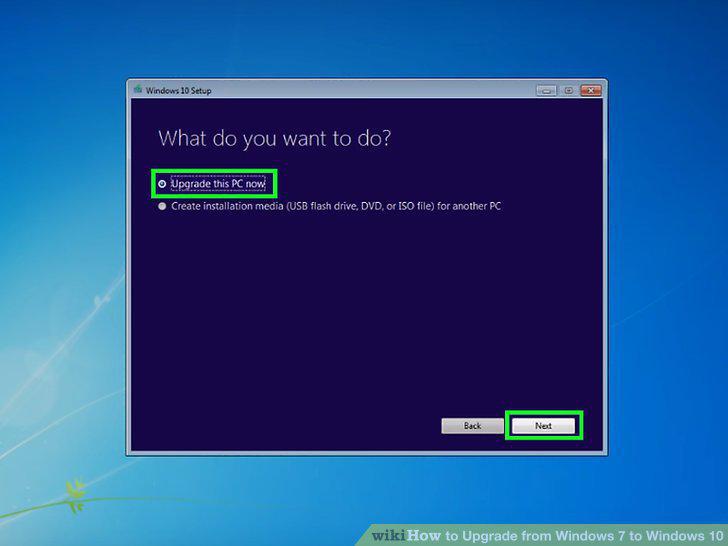
Select Upgrade this PC now.
7
Wait until it's finished.
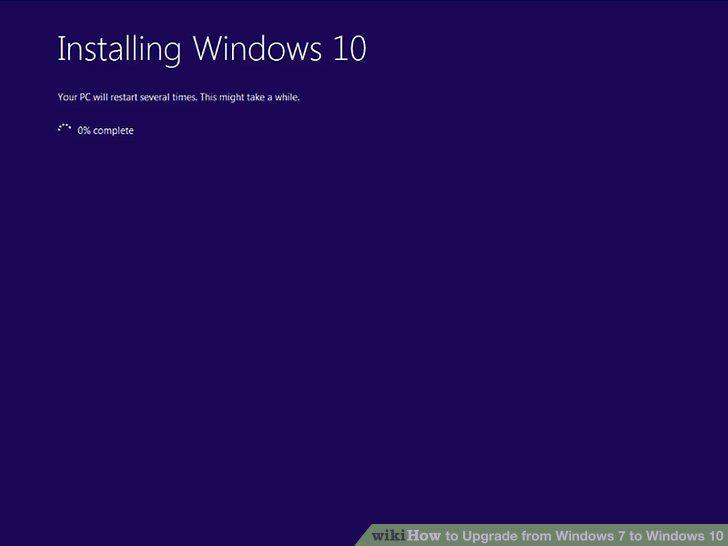
Wait until it's finished.
Comments (0)
No comments yet. Be the first to share your thoughts!