How to Find Parking on Google Maps on Android
Open Google Maps on your Android.. Tap Go.. Tap your starting location.
Steps
1
Open Google Maps on your Android.
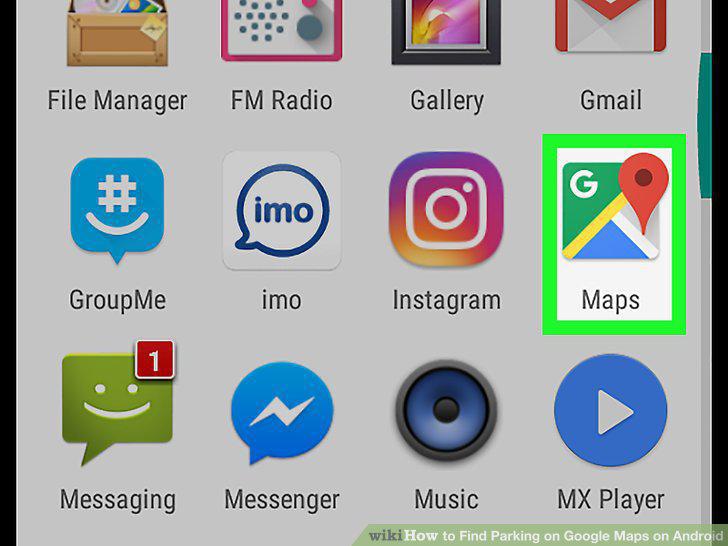
Open Google Maps on your Android.
2
Tap Go.
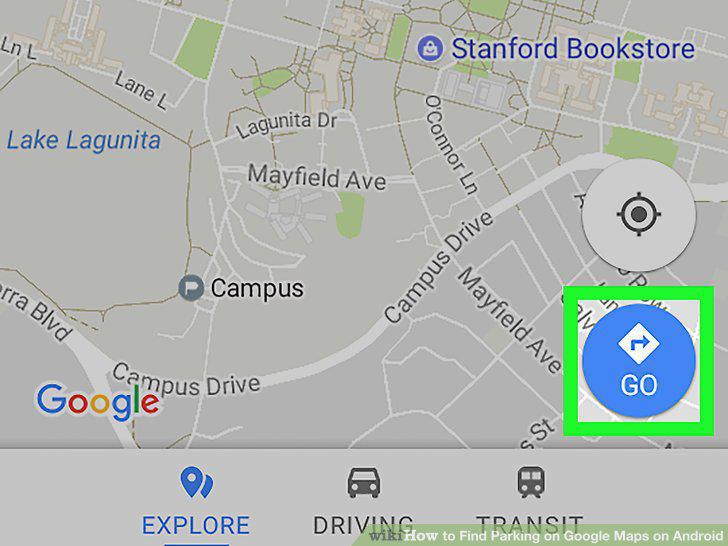
Tap Go.
3
Tap your starting location.
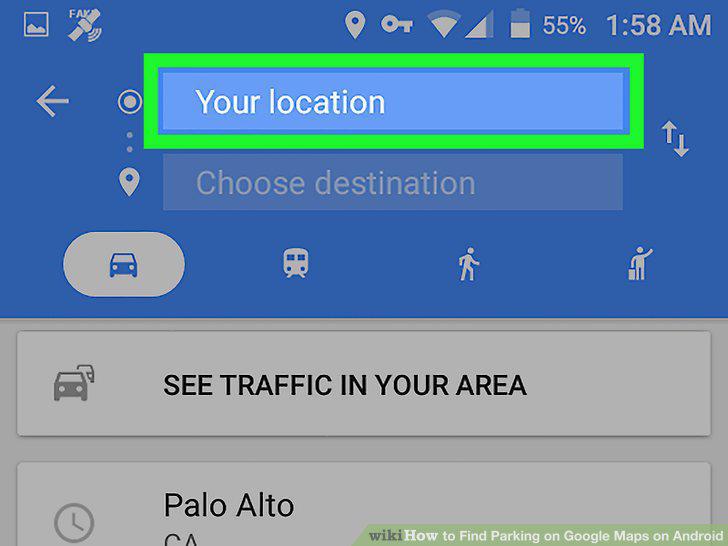
Tap your starting location.
4
Enter or select your starting point.
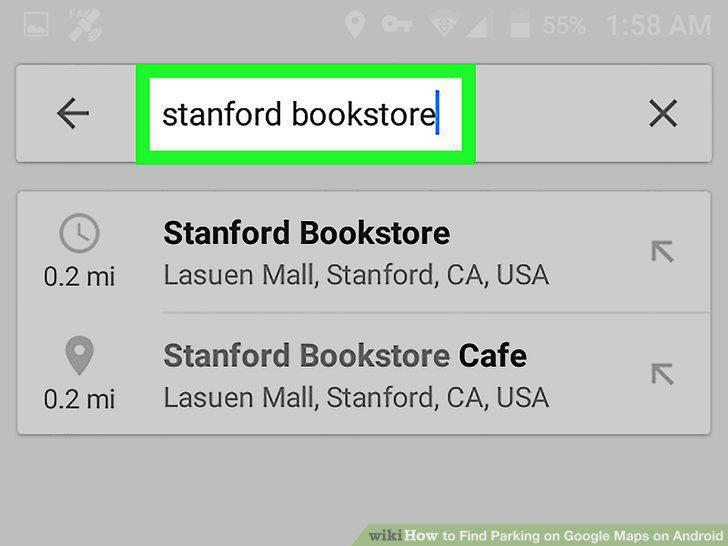
Enter or select your starting point.
5
Tap Choose destination.
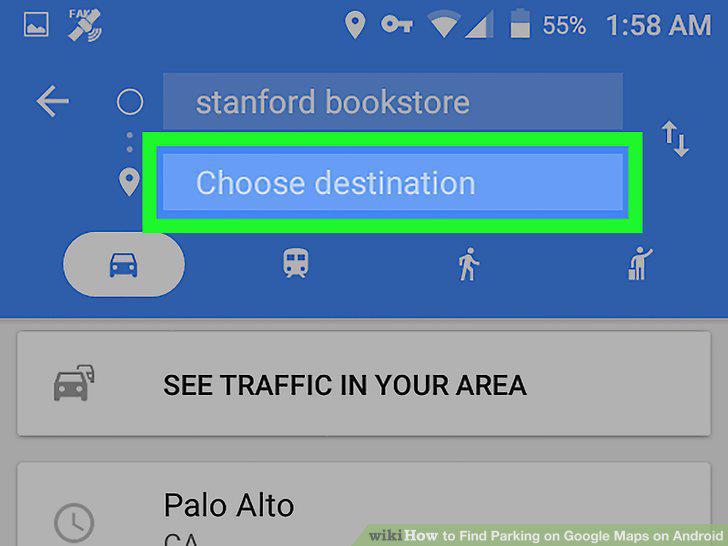
Tap Choose destination.
6
Enter or select your destination.
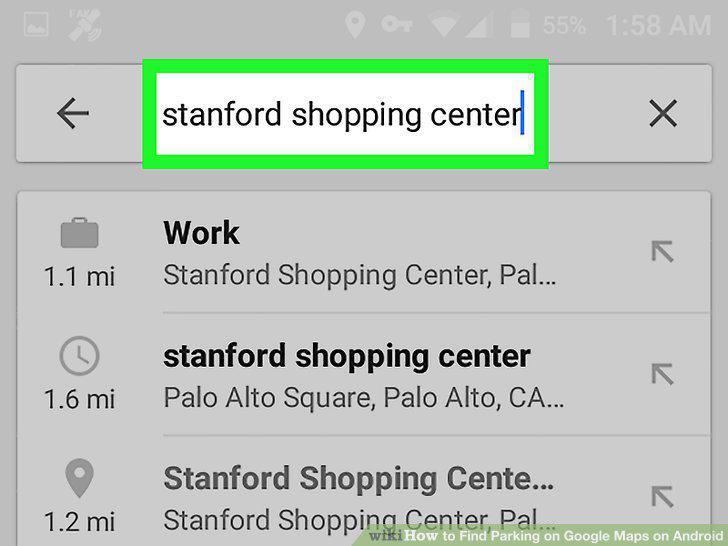
Enter or select your destination.
7
Tap the red "P" icon.
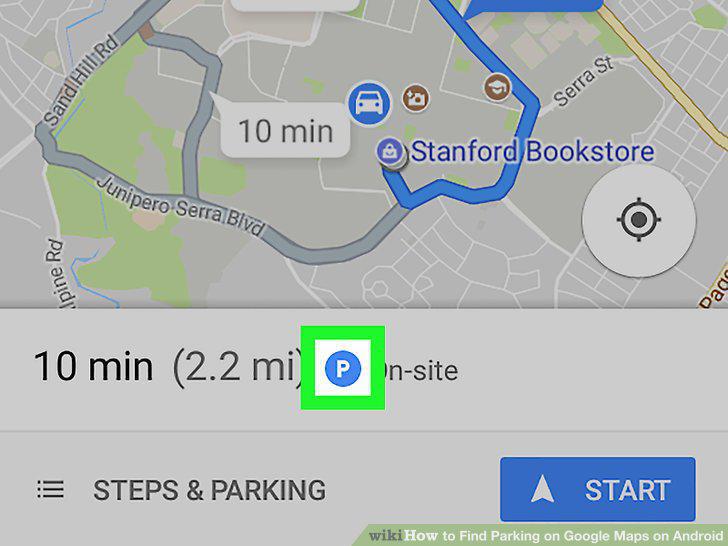
Tap the red "P" icon.
8
Tap FIND PARKING.
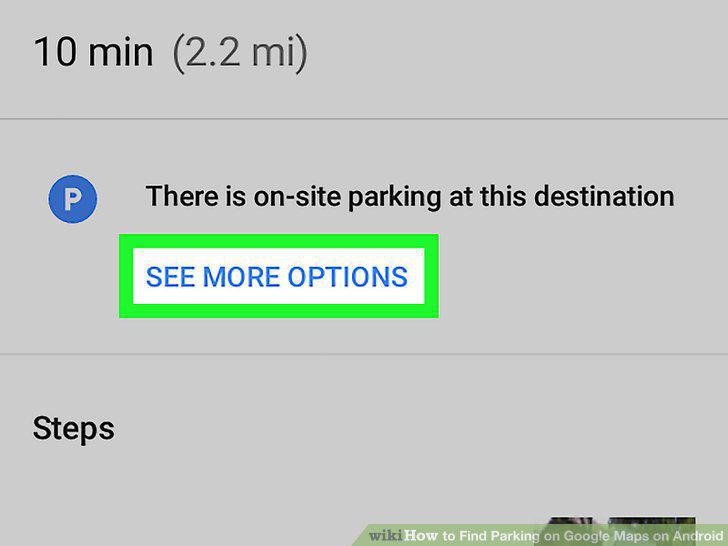
Tap FIND PARKING.
9
Tap ADD PARKING next to your selection.
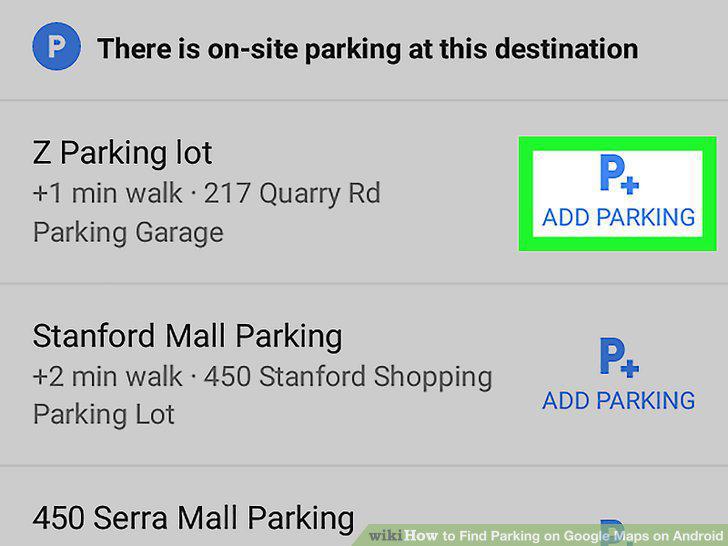
Tap ADD PARKING next to your selection.
Comments (0)
No comments yet. Be the first to share your thoughts!