How to Adjust the Screen Timeout on an Android Phone
Open your Android's Settings .. Tap Display.. Tap Screen timeout.
Steps
1
Open your Android's Settings .
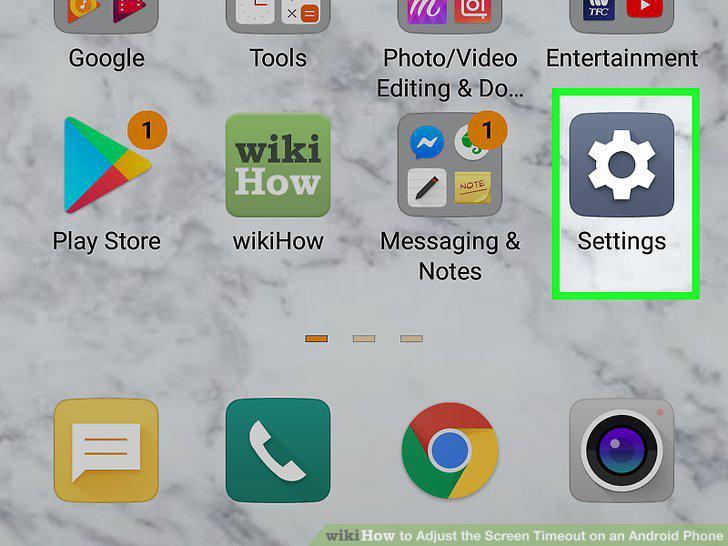
Open your Android's Settings .
2
Tap Display.
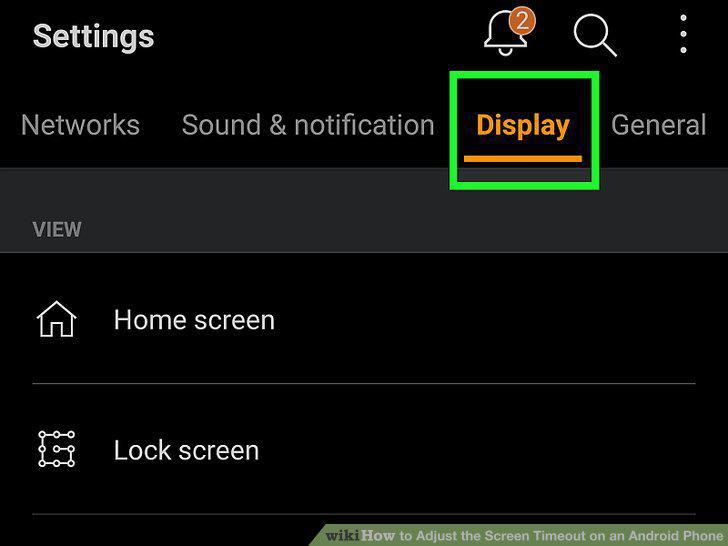
Tap Display.
3
Tap Screen timeout.
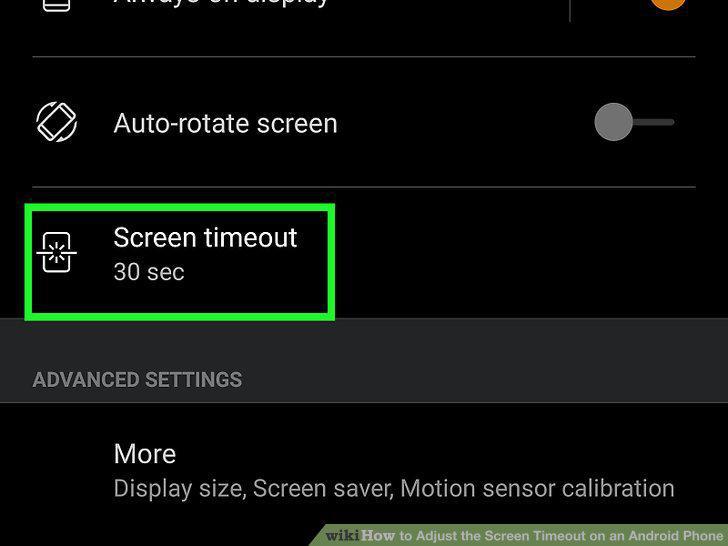
Tap Screen timeout.
4
Choose how long your phone screen should stay on when idle.
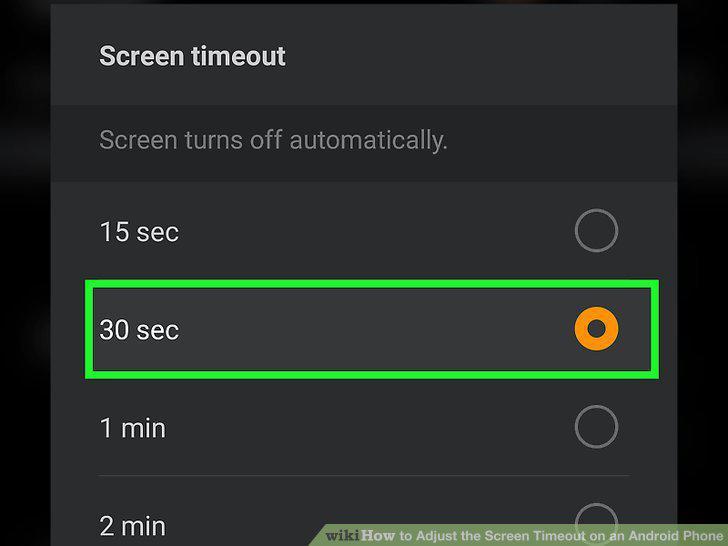
Choose how long your phone screen should stay on when idle.
5
Open up your Samsung Galaxy's Settings .
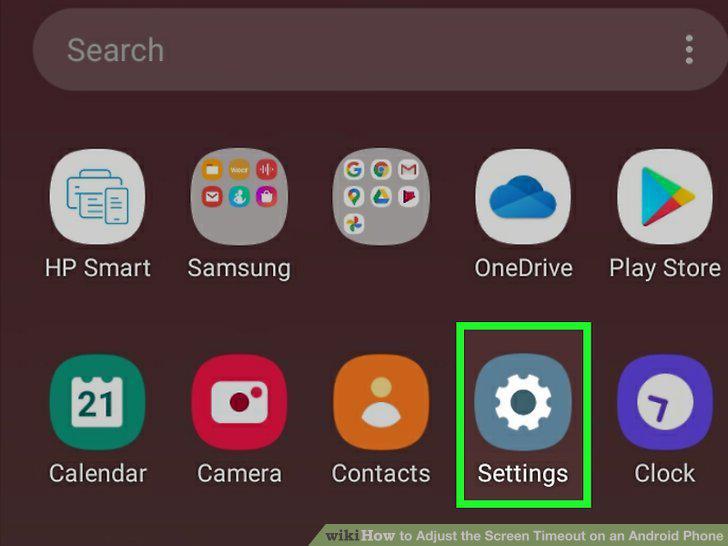
Open up your Samsung Galaxy's Settings .
6
Scroll down and tap Advanced features.
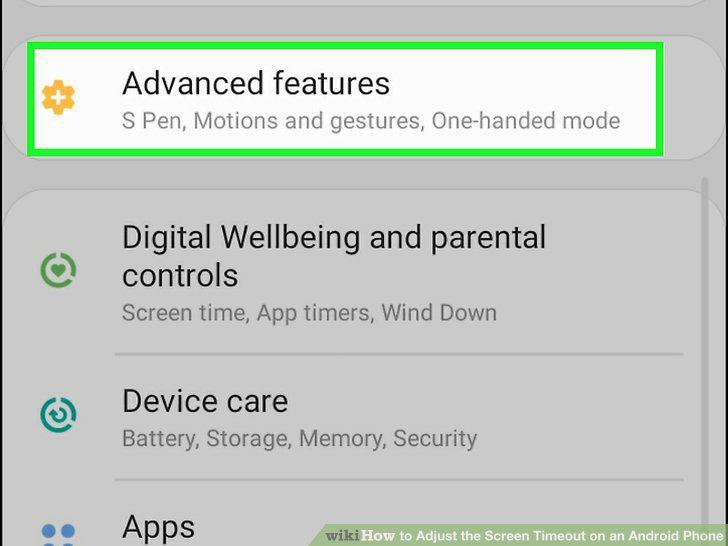
Scroll down and tap Advanced features.
7
Tap Motions and gestures.
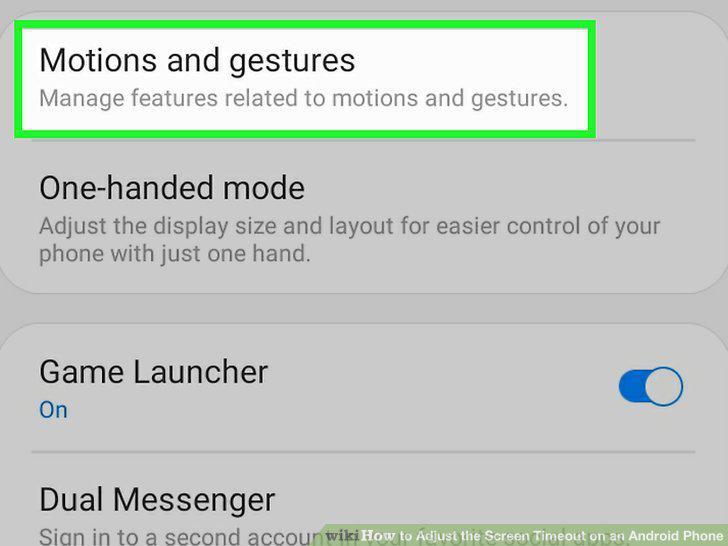
Tap Motions and gestures.
8
Tap Smart stay.
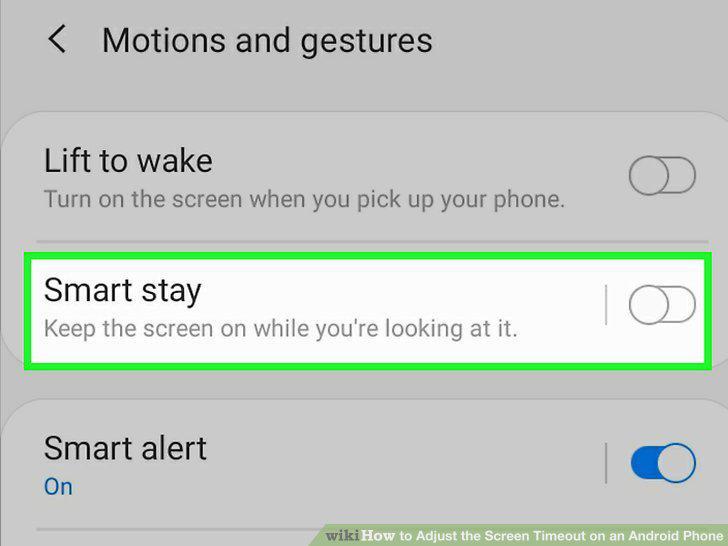
Tap Smart stay.
9
Slide the switch to the On position .
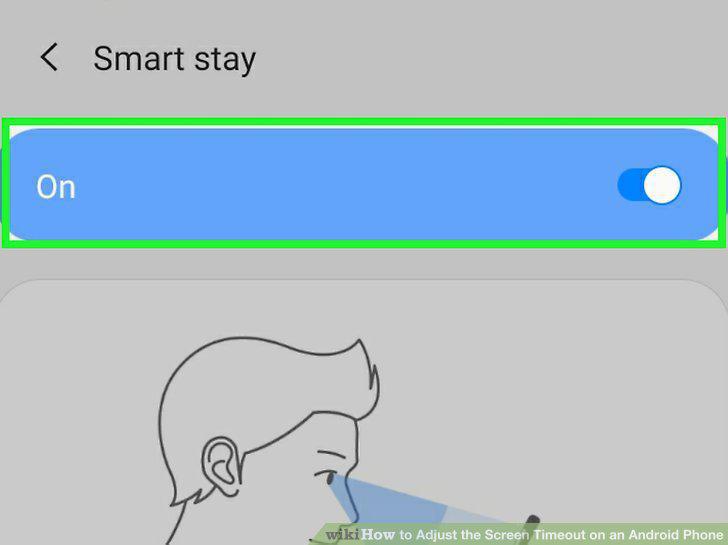
Slide the switch to the On position .
Comments (0)
No comments yet. Be the first to share your thoughts!