How to Connect Wireless Headphones on iPhone or iPad
Open your iPhone or iPad's Settings app.. Tap Bluetooth on the settings menu.. Slide the Bluetooth switch to .
Steps
1
Open your iPhone or iPad's Settings app.
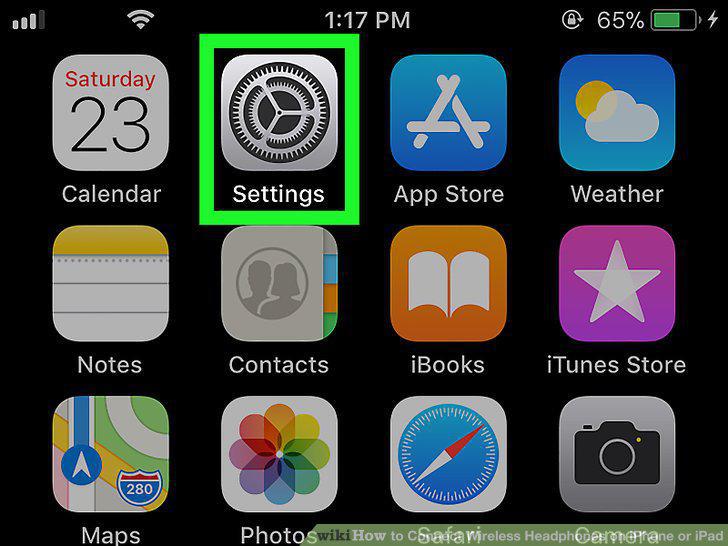
Open your iPhone or iPad's Settings app.
2
Tap Bluetooth on the settings menu.
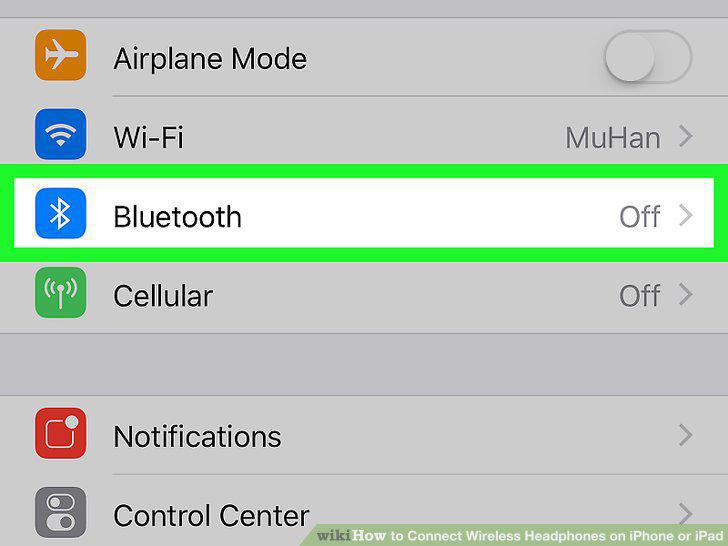
Tap Bluetooth on the settings menu.
3
Slide the Bluetooth switch to .
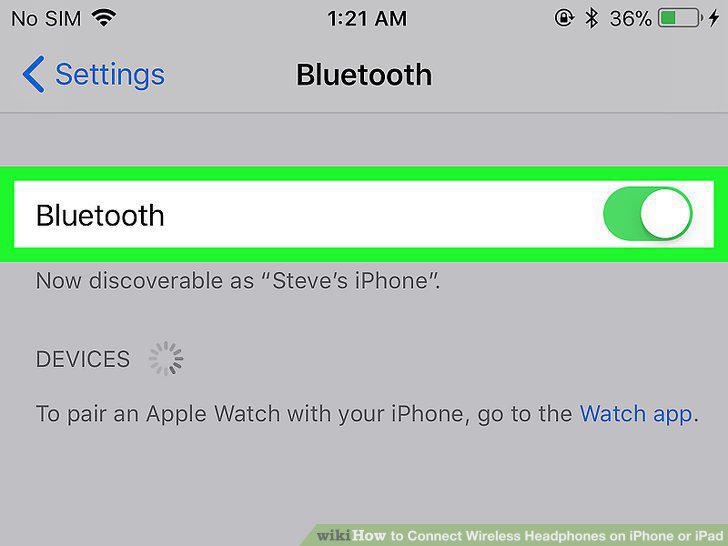
Slide the Bluetooth switch to .
4
Make sure your wireless headphones are turned on.
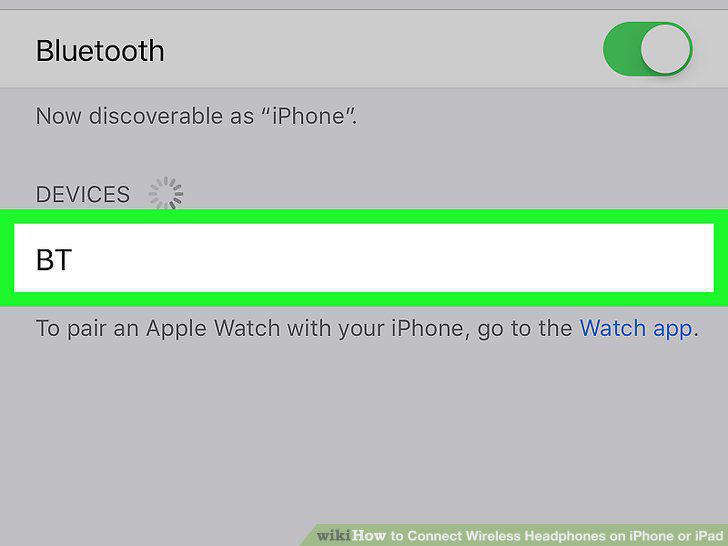
Make sure your wireless headphones are turned on.
5
Select your headphones on the Bluetooth menu.
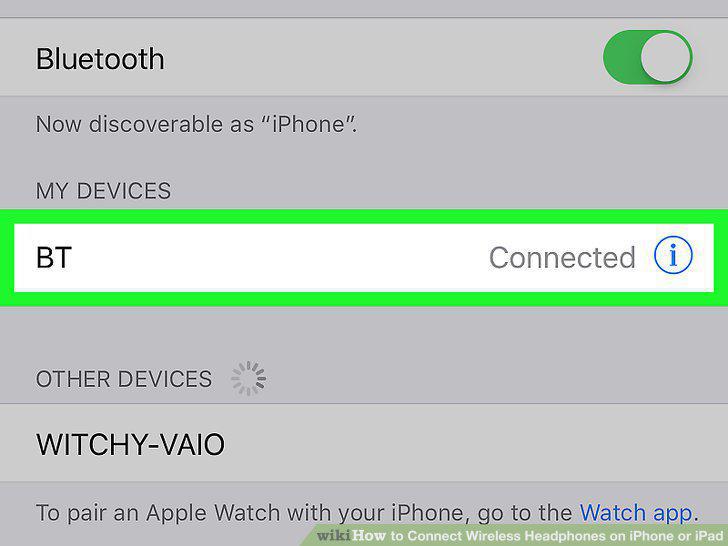
Select your headphones on the Bluetooth menu.
Comments (0)
No comments yet. Be the first to share your thoughts!