How to Purchase an Audible Audiobook on iPhone or iPad
Open Safari on your iPhone or iPad.. Type https://www.audible.com into the address bar and tap Go.. Tap the magnifying glass.
Steps
1
Open Safari on your iPhone or iPad.
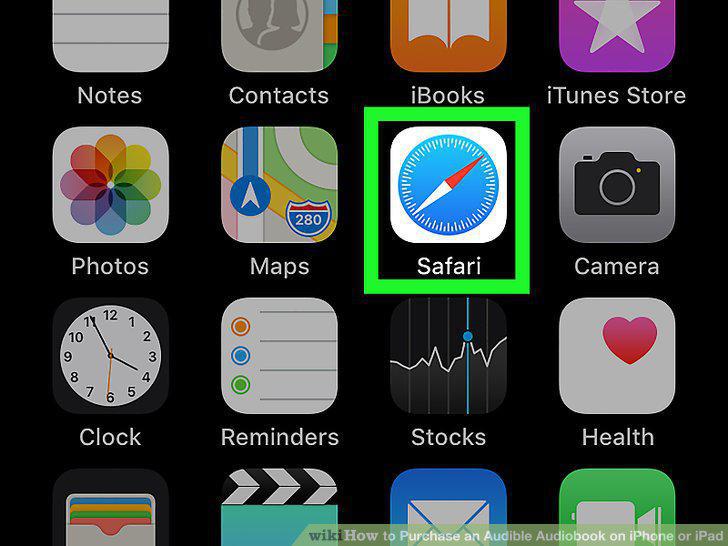
Open Safari on your iPhone or iPad.
2
Type https://www.audible.com into the address bar and tap Go.
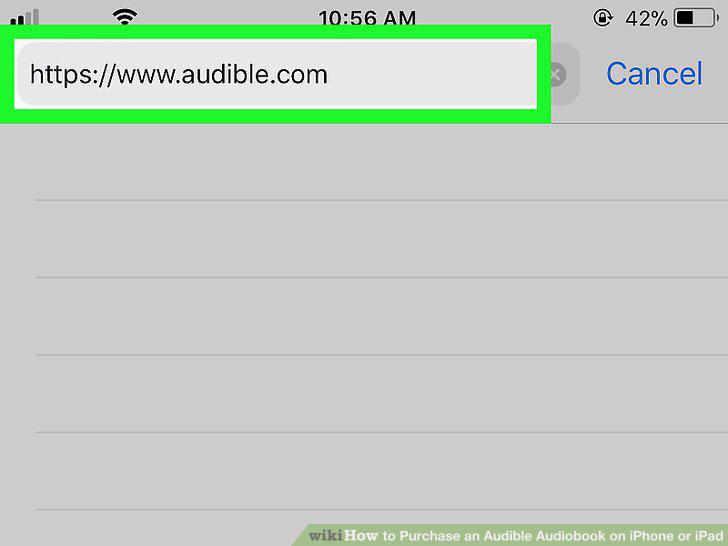
Type https://www.audible.com into the address bar and tap Go.
3
Tap the magnifying glass.
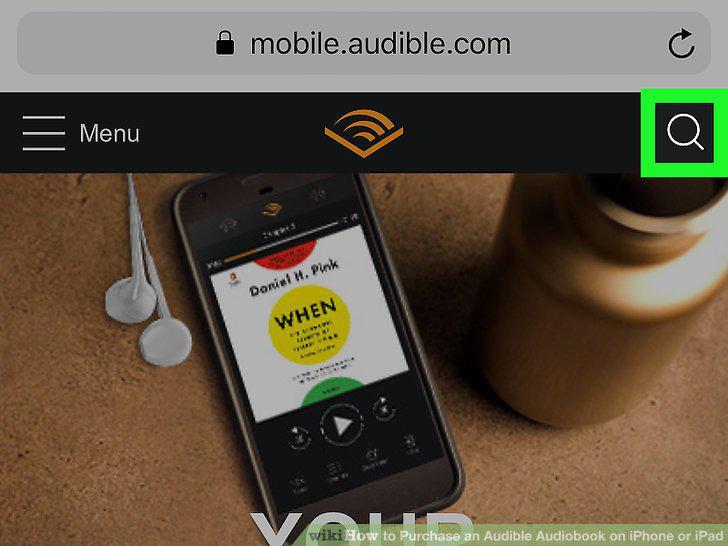
Tap the magnifying glass.
4
Type the name of the book you want to buy.
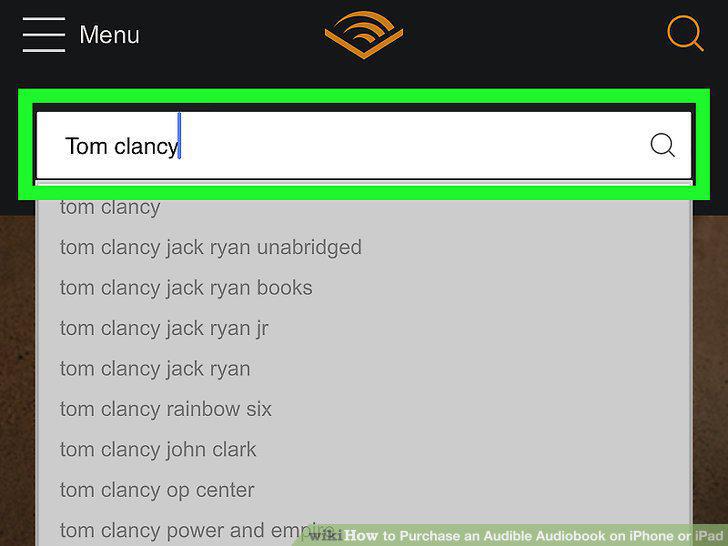
Type the name of the book you want to buy.
5
Tap the book.
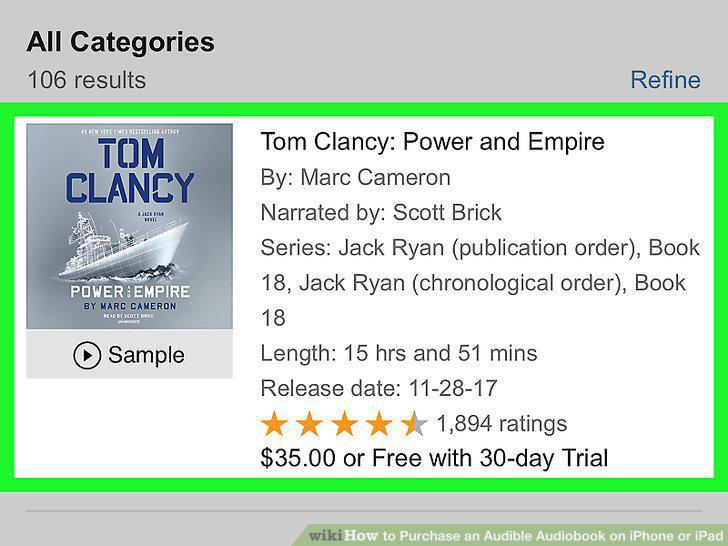
Tap the book.
6
Scroll down and tap Buy now for (price).

Scroll down and tap Buy now for (price).
7
Follow the on-screen instructions to pay for your audio book.
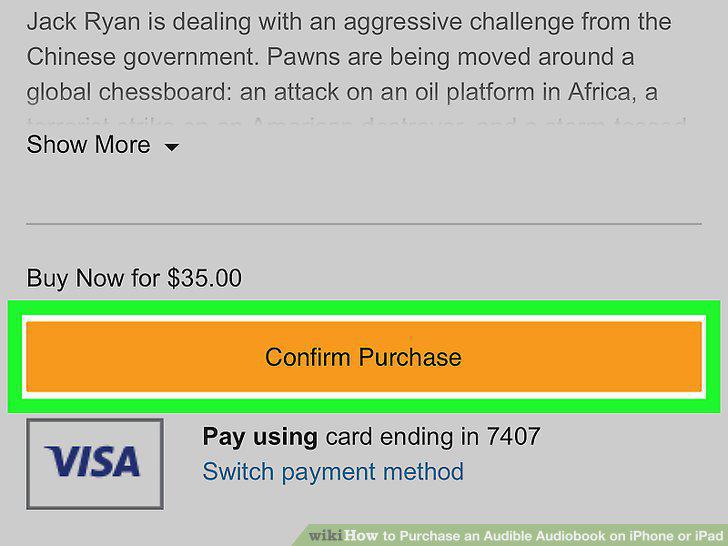
Follow the on-screen instructions to pay for your audio book.
Comments (0)
No comments yet. Be the first to share your thoughts!