How to Get PSA Grading
Go to the PSA homepage and click on "Start Submission.. Log in to your account or create one if you don't have one yet.. Click "Start" under "Build Your Submission.
Steps
Go to the PSA homepage and click on "Start Submission.
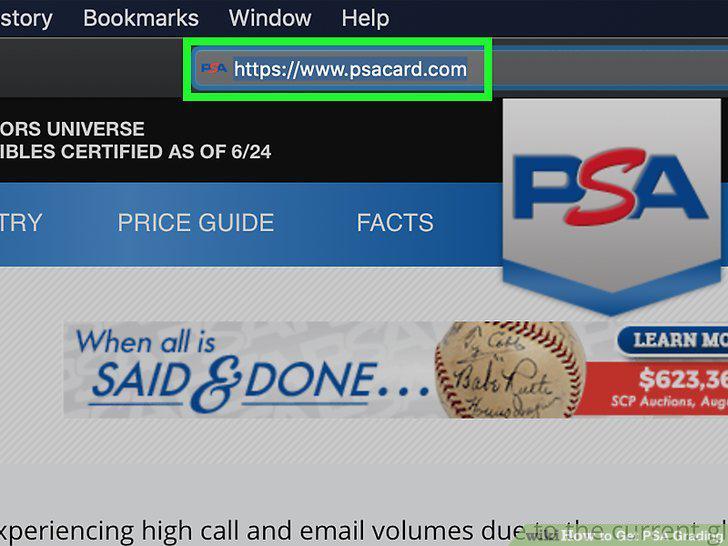
Go to the PSA homepage and click on "Start Submission.
Log in to your account or create one if you don't have one yet.
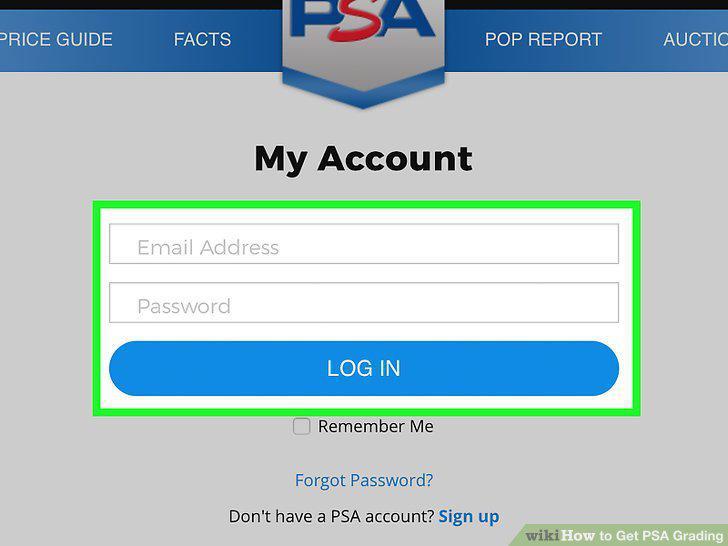
Log in to your account or create one if you don't have one yet.
Click "Start" under "Build Your Submission.
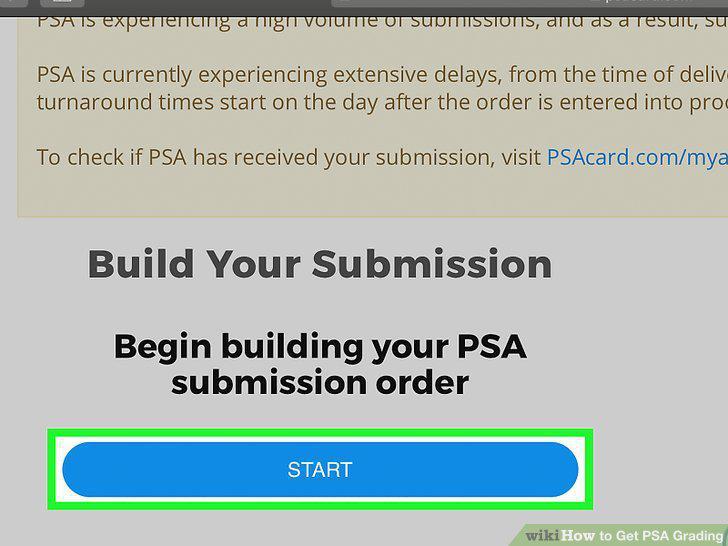
Click "Start" under "Build Your Submission.
Select your Item Type from the list of options.
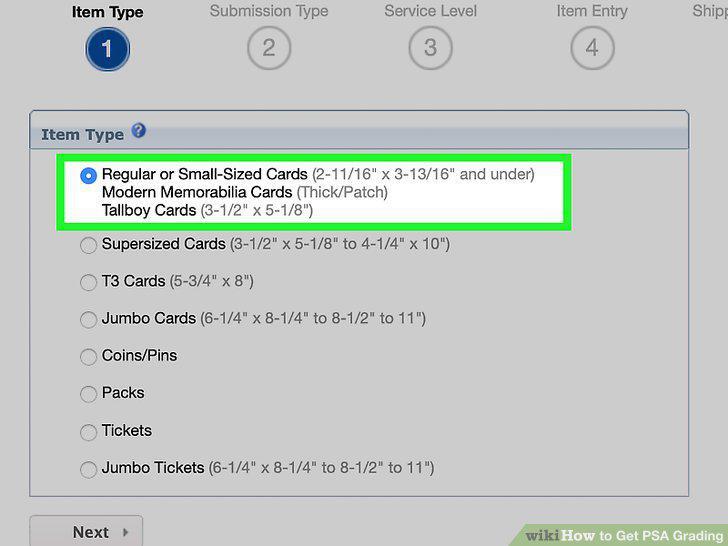
Select your Item Type from the list of options.
Choose "Grading" under the Submission Type and select the authentication.
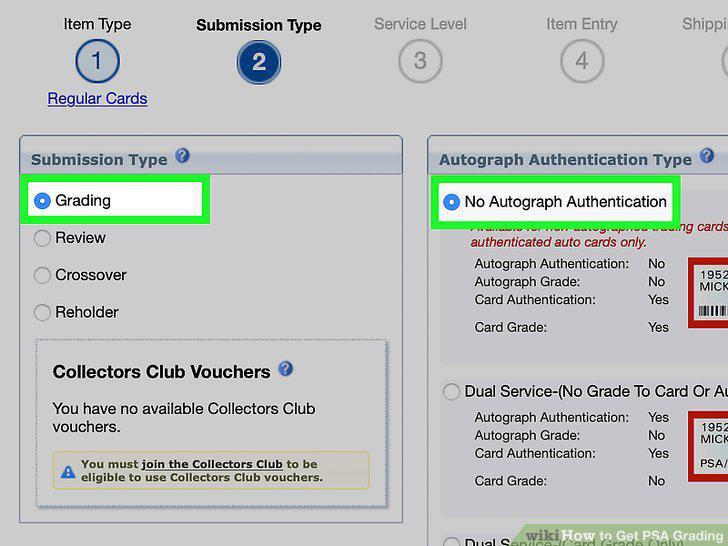
Choose "Grading" under the Submission Type and select the authentication.
Pick your Service Level to determine how much you pay for each item.
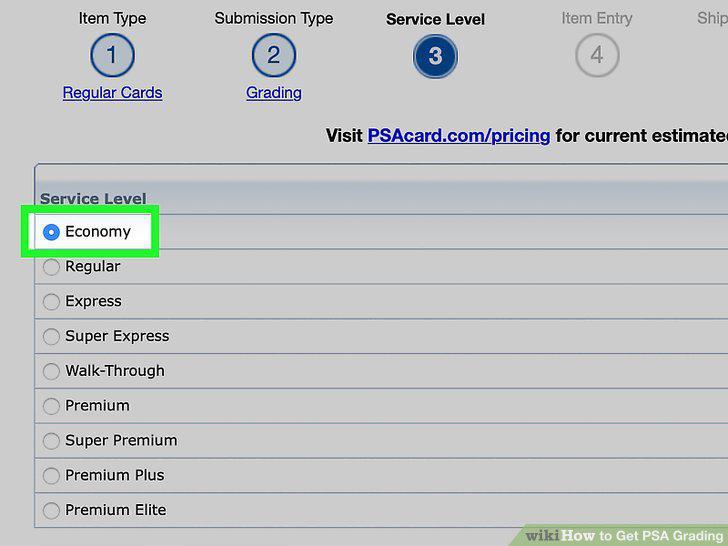
Pick your Service Level to determine how much you pay for each item.
Describe your item's details under the Item Entry page.
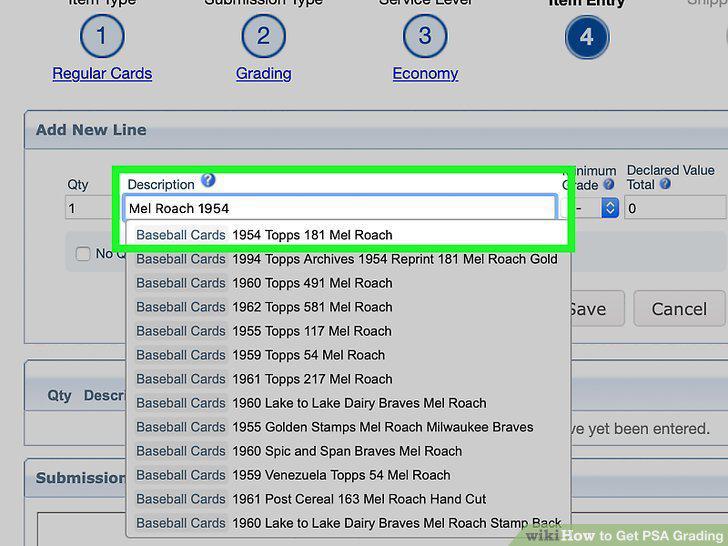
Describe your item's details under the Item Entry page.
Choose how you'll pay for the transaction under "Shipping and Billing.
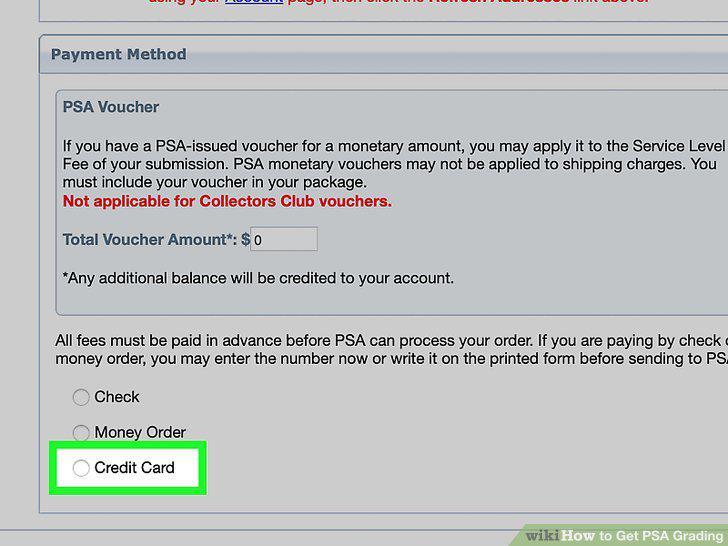
Choose how you'll pay for the transaction under "Shipping and Billing.
Print the confirmation submission forms that will go in your box.
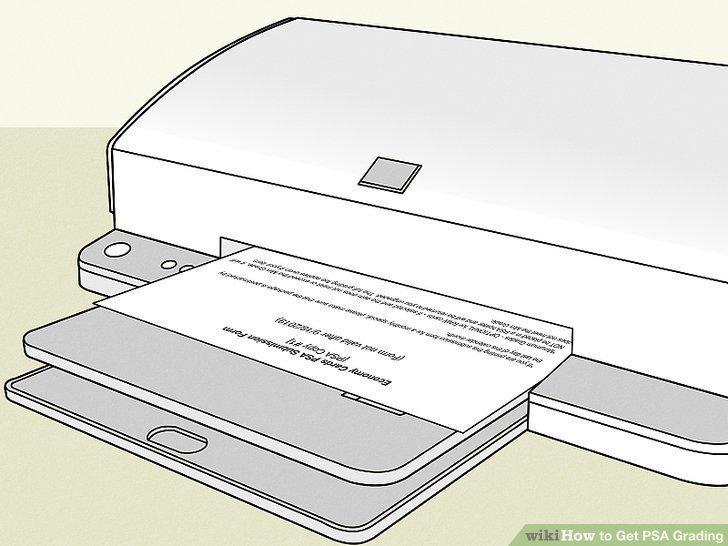
Print the confirmation submission forms that will go in your box.
Put your cards in a protective Card Saver, if applicable.
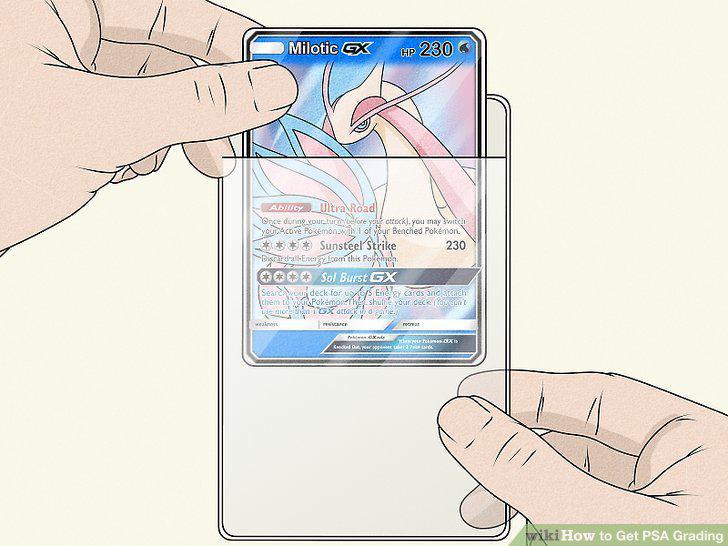
Put your cards in a protective Card Saver, if applicable.
Situate your stack of cards in between pieces of cardboard and secure it with ru
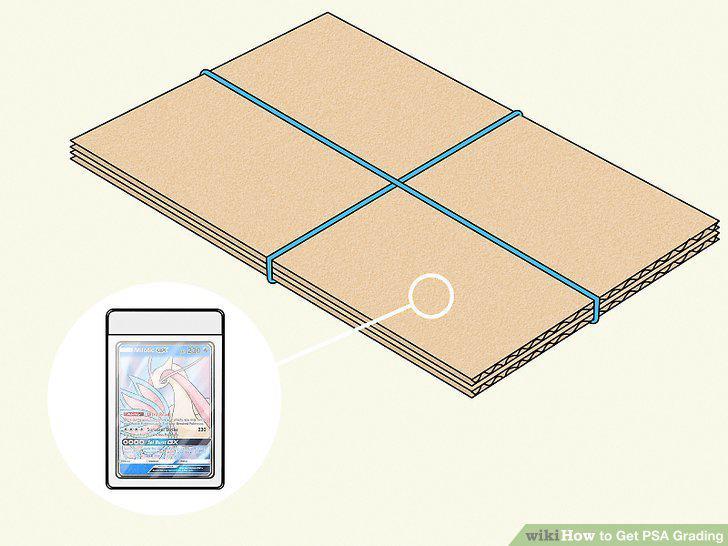
Situate your stack of cards in between pieces of cardboard and secure it with rubber bands.
Place your item in a box and fill in the spaces with packing material.
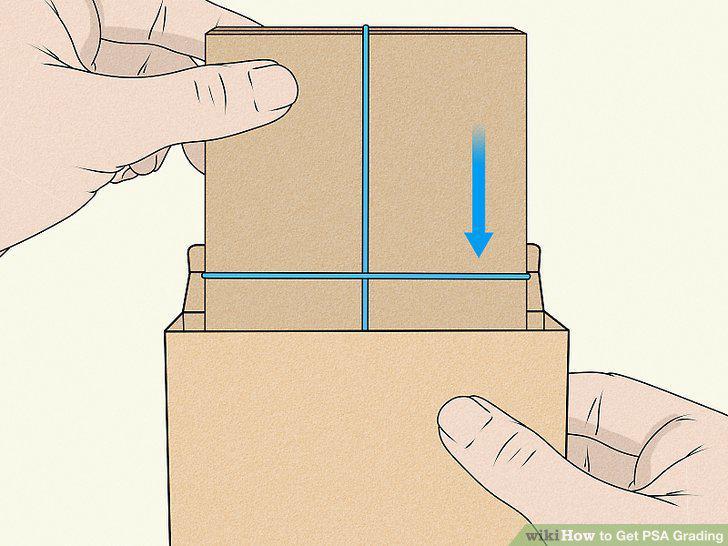
Place your item in a box and fill in the spaces with packing material.
Place your confirmation pages in the box with the item.
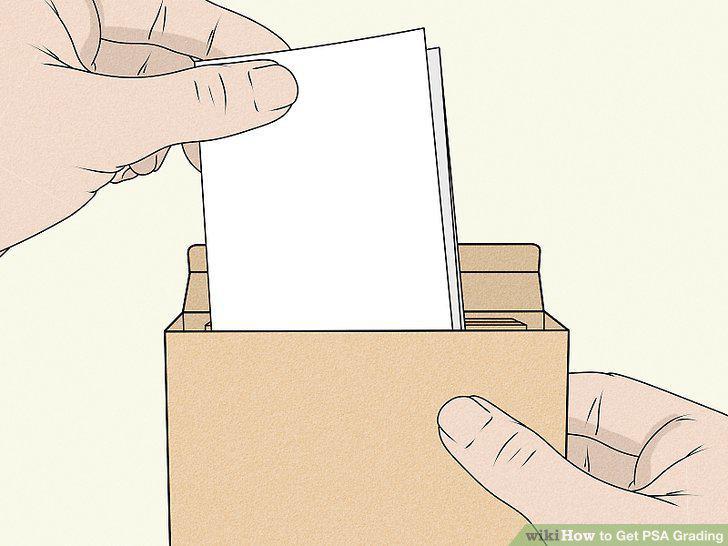
Place your confirmation pages in the box with the item.
Secure all the edges of the box using packing tape.
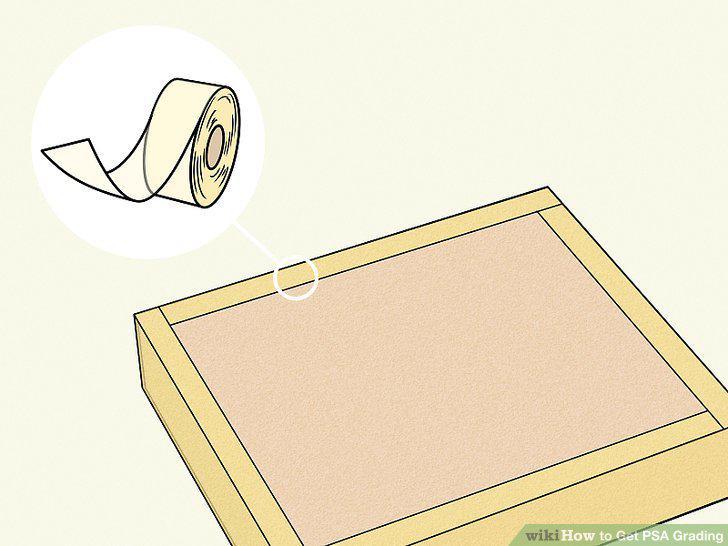
Secure all the edges of the box using packing tape.
Write the correct address on the box to make sure it gets to PSA.
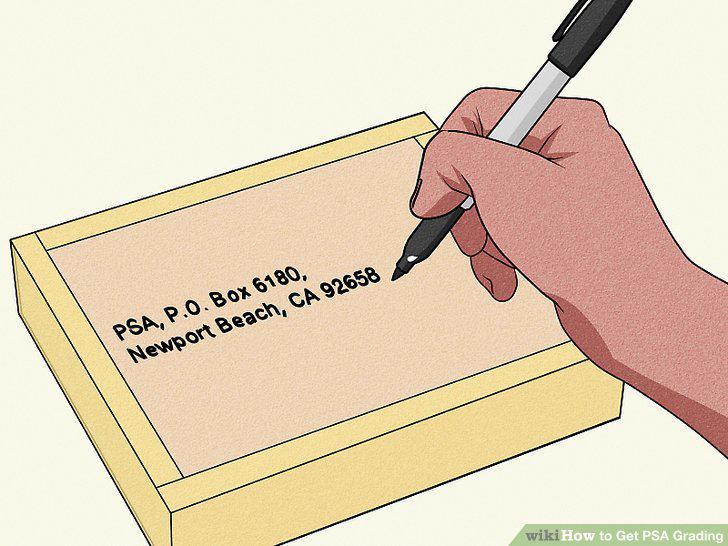
Write the correct address on the box to make sure it gets to PSA.
Comments (0)
No comments yet. Be the first to share your thoughts!