How to Change a Tumblr URL
Go to https://www.tumblr.com in a Web browser.. Click .. Click Settings.
Steps
1
Go to https://www.tumblr.com in a Web browser.
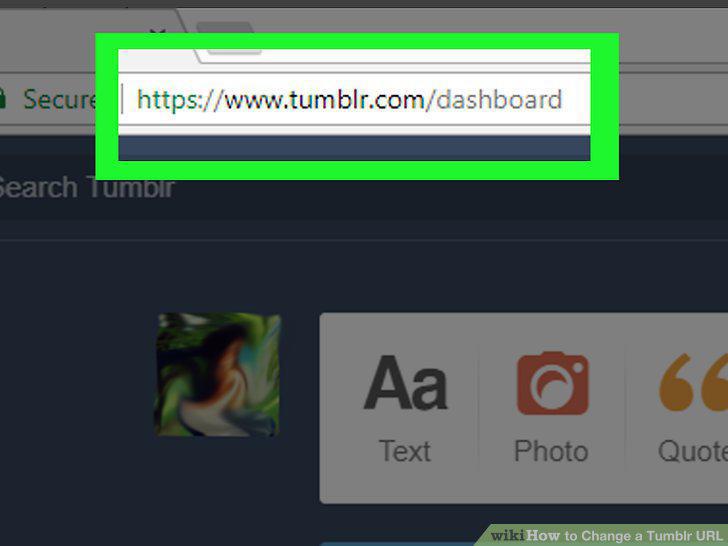
Go to https://www.tumblr.com in a Web browser.
2
Click .
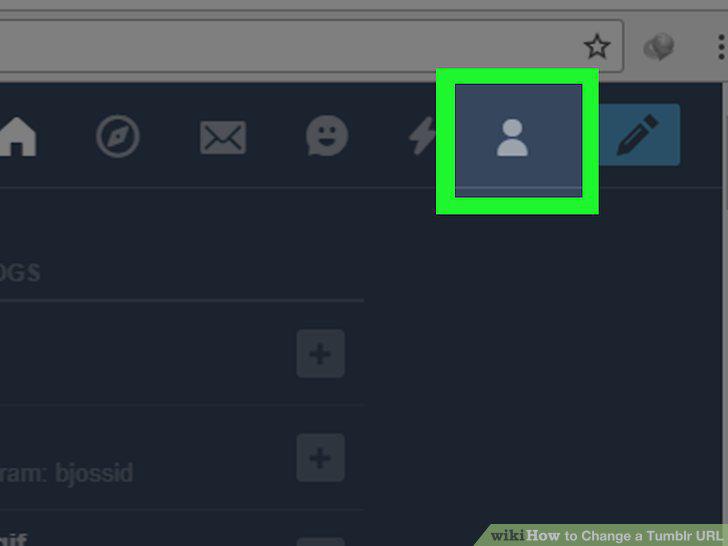
Click .
3
Click Settings.
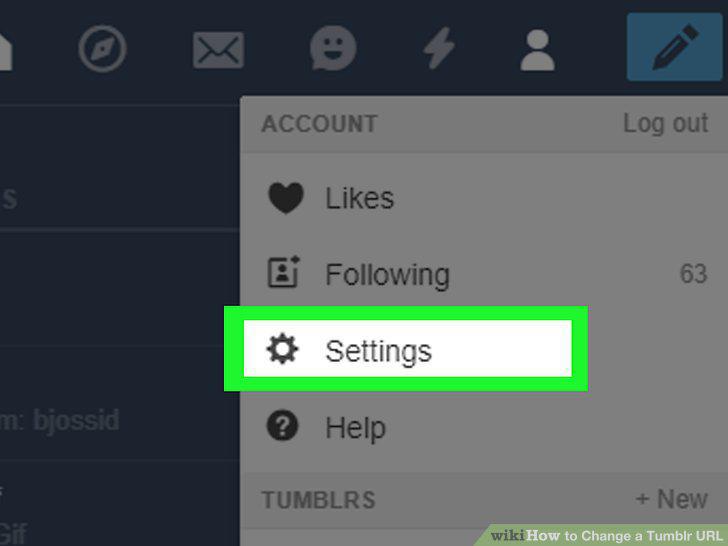
Click Settings.
4
Click the blog whose URL you want to change.
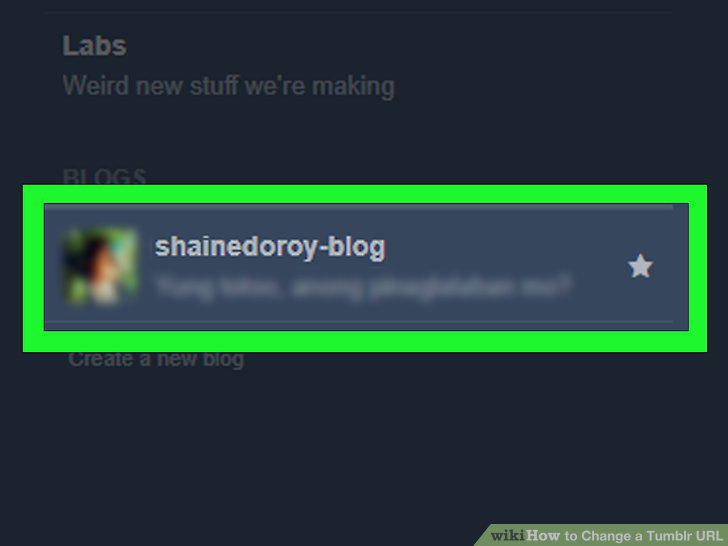
Click the blog whose URL you want to change.
5
Scroll down and click next to "Username."
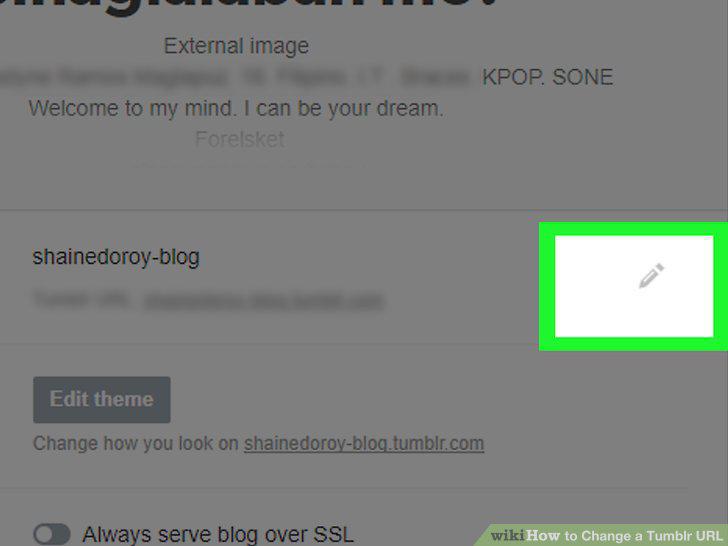
Scroll down and click next to "Username."
6
Type a new username.
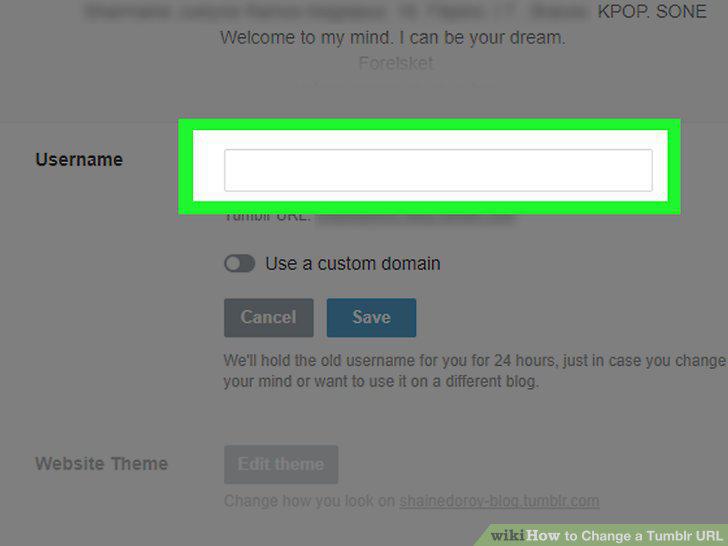
Type a new username.
7
Click Save.
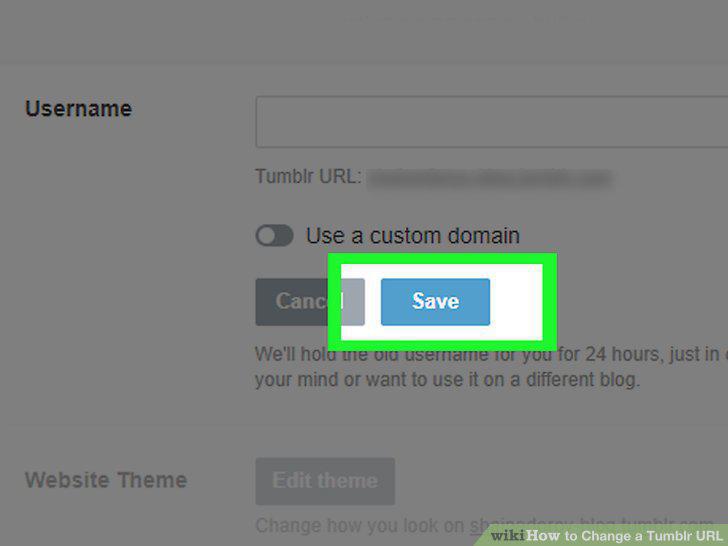
Click Save.
Comments (0)
No comments yet. Be the first to share your thoughts!