How to Block Private Numbers on iPhone
Open Settings .. Tap Phone.. Tap the switch next to "Silence Unknown Callers" to enable it .
Steps
1
Open Settings .
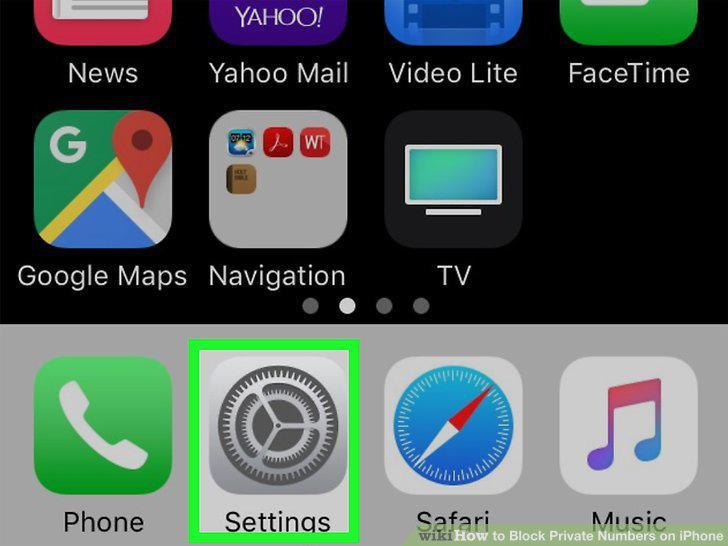
Open Settings .
2
Tap Phone.
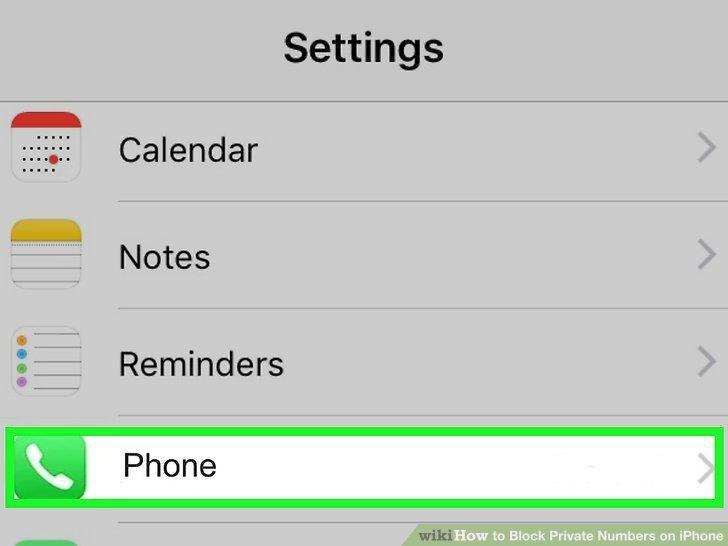
Tap Phone.
3
Tap the switch next to "Silence Unknown Callers" to enable it .
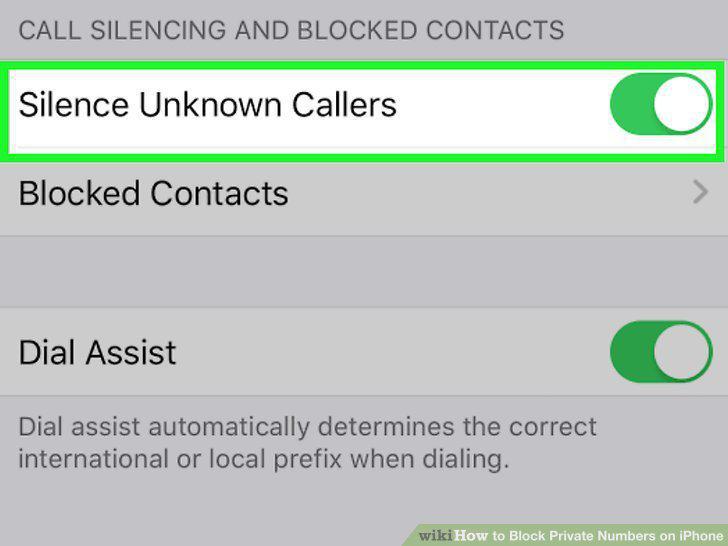
Tap the switch next to "Silence Unknown Callers" to enable it .
4
Open Settings .
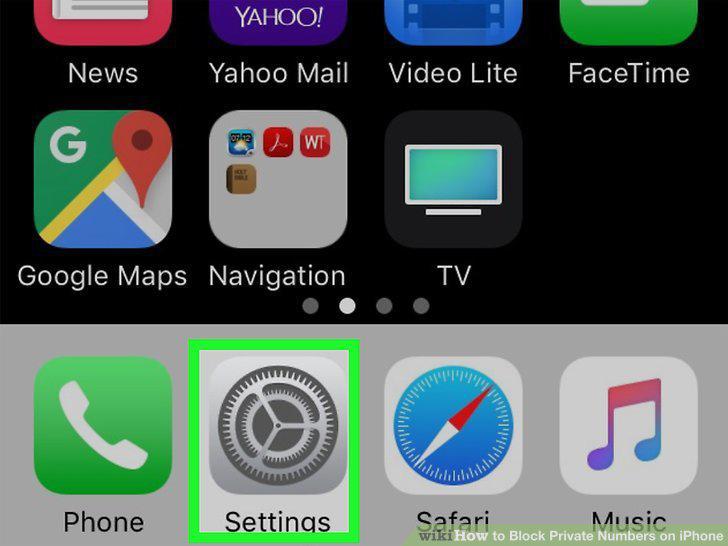
Open Settings .
5
Tap Do Not Disturb.
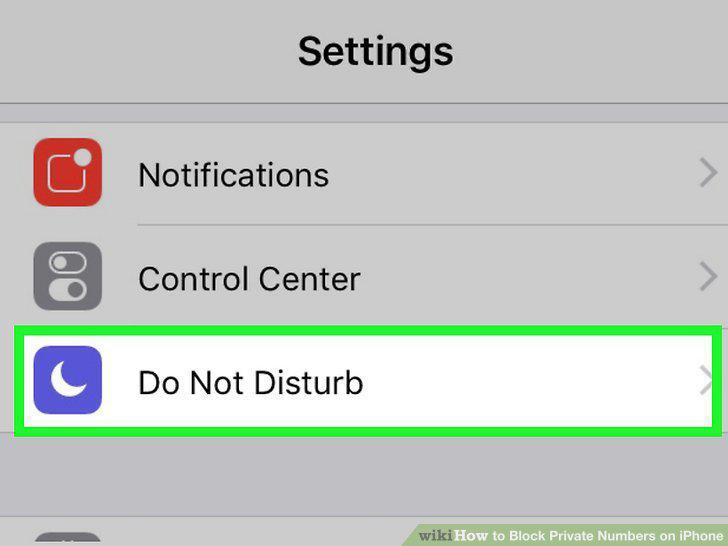
Tap Do Not Disturb.
6
Tap Allow Calls From.
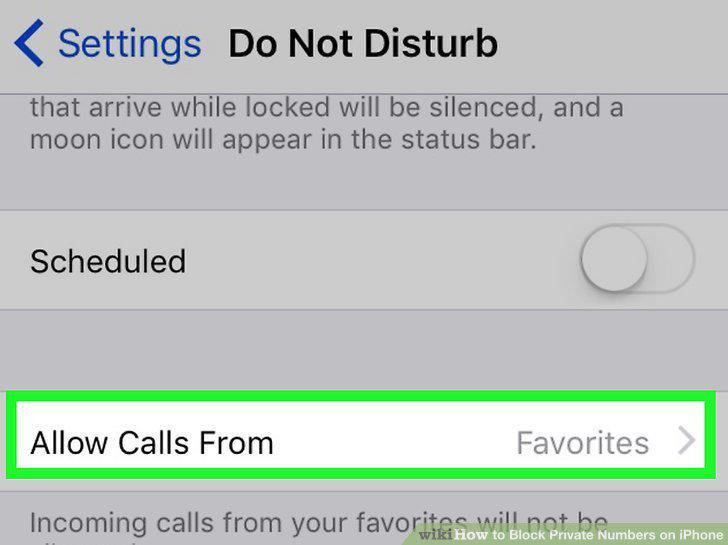
Tap Allow Calls From.
7
Tap All Contacts.
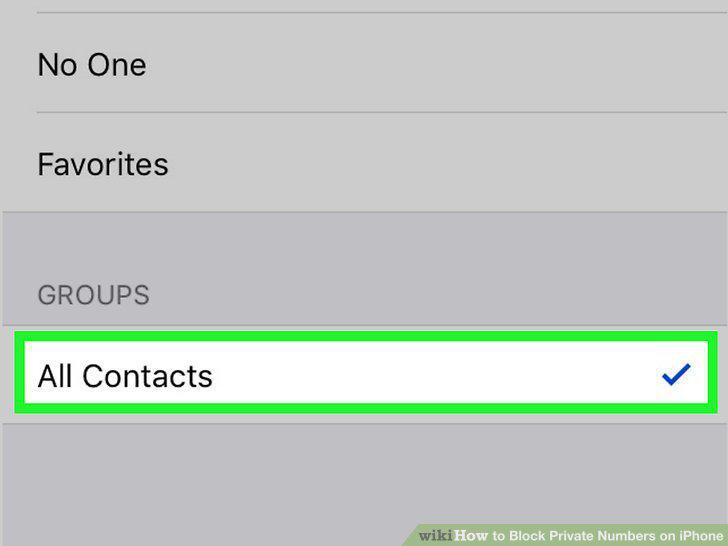
Tap All Contacts.
8
Enable Do Not Disturb Mode.
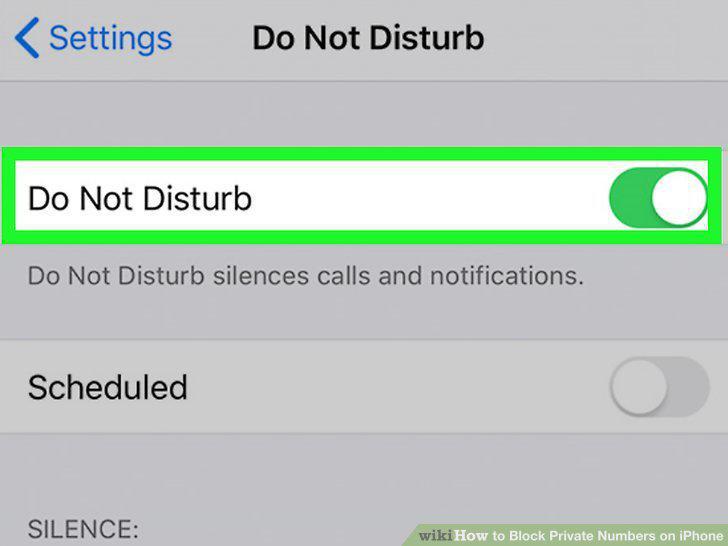
Enable Do Not Disturb Mode.
9
Open the phone app .
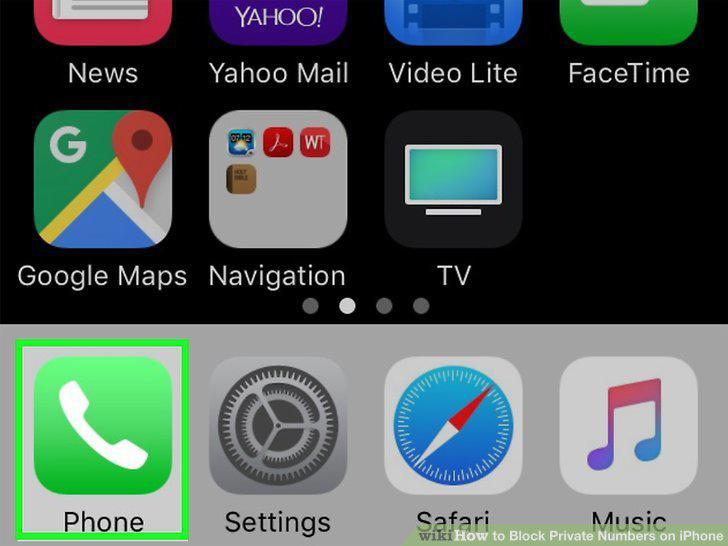
Open the phone app .
10
Tap the Recents tab.
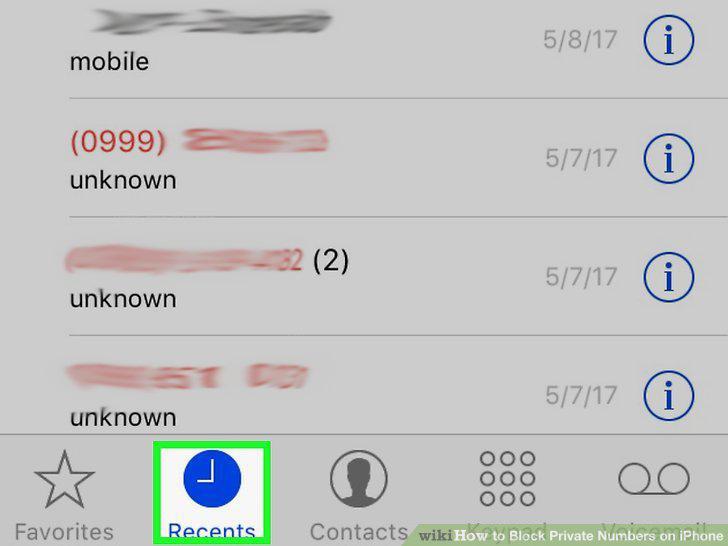
Tap the Recents tab.
11
Tap the info icon next to the number you want to block.
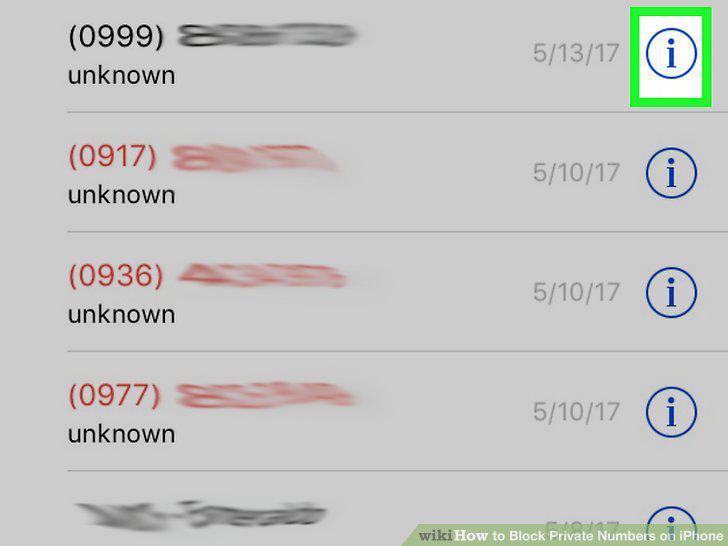
Tap the info icon next to the number you want to block.
12
Tap Block this caller.
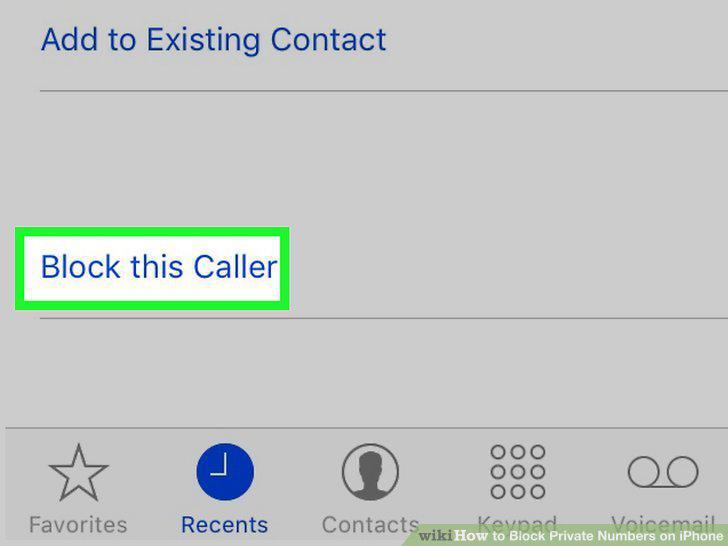
Tap Block this caller.
13
Tap Block Contact.
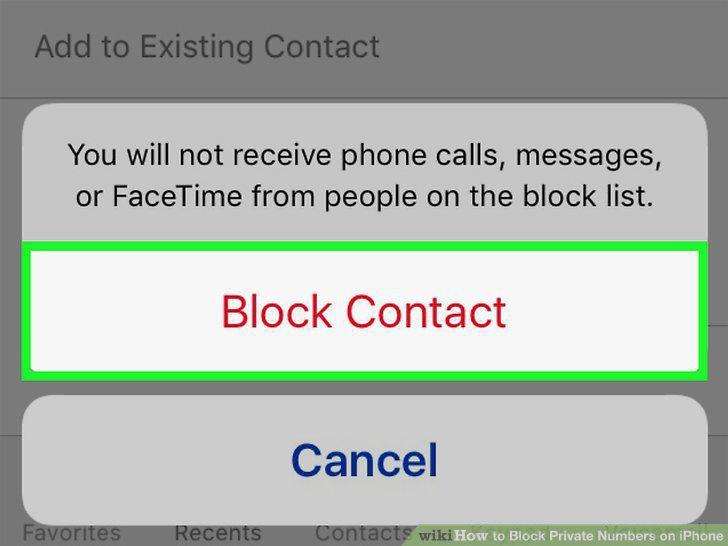
Tap Block Contact.
Comments (0)
No comments yet. Be the first to share your thoughts!