How to Crash Your Computer Using a Batch File
Open the Notepad app.. Type @echo off.. Type :crash.
Steps
1
Open the Notepad app.
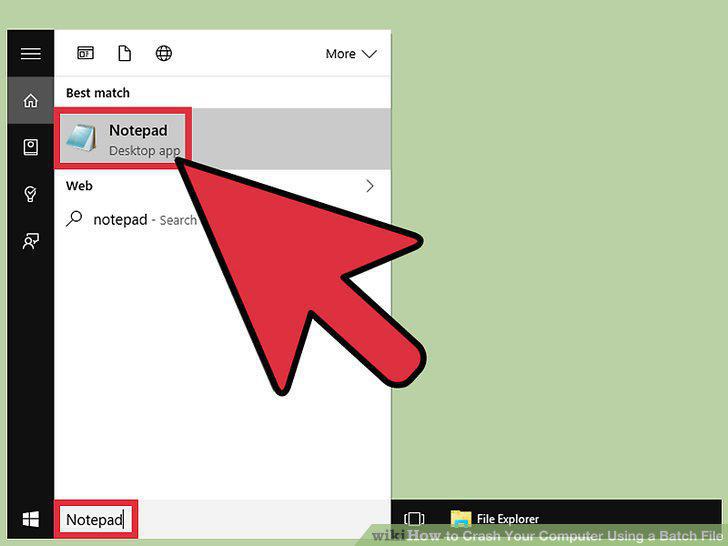
Open the Notepad app.
2
Type @echo off.
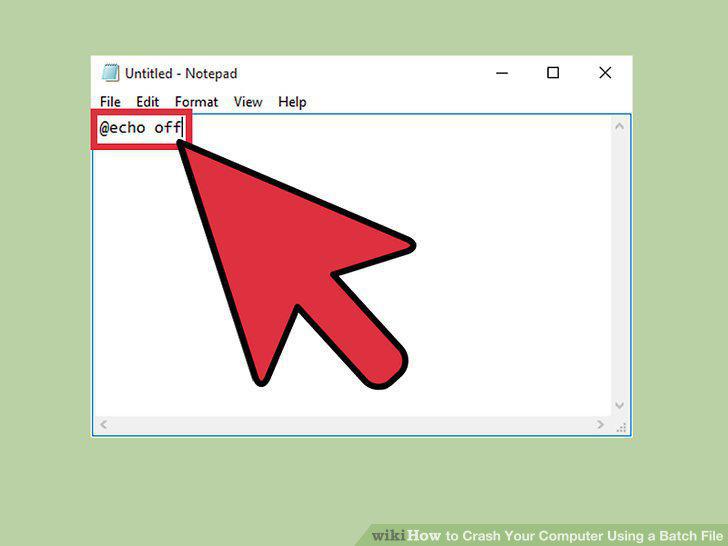
Type @echo off.
3
Type :crash.
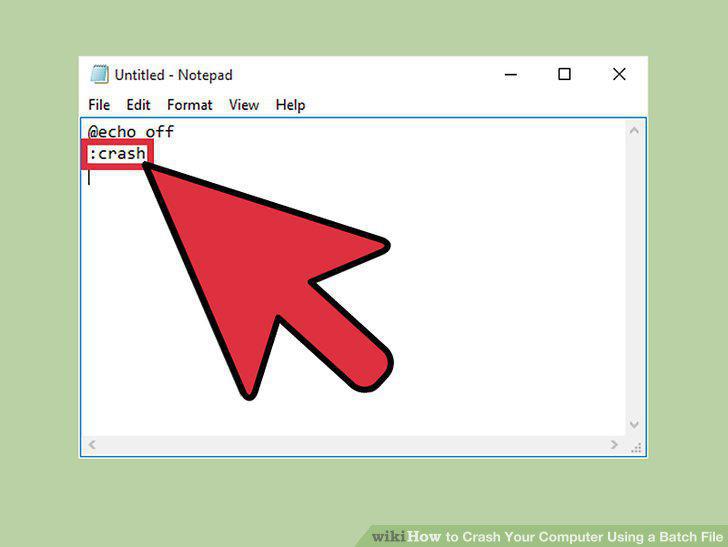
Type :crash.
4
Type start for your third line of code.
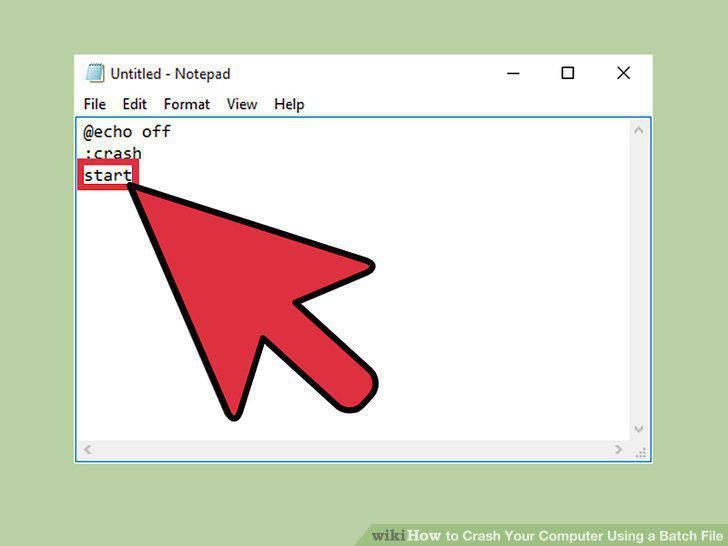
Type start for your third line of code.
5
Type goto crash.
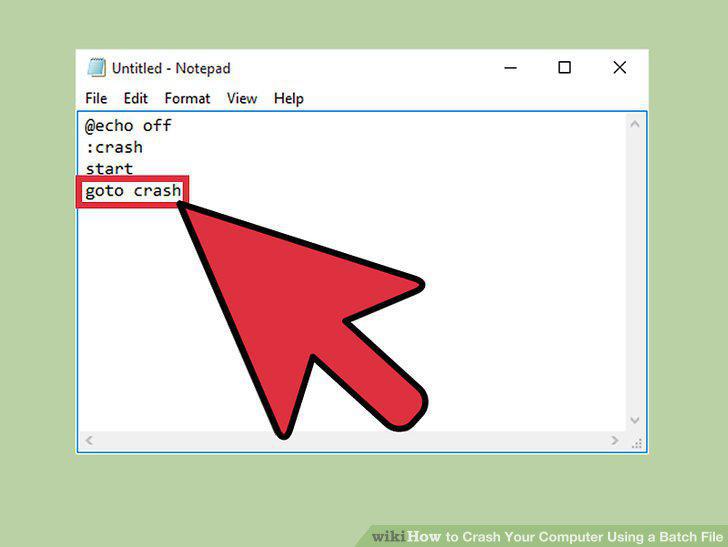
Type goto crash.
6
Save your text file as a batch file.
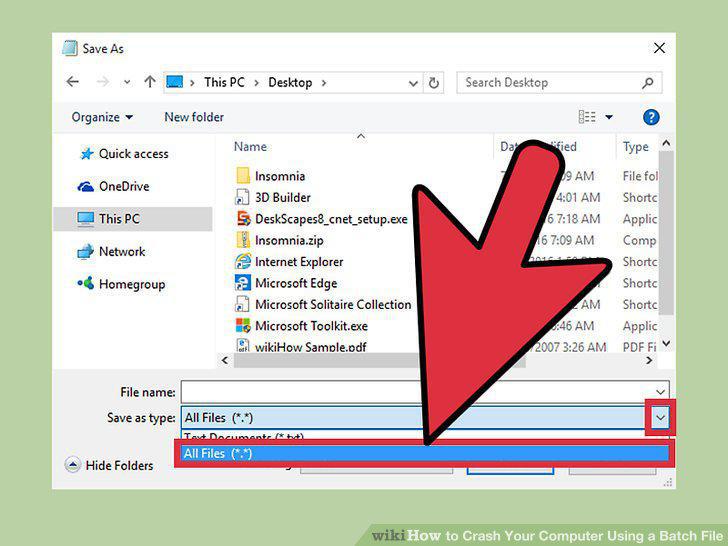
Save your text file as a batch file.
7
Name your batch file.
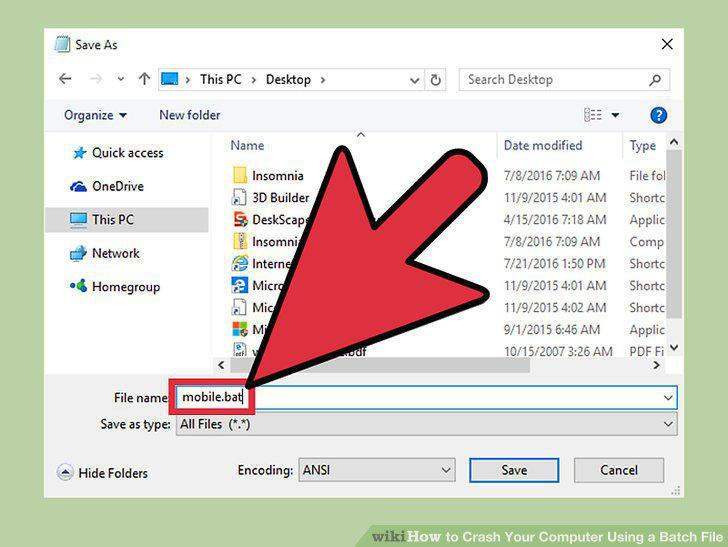
Name your batch file.
8
Click "Save".
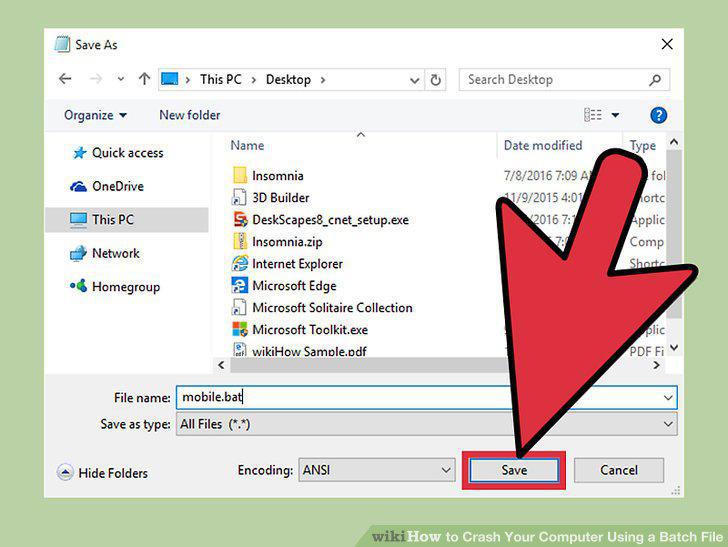
Click "Save".
9
Save any work you have open.
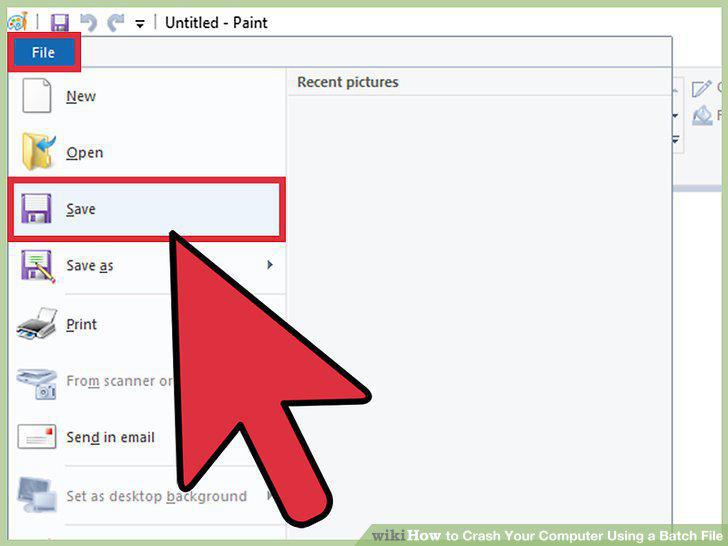
Save any work you have open.
10
Close your browser windows.

Close your browser windows.
11
Right-click your batch file.

Right-click your batch file.
12
Click "Run as Administrator".
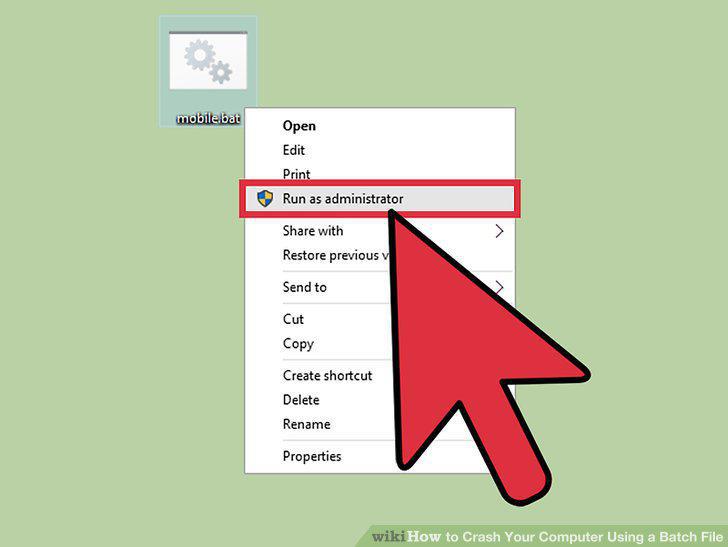
Click "Run as Administrator".
13
Shut down your computer.
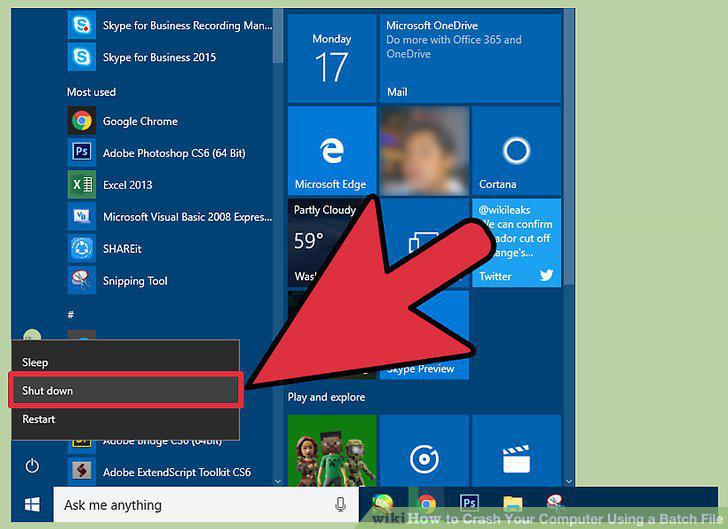
Shut down your computer.
14
Press your computer's power button again.
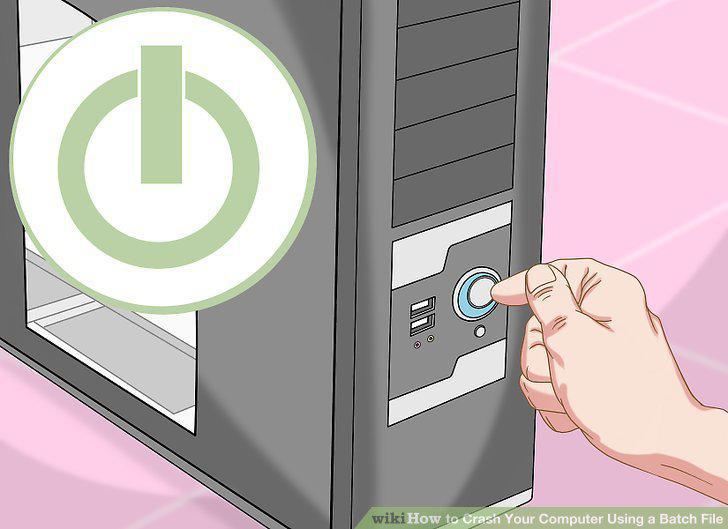
Press your computer's power button again.
Comments (0)
No comments yet. Be the first to share your thoughts!