How to Lock the Windows 7 Taskbar
Access the taskbar menu.. Lock the taskbar to its current position.. Position the taskbar to edges of the screen.
Steps
1
Access the taskbar menu.
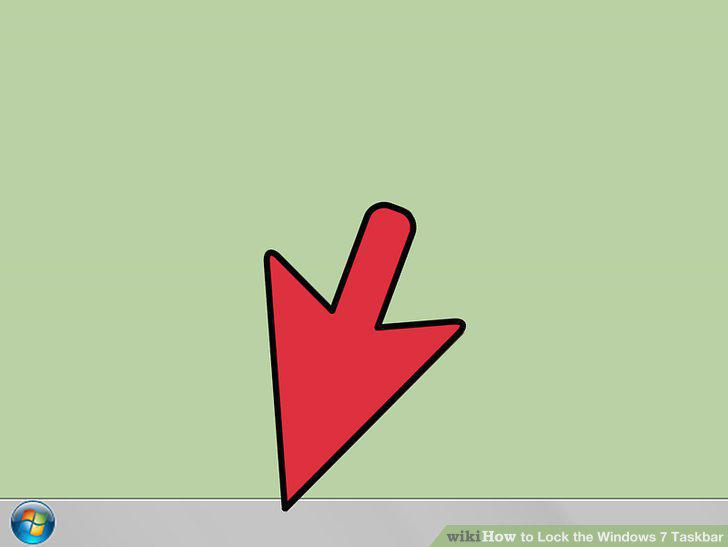
Access the taskbar menu.
2
Lock the taskbar to its current position.
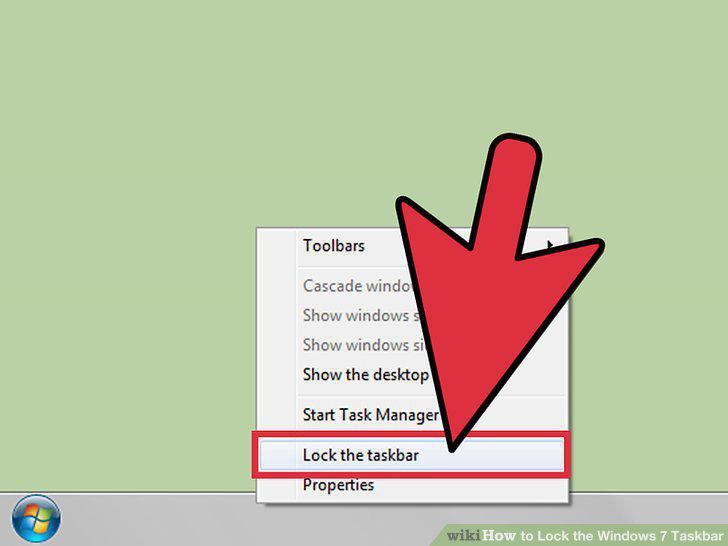
Lock the taskbar to its current position.
3
Position the taskbar to edges of the screen.
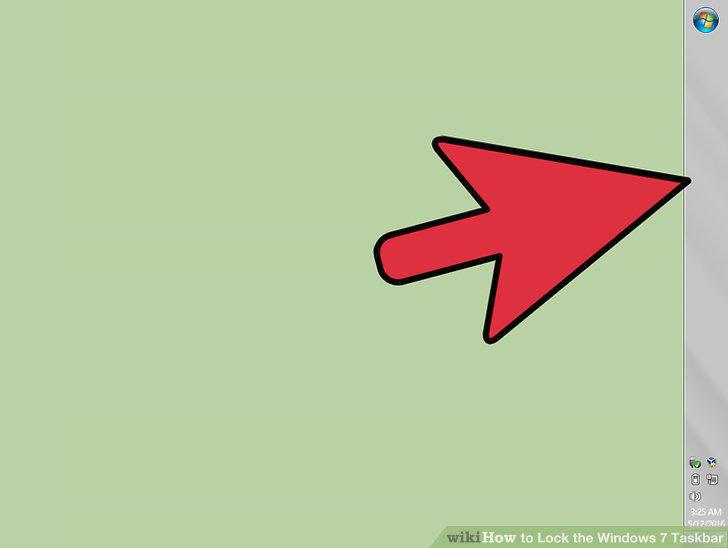
Position the taskbar to edges of the screen.
4
Adjust the taskbar size.
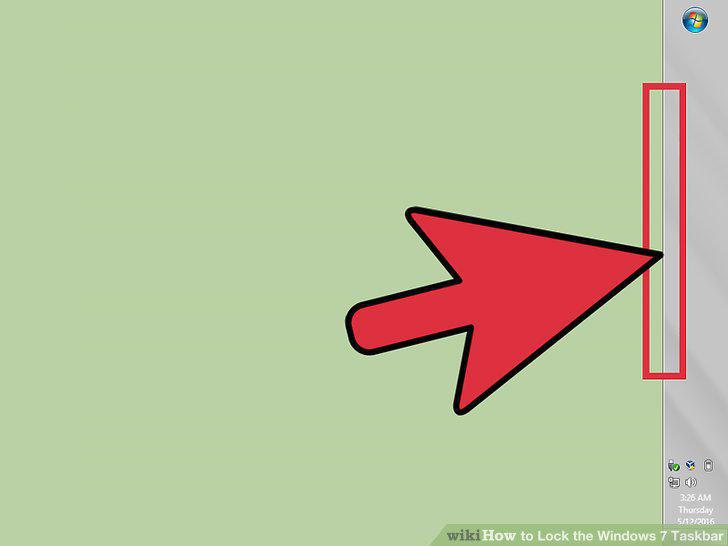
Adjust the taskbar size.
5
Access the Taskbar and Start Menu Properties window.
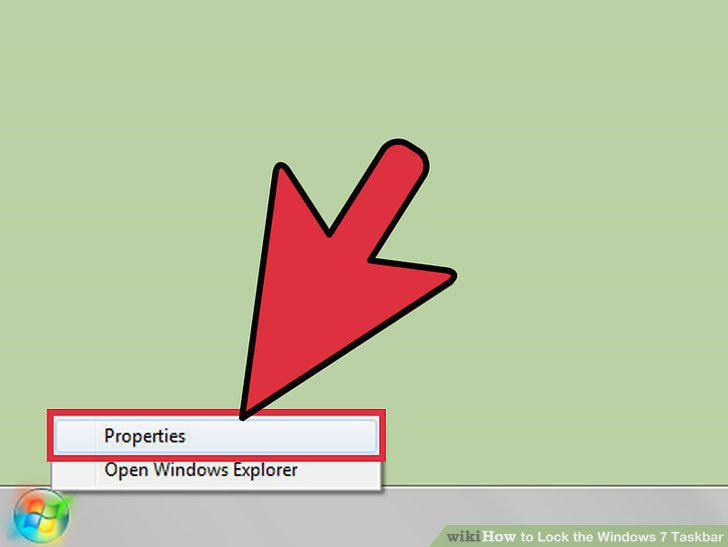
Access the Taskbar and Start Menu Properties window.
6
Lock the taskbar to its current position.
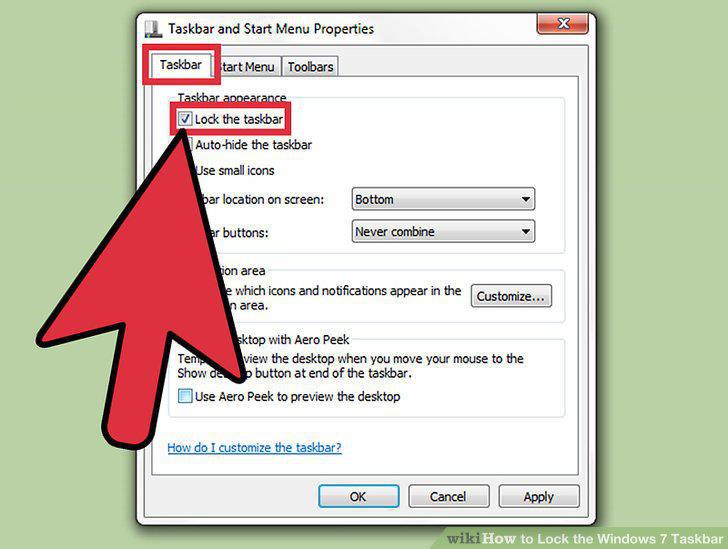
Lock the taskbar to its current position.
7
Apply your changes to the taskbar.
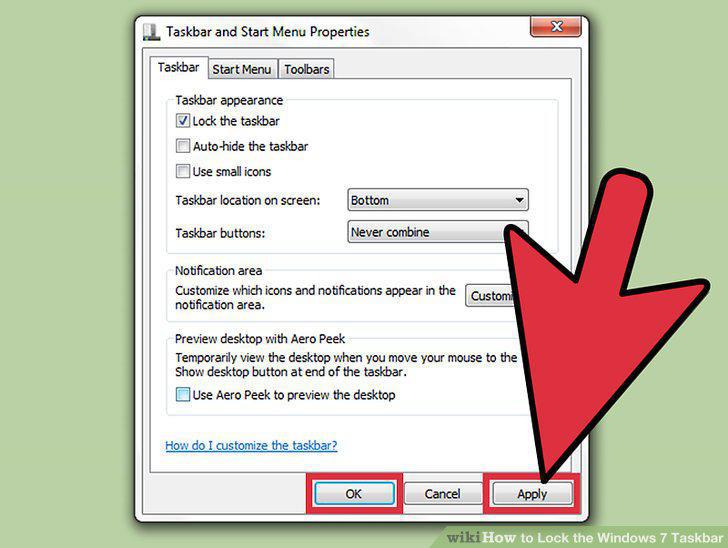
Apply your changes to the taskbar.
Comments (0)
No comments yet. Be the first to share your thoughts!