How to Send Bitmoji in Text on iPhone or iPad
Open the Messages app on your iPhone or iPad.. Tap a personal or group message conversation.. Tap the message field.
Steps
1
Open the Messages app on your iPhone or iPad.
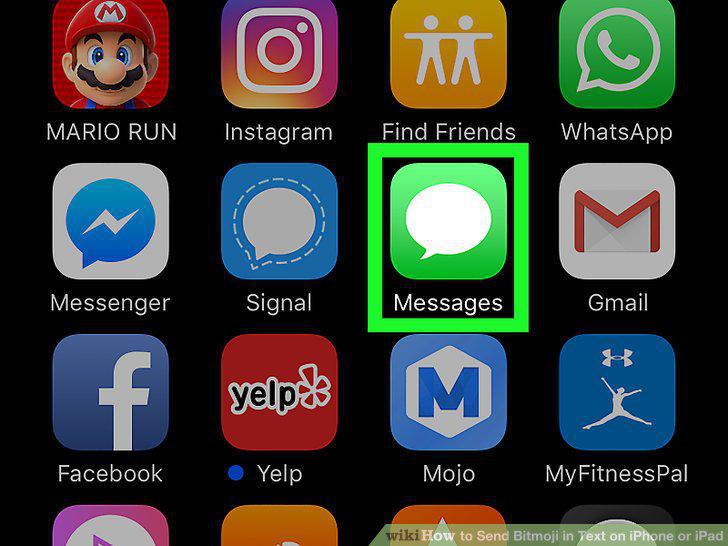
Open the Messages app on your iPhone or iPad.
2
Tap a personal or group message conversation.
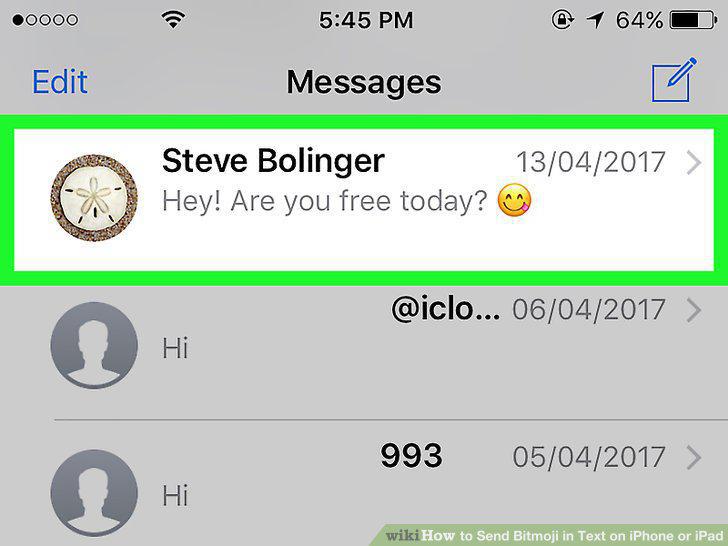
Tap a personal or group message conversation.
3
Tap the message field.

Tap the message field.
4
Tap and hold the globe icon on your keyboard.
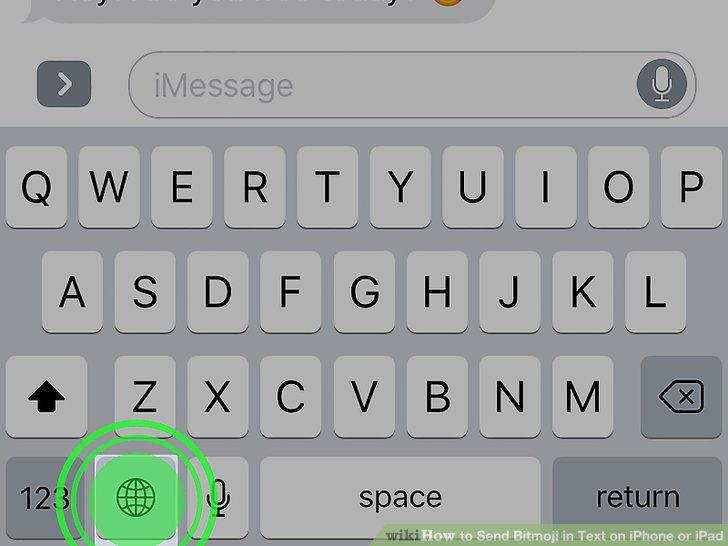
Tap and hold the globe icon on your keyboard.
5
Select Bitmoji on the menu.
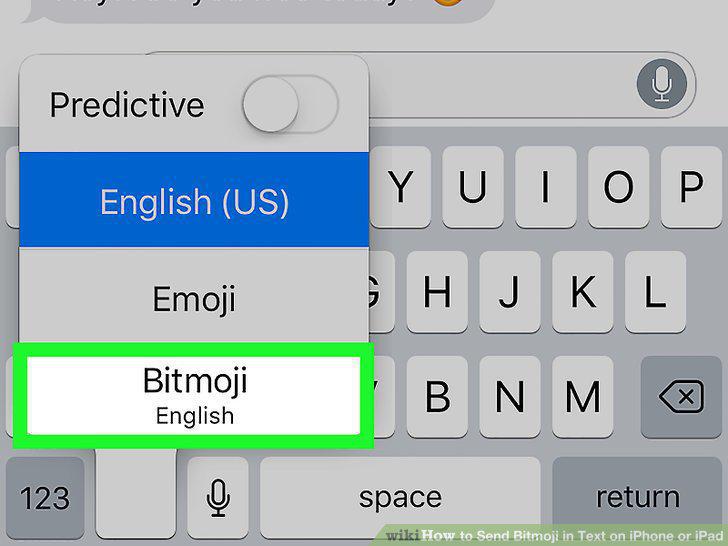
Select Bitmoji on the menu.
6
Tap the Bitmoji you want to send.
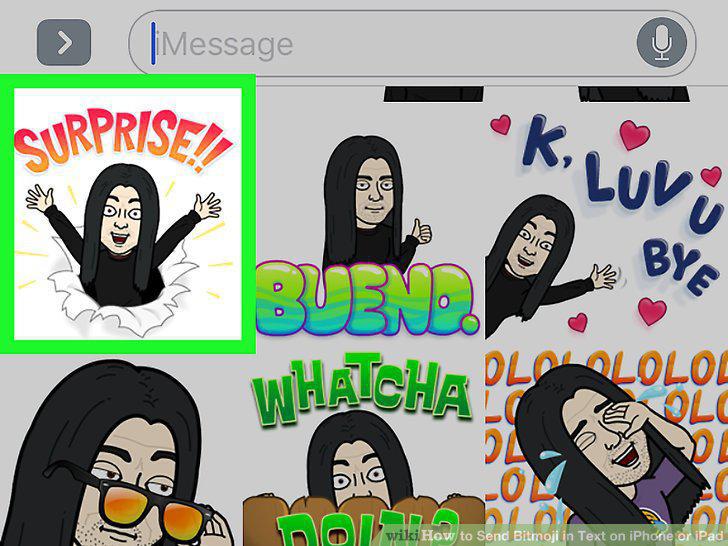
Tap the Bitmoji you want to send.
7
Tap and hold the message field.
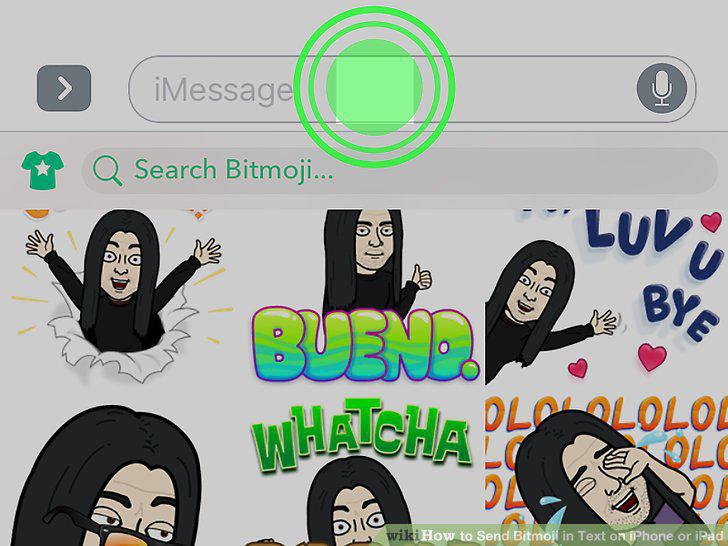
Tap and hold the message field.
8
Tap Paste on the toolbar.
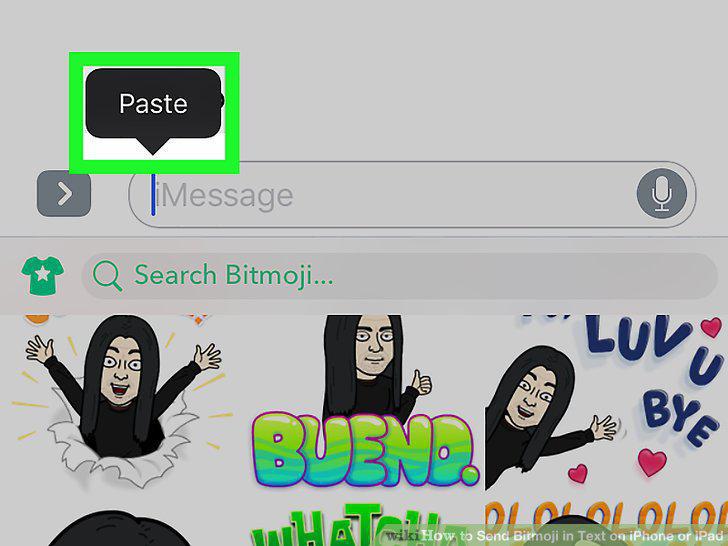
Tap Paste on the toolbar.
9
Tap the upward arrow icon.
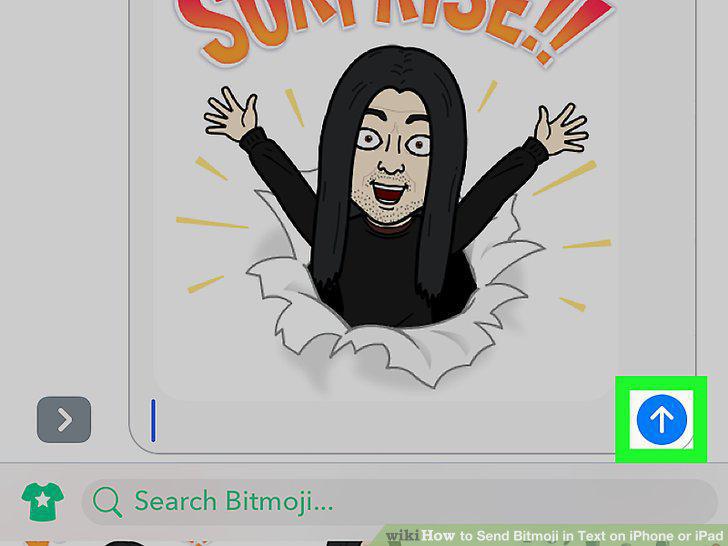
Tap the upward arrow icon.
10
Open the Bitmoji app on your iPhone or iPad.
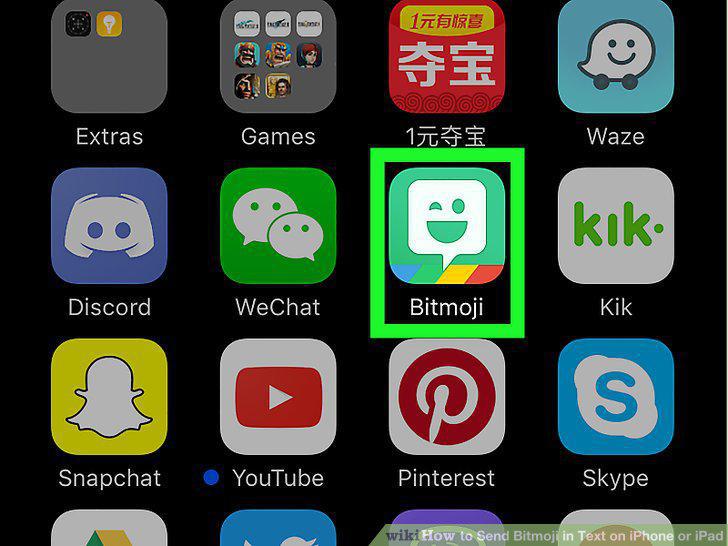
Open the Bitmoji app on your iPhone or iPad.
11
Tap the Bitmoji you want to send.

Tap the Bitmoji you want to send.
12
Select Message in the pop-up.
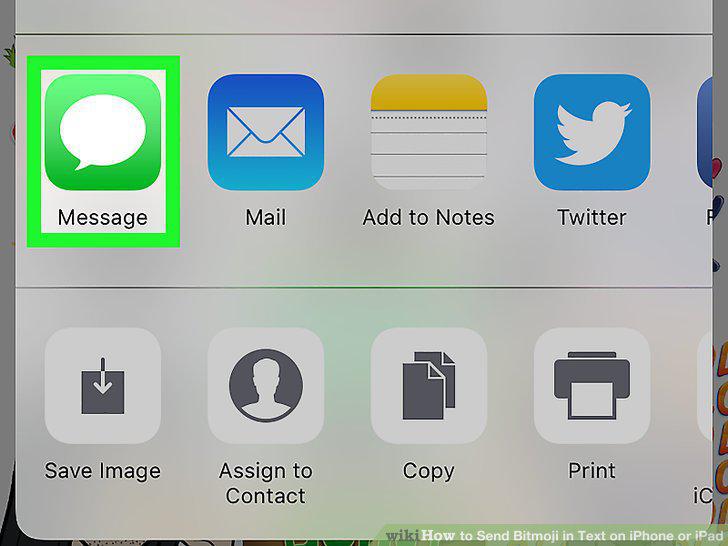
Select Message in the pop-up.
13
Tap the "+" icon.
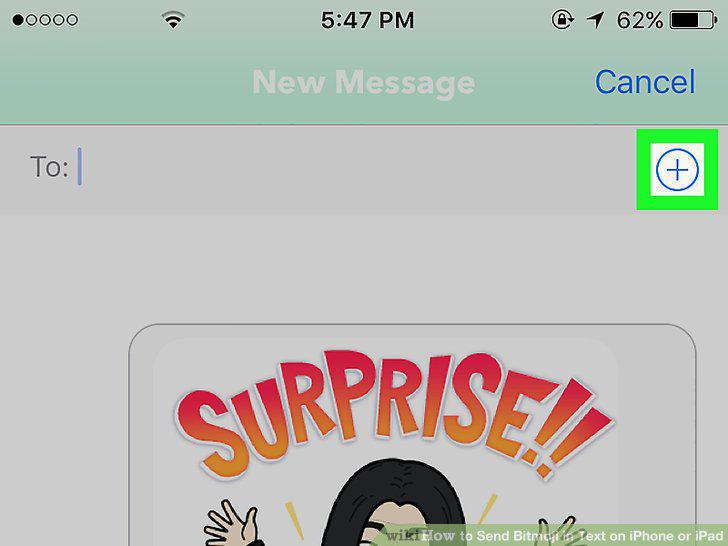
Tap the "+" icon.
14
Select a contact.
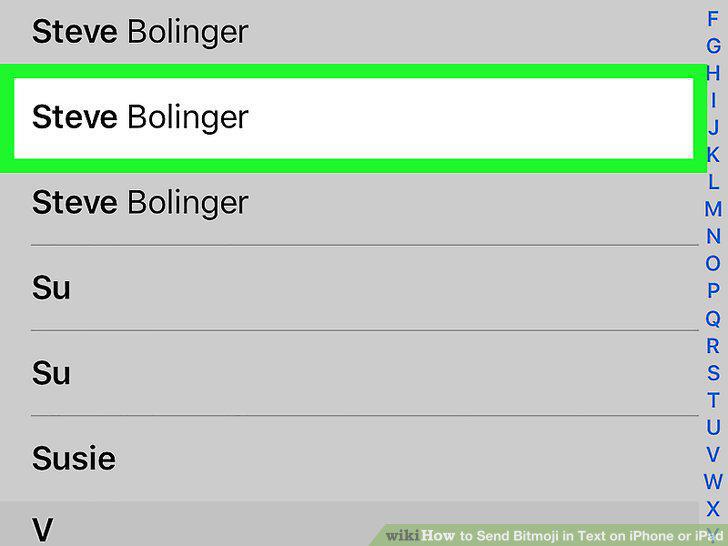
Select a contact.
15
Tap the upward arrow icon.

Tap the upward arrow icon.
Comments (0)
No comments yet. Be the first to share your thoughts!