How to Turn Off Audio of a Facebook Messenger My Day Story on iPhone or iPad
Open Facebook Messenger.. Tap Add to your day.. Hold down the shutter button to record a video.
Steps
1
Open Facebook Messenger.
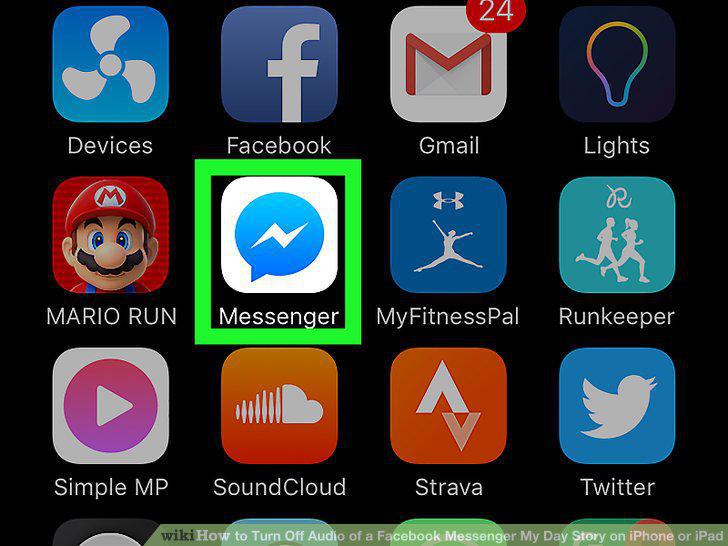
Open Facebook Messenger.
2
Tap Add to your day.
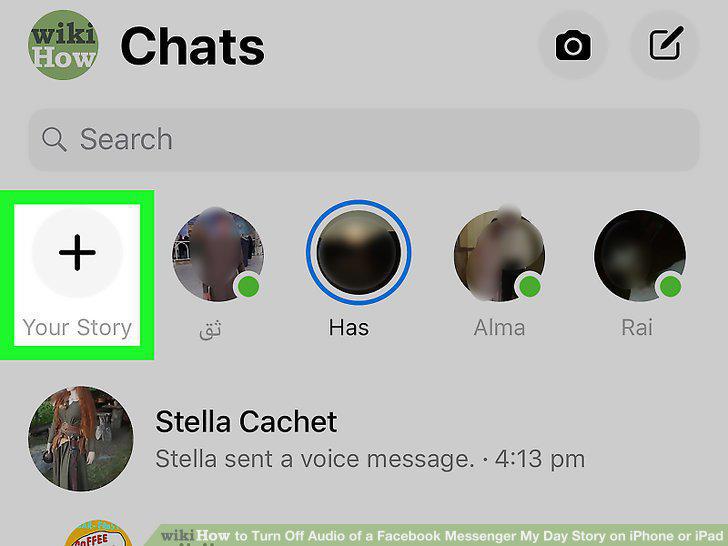
Tap Add to your day.
3
Hold down the shutter button to record a video.
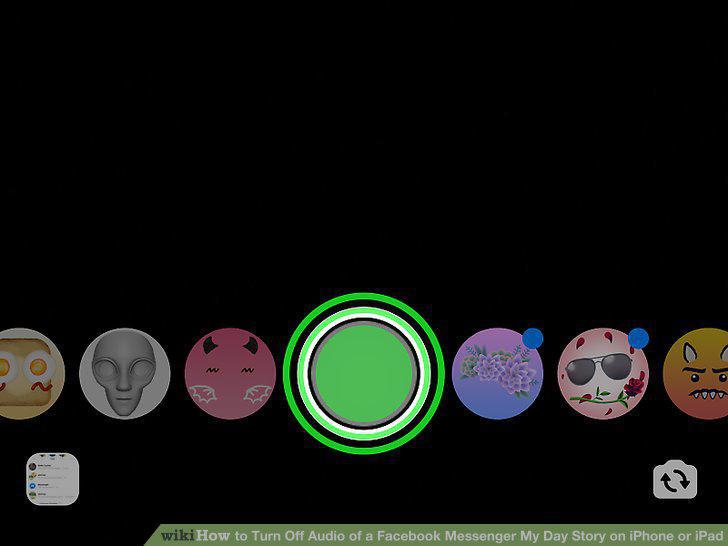
Hold down the shutter button to record a video.
4
Tap the speaker icon.
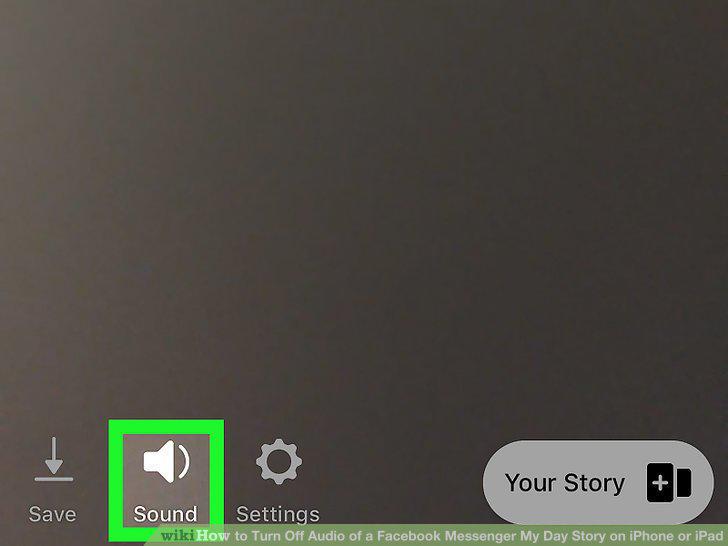
Tap the speaker icon.
5
Tap the arrow icon.
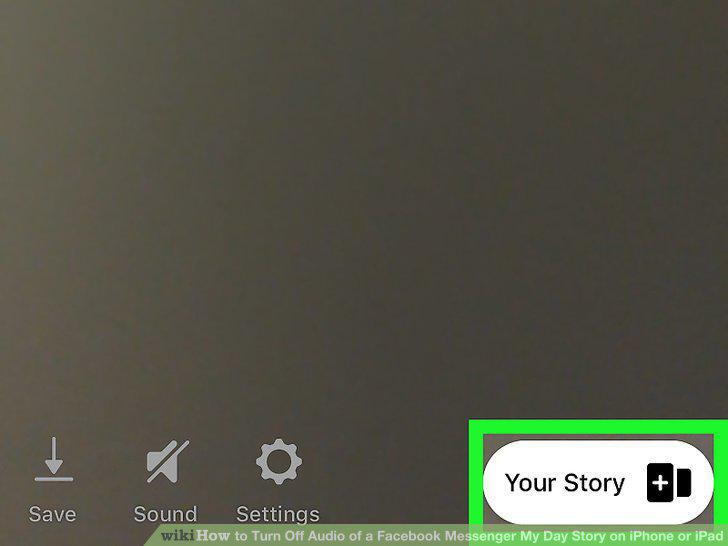
Tap the arrow icon.
6
Place a check mark next to "My Day.
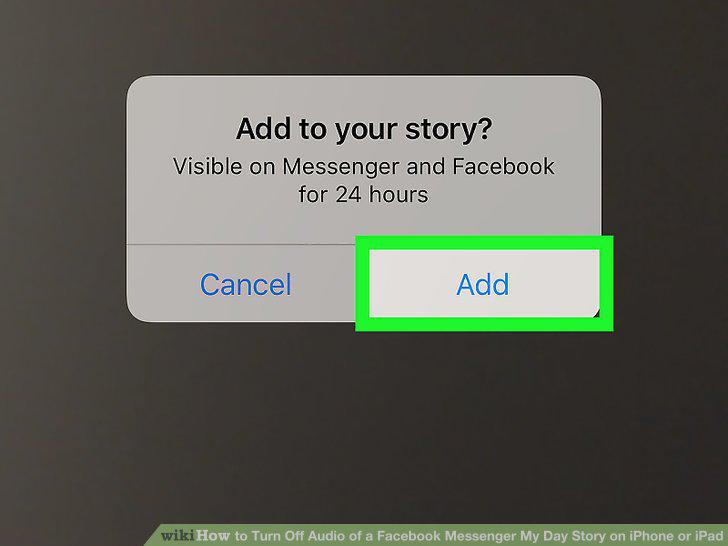
Place a check mark next to "My Day.
7
Tap Send.
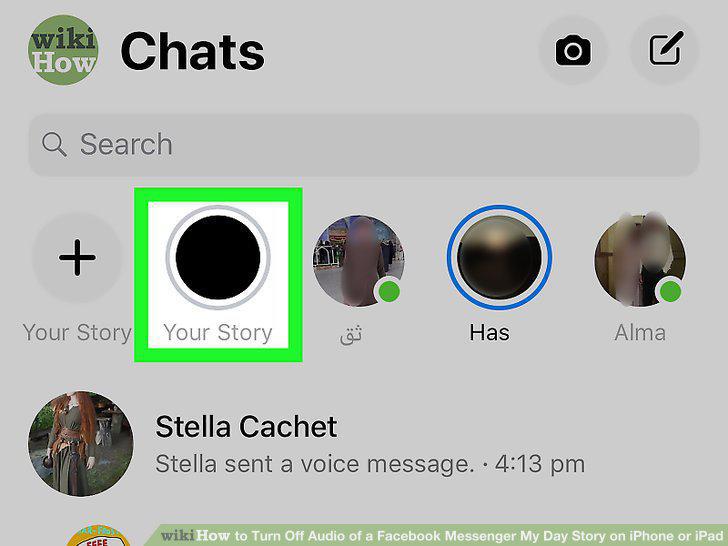
Tap Send.
Comments (0)
No comments yet. Be the first to share your thoughts!