How to Reopen Snapchat Pictures
Open Snapchat app .. Swipe right on the camera screen.. Tap an unopened Snap.
Steps
1
Open Snapchat app .
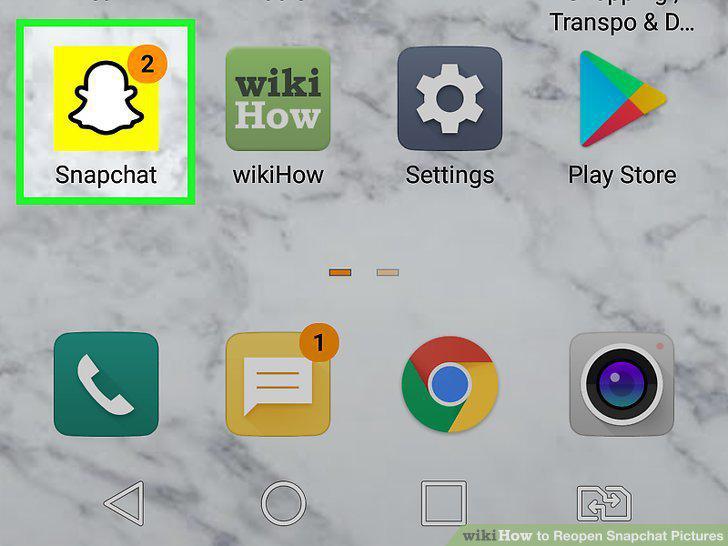
Open Snapchat app .
2
Swipe right on the camera screen.
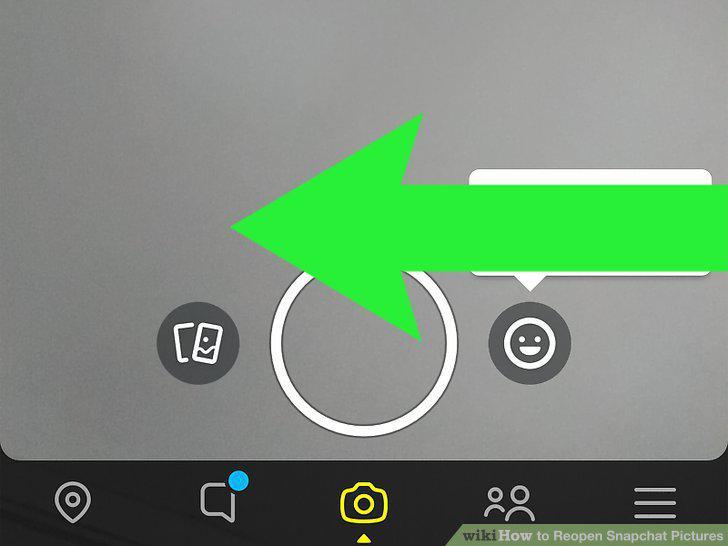
Swipe right on the camera screen.
3
Tap an unopened Snap.
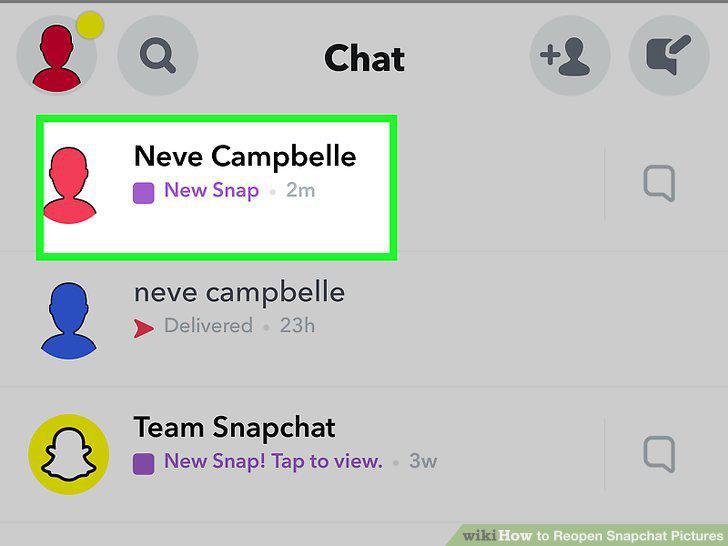
Tap an unopened Snap.
4
Stay on the "Chat" screen.
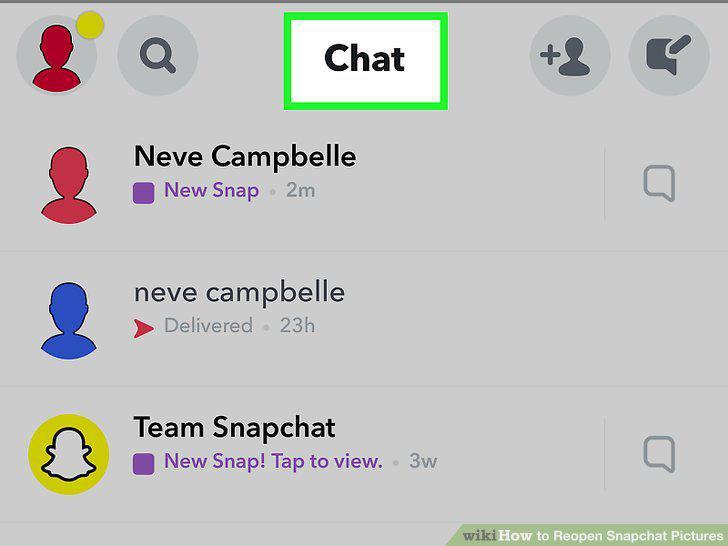
Stay on the "Chat" screen.
5
Tap and hold the friend who sent you the Snap.
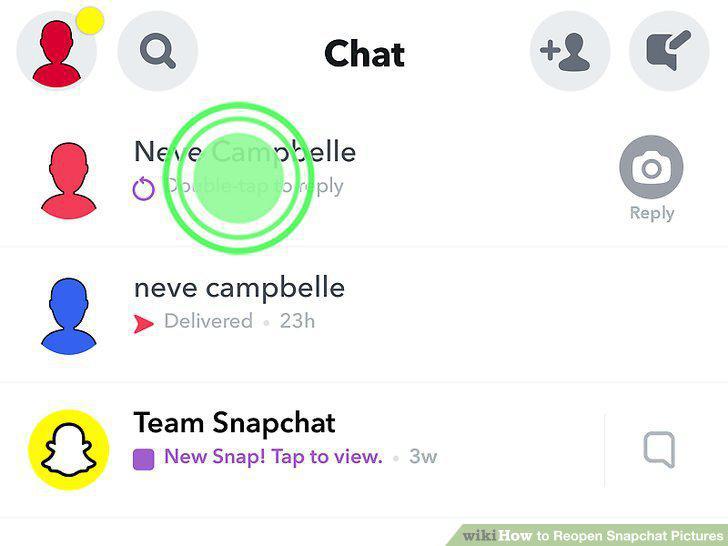
Tap and hold the friend who sent you the Snap.
6
Tap the Snap to replay it.
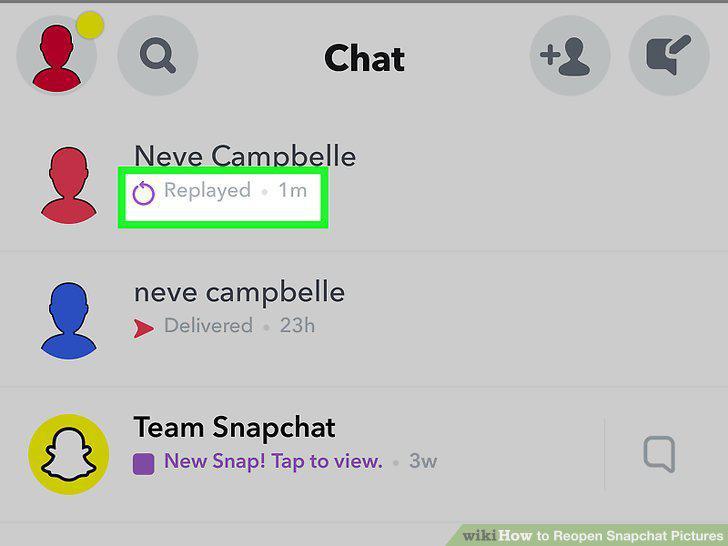
Tap the Snap to replay it.
7
Open the Snapchat app.
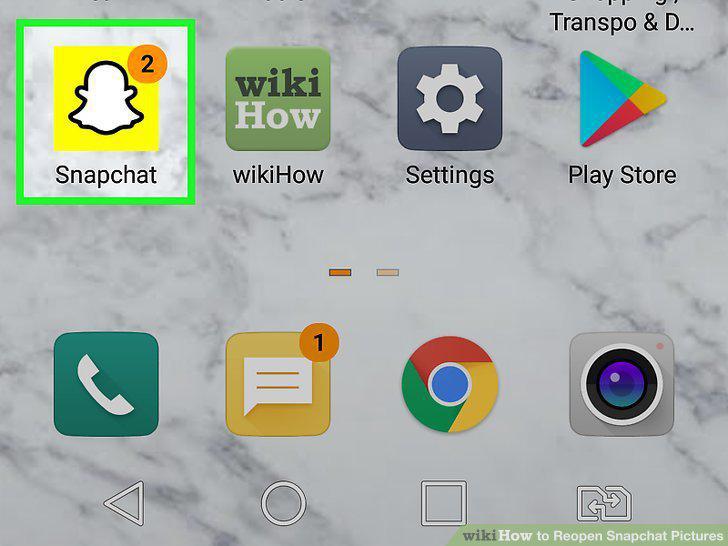
Open the Snapchat app.
8
Swipe left on the camera screen.
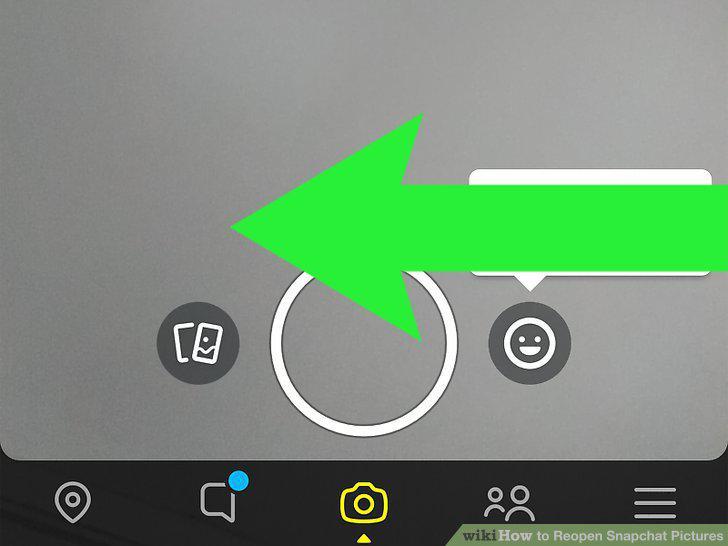
Swipe left on the camera screen.
9
Tap a friend's story to view it.
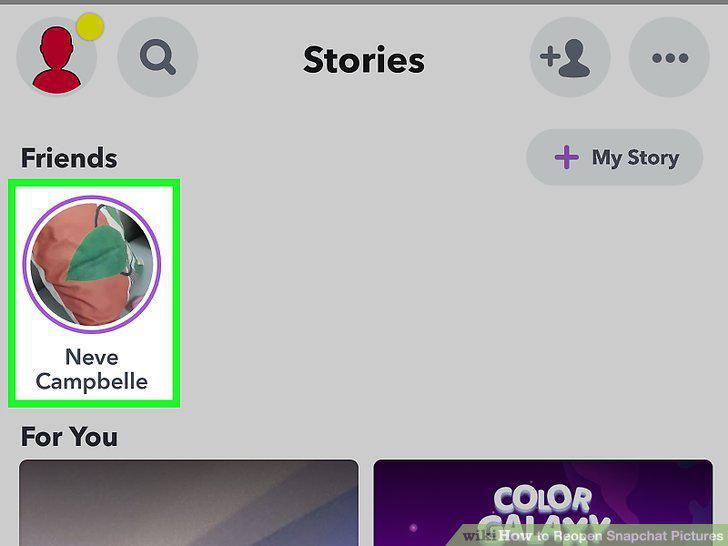
Tap a friend's story to view it.
10
Tap the round arrow icon on your friend's story.
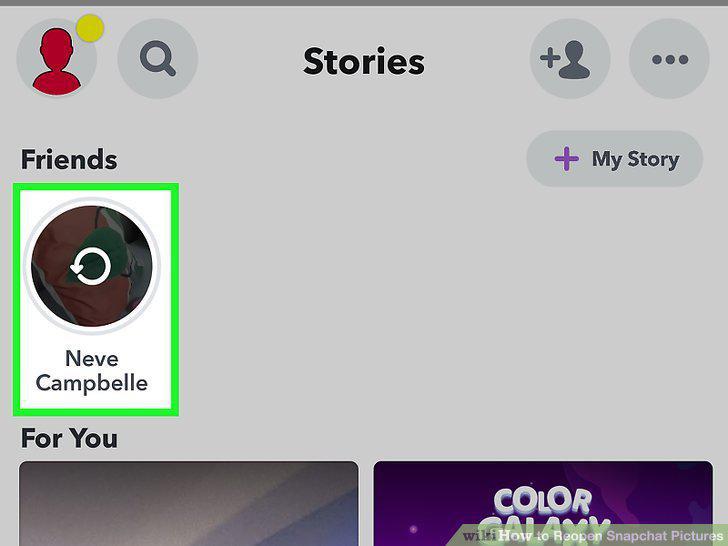
Tap the round arrow icon on your friend's story.
Comments (0)
No comments yet. Be the first to share your thoughts!