How to Connect Slack to Google Calendar
Go to https://slack.com/app-pages/google-calendar.. Click Add to Slack.. Select the workplace you want to connect Google Calendar with.
Steps
1
Go to https://slack.com/app-pages/google-calendar.
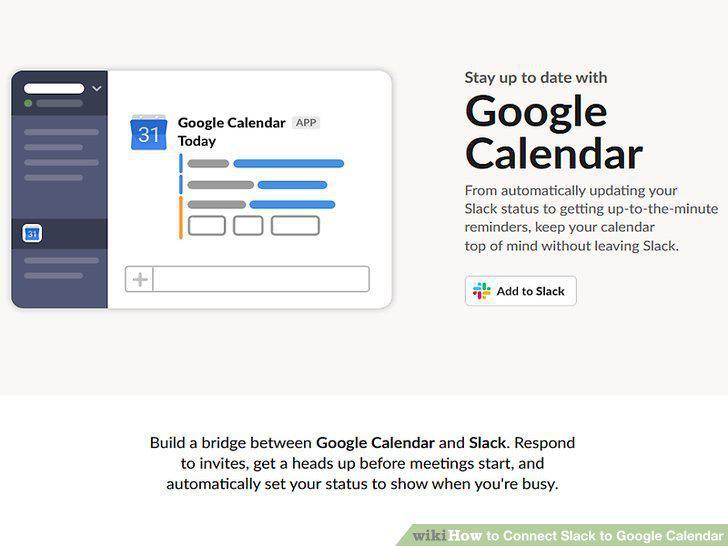
Go to https://slack.com/app-pages/google-calendar.
2
Click Add to Slack.
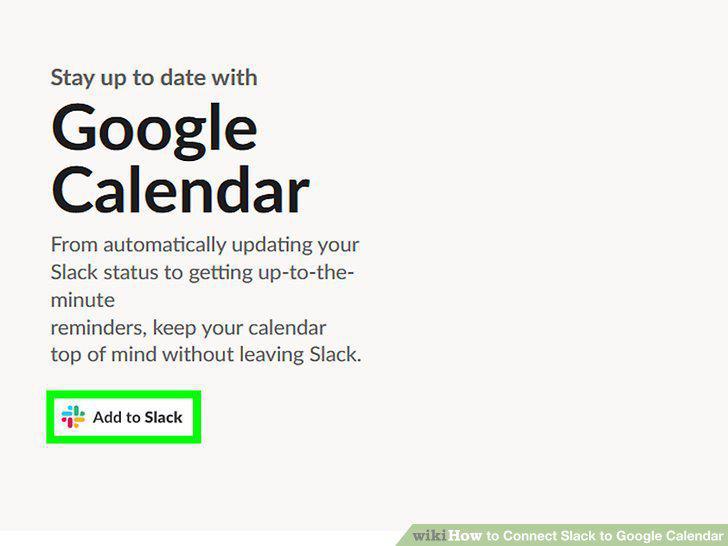
Click Add to Slack.
3
Select the workplace you want to connect Google Calendar with.
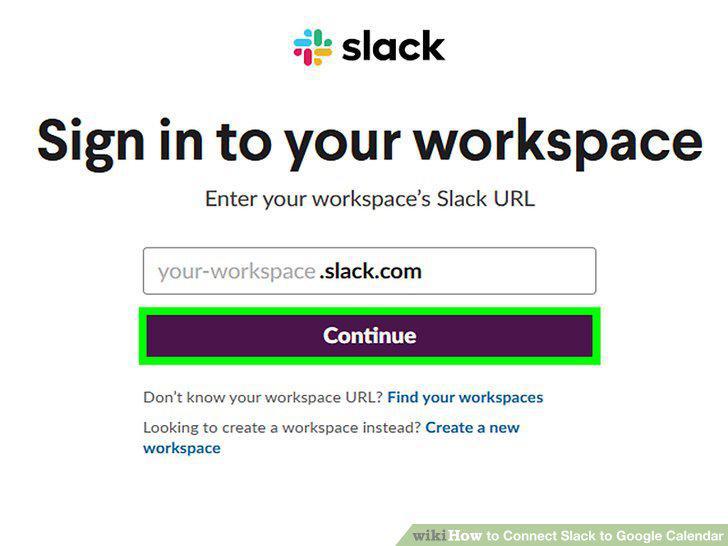
Select the workplace you want to connect Google Calendar with.
4
Login with your Google account (if prompted).
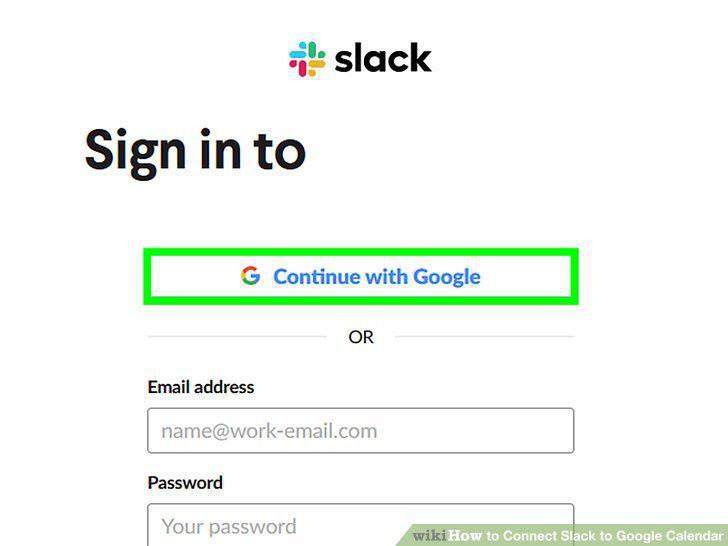
Login with your Google account (if prompted).
5
Launch Slack.
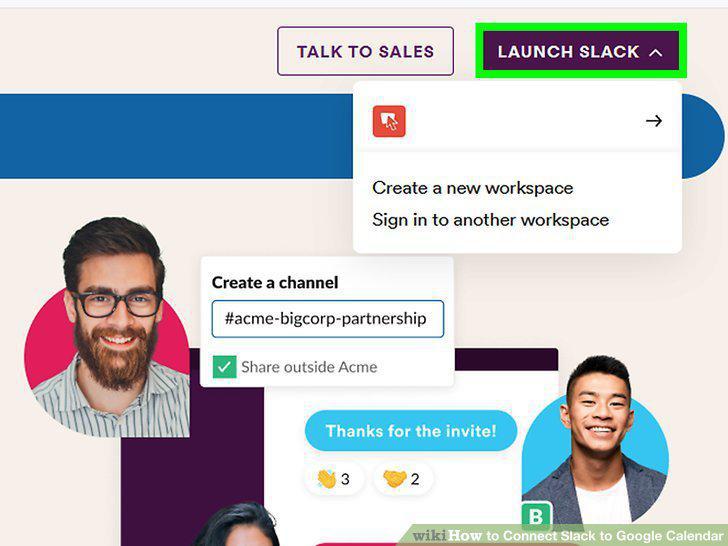
Launch Slack.
6
Click Google Calendar.
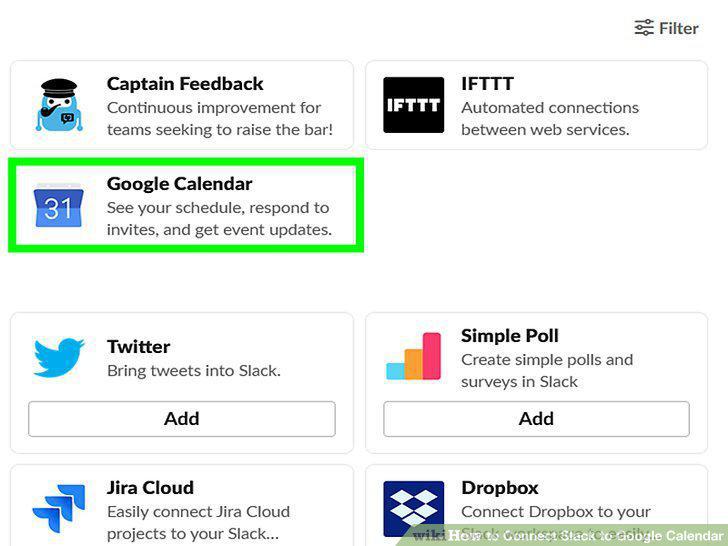
Click Google Calendar.
7
Click the Home tab(if it's not already selected).
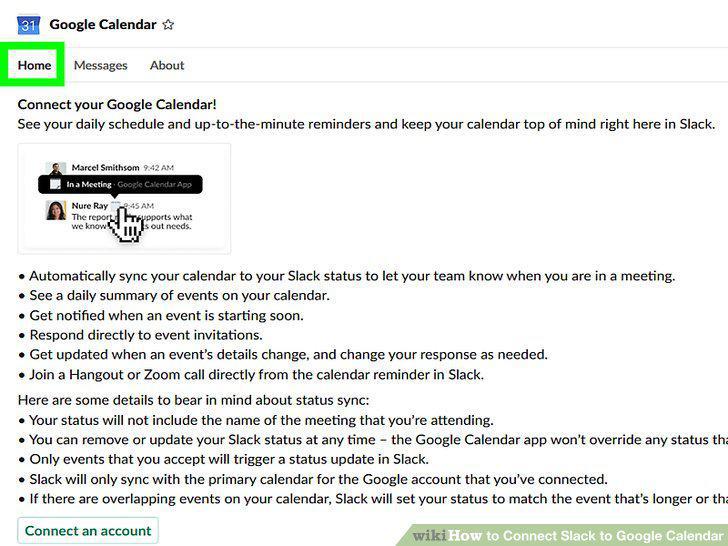
Click the Home tab(if it's not already selected).
8
Click Connect an account.
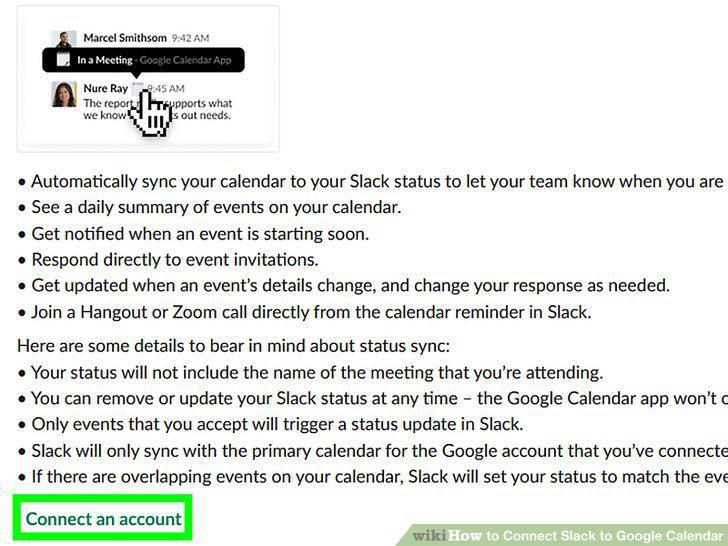
Click Connect an account.
9
Login with your Google account.
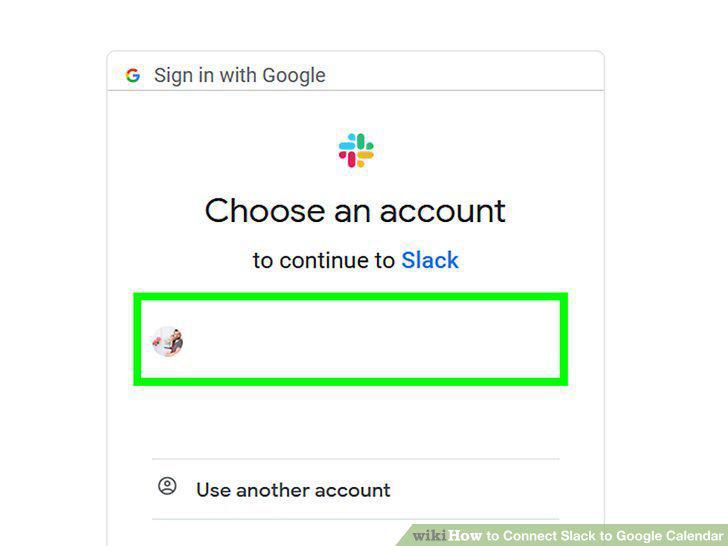
Login with your Google account.
10
Click Turn On.
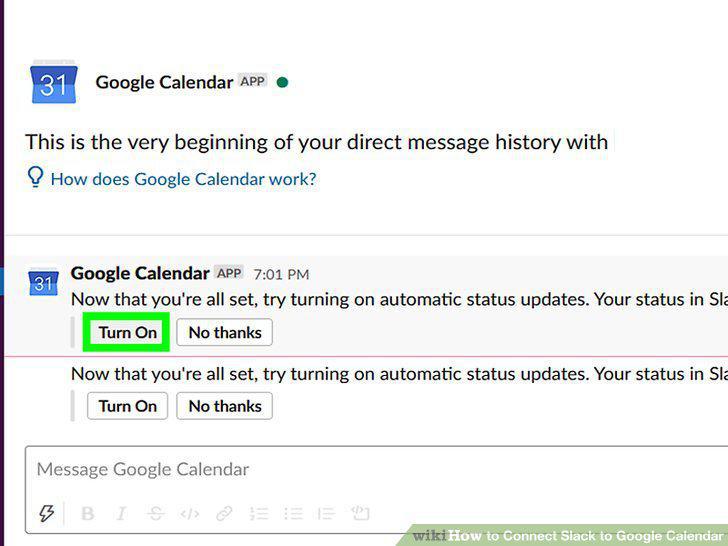
Click Turn On.
Comments (0)
No comments yet. Be the first to share your thoughts!