How to Calculate Variance in Excel on PC or Mac
Open the Excel file you want to edit.. Click an empty cell.. Click the fx button.
Steps
1
Open the Excel file you want to edit.
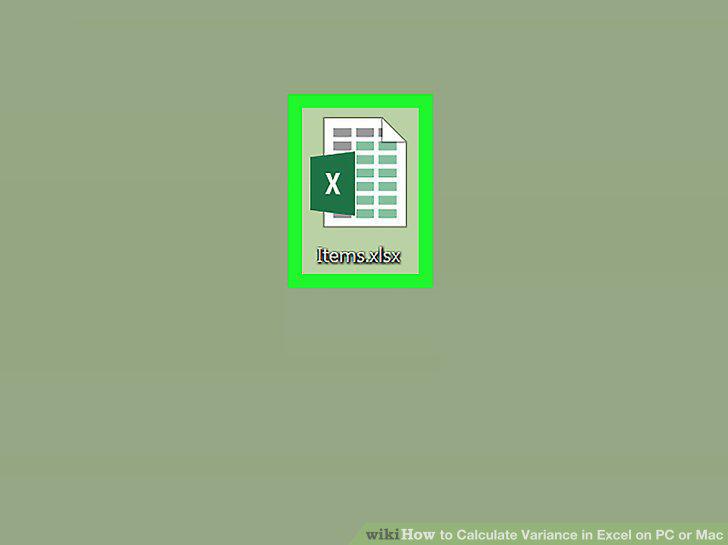
Open the Excel file you want to edit.
2
Click an empty cell.
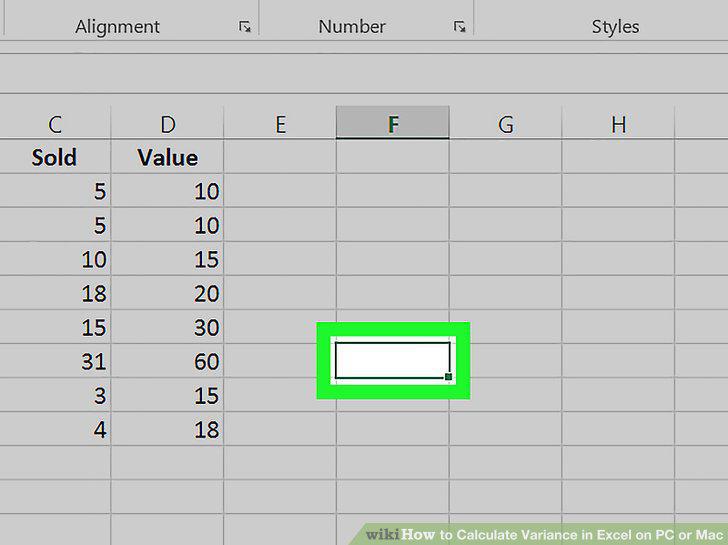
Click an empty cell.
3
Click the fx button.
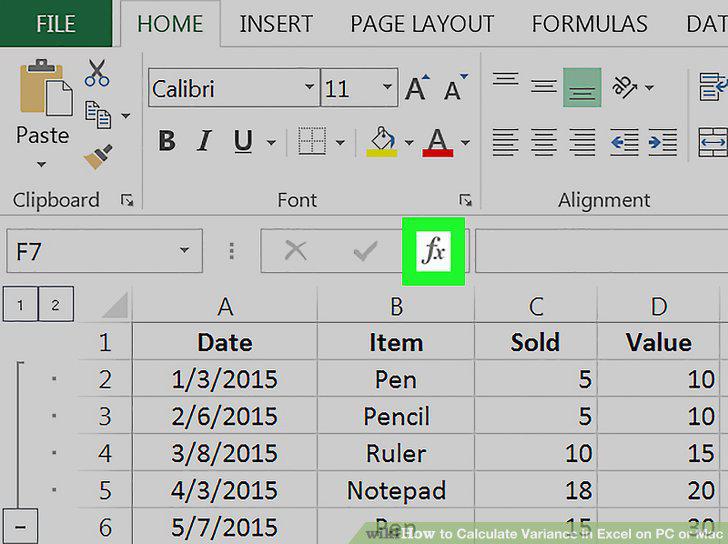
Click the fx button.
4
Scroll down and double-click VAR.P.
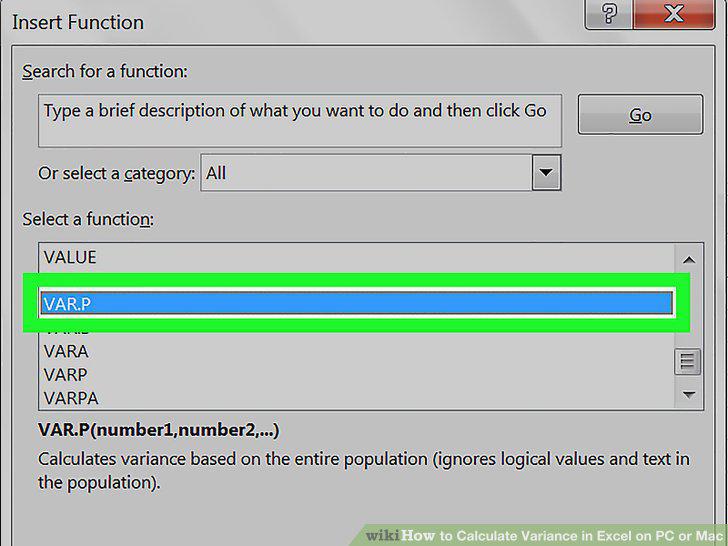
Scroll down and double-click VAR.P.
5
Select the range of data you want to plug into the formula.
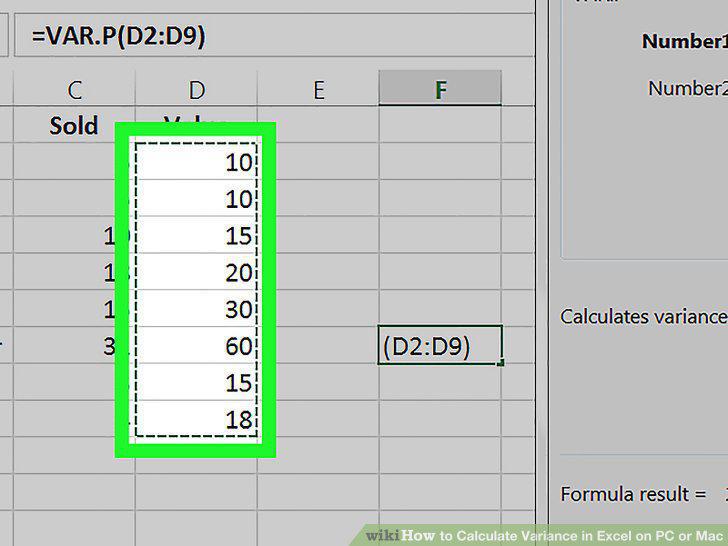
Select the range of data you want to plug into the formula.
6
Hit Enter or Return on your keyboard.
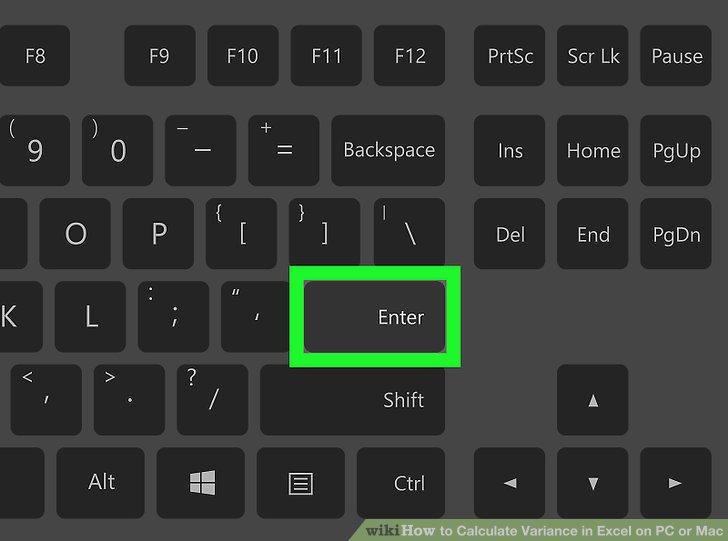
Hit Enter or Return on your keyboard.
Comments (0)
No comments yet. Be the first to share your thoughts!