How to Make Cells Bigger on Google Sheets on PC or Mac
Open Google Sheets in your internet browser.. Click the spreadsheet file you want to edit.. Find the column heading of the column you want to resize.
Steps
1
Open Google Sheets in your internet browser.
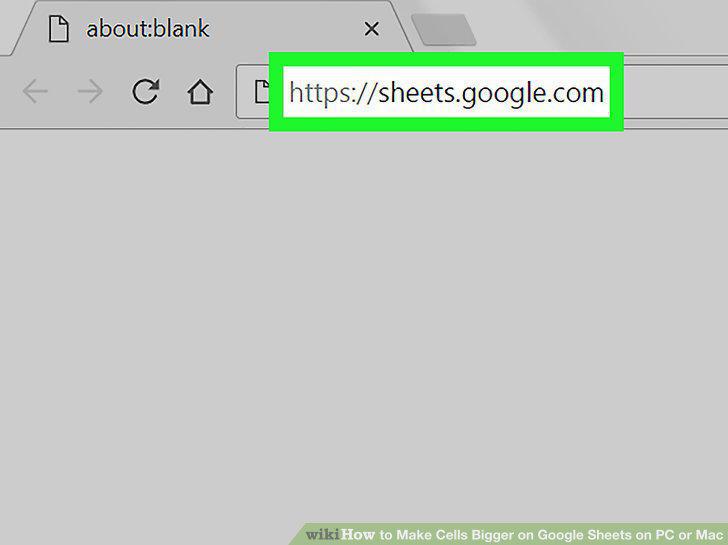
Open Google Sheets in your internet browser.
2
Click the spreadsheet file you want to edit.
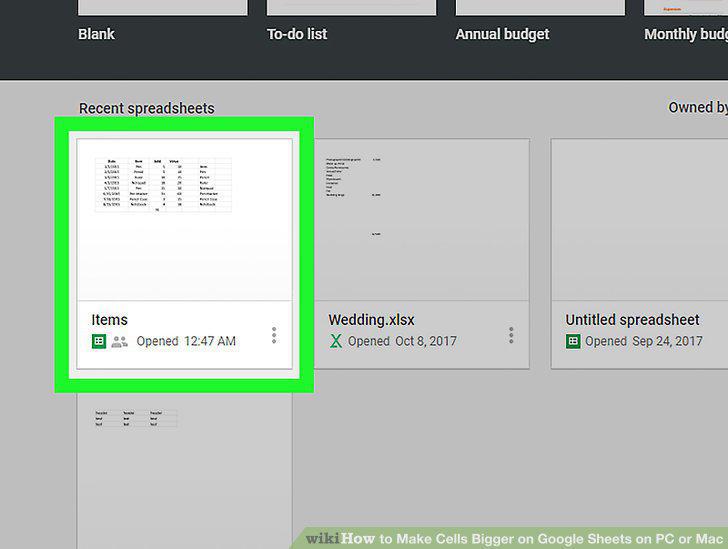
Click the spreadsheet file you want to edit.
3
Find the column heading of the column you want to resize.
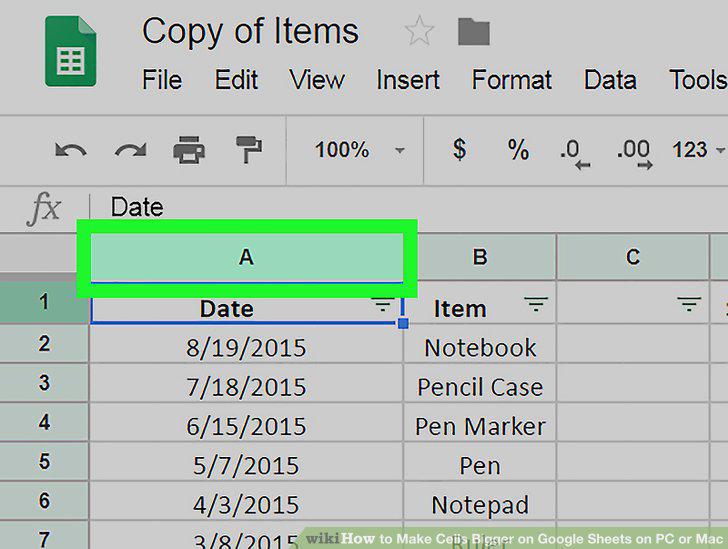
Find the column heading of the column you want to resize.
4
Hover over the right-hand side border of a column heading.
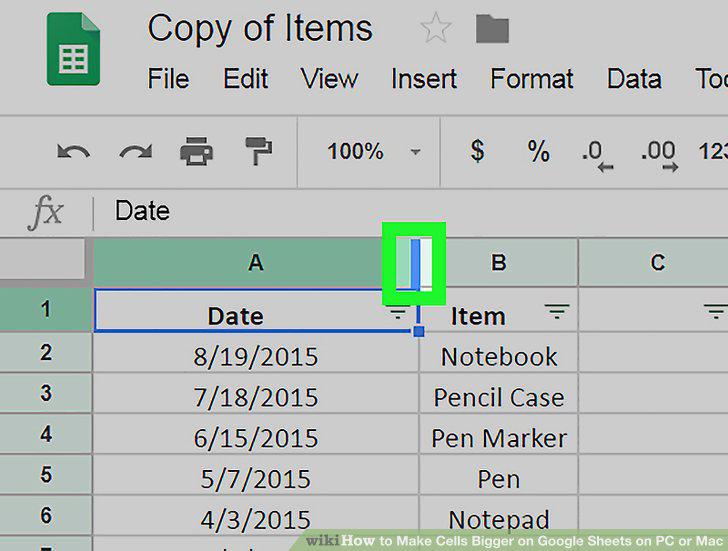
Hover over the right-hand side border of a column heading.
5
Click and drag the border of the column header to the right.
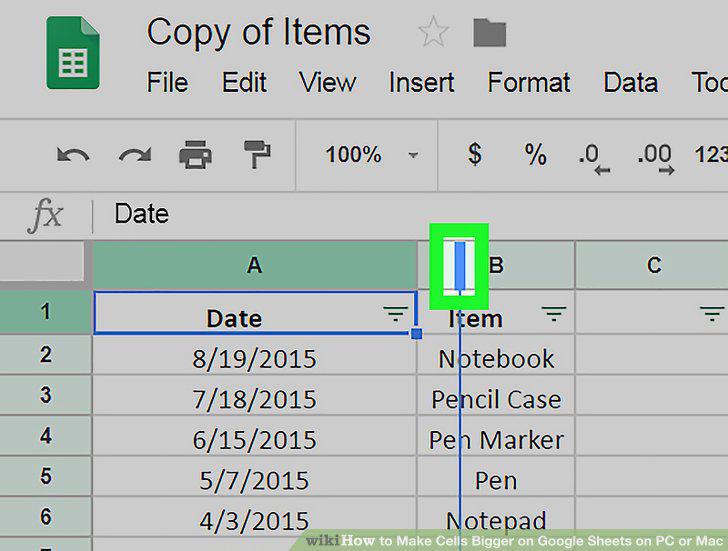
Click and drag the border of the column header to the right.
6
Find the row number of the cell you want to resize.
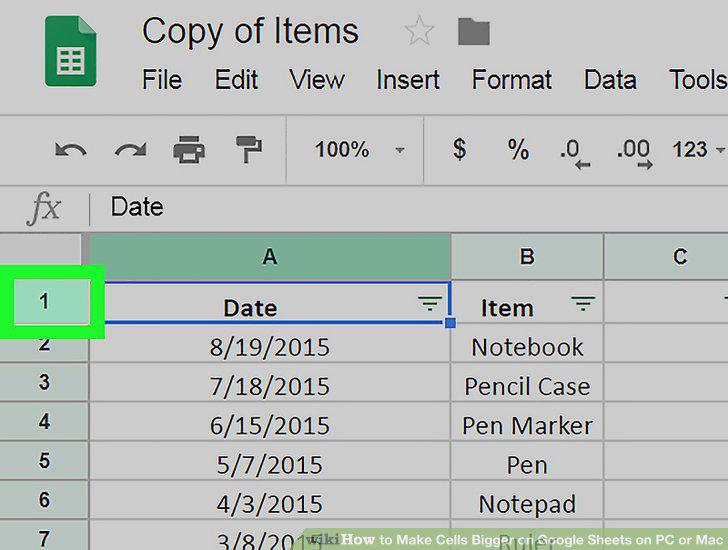
Find the row number of the cell you want to resize.
7
Hover over the bottom border of a row number.
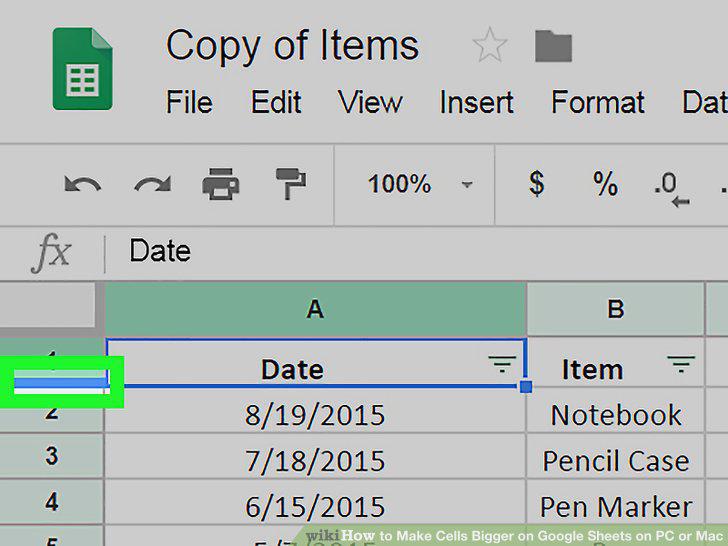
Hover over the bottom border of a row number.
8
Click and drag the row border downwards.
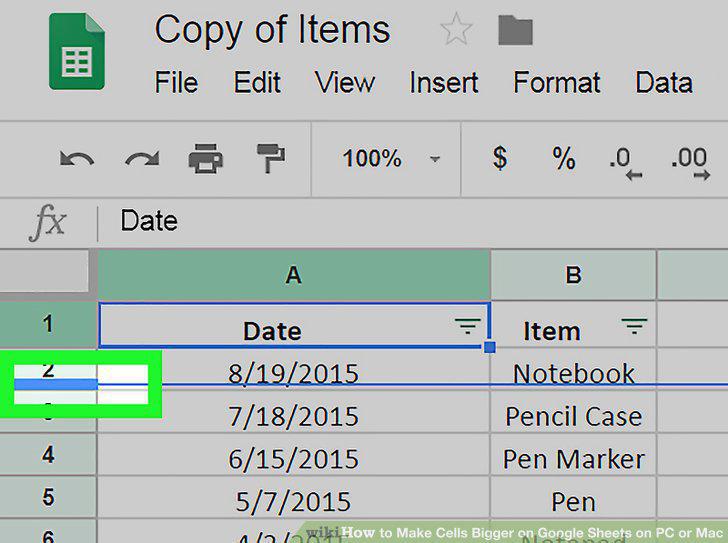
Click and drag the row border downwards.
Comments (0)
No comments yet. Be the first to share your thoughts!