How to Pass a Typing Test
Sit with your back straight and your head up.. Lift your head up so you are able to look at the middle part of the screen.. Plant your feet firmly on the floor for stability.
Steps
Sit with your back straight and your head up.
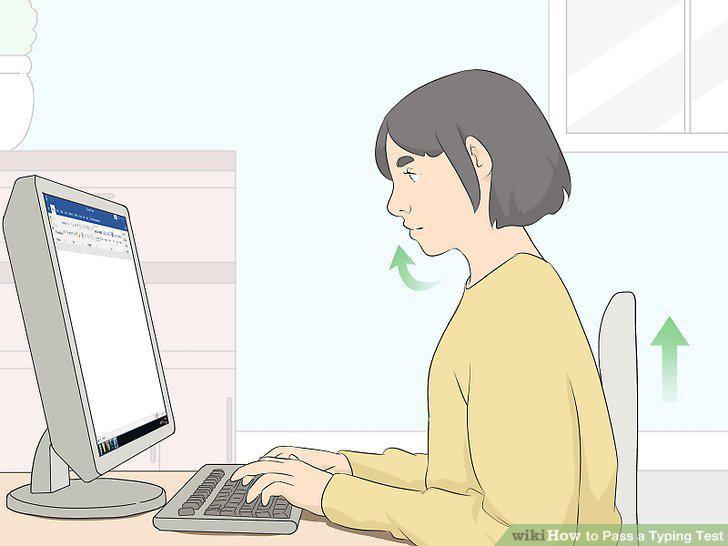
Sit with your back straight and your head up.
Lift your head up so you are able to look at the middle part of the screen.
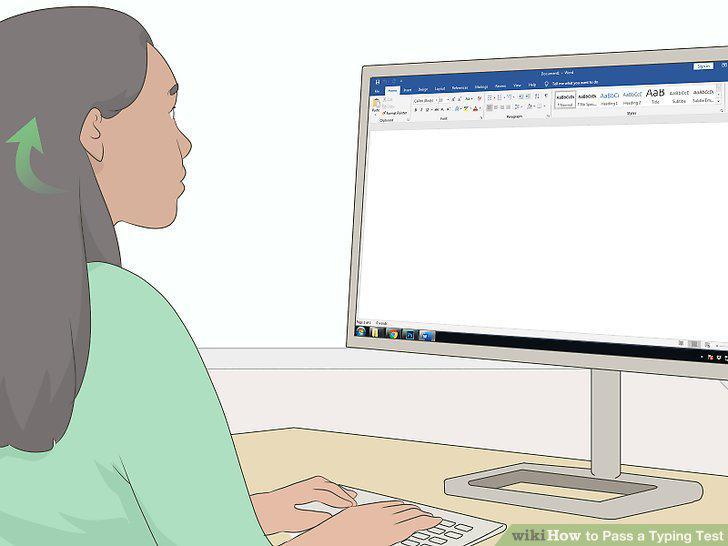
Lift your head up so you are able to look at the middle part of the screen.
Plant your feet firmly on the floor for stability.
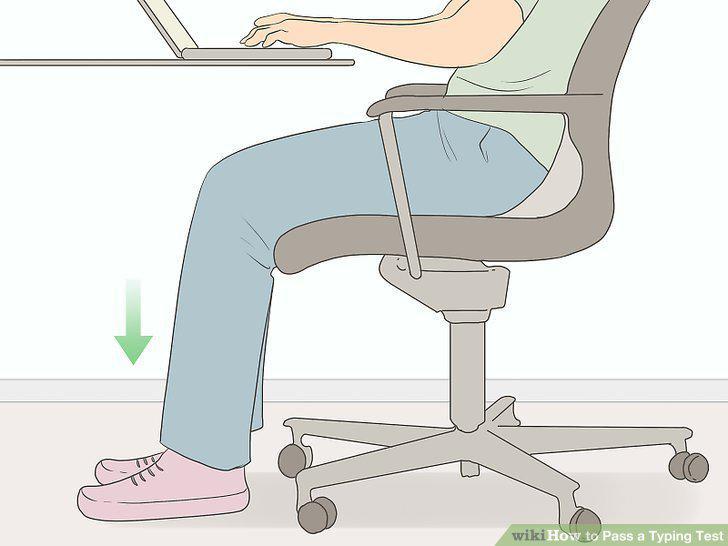
Plant your feet firmly on the floor for stability.
Hold your wrists level as you reach for the keyboard.
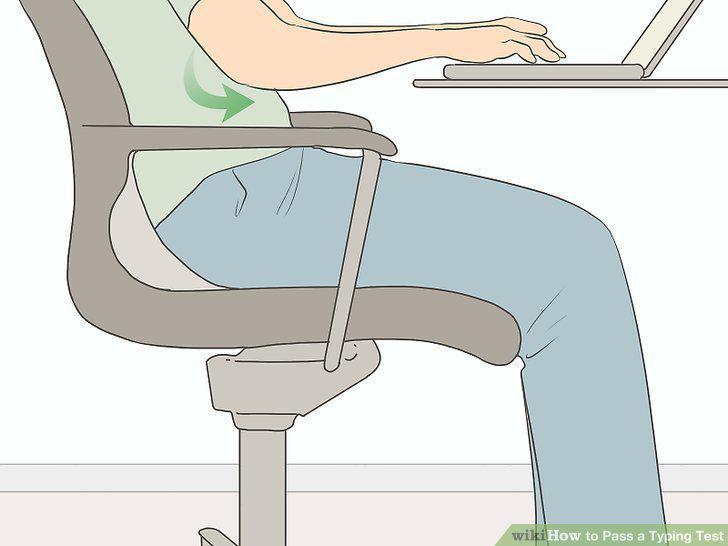
Hold your wrists level as you reach for the keyboard.
Curl your fingers so the tips touch the keys.
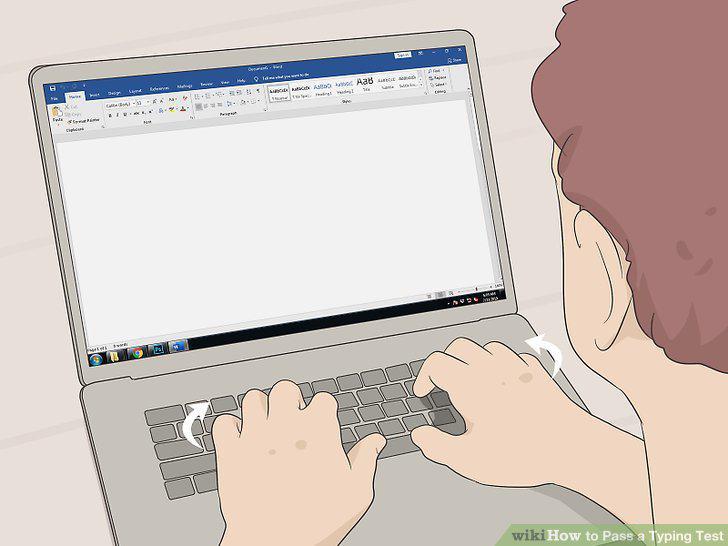
Curl your fingers so the tips touch the keys.
Position typing material at eye level next to your monitor.
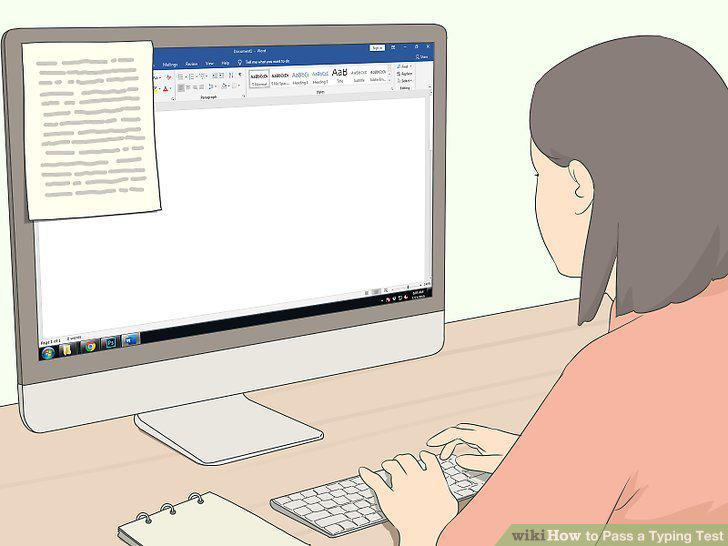
Position typing material at eye level next to your monitor.
Place your fingers on the center keyboard row when you start typing.
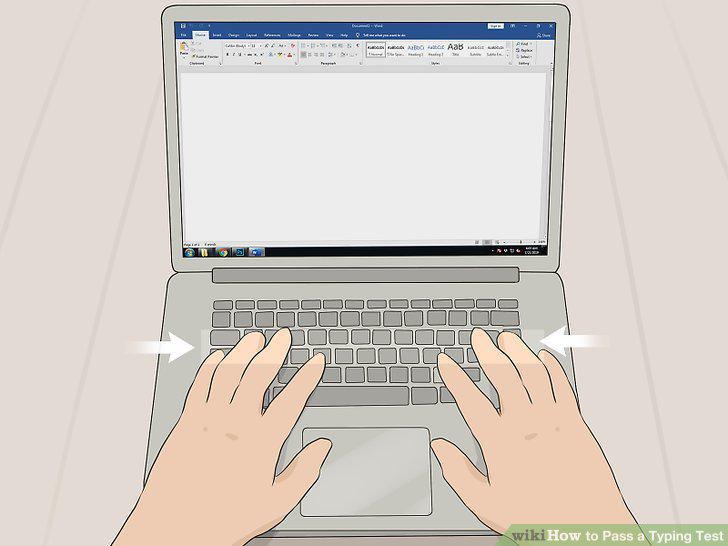
Place your fingers on the center keyboard row when you start typing.
Reach all of the keys while moving your hands as little as possible.
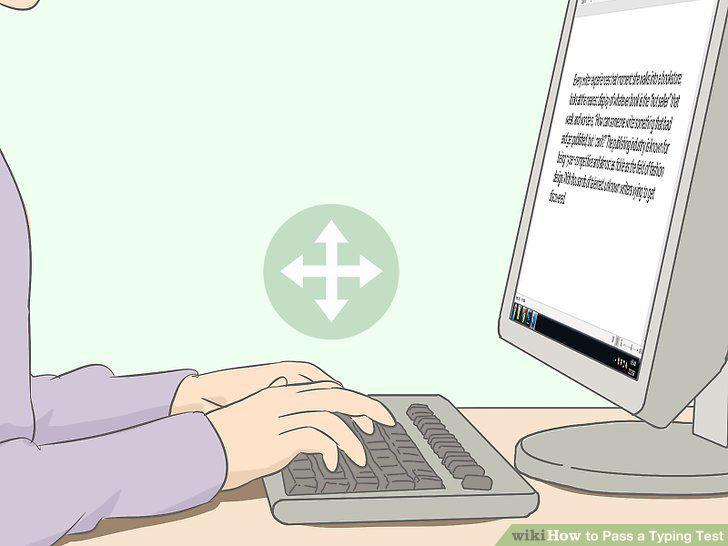
Reach all of the keys while moving your hands as little as possible.
Look at the screen at all times while typing.
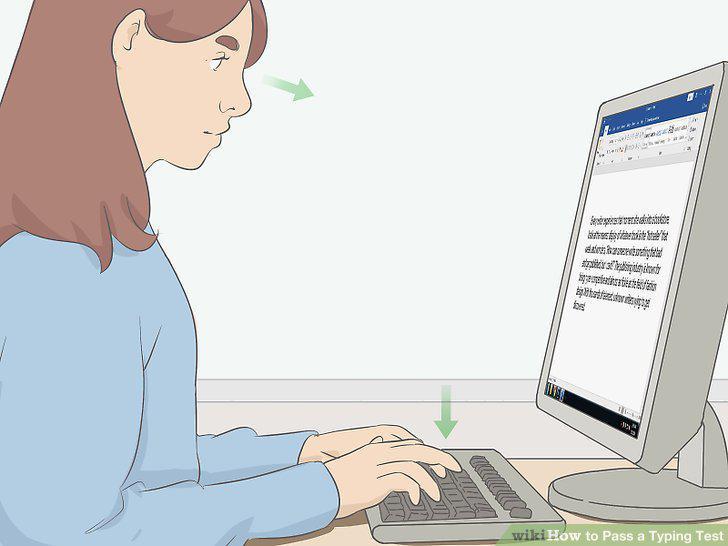
Look at the screen at all times while typing.
Find the test format in advance if possible.
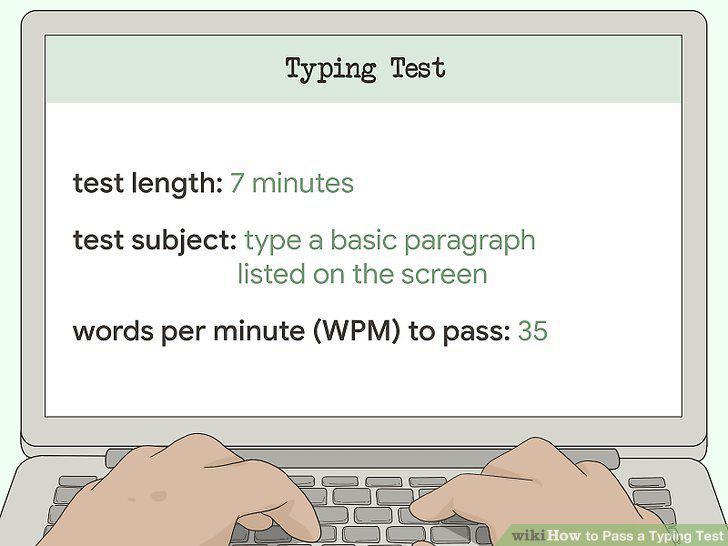
Find the test format in advance if possible.
Check the test instructions to find out what to do on the test.
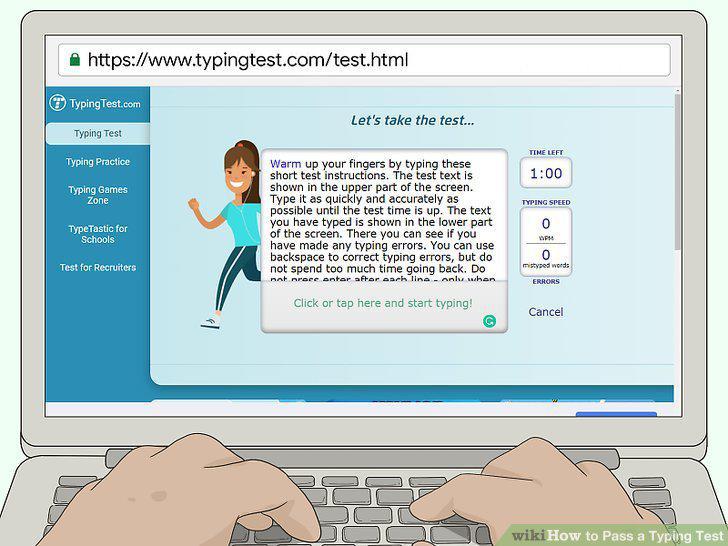
Check the test instructions to find out what to do on the test.
Read the text carefully as you type to stay accurate.
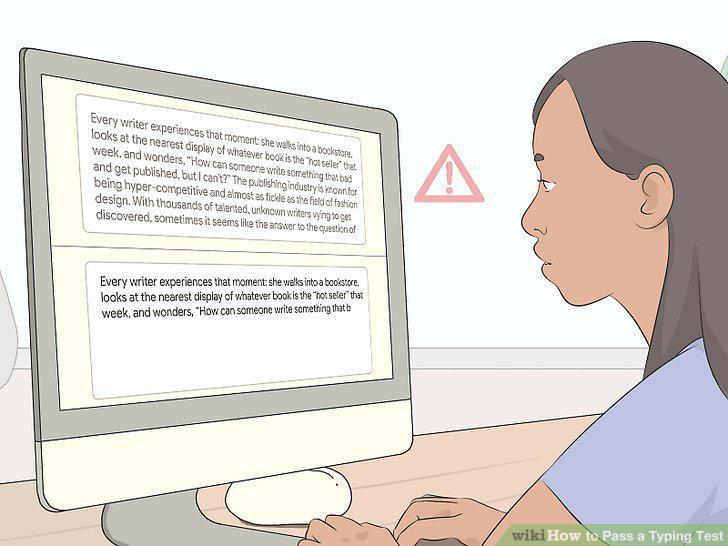
Read the text carefully as you type to stay accurate.
Type with accuracy instead of going as fast as you can.

Type with accuracy instead of going as fast as you can.
Ignore errors unless the test specifies that you have to correct them.

Ignore errors unless the test specifies that you have to correct them.
Practice your technique whenever you have access to a computer.
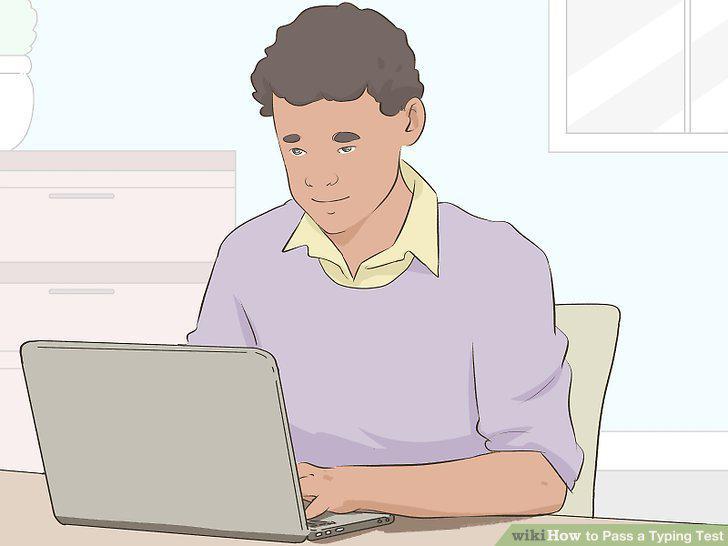
Practice your technique whenever you have access to a computer.
Take practice tests online to improve your speed.
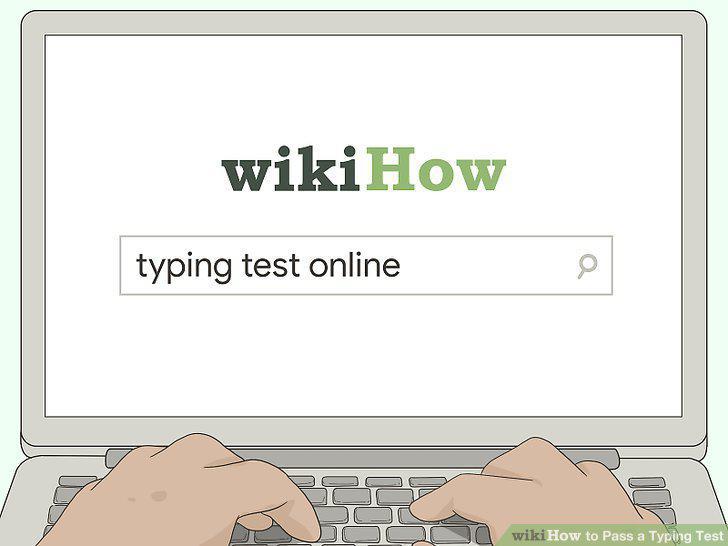
Take practice tests online to improve your speed.
Purchase typing books that contain practice exercises.
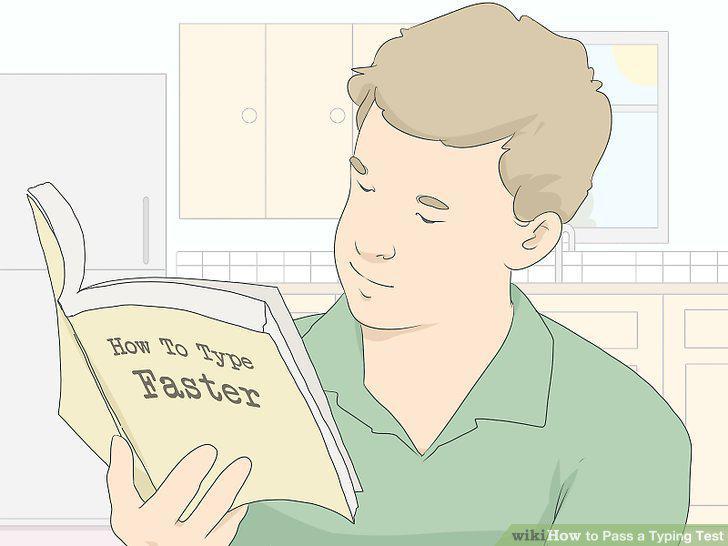
Purchase typing books that contain practice exercises.
Download a computer program that teaches typing skills.
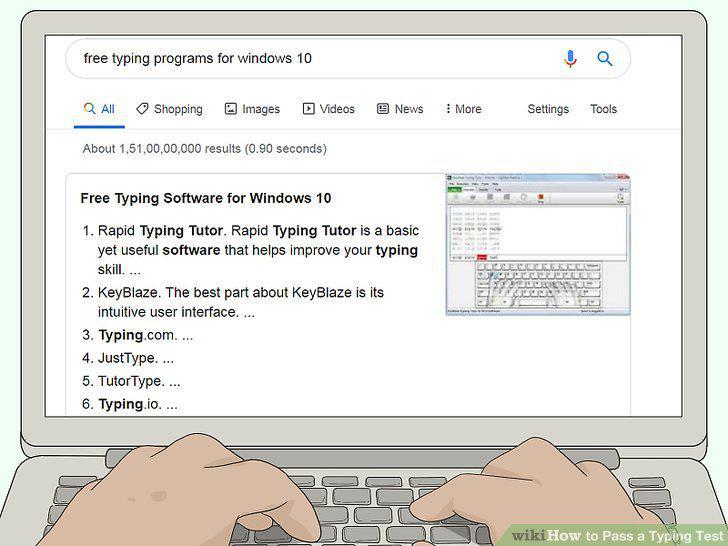
Download a computer program that teaches typing skills.
Take a typing class if you prefer to work with a tutor in person.
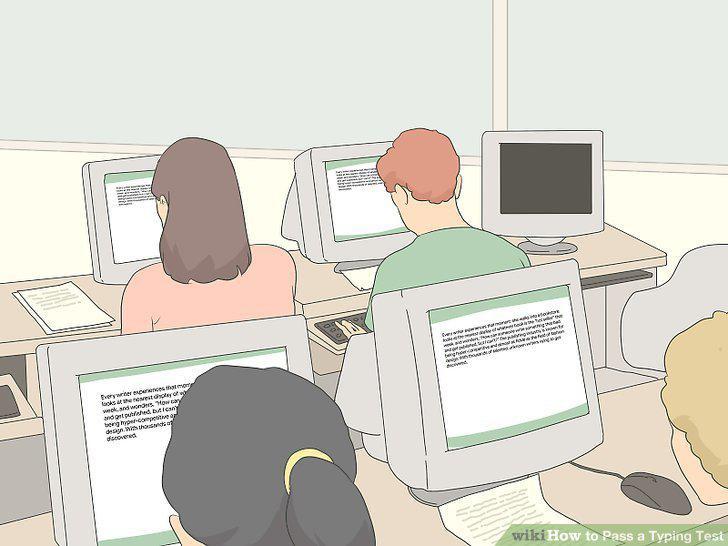
Take a typing class if you prefer to work with a tutor in person.
Comments (0)
No comments yet. Be the first to share your thoughts!