How to Organize Office Files
Create file categories.. Set up subcategories.. Use a color-coding system.
Steps
1
Create file categories.
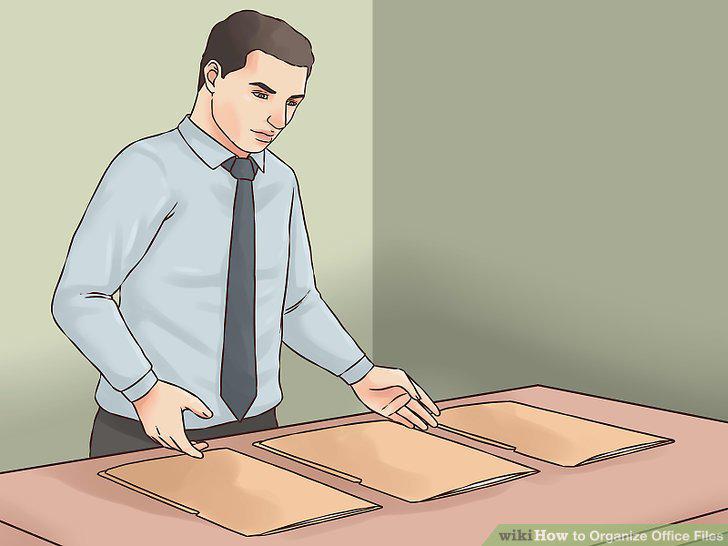
Create file categories.
2
Set up subcategories.
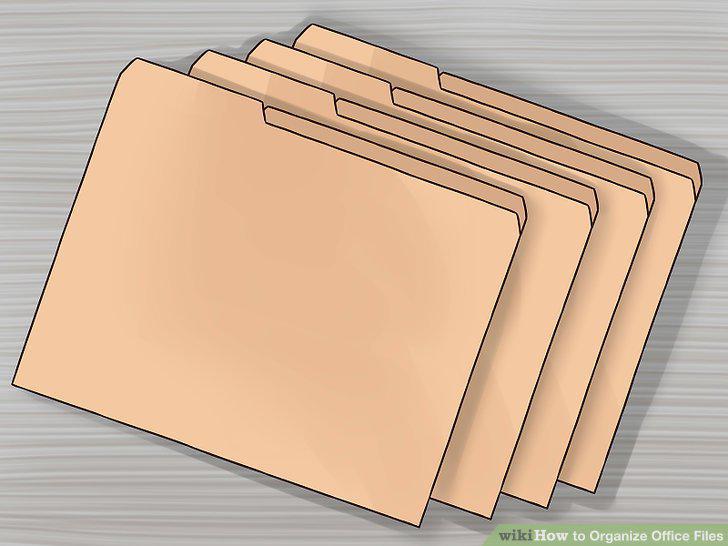
Set up subcategories.
3
Use a color-coding system.
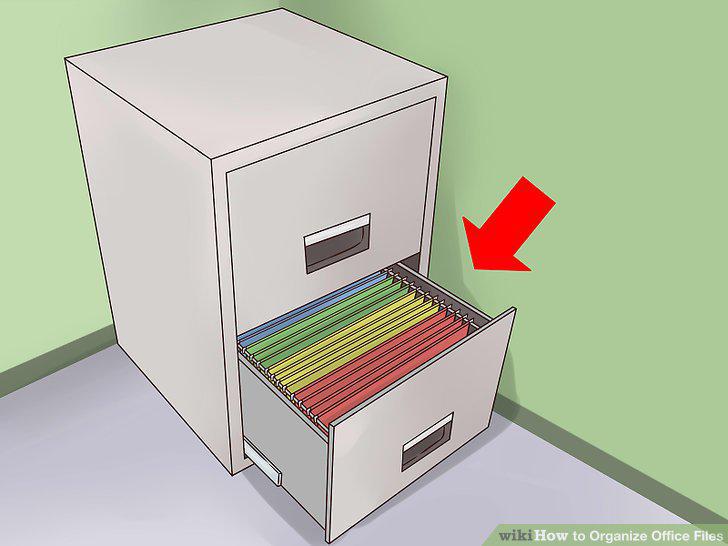
Use a color-coding system.
4
Label the files.
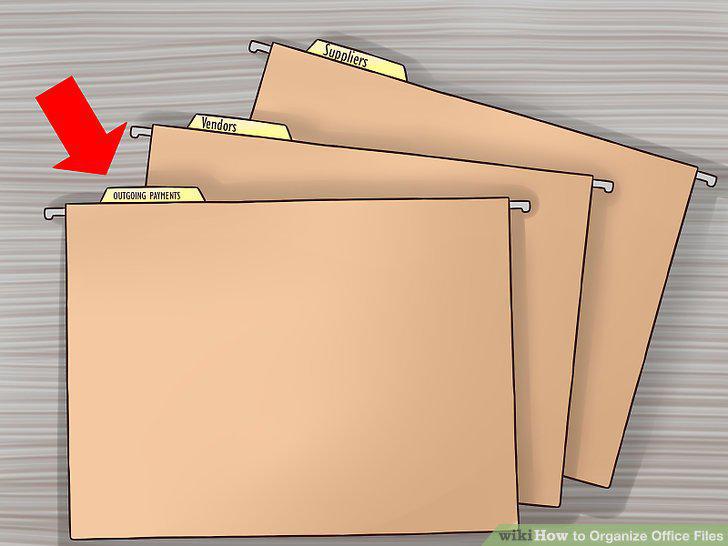
Label the files.
5
Sort the files alphabetically.
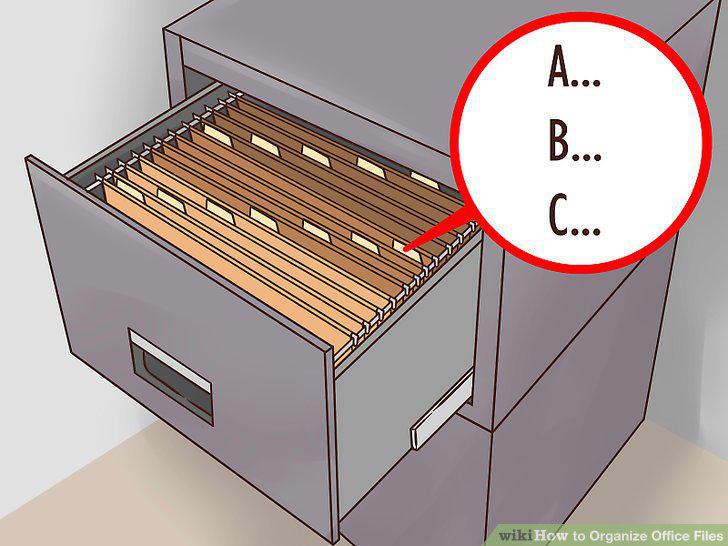
Sort the files alphabetically.
6
Leave several inches of space in each filing drawer.
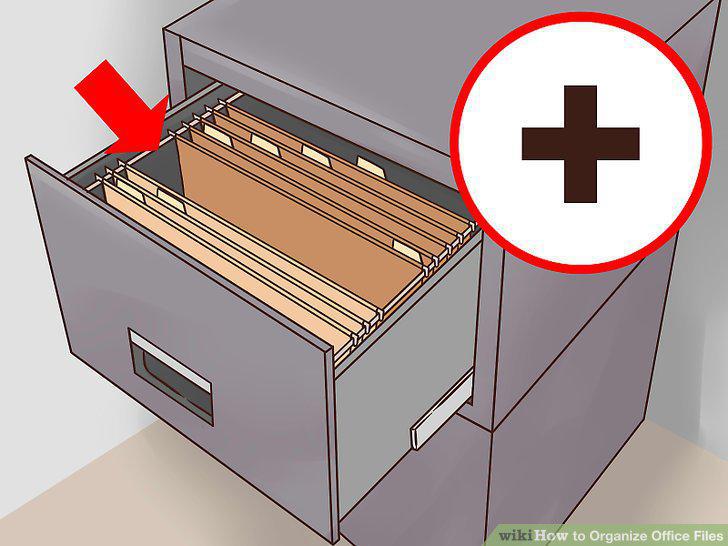
Leave several inches of space in each filing drawer.
7
Gather all the materials that need filing.
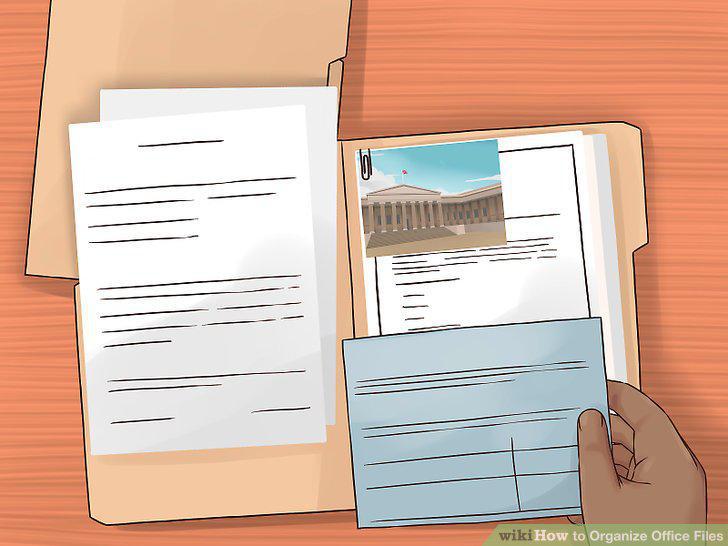
Gather all the materials that need filing.
8
Separate the papers into two groups for "action" and "filing.
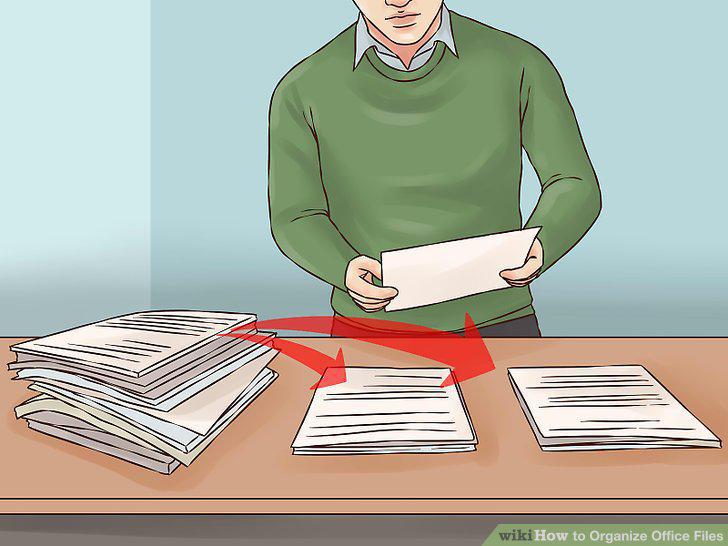
Separate the papers into two groups for "action" and "filing.
9
Pick up each paper once.

Pick up each paper once.
10
Unfold each item.
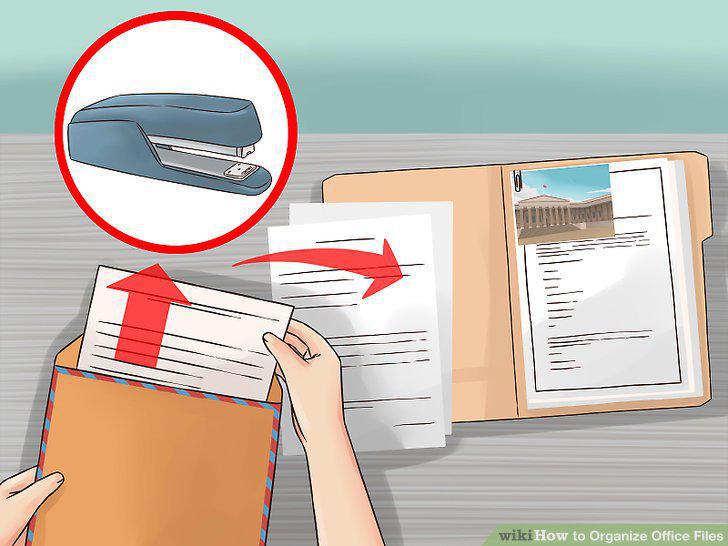
Unfold each item.
11
Use a "To File" basket.
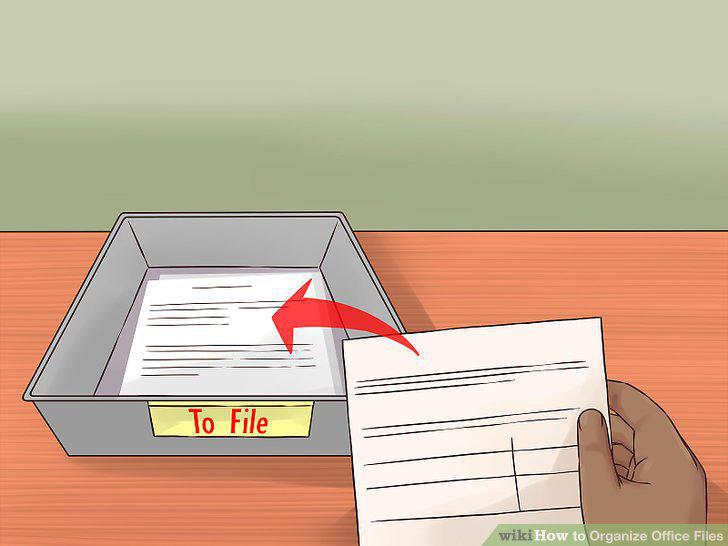
Use a "To File" basket.
12
Designate a consistent time to work on filing.
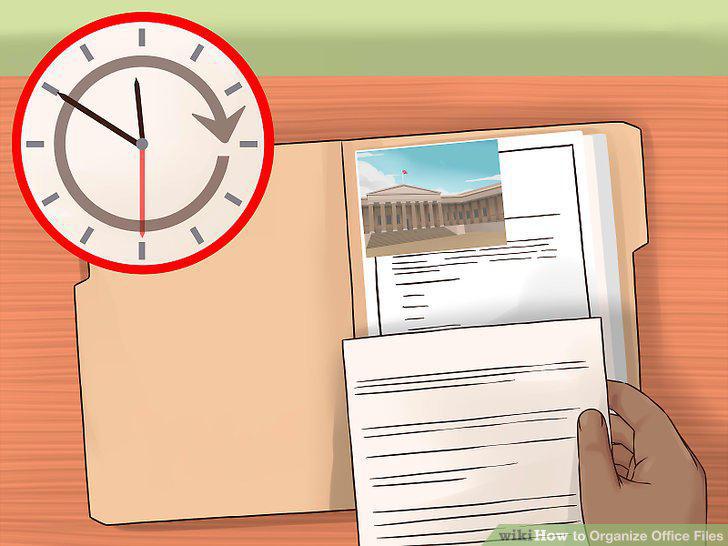
Designate a consistent time to work on filing.
13
Make sure that others with access to the files understand the system.
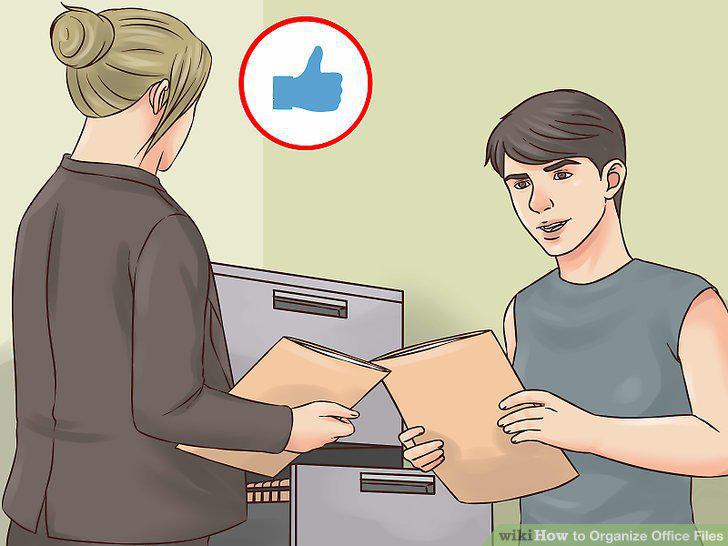
Make sure that others with access to the files understand the system.
14
Keep vital documents in a safe place.

Keep vital documents in a safe place.
15
Review your files regularly.
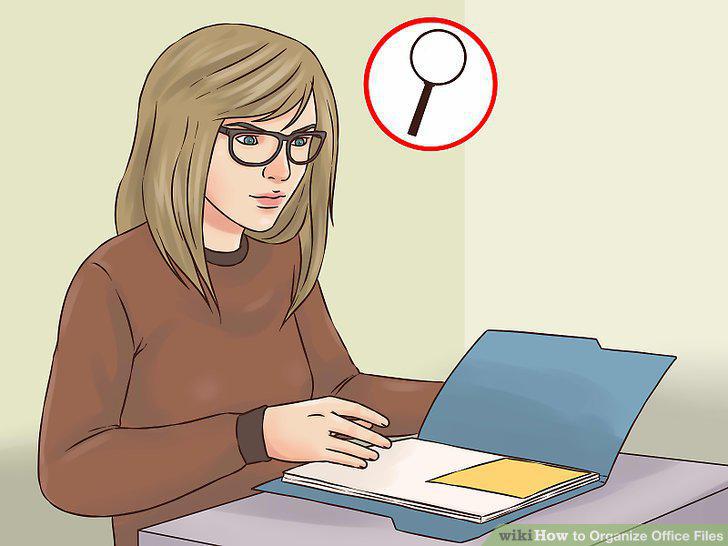
Review your files regularly.
Comments (0)
No comments yet. Be the first to share your thoughts!