How to Delete an Uber Eats Account
Open your web browser.. Navigate to the Uber Eats help page.. Click delete my Uber account.
Steps
1
Open your web browser.
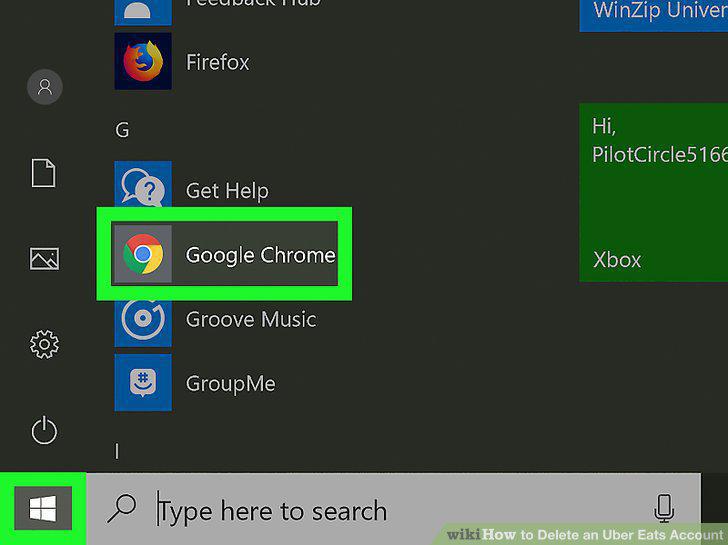
Open your web browser.
2
Navigate to the Uber Eats help page.
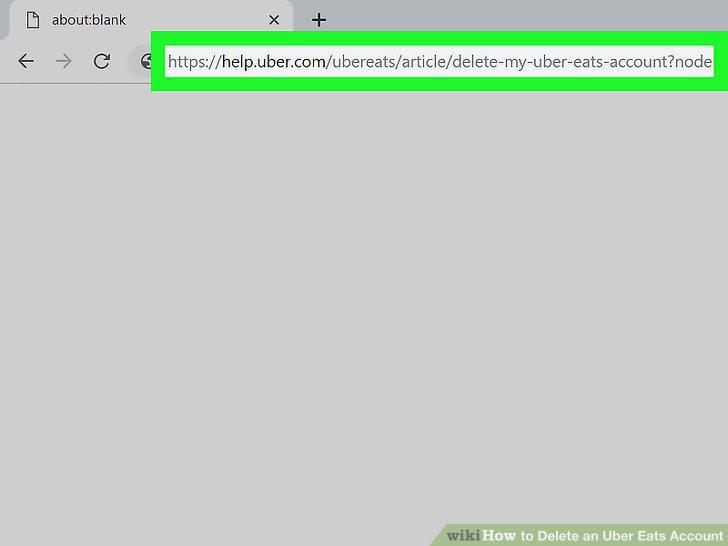
Navigate to the Uber Eats help page.
3
Click delete my Uber account.
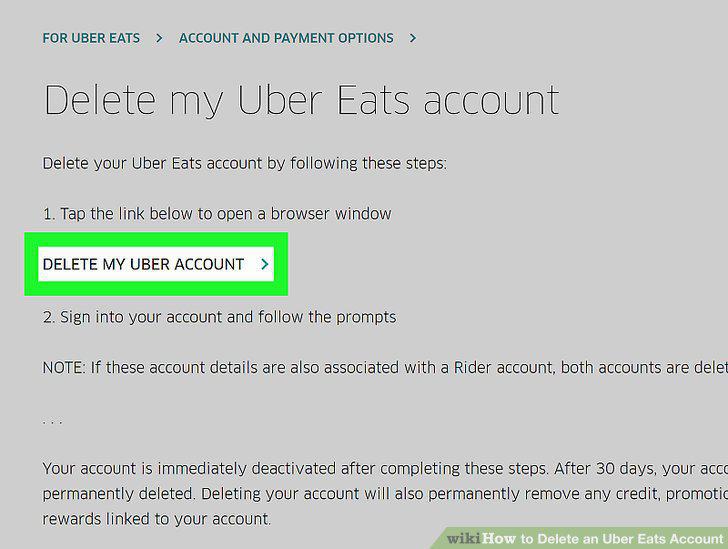
Click delete my Uber account.
4
Click Sign in to access your Uber account.
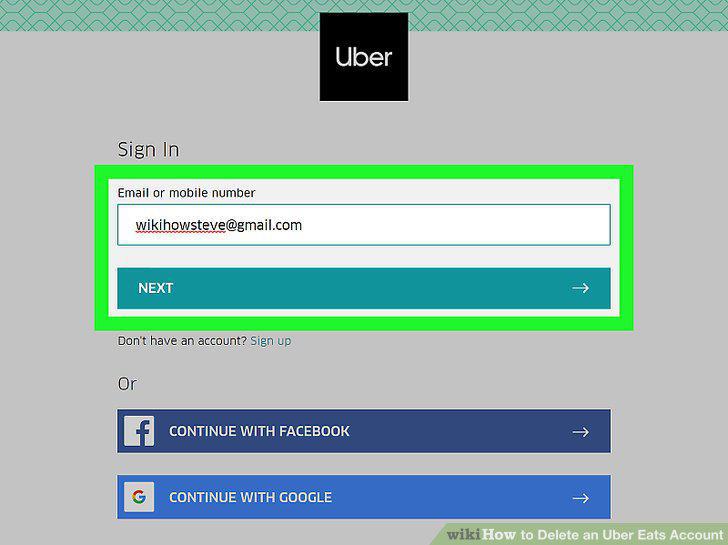
Click Sign in to access your Uber account.
5
Click Continue at the bottom of the screen.
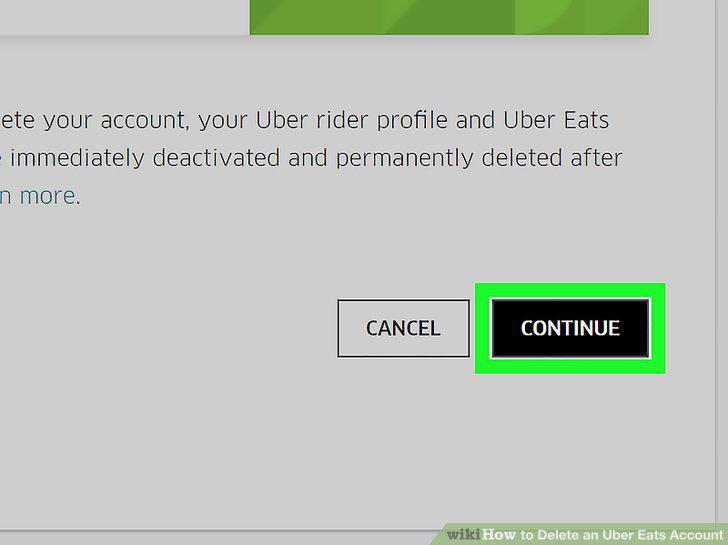
Click Continue at the bottom of the screen.
6
Select one of the prompts to successfully delete your account.
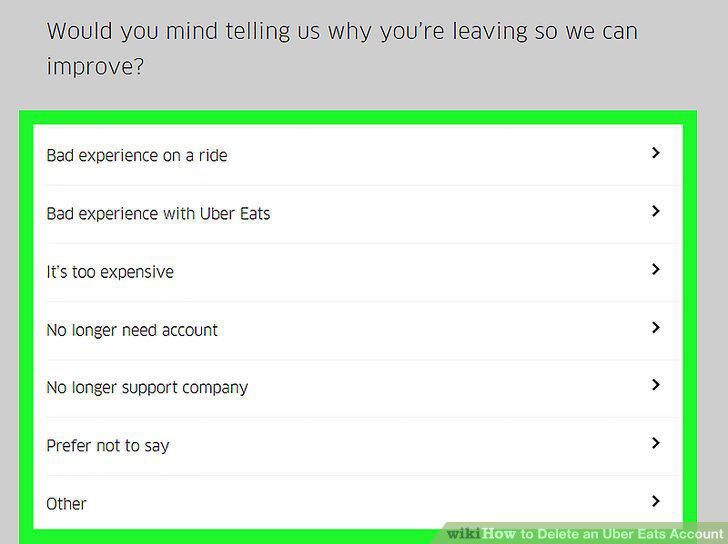
Select one of the prompts to successfully delete your account.
7
Click Submit.
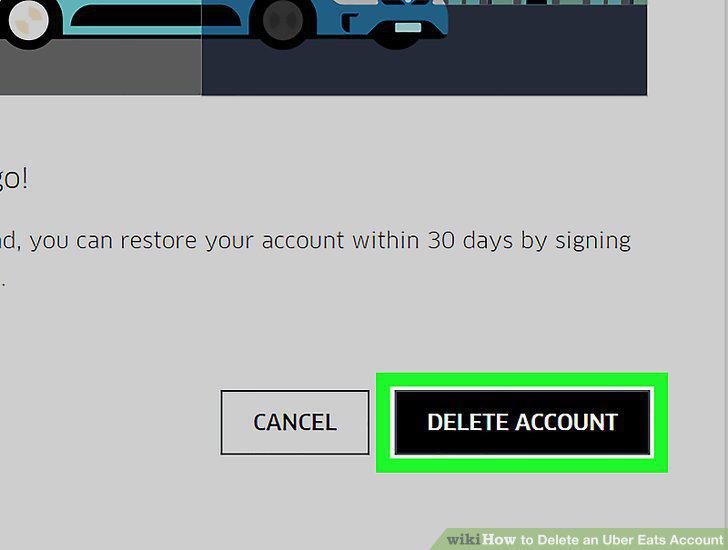
Click Submit.
Comments (0)
No comments yet. Be the first to share your thoughts!