How to Activate an FM Chip on Android
Open the Google Play Store app.. Type NextRadio in the search bar.. Tap NextRadio Free Live FM Radio.
Steps
1
Open the Google Play Store app.
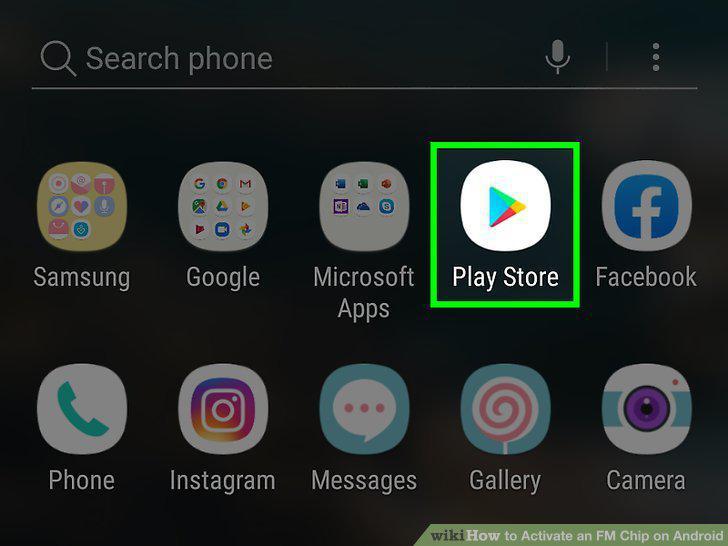
Open the Google Play Store app.
2
Type NextRadio in the search bar.
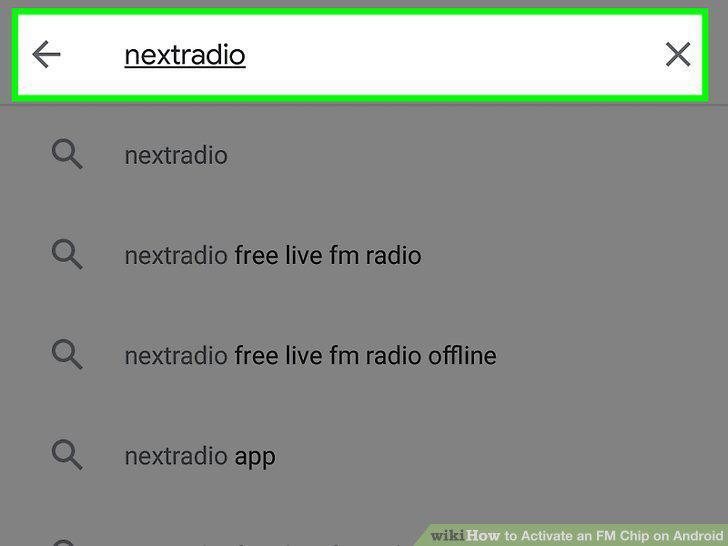
Type NextRadio in the search bar.
3
Tap NextRadio Free Live FM Radio.
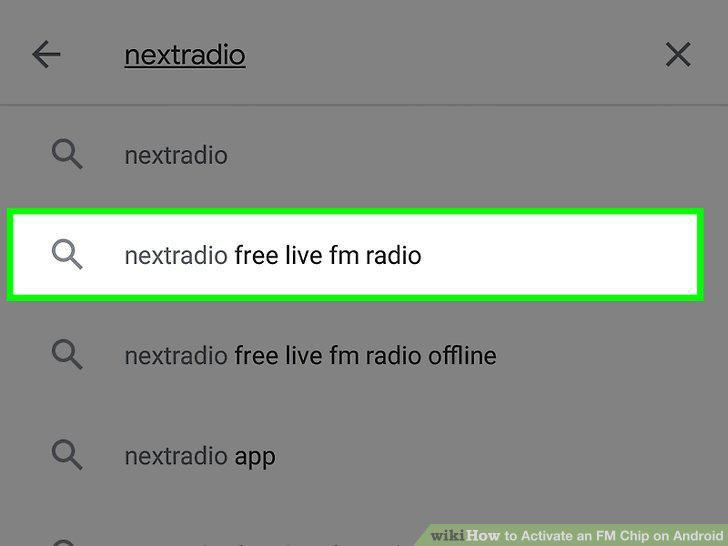
Tap NextRadio Free Live FM Radio.
4
Tap Install.
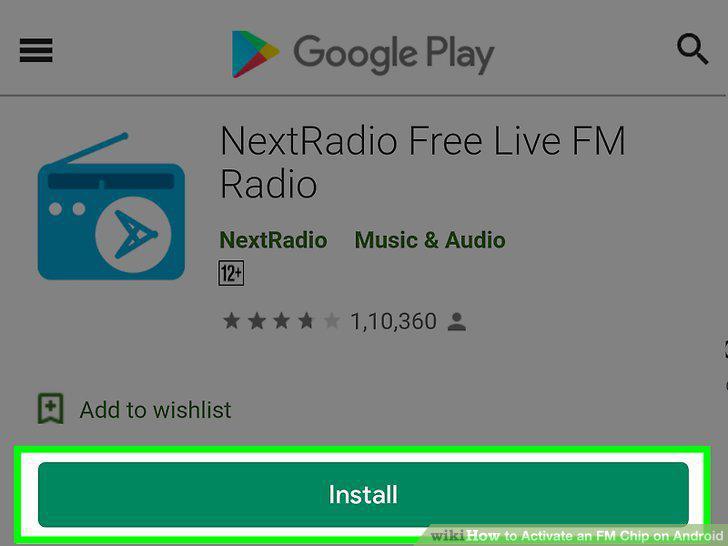
Tap Install.
5
Open NextRadio.
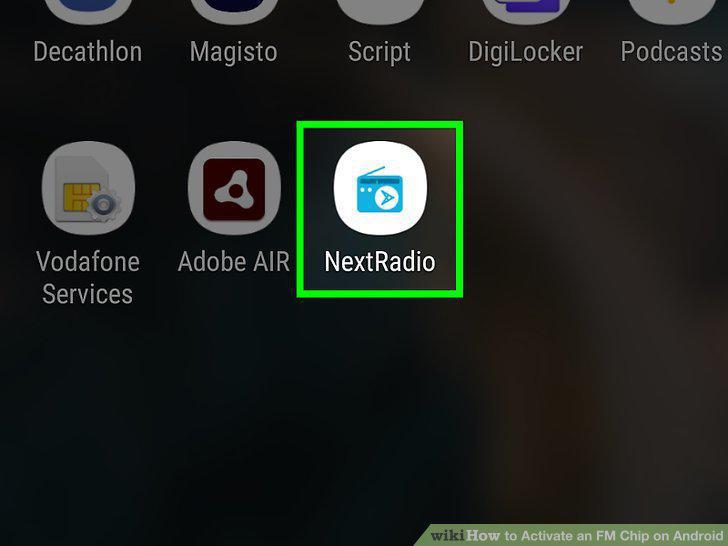
Open NextRadio.
6
Plug in a pair of wired headphones and swipe left.
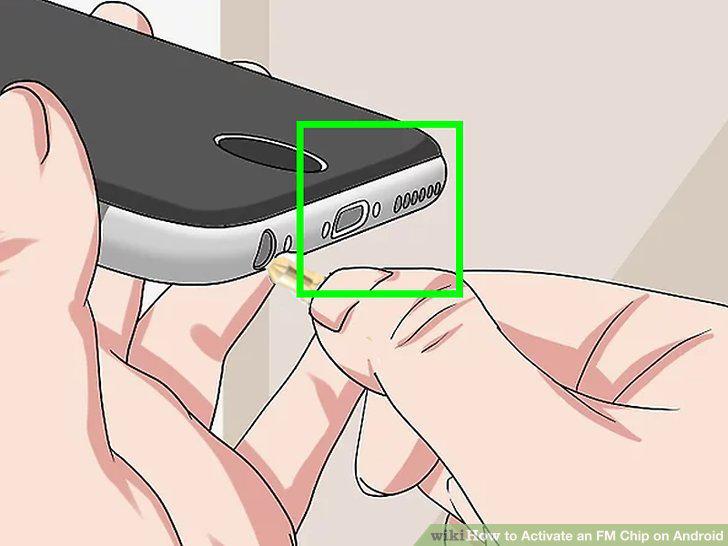
Plug in a pair of wired headphones and swipe left.
7
Tap I'm Ready!.
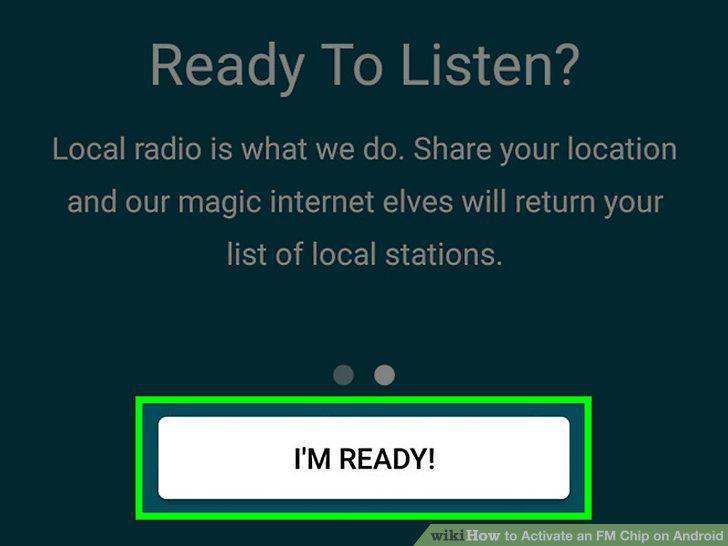
Tap I'm Ready!.
8
Tap Local FM Radio or Local Streams.
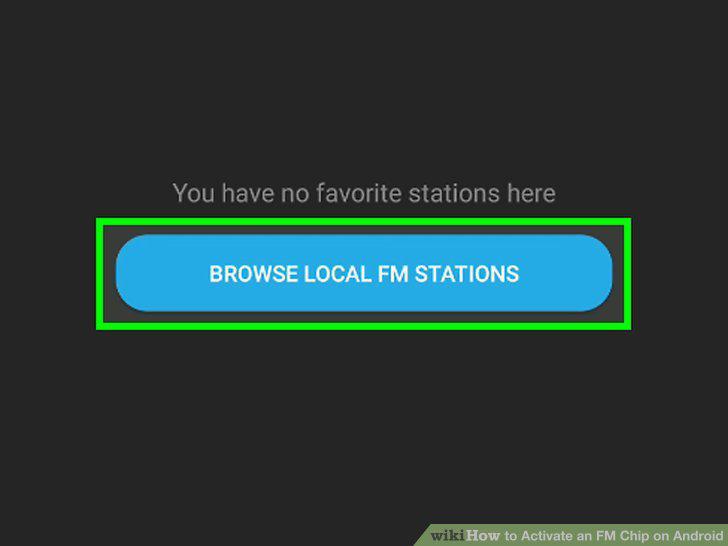
Tap Local FM Radio or Local Streams.
9
Tap a radio station.
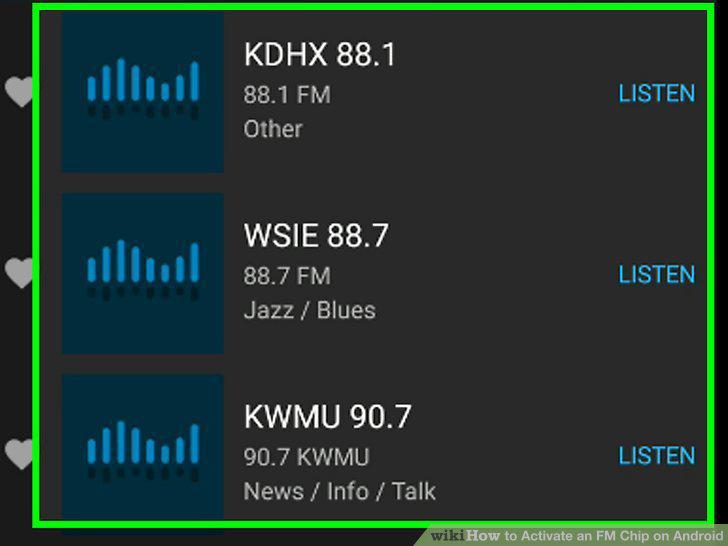
Tap a radio station.
Comments (0)
No comments yet. Be the first to share your thoughts!