How to Connect Vizio Smart TV to WiFi
Power your TV on.. Press the Menu button on your remote.. Select Network in the menu.
Steps
1
Power your TV on.
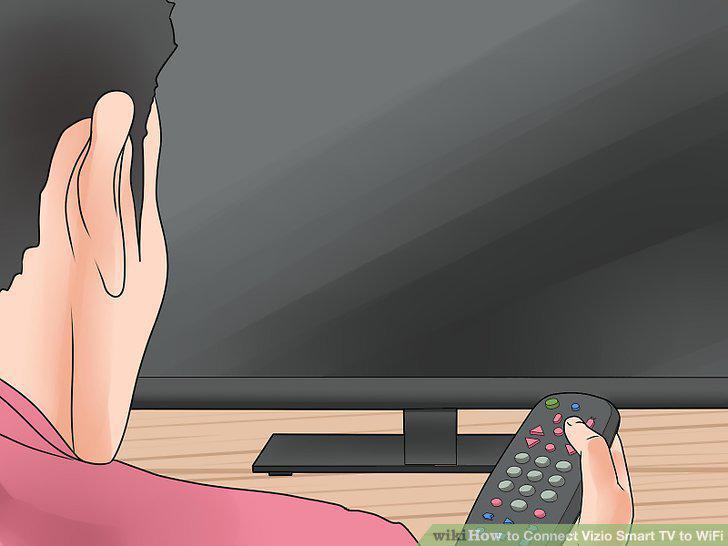
Power your TV on.
2
Press the Menu button on your remote.
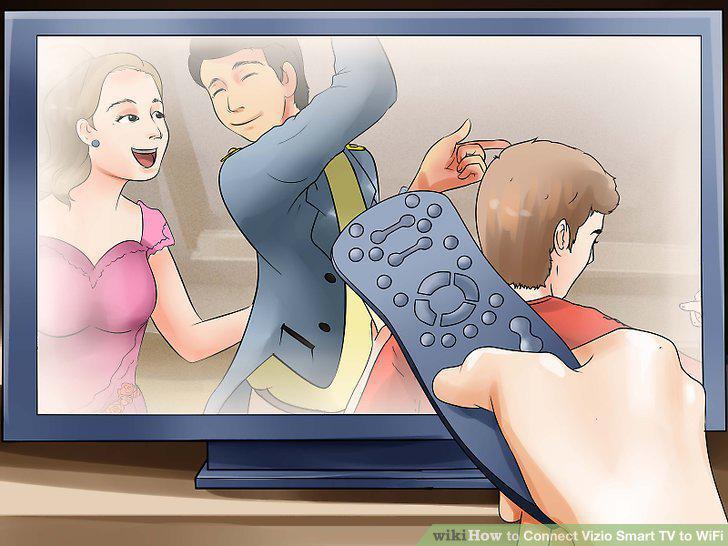
Press the Menu button on your remote.
3
Select Network in the menu.
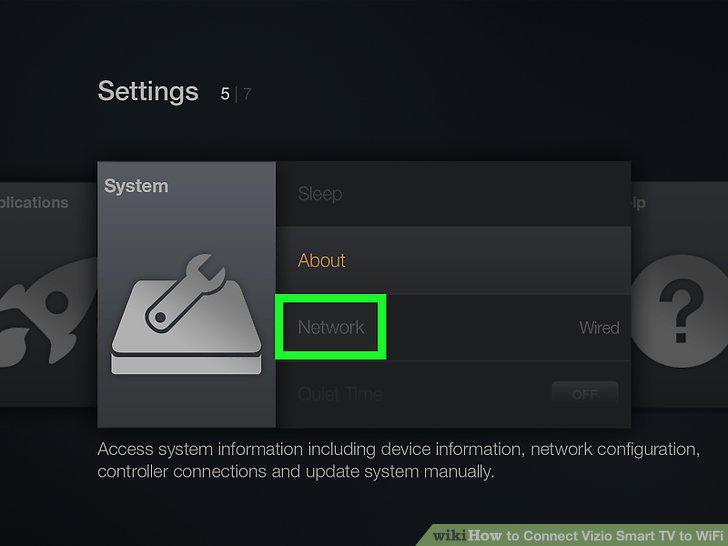
Select Network in the menu.
4
Select a Wi-Fi network.
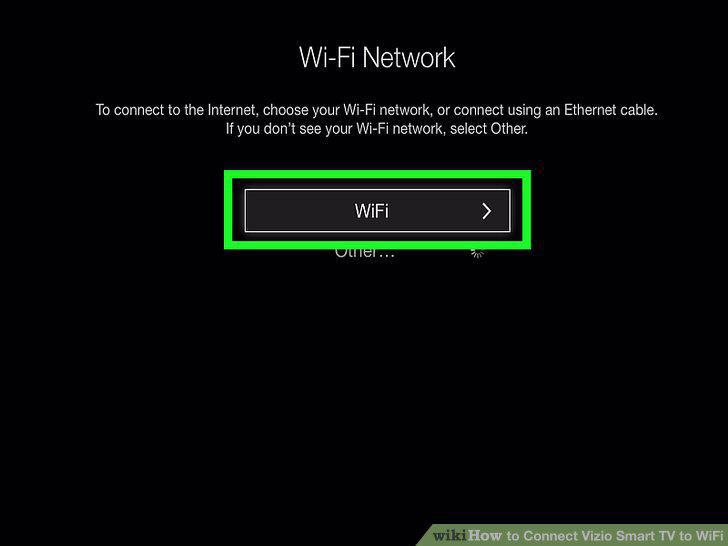
Select a Wi-Fi network.
5
Enter the Wi-Fi password.
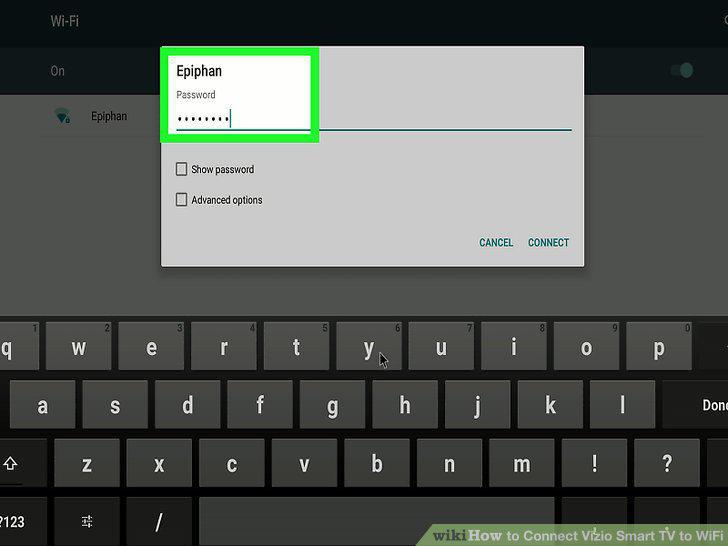
Enter the Wi-Fi password.
6
Select Connect.
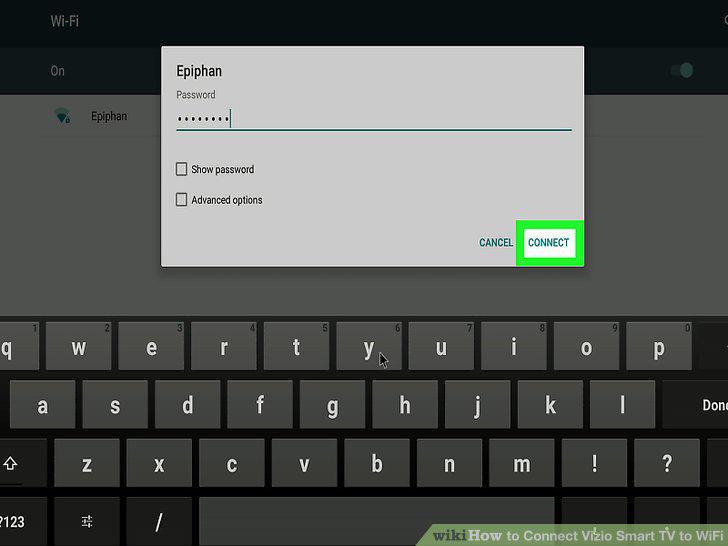
Select Connect.
Comments (0)
No comments yet. Be the first to share your thoughts!