How to Use the Camera with Google Translate on iPhone or iPad
Open Google Translate on your iPhone or iPad.. Select the language of the text you want to translate.. Select a language to translate to.
Steps
1
Open Google Translate on your iPhone or iPad.
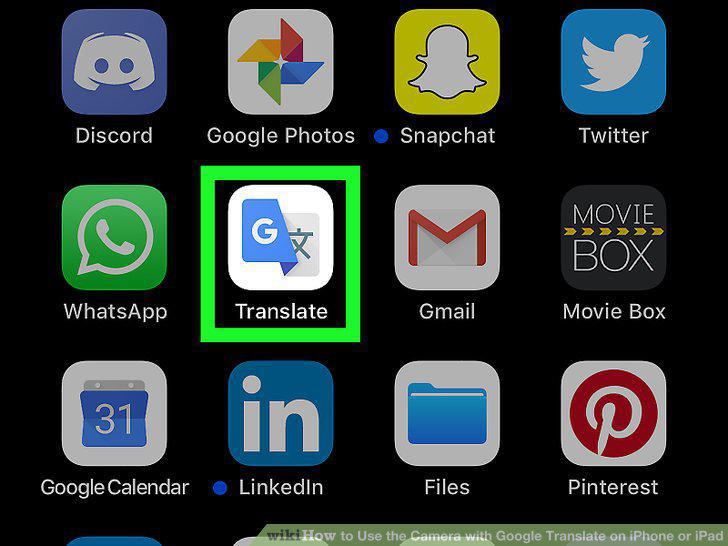
Open Google Translate on your iPhone or iPad.
2
Select the language of the text you want to translate.
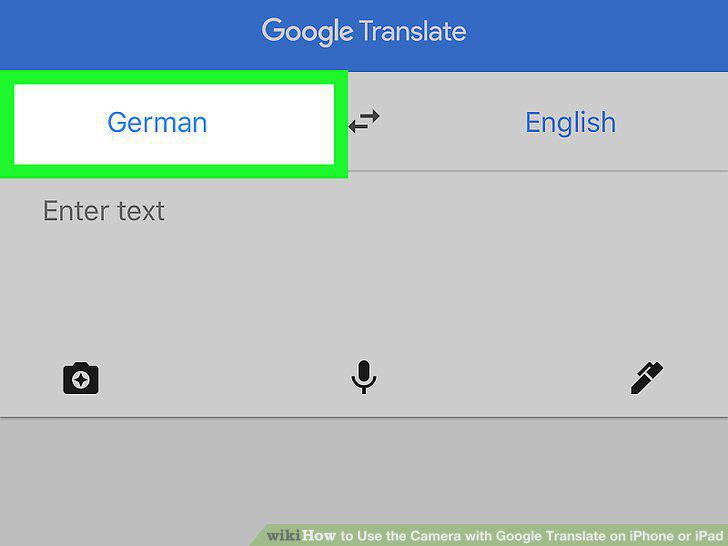
Select the language of the text you want to translate.
3
Select a language to translate to.
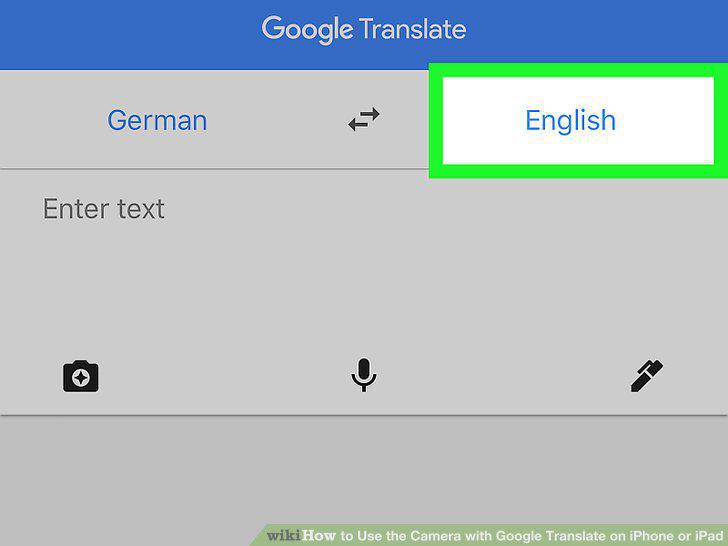
Select a language to translate to.
4
Tap the camera icon.
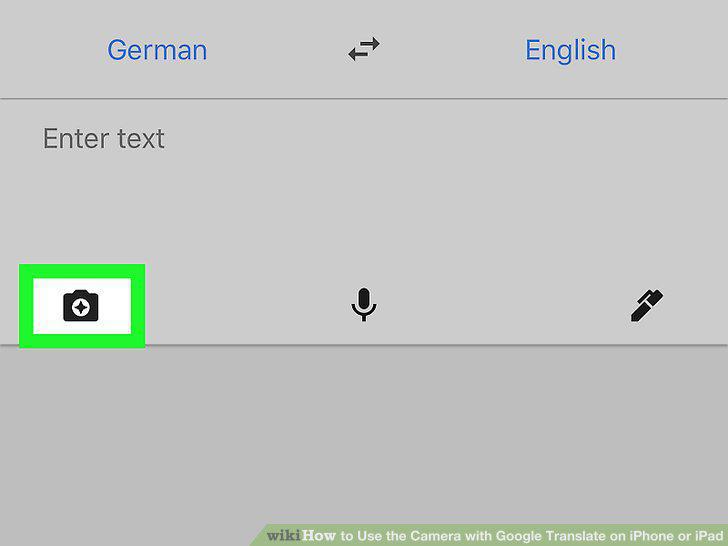
Tap the camera icon.
5
Align the text in the viewfinder.
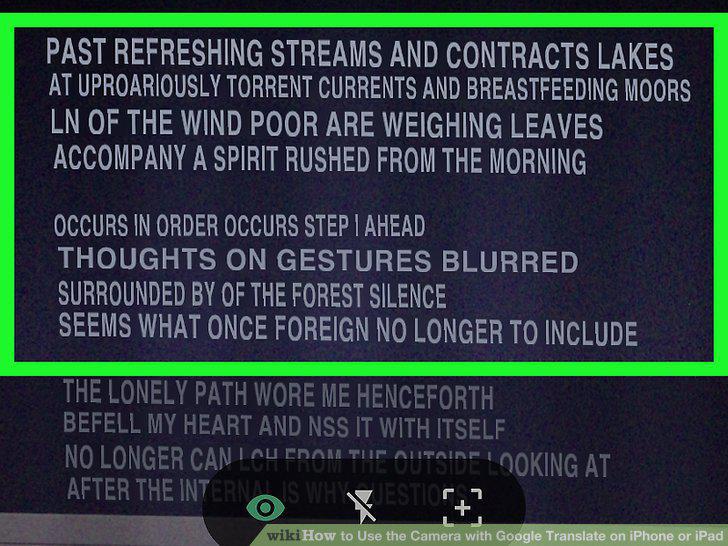
Align the text in the viewfinder.
Comments (0)
No comments yet. Be the first to share your thoughts!