How to Call Using Viber on PC or Mac
Open Viber on your computer.. Click the figurehead icon in the upper-left corner.. Click the Viber Only tab.
Steps
1
Open Viber on your computer.
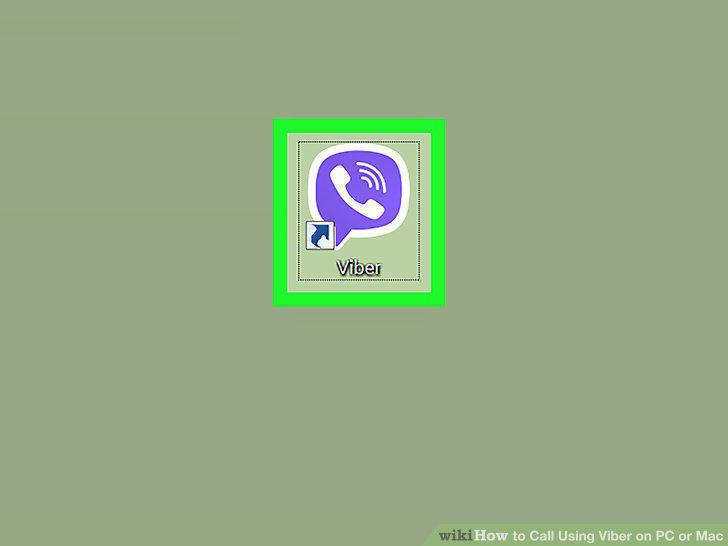
Open Viber on your computer.
2
Click the figurehead icon in the upper-left corner.
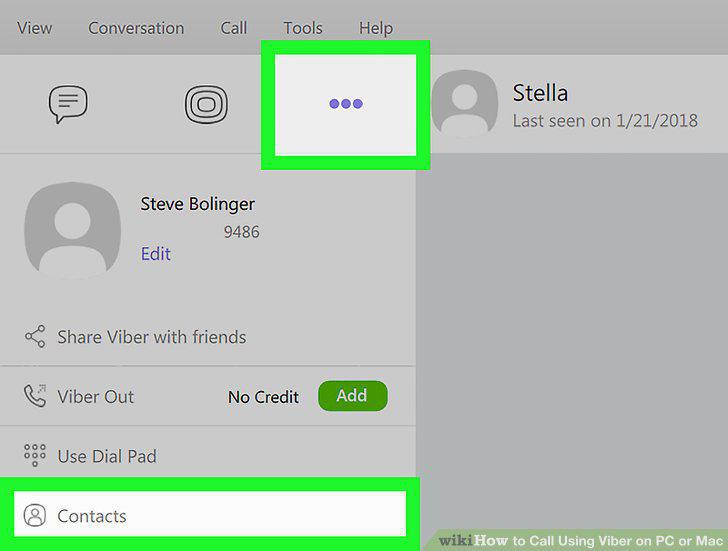
Click the figurehead icon in the upper-left corner.
3
Click the Viber Only tab.
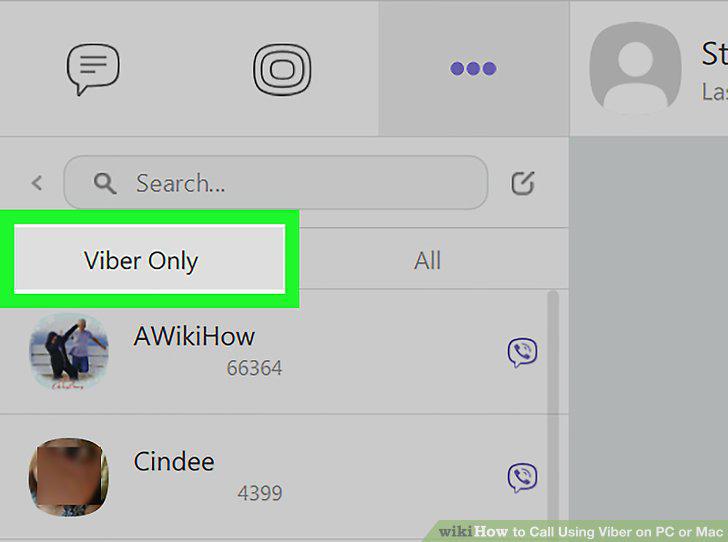
Click the Viber Only tab.
4
Click a contact's name on the left panel.
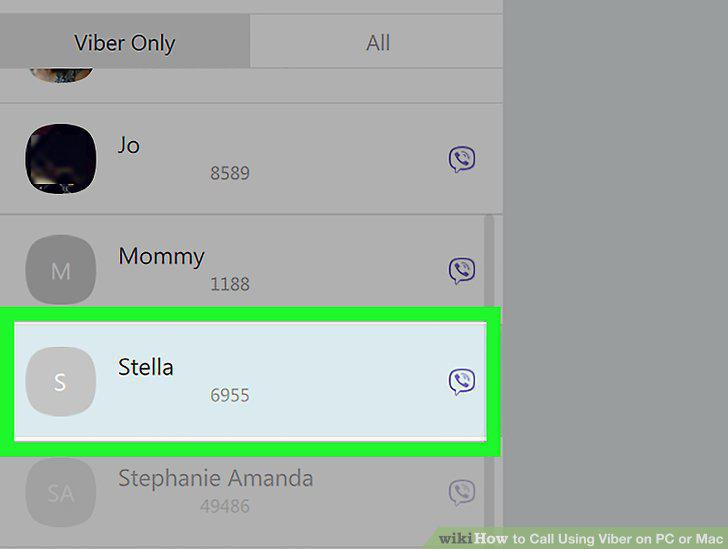
Click a contact's name on the left panel.
5
Click the purple phone icon on the top-right.
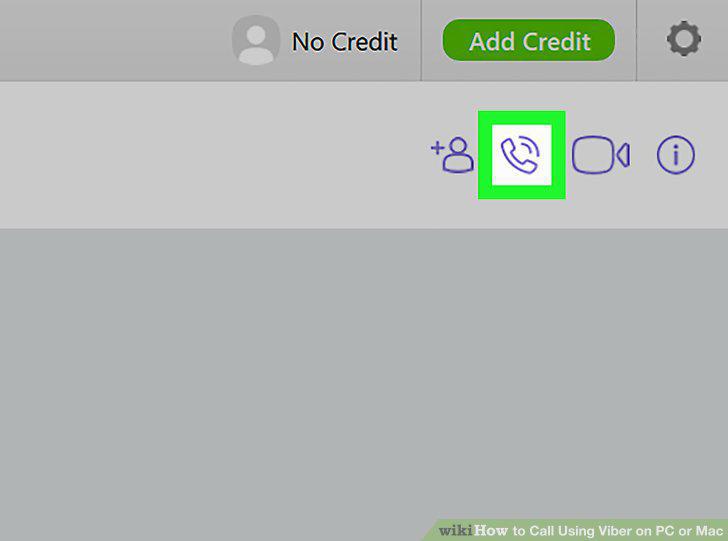
Click the purple phone icon on the top-right.
6
Click Free Viber Call on the drop-down menu.
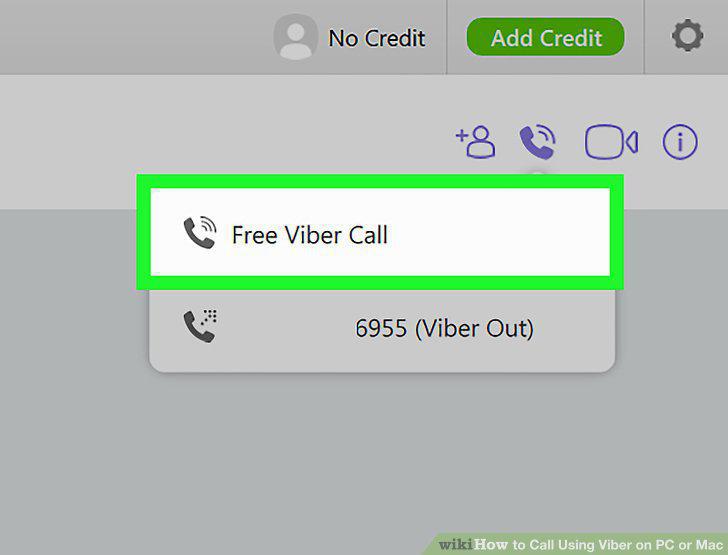
Click Free Viber Call on the drop-down menu.
Comments (0)
No comments yet. Be the first to share your thoughts!