How to Check the Temperature and Humidity on Your Android
Install Barometer & Altimeter from the Google Play Store .. Open Barometer & Altimeter.. Turn on location services if you haven't already.
Steps
1
Install Barometer & Altimeter from the Google Play Store .
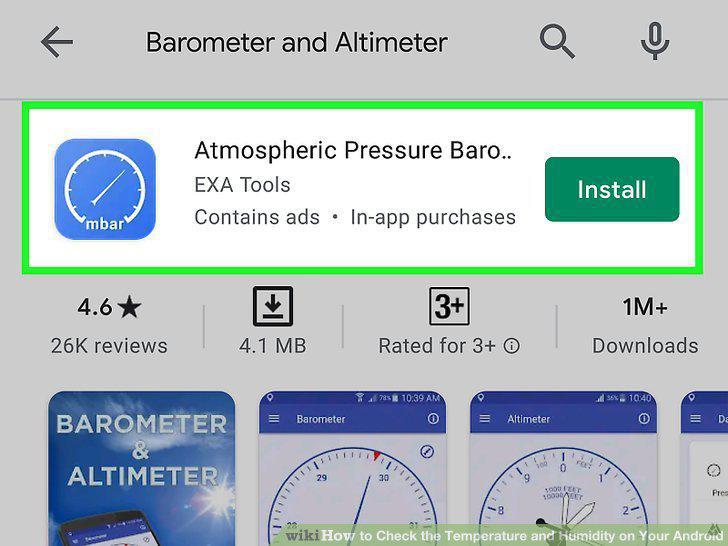
Install Barometer & Altimeter from the Google Play Store .
2
Open Barometer & Altimeter.
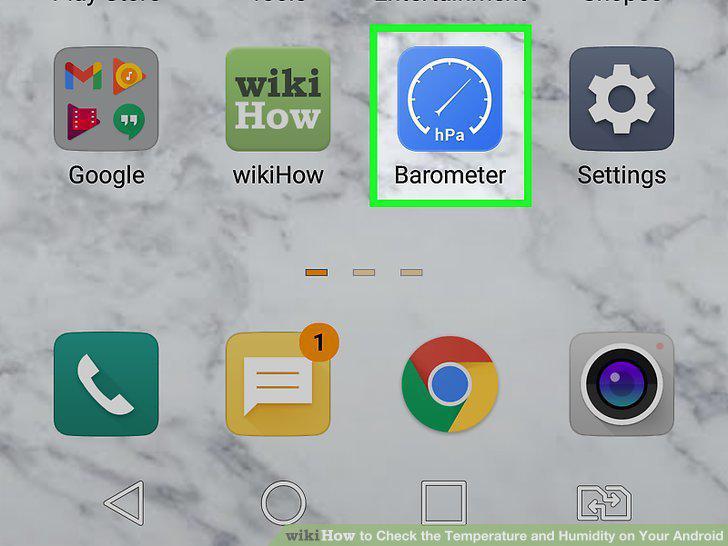
Open Barometer & Altimeter.
3
Turn on location services if you haven't already.
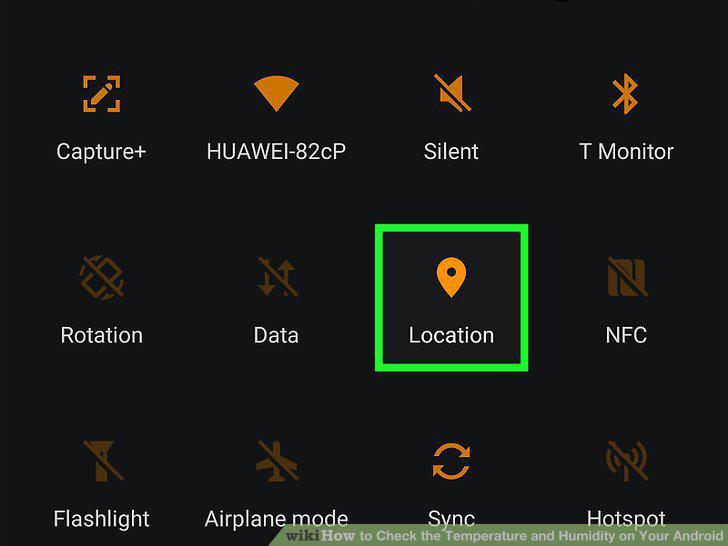
Turn on location services if you haven't already.
4
Tap the Data tab.
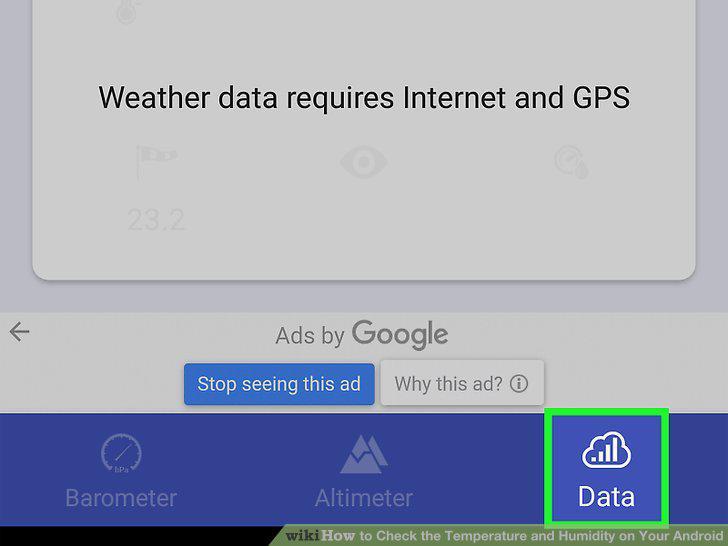
Tap the Data tab.
5
Install AccuWeather on your phone or tablet.
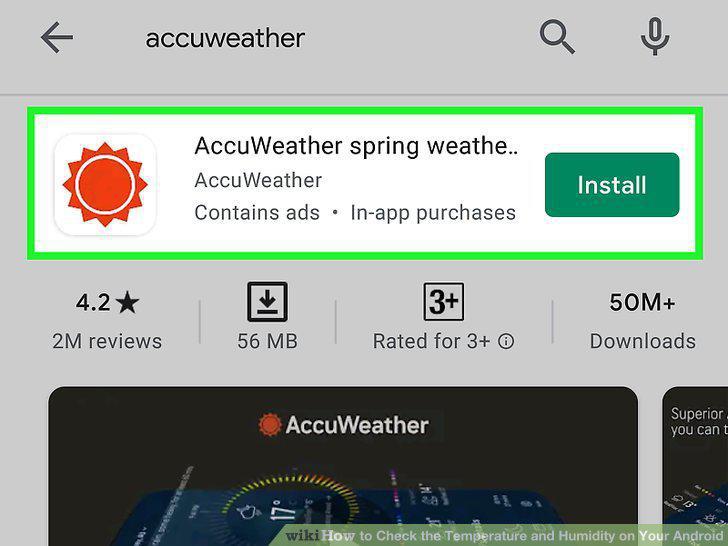
Install AccuWeather on your phone or tablet.
6
Open AccuWeather.
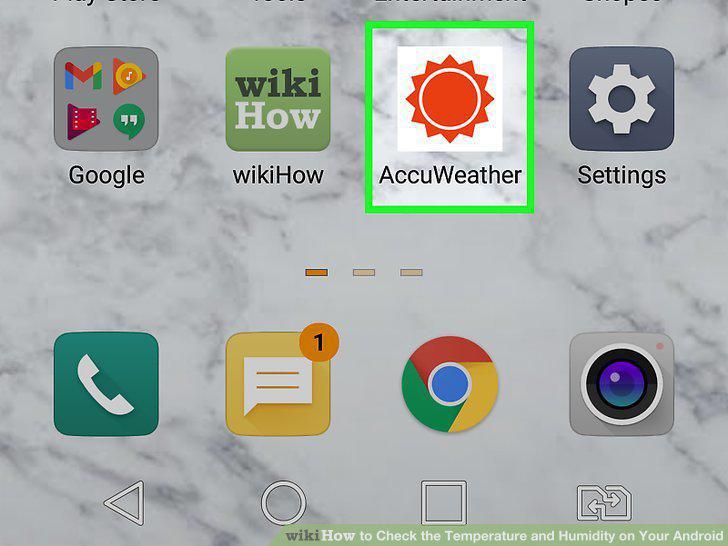
Open AccuWeather.
7
Review the terms and tap I accept terms and conditions.
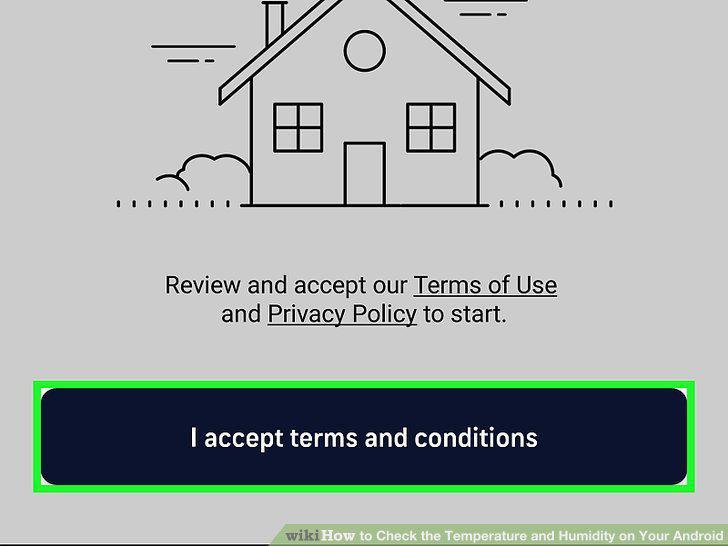
Review the terms and tap I accept terms and conditions.
8
Tap ALLOW to allow AccuWeather to use your location.
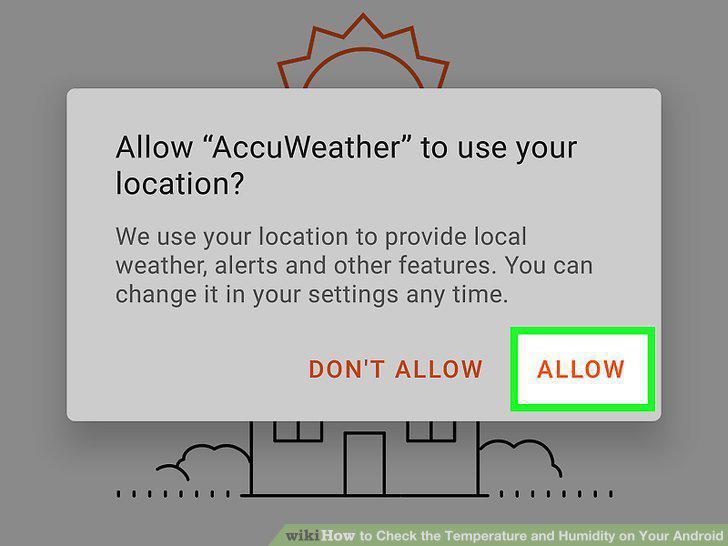
Tap ALLOW to allow AccuWeather to use your location.
9
Add your location(s).
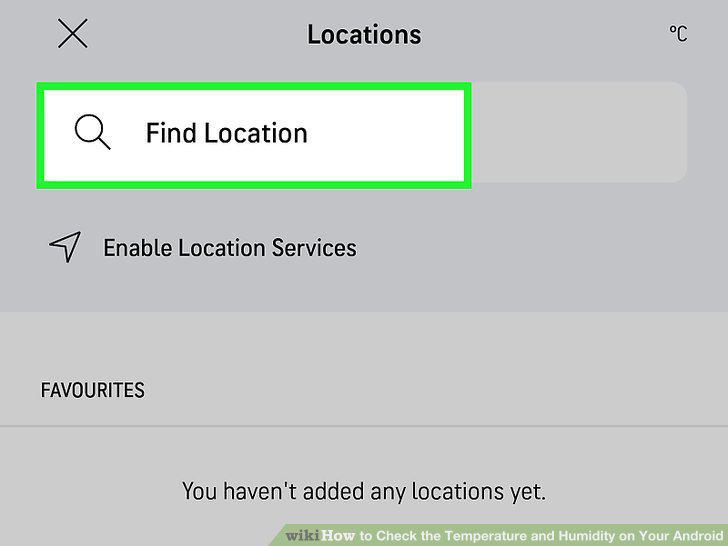
Add your location(s).
10
Tap the X to close the Locations tab.
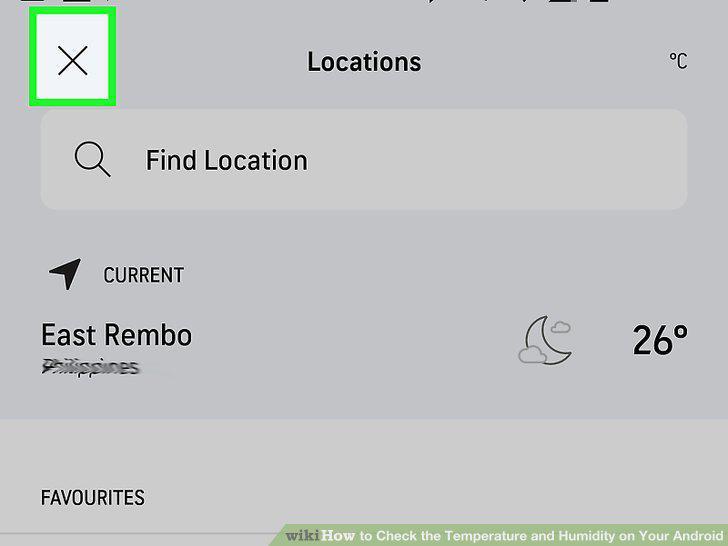
Tap the X to close the Locations tab.
11
Find the temperature and humidity levels on the Today tab.
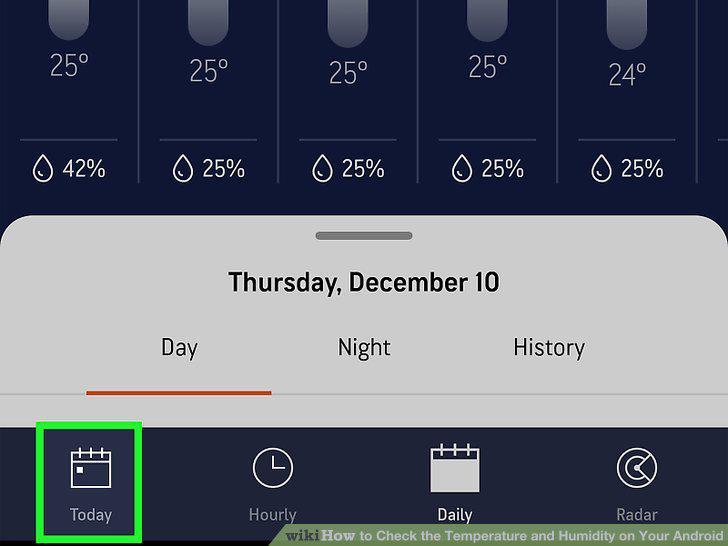
Find the temperature and humidity levels on the Today tab.
Comments (0)
No comments yet. Be the first to share your thoughts!