How to Cancel Cash App on iPhone or iPad
Open the Cash app.. Cash out all the money in your account.. Tap the icon that resembles a person.
Steps
1
Open the Cash app.
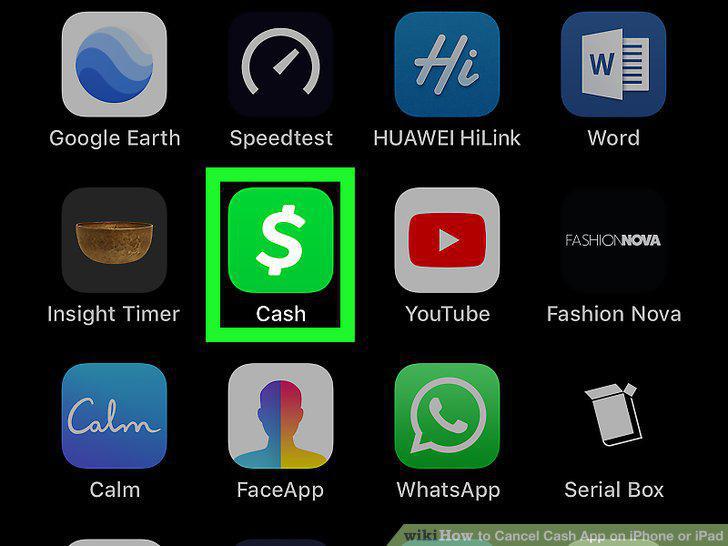
Open the Cash app.
2
Cash out all the money in your account.
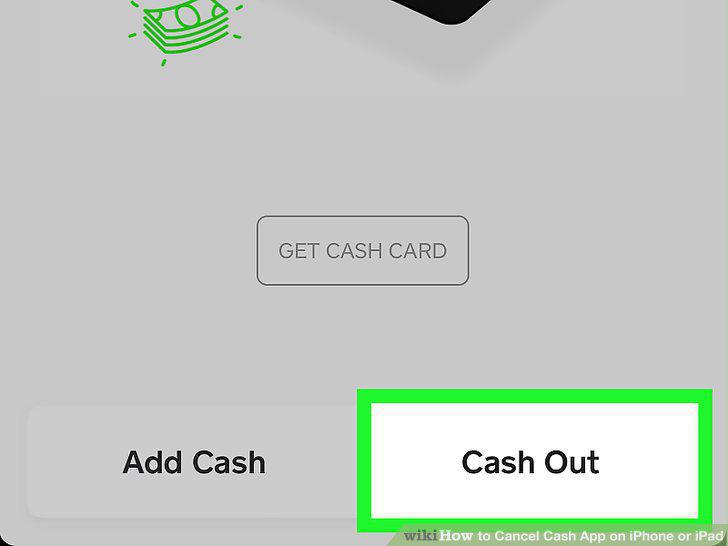
Cash out all the money in your account.
3
Tap the icon that resembles a person.
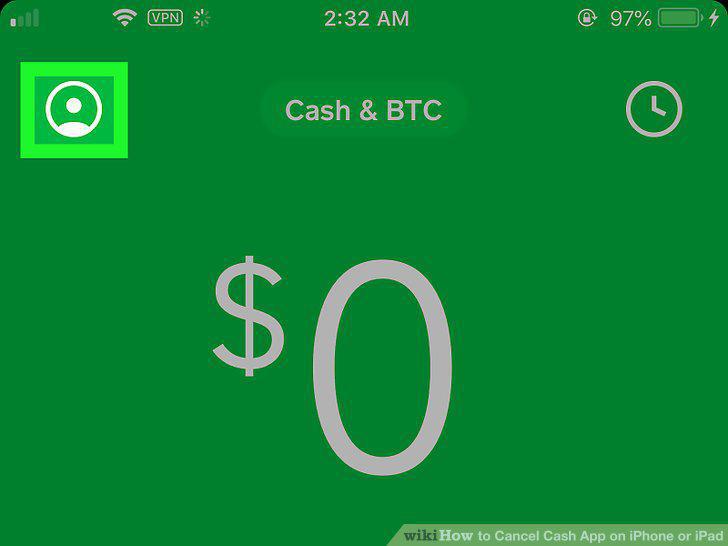
Tap the icon that resembles a person.
4
Scroll down and tap Cash Support.
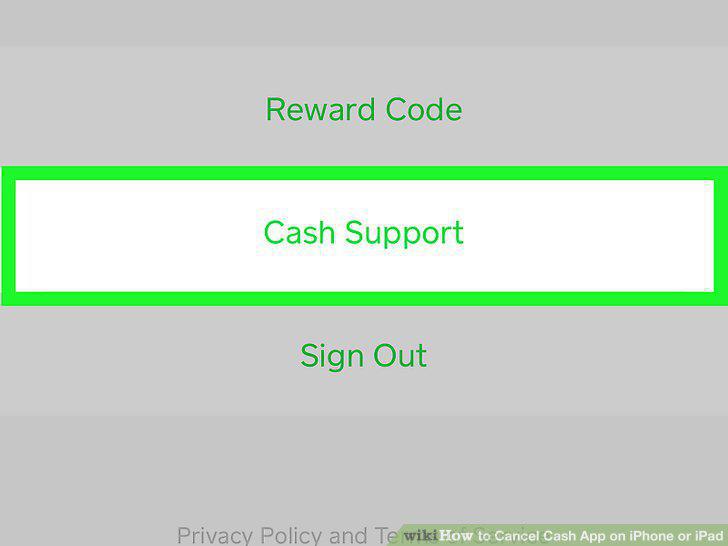
Scroll down and tap Cash Support.
5
Scroll down and tap Something Else.
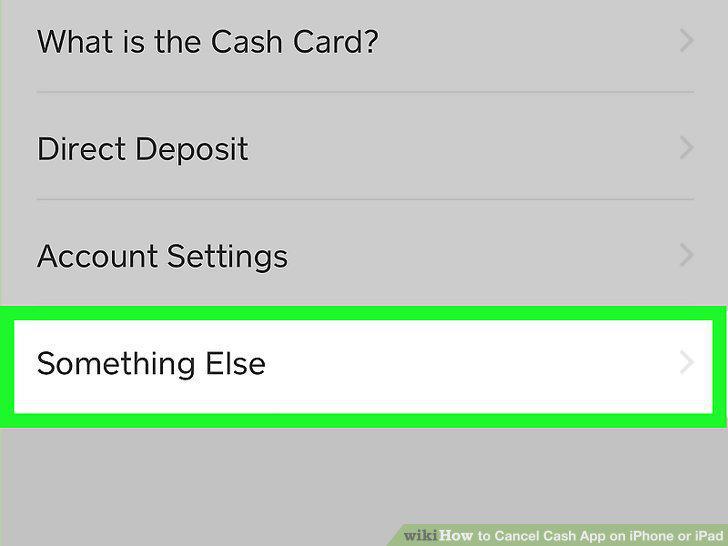
Scroll down and tap Something Else.
6
Tap Account Settings.
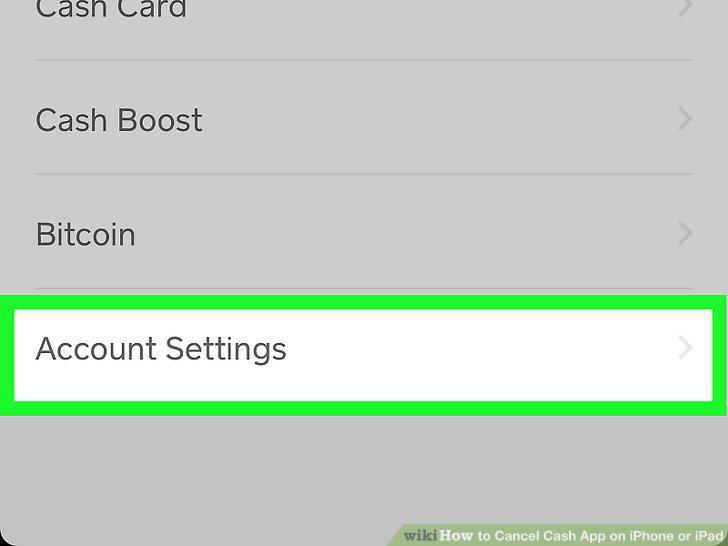
Tap Account Settings.
7
Tap Close my Cash App account.
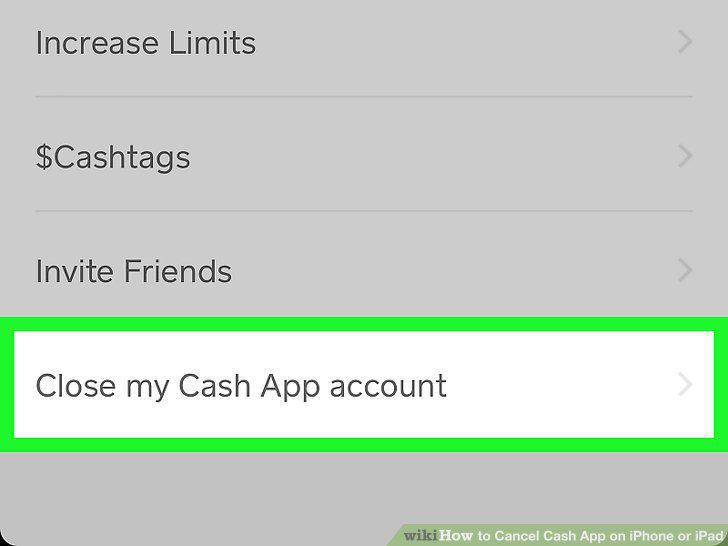
Tap Close my Cash App account.
8
Tap Confirm Closing Account.
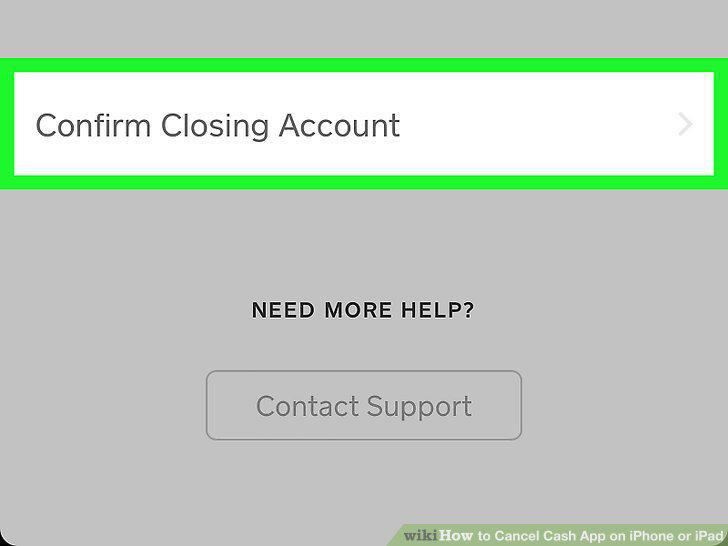
Tap Confirm Closing Account.
Comments (0)
No comments yet. Be the first to share your thoughts!