How to Record Google Translate Voice on iPhone or iPad
Download the "Easy Voice Recorder" app from the App Store.. Open your mobile internet browser.. Go to https://translate.google.com.
Steps
1
Download the "Easy Voice Recorder" app from the App Store.
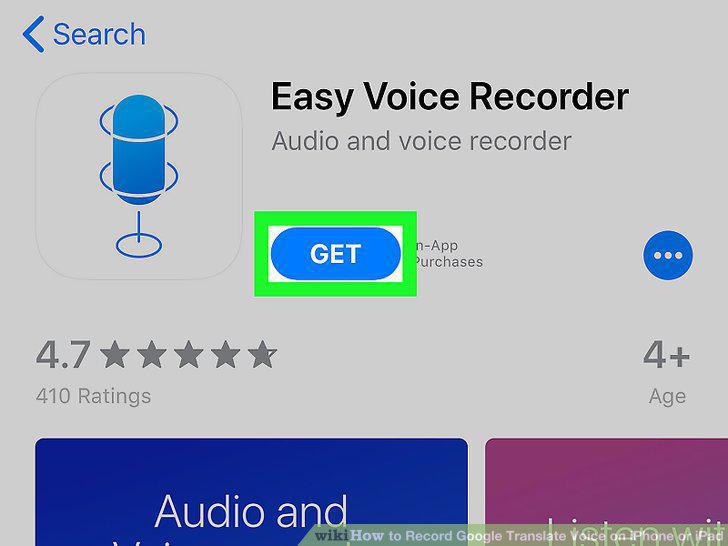
Download the "Easy Voice Recorder" app from the App Store.
2
Open your mobile internet browser.
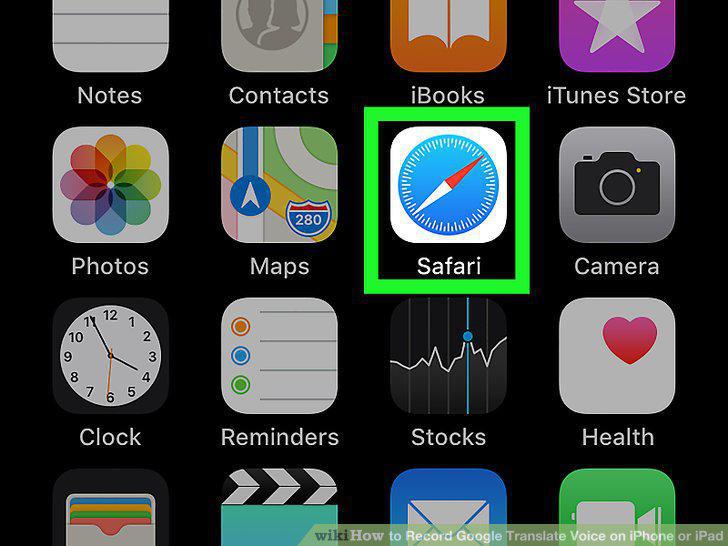
Open your mobile internet browser.
3
Go to https://translate.google.com.
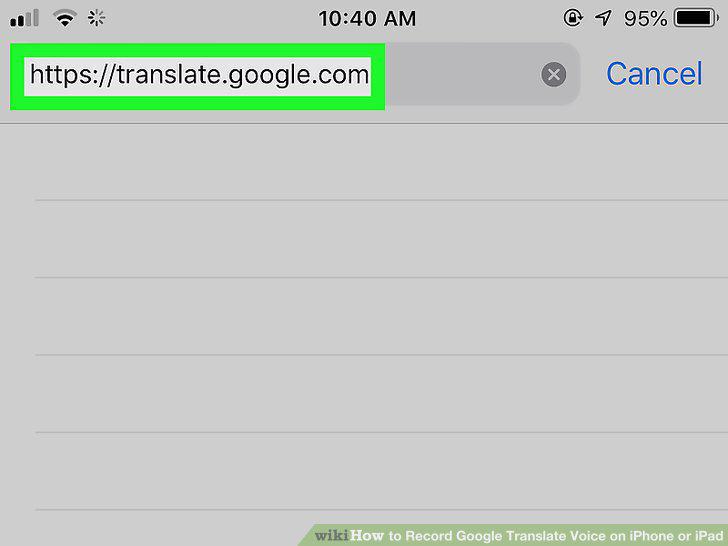
Go to https://translate.google.com.
4
Make your translation.
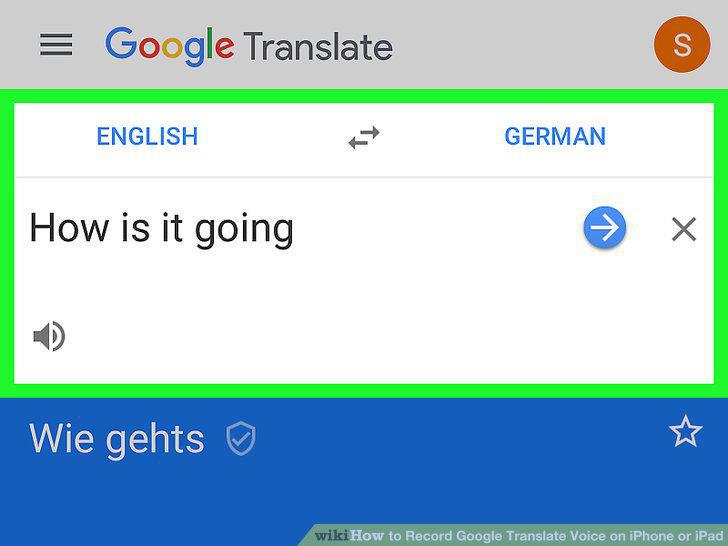
Make your translation.
5
Open the Easy Voice Recorder app.
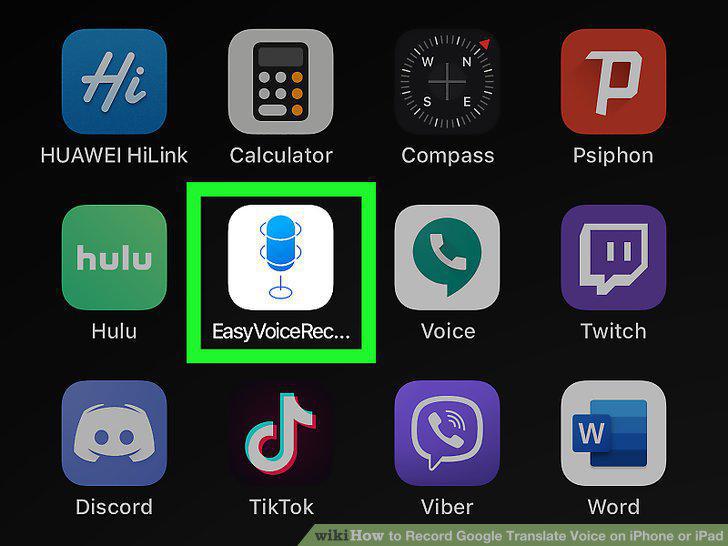
Open the Easy Voice Recorder app.
6
Tap the red-and-white microphone button.
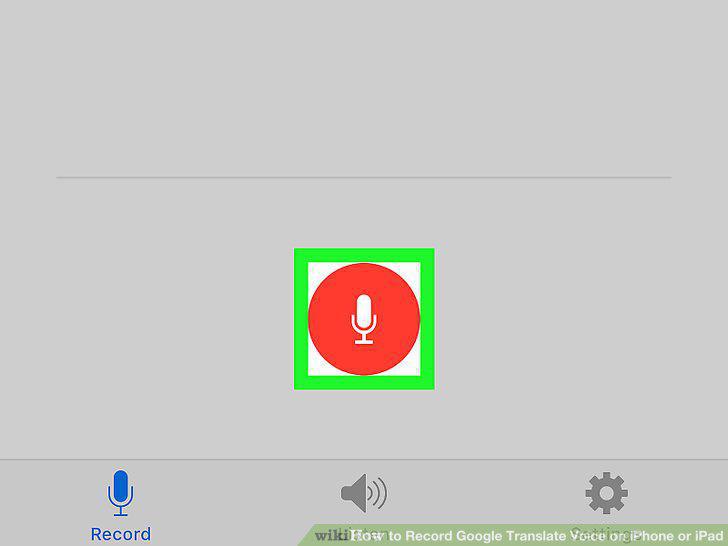
Tap the red-and-white microphone button.
7
Go back to your internet browser.
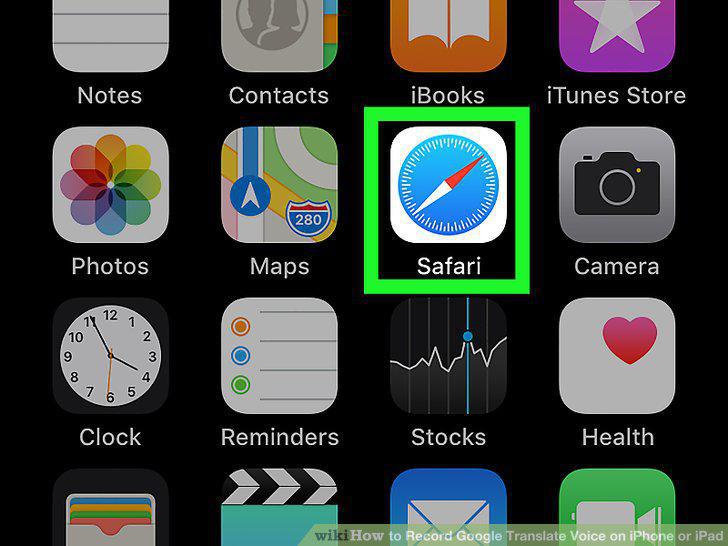
Go back to your internet browser.
8
Tap the white speaker icon below the translated word.
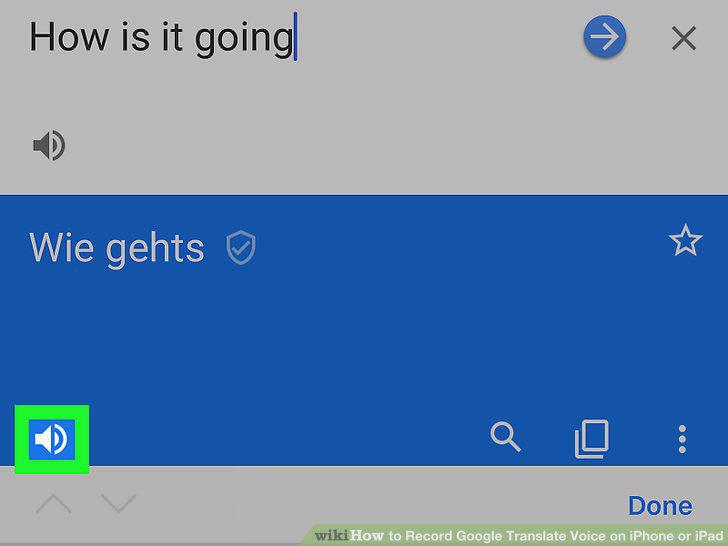
Tap the white speaker icon below the translated word.
9
Tap the red banner at the top.
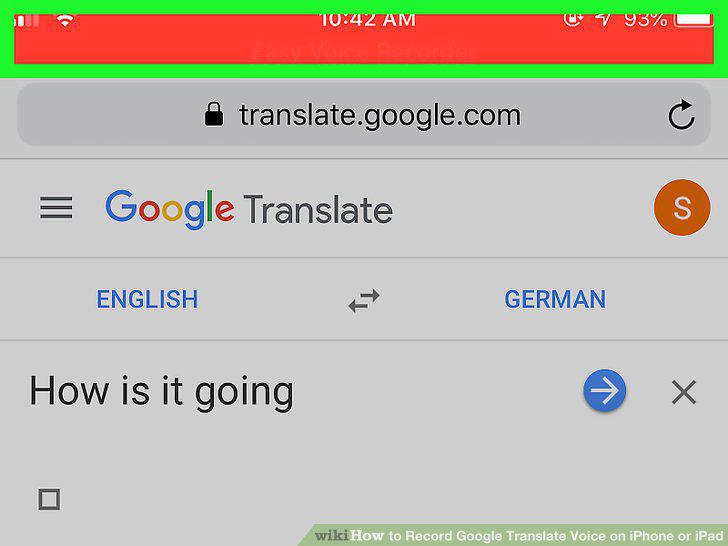
Tap the red banner at the top.
10
Tap the blue checkmark icon on the bottom-right.
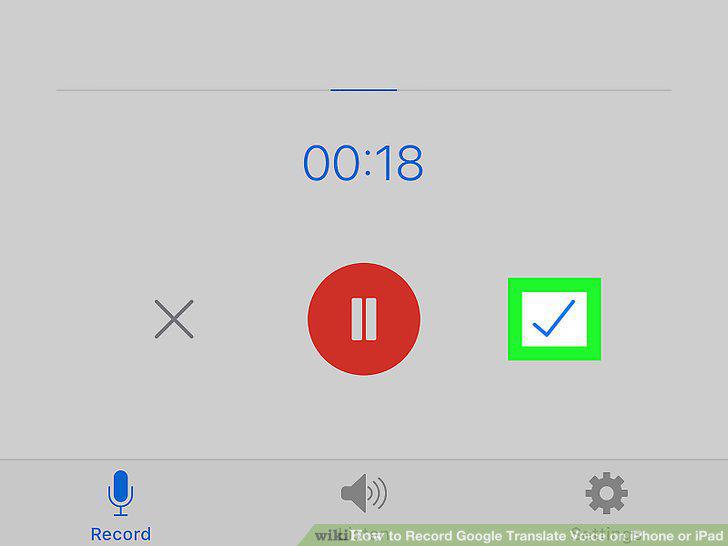
Tap the blue checkmark icon on the bottom-right.
Comments (0)
No comments yet. Be the first to share your thoughts!