How to Start Streaming on Twitch on Android
Open Twitch on your Android.. Tap your avatar.. Tap the video camera icon.
Steps
1
Open Twitch on your Android.
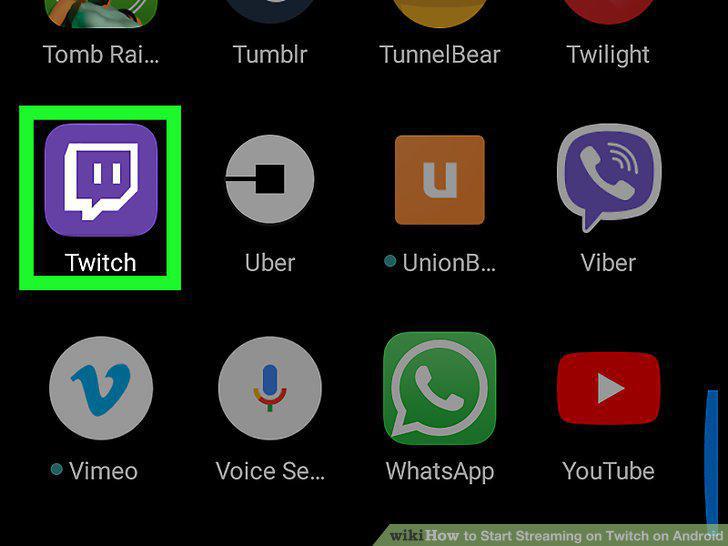
Open Twitch on your Android.
2
Tap your avatar.
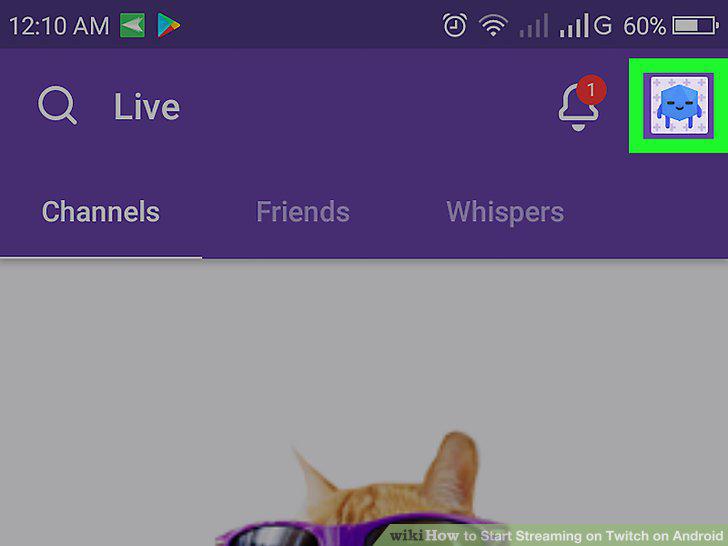
Tap your avatar.
3
Tap the video camera icon.
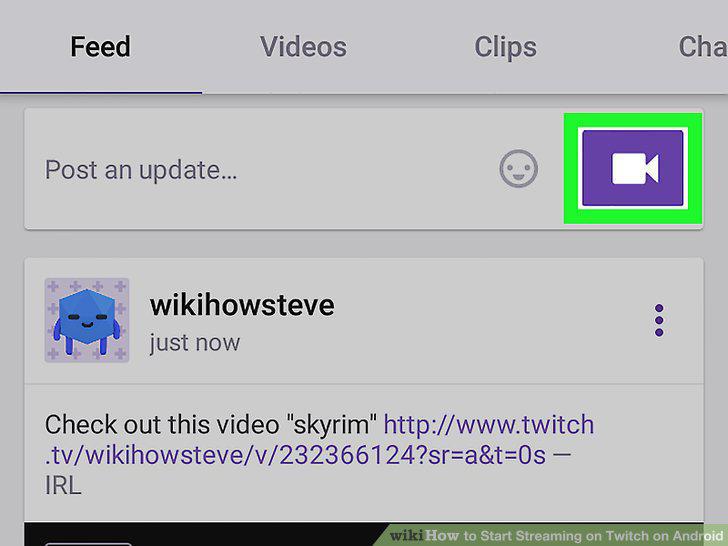
Tap the video camera icon.
4
Type a name for the stream.
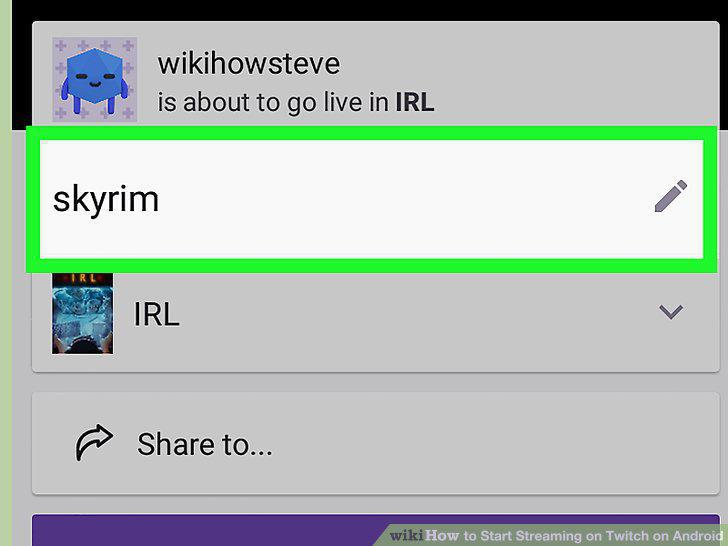
Type a name for the stream.
5
Select a category.
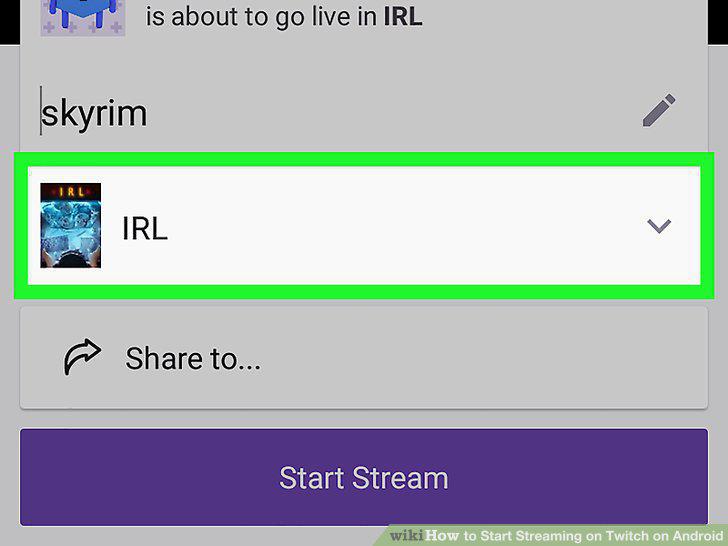
Select a category.
6
Tap Start Stream.
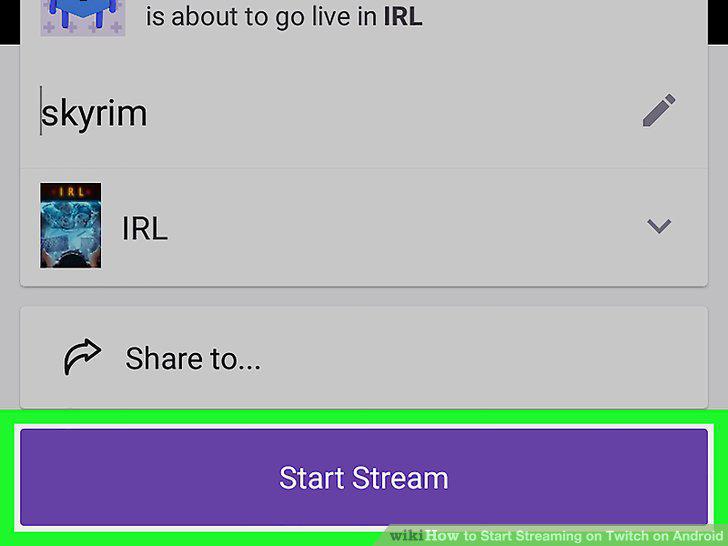
Tap Start Stream.
7
Tilt your Android to its side.
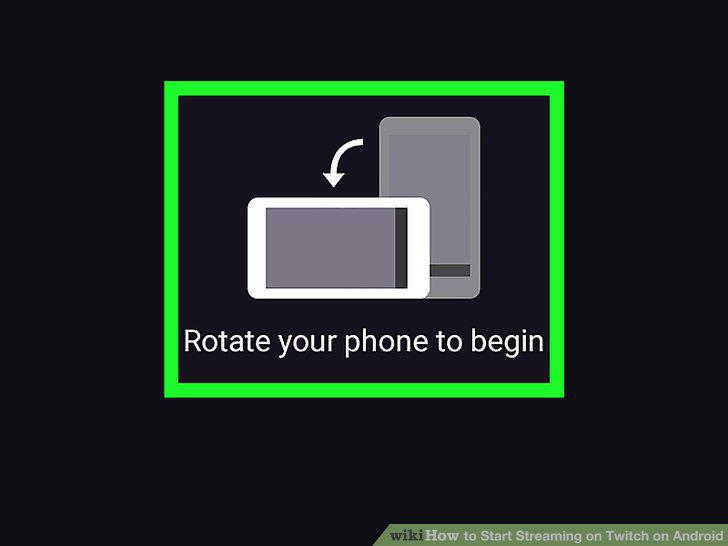
Tilt your Android to its side.
8
Tap End when you're finished streaming.
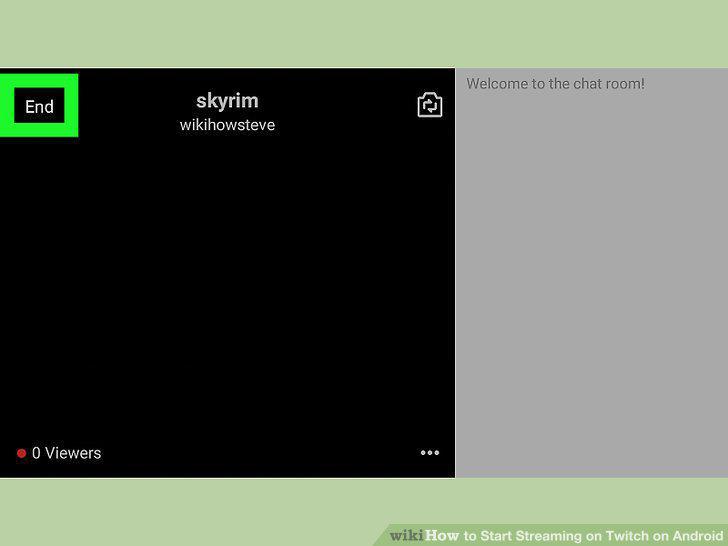
Tap End when you're finished streaming.
Comments (0)
No comments yet. Be the first to share your thoughts!