How to Hide Gridlines in Excel on PC or Mac
Open Microsoft Excel on your computer.. Click Blank workbook on the Welcome page.. Click the View tab.
Steps
1
Open Microsoft Excel on your computer.
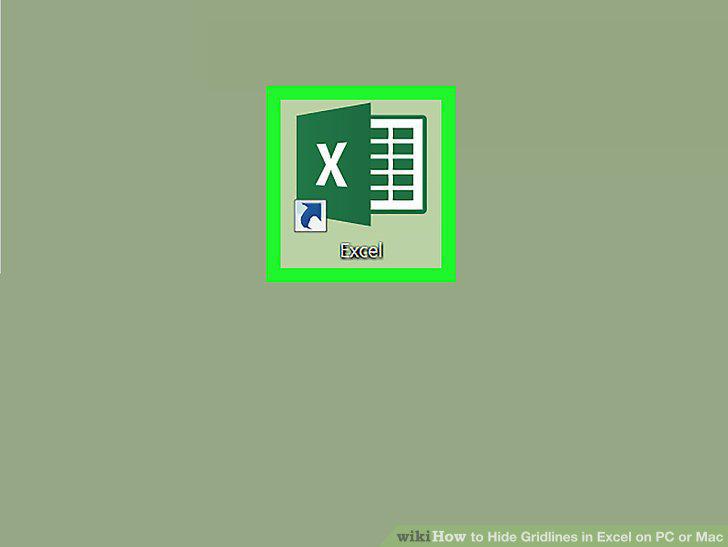
Open Microsoft Excel on your computer.
2
Click Blank workbook on the Welcome page.
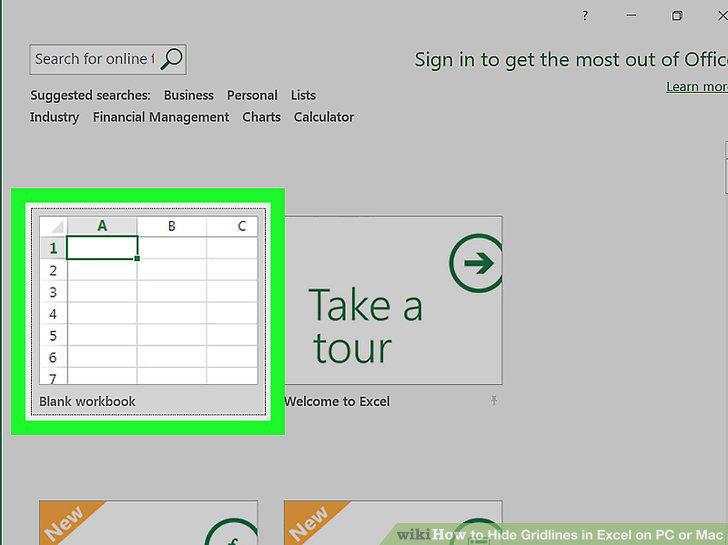
Click Blank workbook on the Welcome page.
3
Click the View tab.
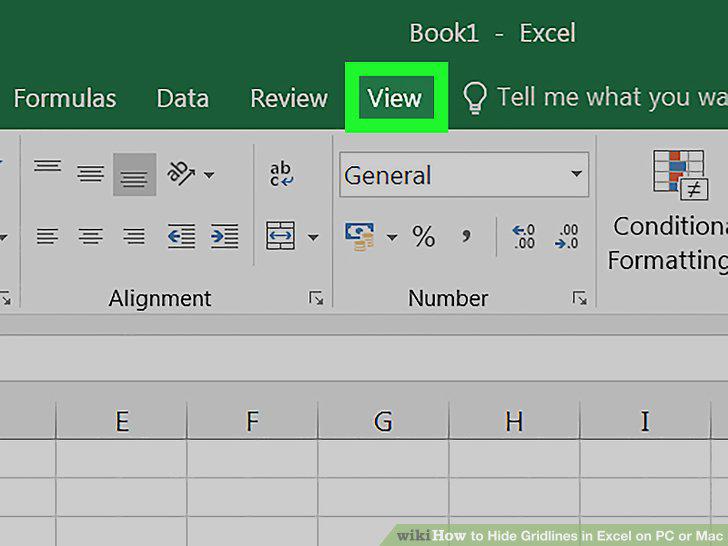
Click the View tab.
4
Click and uncheck the Gridlines option on the View toolbar.
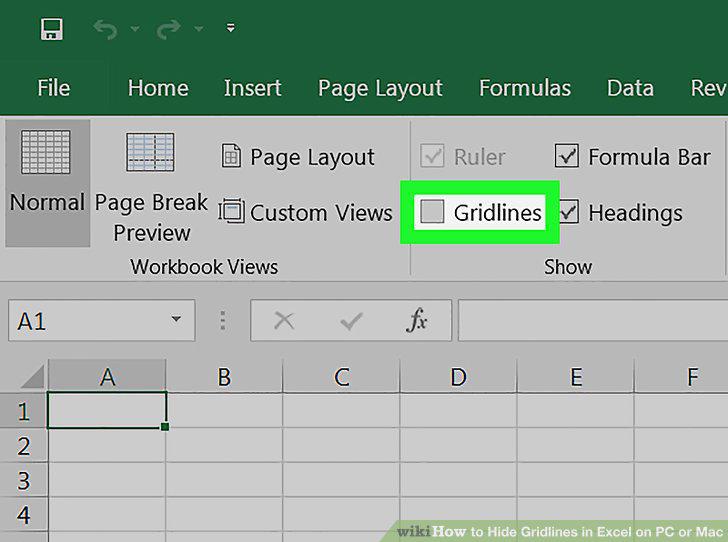
Click and uncheck the Gridlines option on the View toolbar.
Comments (0)
No comments yet. Be the first to share your thoughts!