How to Stay Invisible on Facebook on iPhone or iPad
Open the Facebook app on your iPhone or iPad.. Tap the three horizontal lines icon.. Scroll down and tap Settings.
Steps
1
Open the Facebook app on your iPhone or iPad.
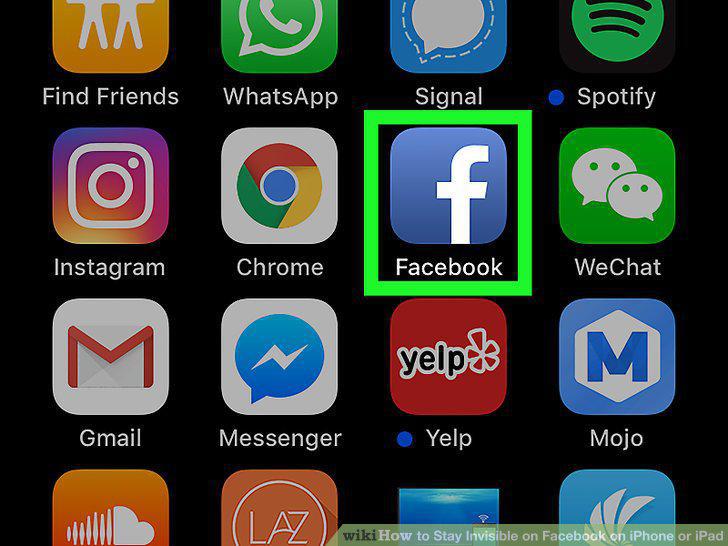
Open the Facebook app on your iPhone or iPad.
2
Tap the three horizontal lines icon.

Tap the three horizontal lines icon.
3
Scroll down and tap Settings.
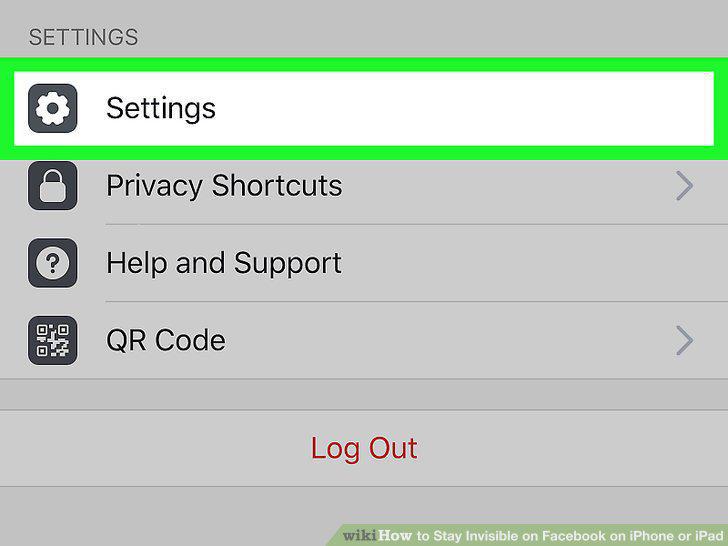
Scroll down and tap Settings.
4
Tap Account Settings on the pop-up menu.
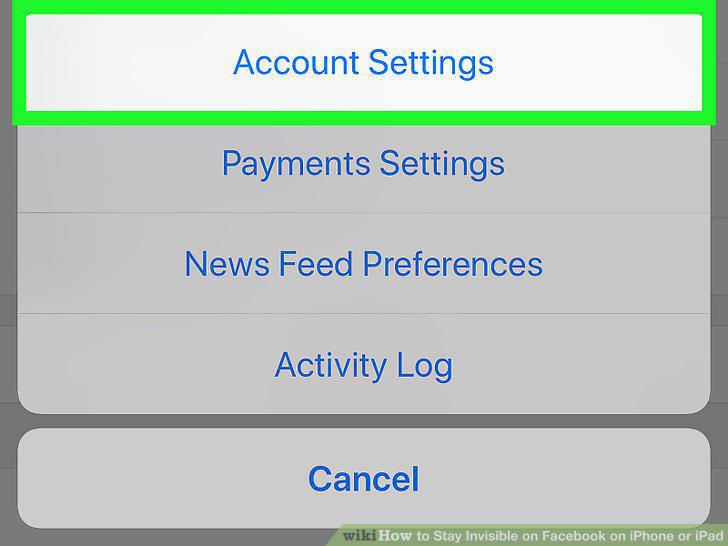
Tap Account Settings on the pop-up menu.
5
Scroll down and tap Chat Settings on the Settings menu.
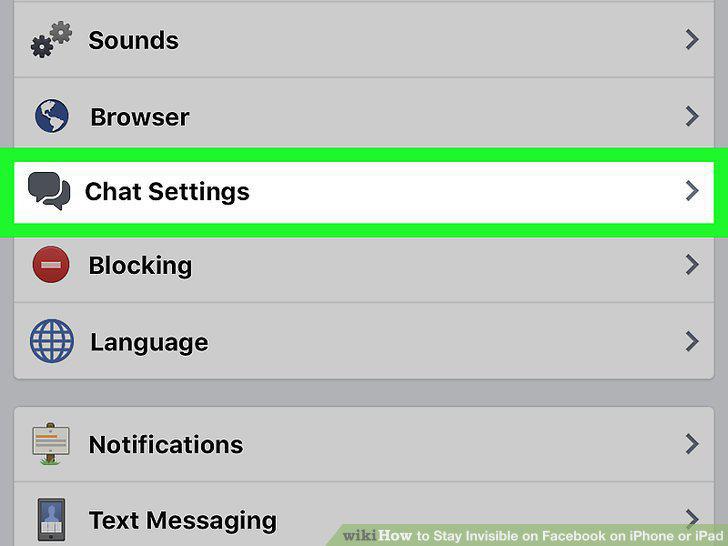
Scroll down and tap Chat Settings on the Settings menu.
6
Slide the Chat switch to .
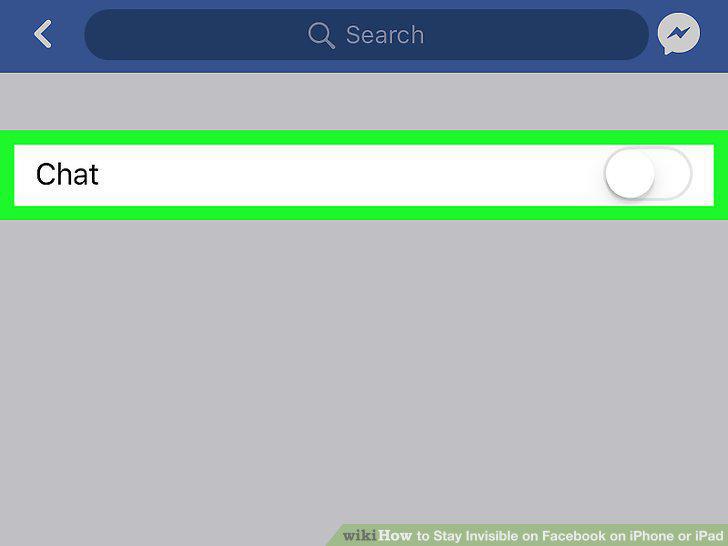
Slide the Chat switch to .
7
Open the Messenger app on your iPhone or iPad.
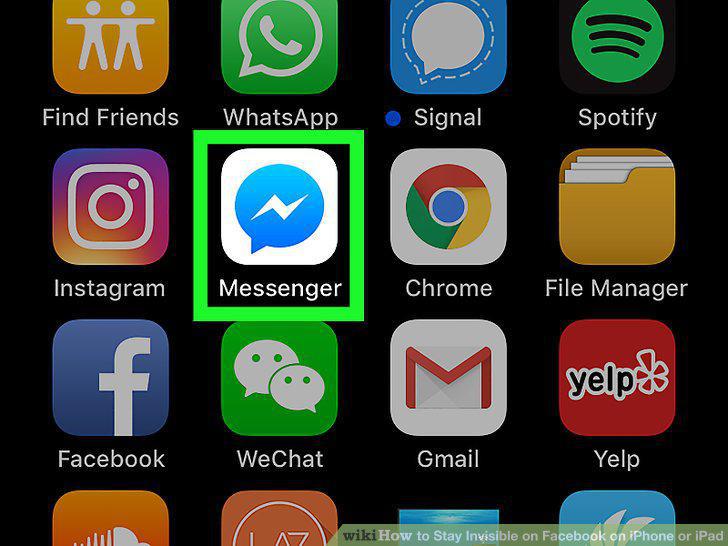
Open the Messenger app on your iPhone or iPad.
8
Tap the People icon at the bottom of your screen.

Tap the People icon at the bottom of your screen.
9
Tap the Active tab at the top of your screen.
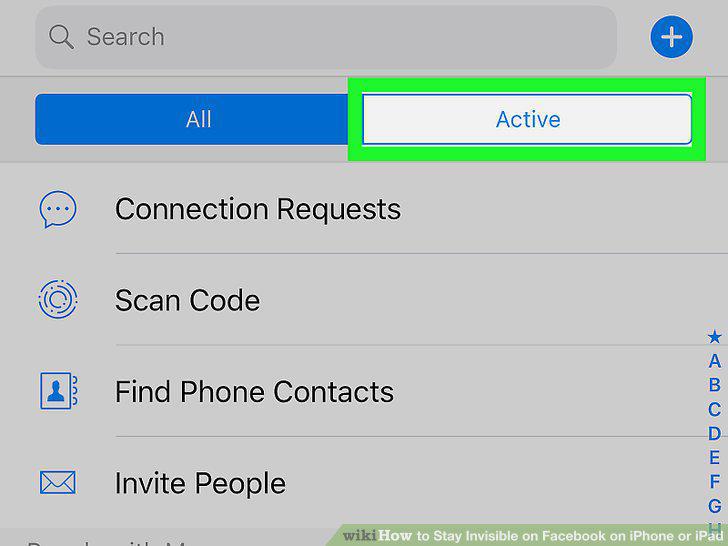
Tap the Active tab at the top of your screen.
10
Slide the green switch next to your name to .
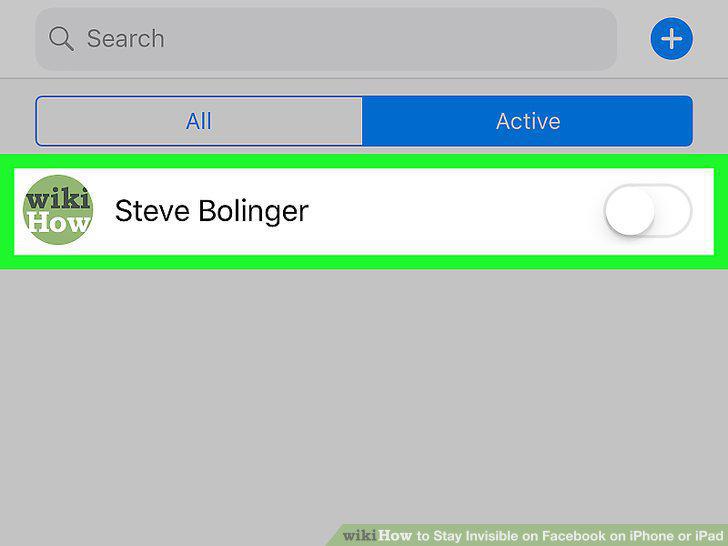
Slide the green switch next to your name to .
Comments (0)
No comments yet. Be the first to share your thoughts!