How to Add a Header in Microsoft Word
Open Microsoft Word.. Click Blank Document.. Click the Insert tab.
Steps
1
Open Microsoft Word.
Open Microsoft Word.
2
Click Blank Document.
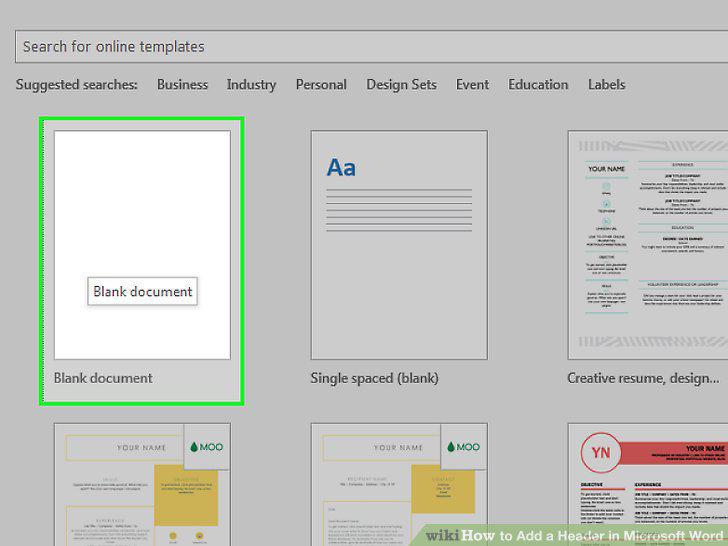
Click Blank Document.
3
Click the Insert tab.
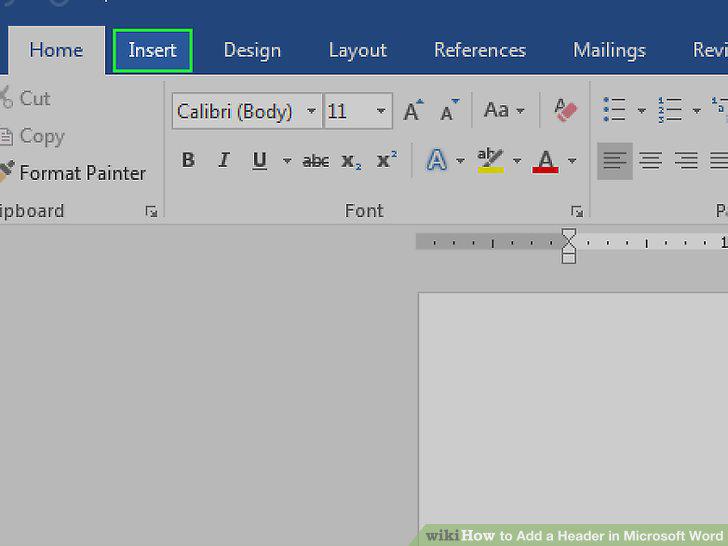
Click the Insert tab.
4
Click Header.
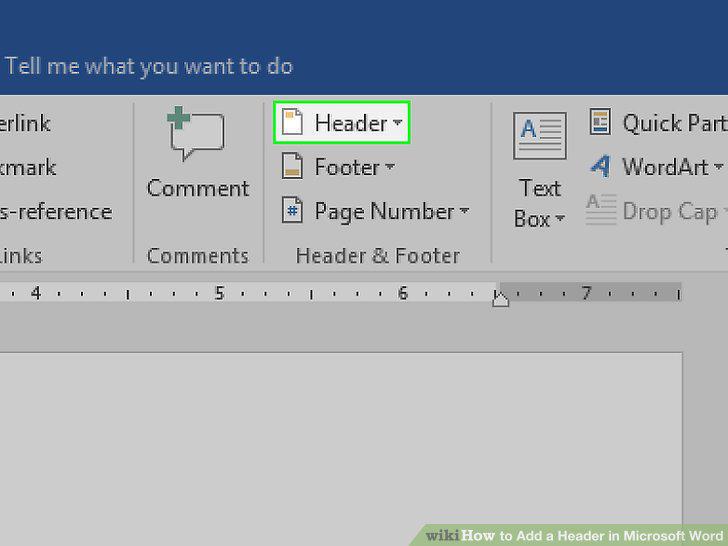
Click Header.
5
Click a header option.
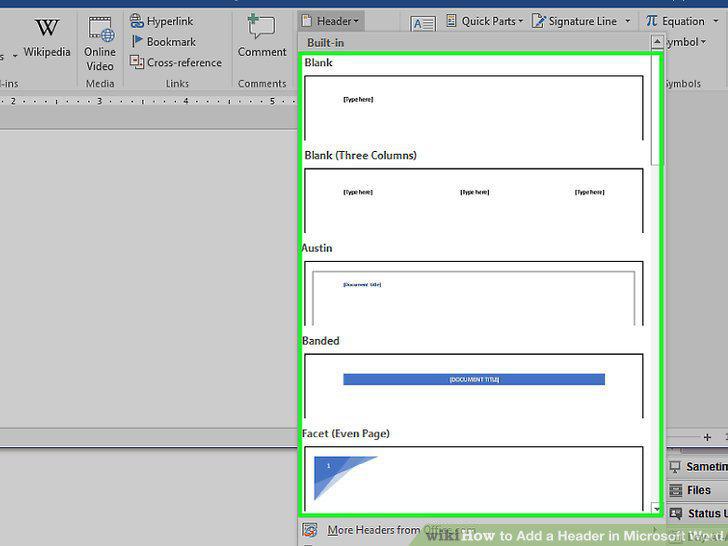
Click a header option.
6
Type in your header's text.
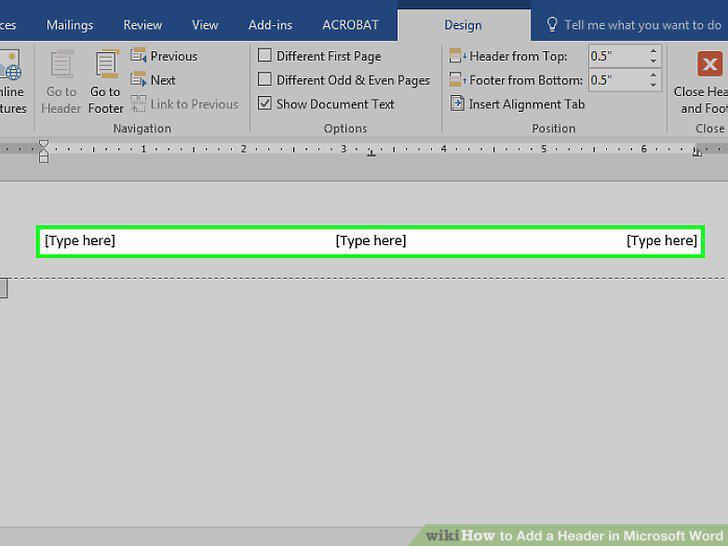
Type in your header's text.
7
Click Close Header and Footer.
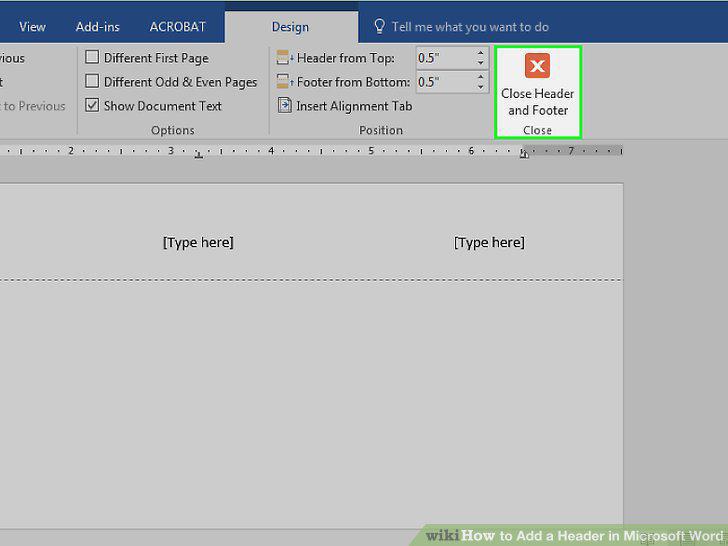
Click Close Header and Footer.
8
Double-click your header text.
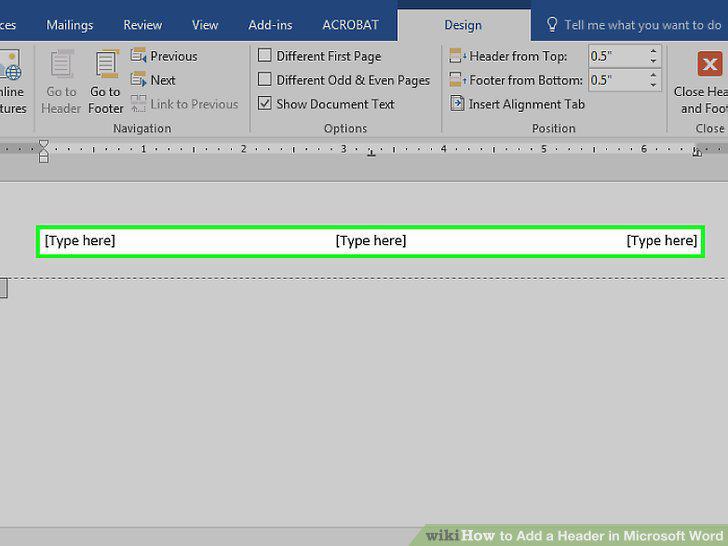
Double-click your header text.
9
Review the header's basic settings.
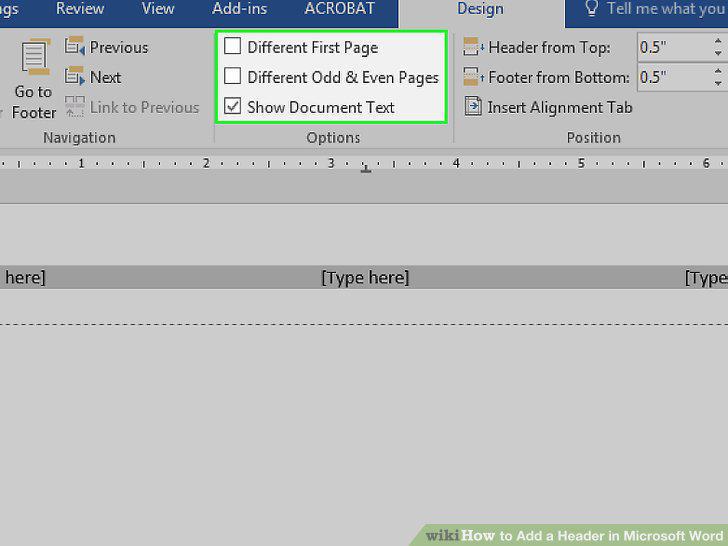
Review the header's basic settings.
10
Click and drag your cursor across the header text.
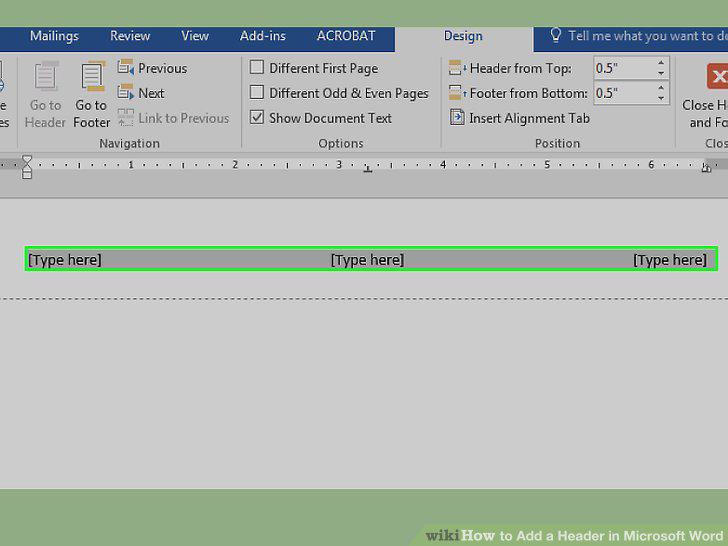
Click and drag your cursor across the header text.
11
Click the Home tab.
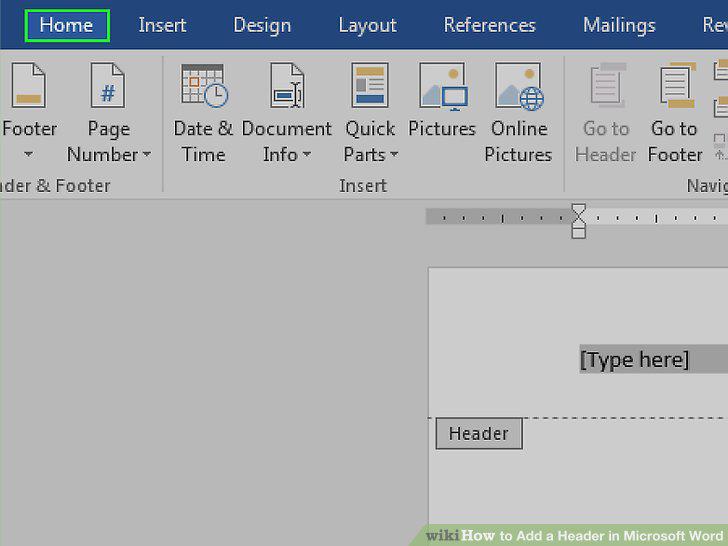
Click the Home tab.
12
Double-click the "Header" tab.
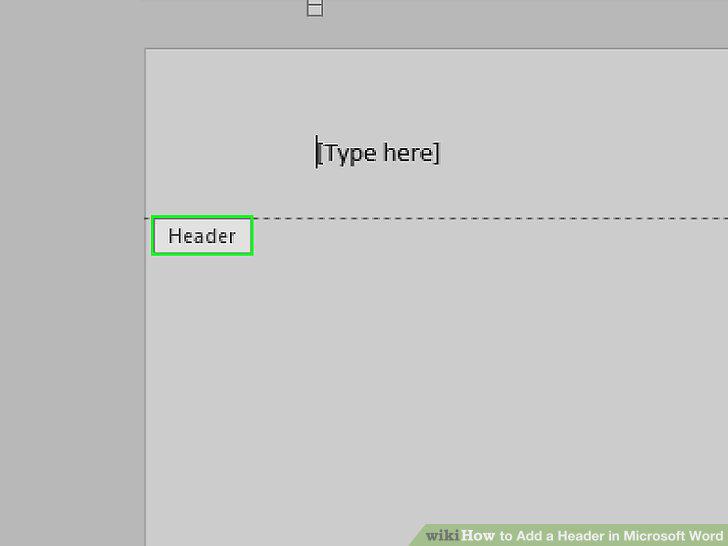
Double-click the "Header" tab.
Comments (0)
No comments yet. Be the first to share your thoughts!