How to Upload a Video on Facebook
Tap "What's on your mind?" to start a new post.. Tap the "Camera" button at the bottom of the post field.. Tap the video that you want to upload.
Steps
Tap "What's on your mind?" to start a new post.

Tap "What's on your mind?" to start a new post.
Tap the "Camera" button at the bottom of the post field.
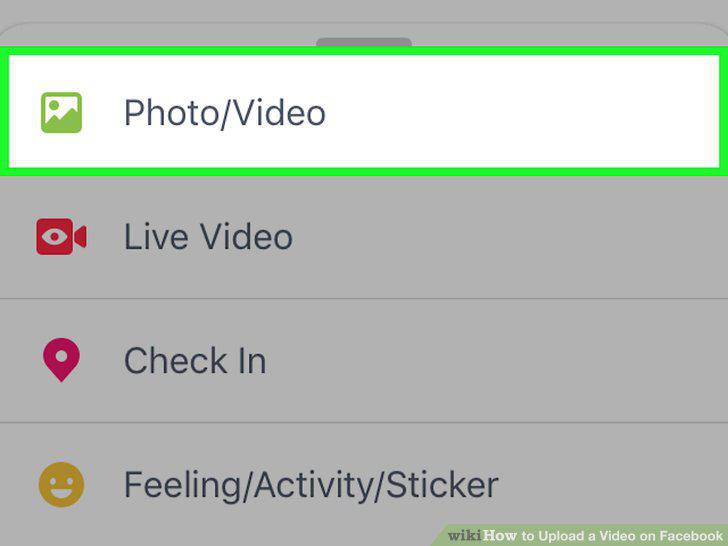
Tap the "Camera" button at the bottom of the post field.
Tap the video that you want to upload.
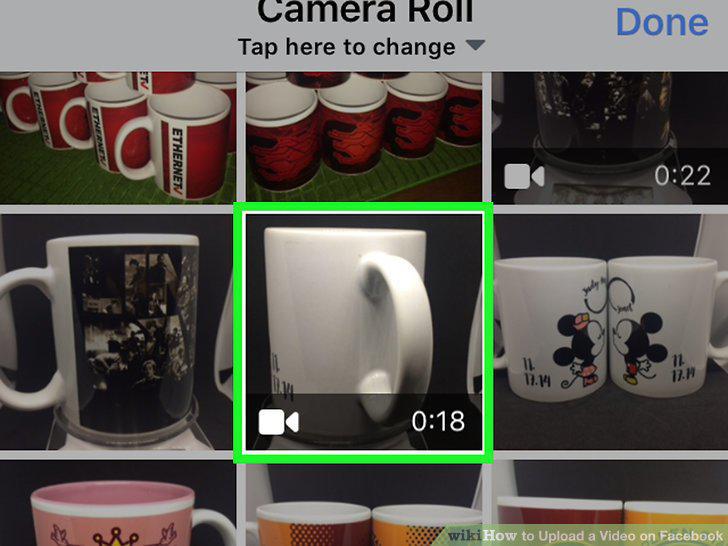
Tap the video that you want to upload.
Record a new video to upload to Facebook.
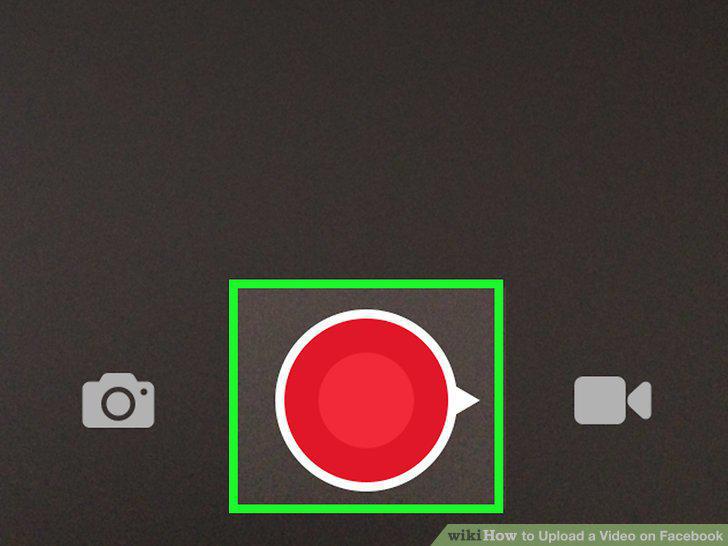
Record a new video to upload to Facebook.
Add information to the video.
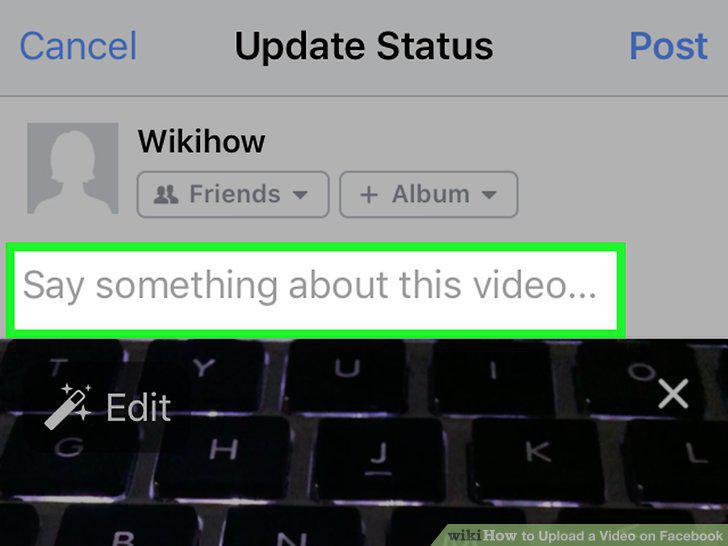
Add information to the video.
Set the audience for your post.
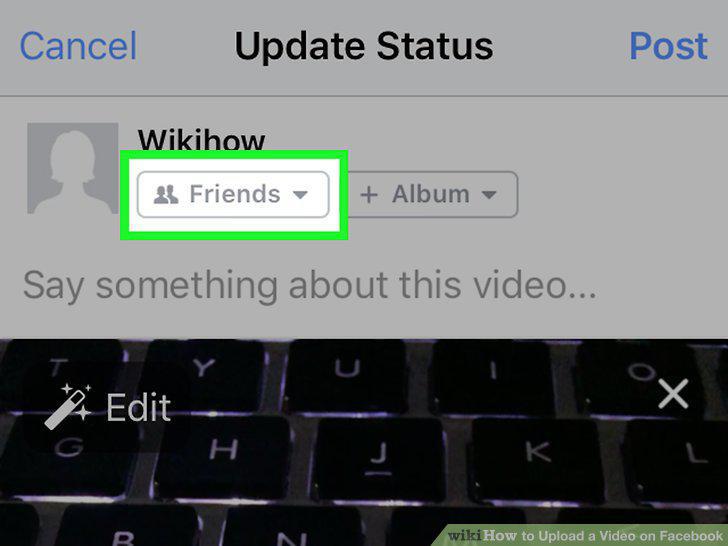
Set the audience for your post.
Tap "Post" to upload the video.
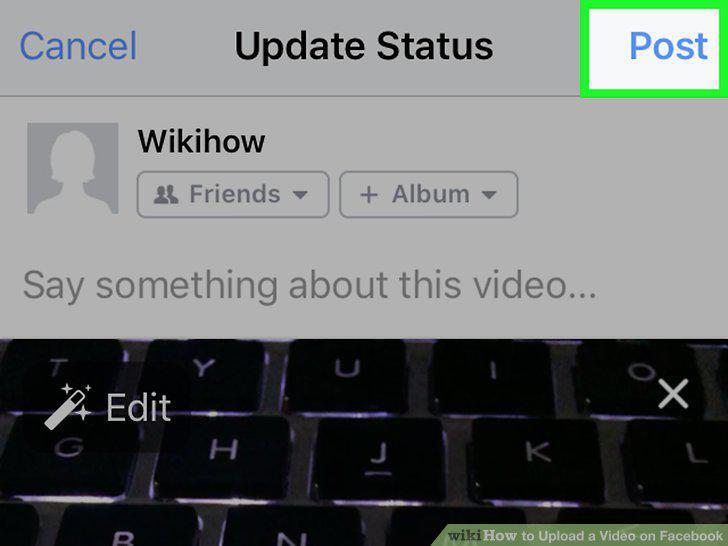
Tap "Post" to upload the video.
Click the "Photos" option in the menu on the left.
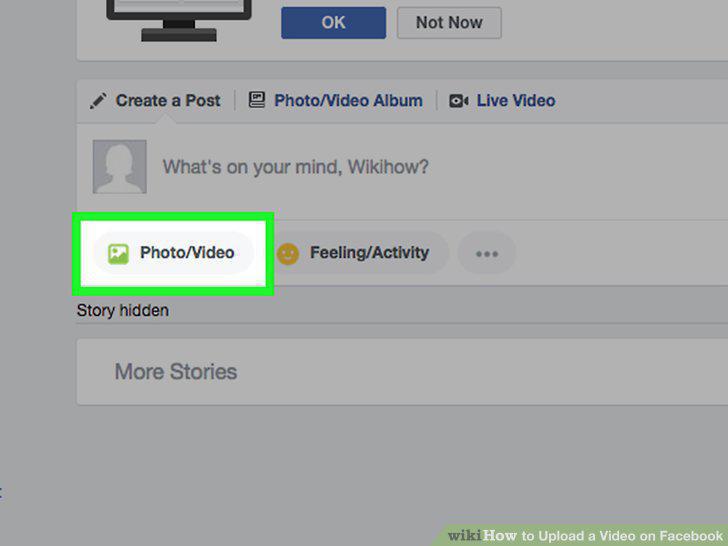
Click the "Photos" option in the menu on the left.
Click the "Add Video" button.
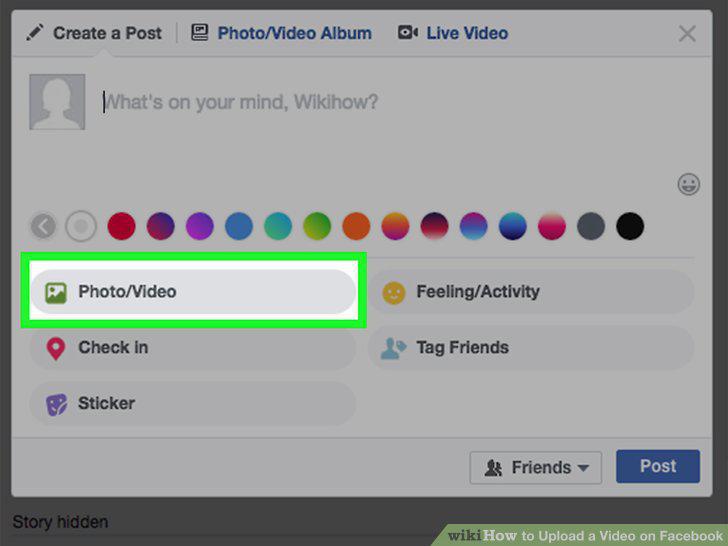
Click the "Add Video" button.
Browse for the video file by clicking "Choose File."
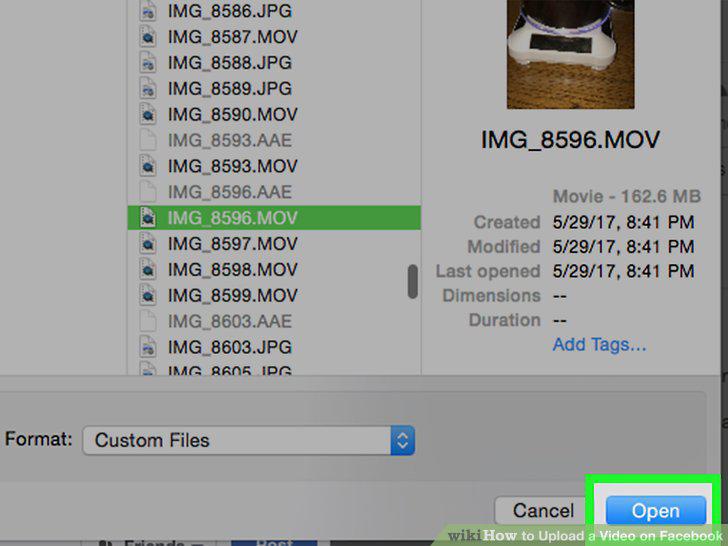
Browse for the video file by clicking "Choose File."
Add a title, description, and location.
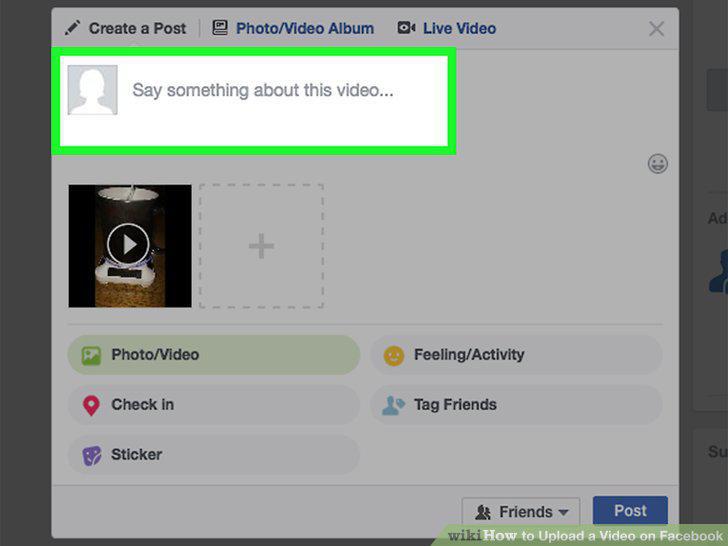
Add a title, description, and location.
Select your audience.
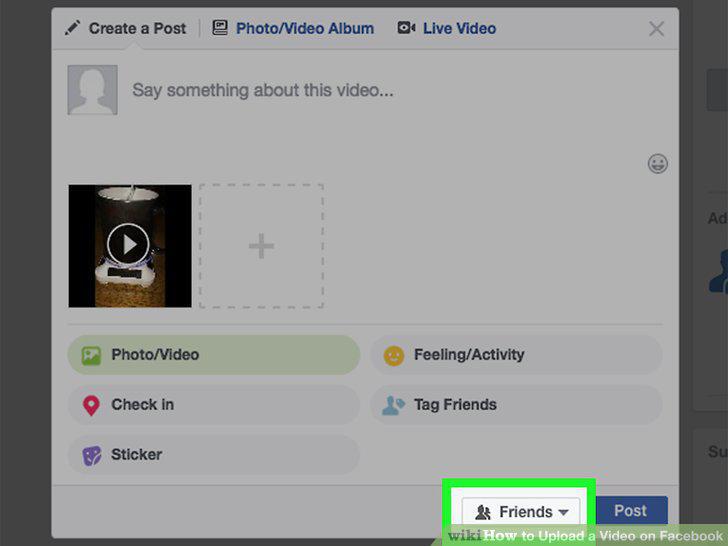
Select your audience.
Click "Post" and wait for your video to upload.
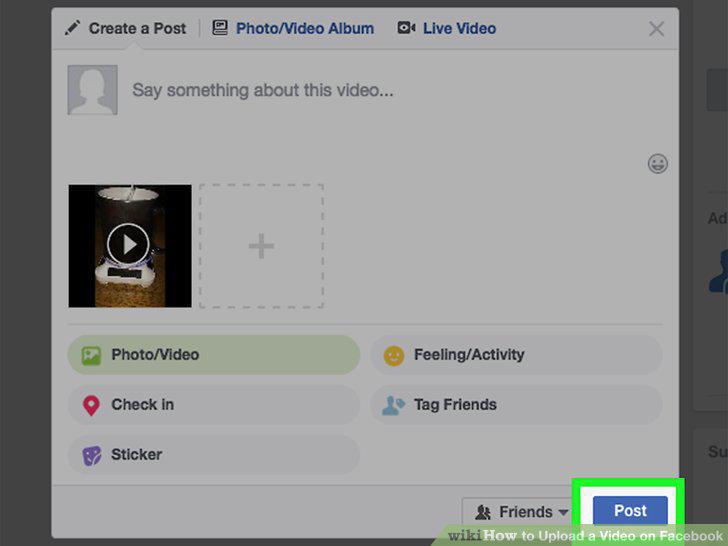
Click "Post" and wait for your video to upload.
Find your video in the Photos section of Facebook.
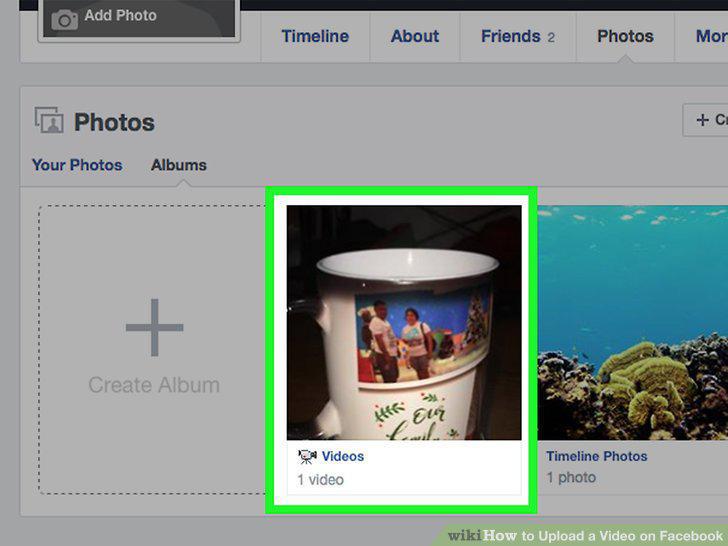
Find your video in the Photos section of Facebook.
Make sure your video fits the size requirements.
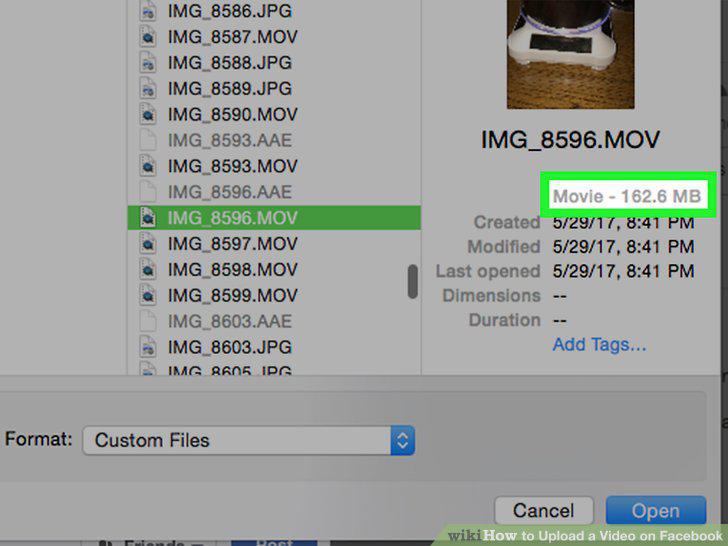
Make sure your video fits the size requirements.
Make sure the video is the proper format.
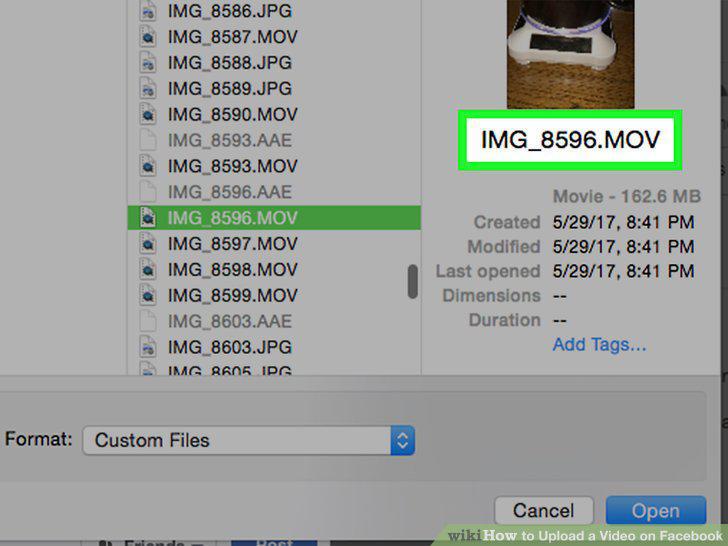
Make sure the video is the proper format.
Upload videos when you have a strong connection.
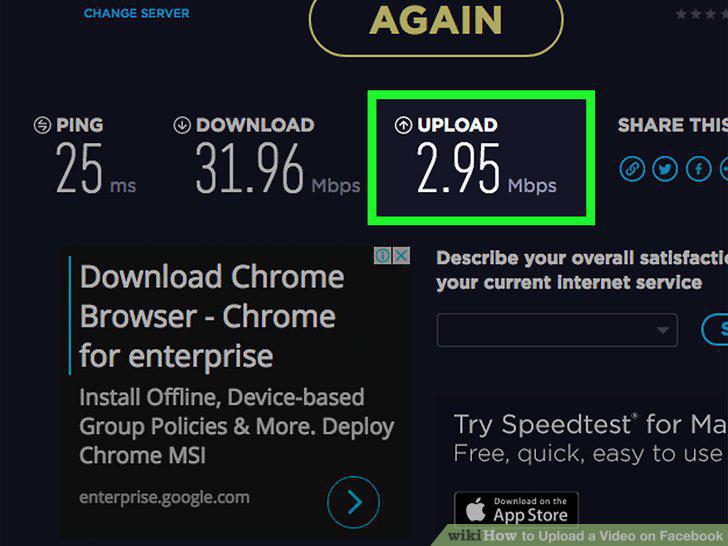
Upload videos when you have a strong connection.
Comments (0)
No comments yet. Be the first to share your thoughts!