How to Make a Collage on Instagram
Take a photo for the background of your collage.. Copy the photo you want to add from your camera roll.. Head back to your Instagram story.
Steps
Take a photo for the background of your collage.
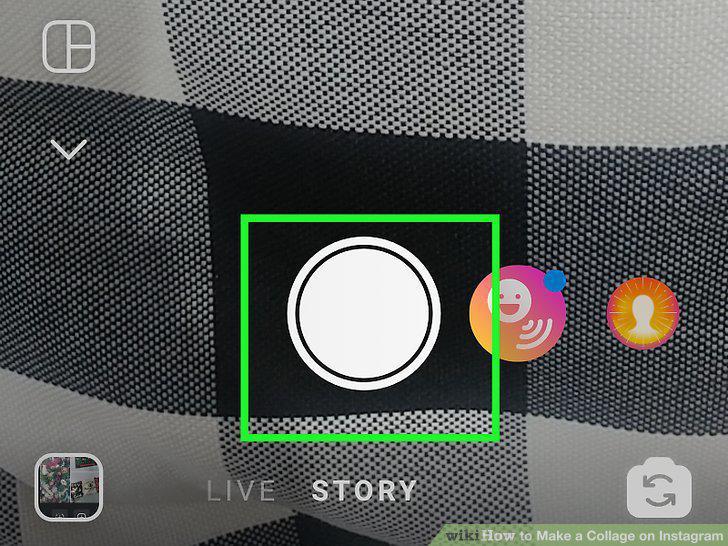
Take a photo for the background of your collage.
Copy the photo you want to add from your camera roll.
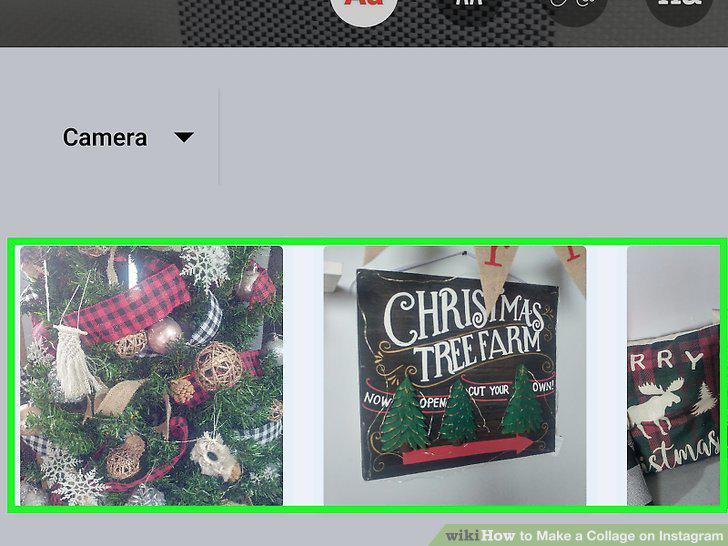
Copy the photo you want to add from your camera roll.
Head back to your Instagram story.
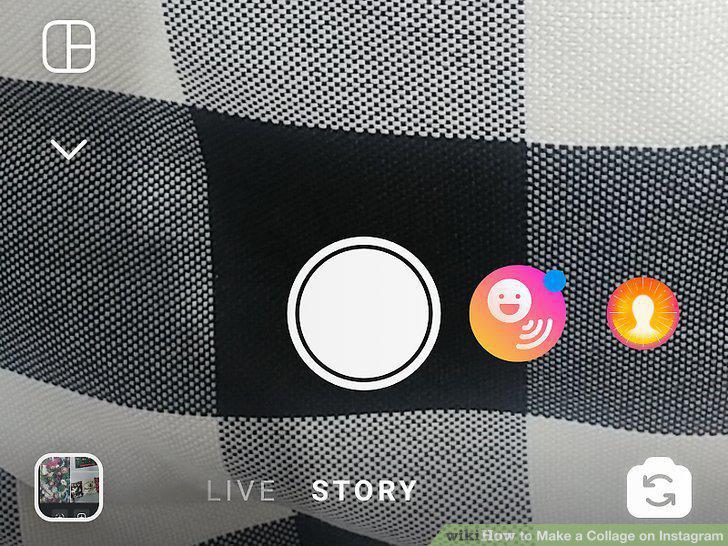
Head back to your Instagram story.
Click "Add Sticker" in the bottom left hand corner.
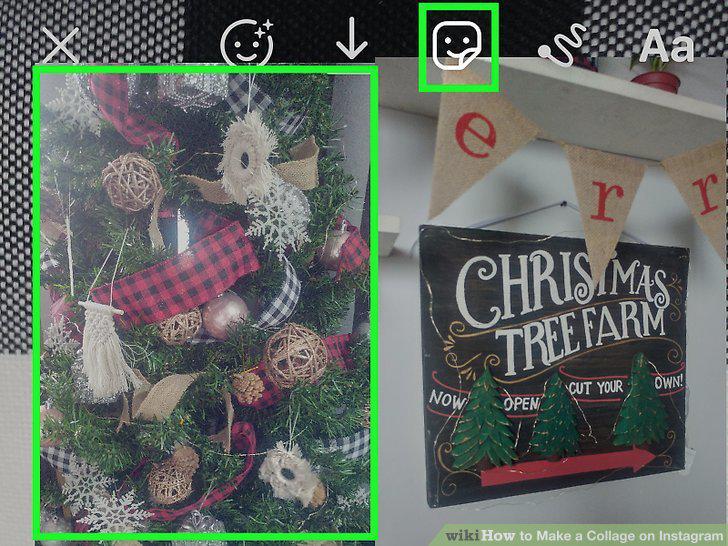
Click "Add Sticker" in the bottom left hand corner.
Repeat the process to add more photos.
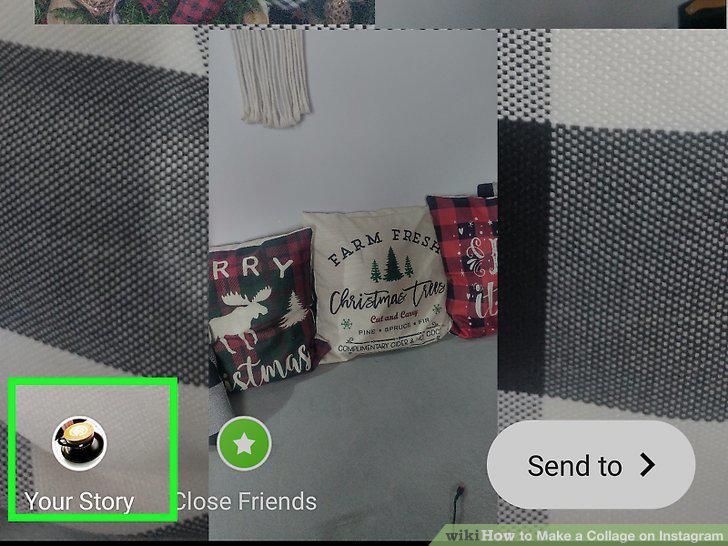
Repeat the process to add more photos.
Open up your Instagram story and tap Layout.
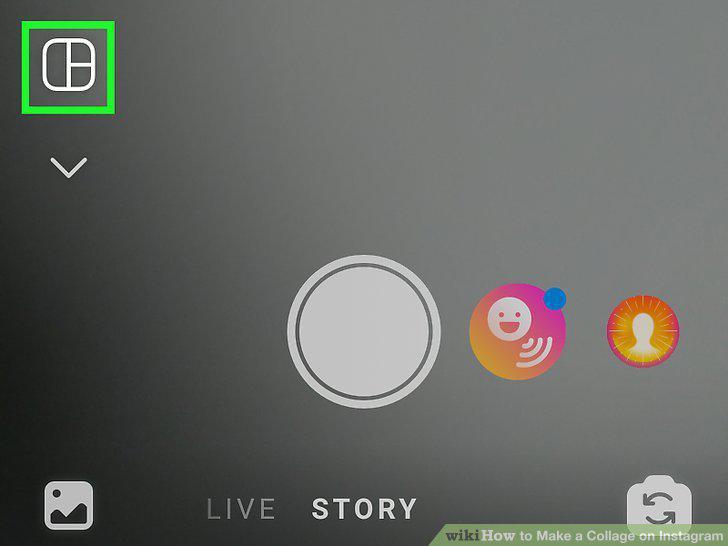
Open up your Instagram story and tap Layout.
Select the grid option you'd like to use.
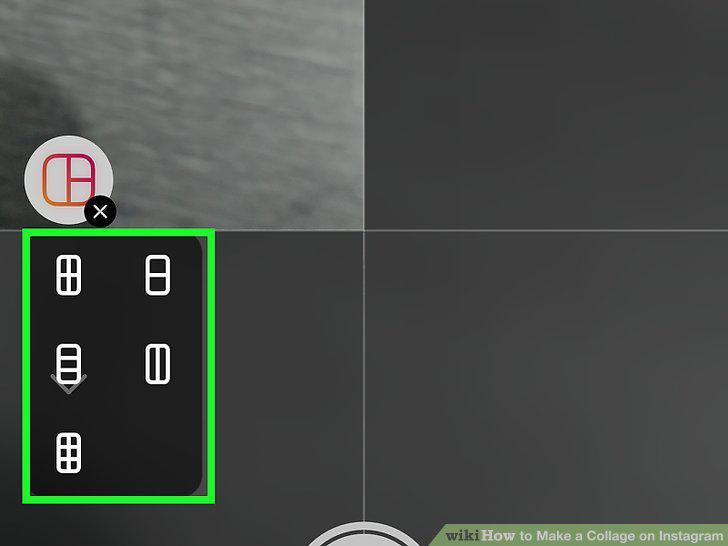
Select the grid option you'd like to use.
Snap as many pictures will fit in your grid.
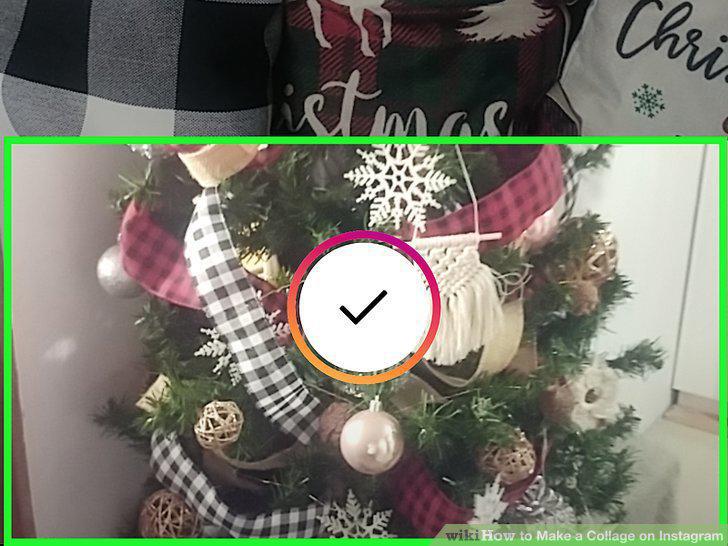
Snap as many pictures will fit in your grid.
Add the story to your feed.

Add the story to your feed.
Download the Layout app from the App Store or Play Store.
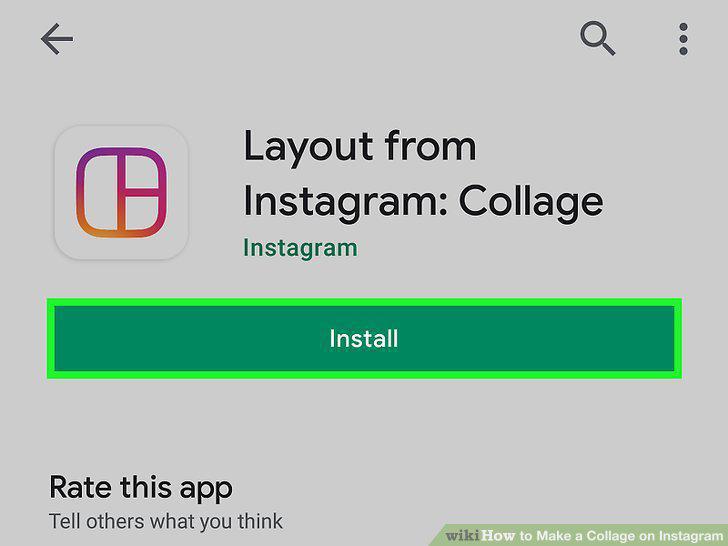
Download the Layout app from the App Store or Play Store.
Tap GET STARTED.

Tap GET STARTED.
Tap to select your photos.
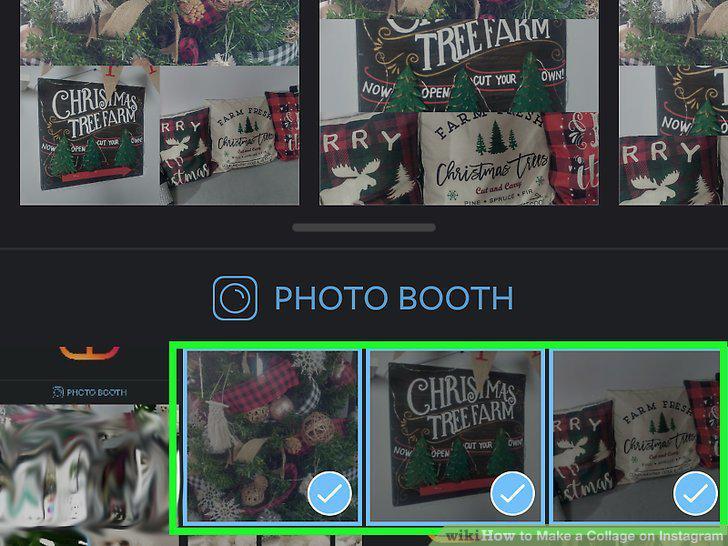
Tap to select your photos.
Pick the grid layout that you want.
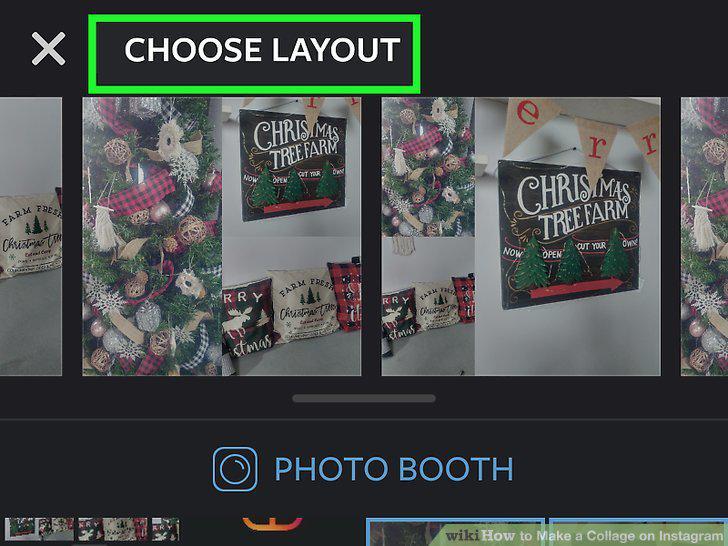
Pick the grid layout that you want.
Tap on a piece of the collage to edit it.
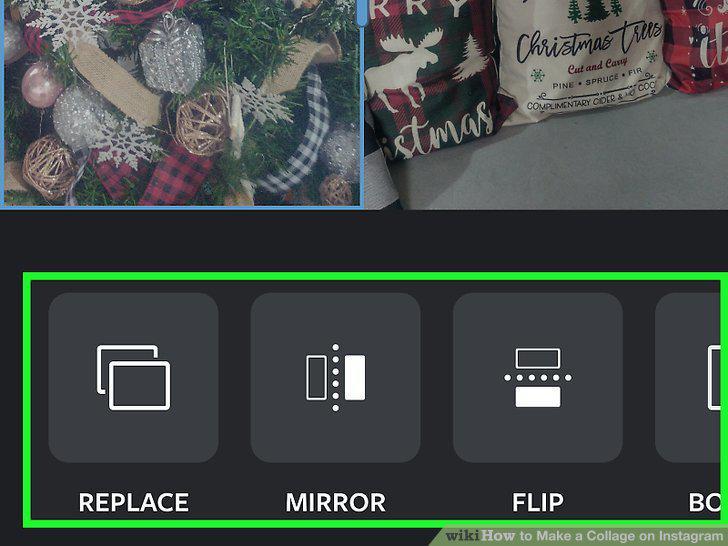
Tap on a piece of the collage to edit it.
Tap SAVE or NEXT.
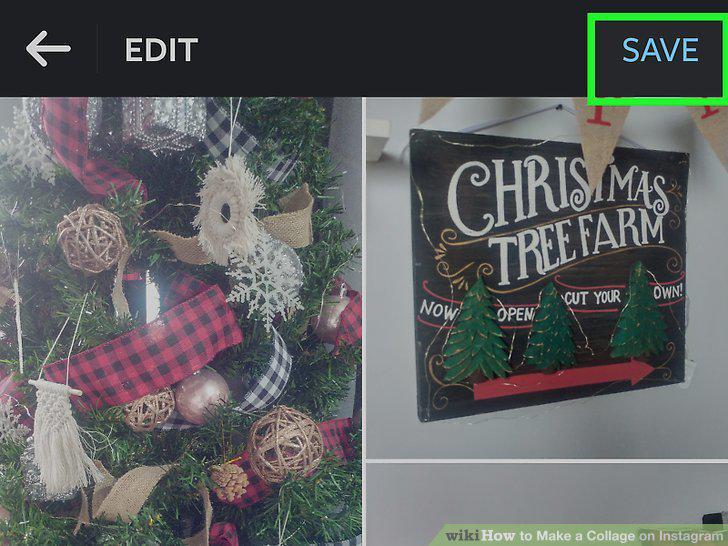
Tap SAVE or NEXT.
Upload the collage to Instagram.
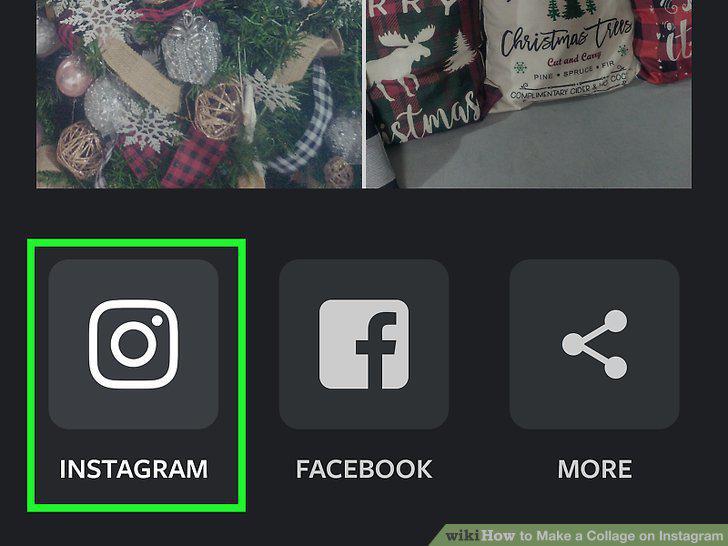
Upload the collage to Instagram.
Download Canva to express your creativity.
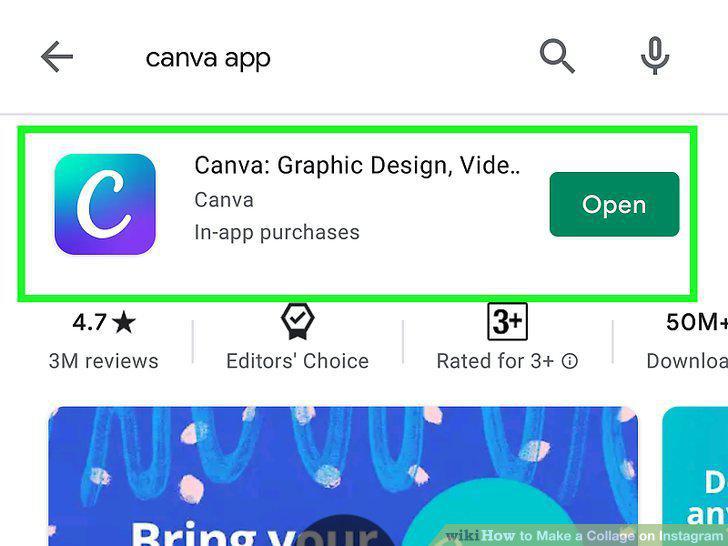
Download Canva to express your creativity.
Try Unfold to make your collage look professional.
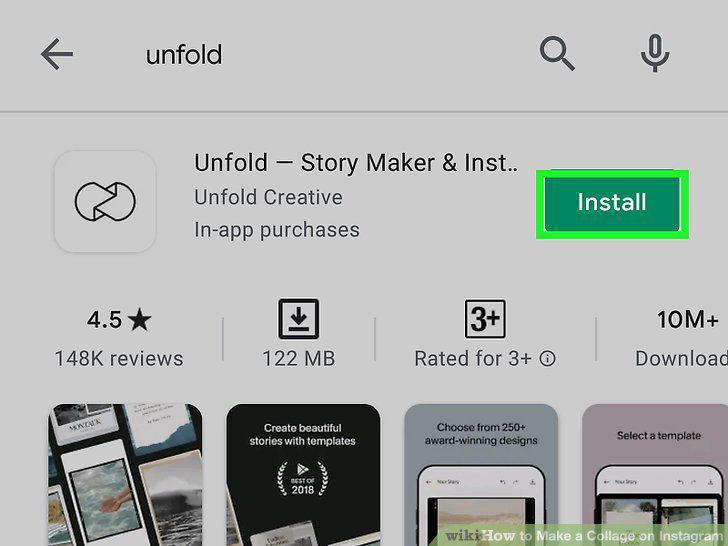
Try Unfold to make your collage look professional.
Use Video Collage to make collages out of videos.
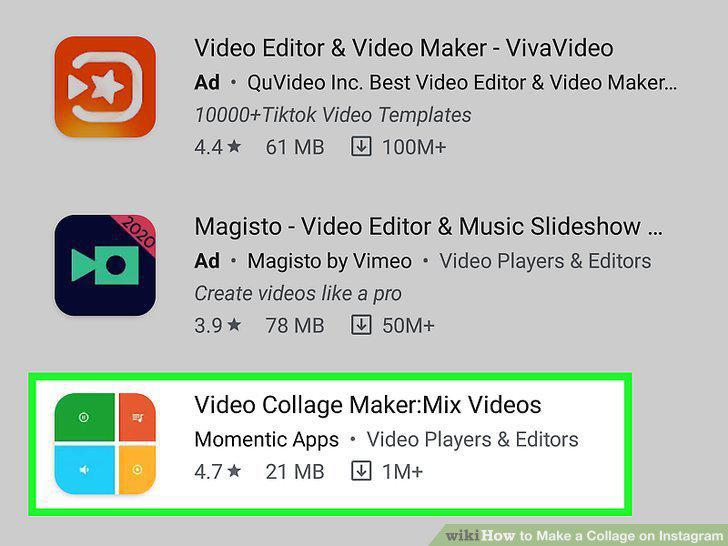
Use Video Collage to make collages out of videos.
Split up your photo to make a soft collage.
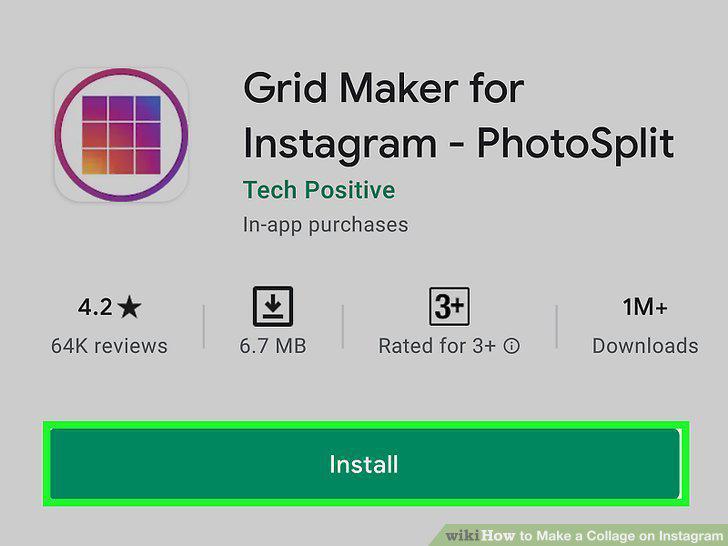
Split up your photo to make a soft collage.
Comments (0)
No comments yet. Be the first to share your thoughts!